Screen-based eye trackers
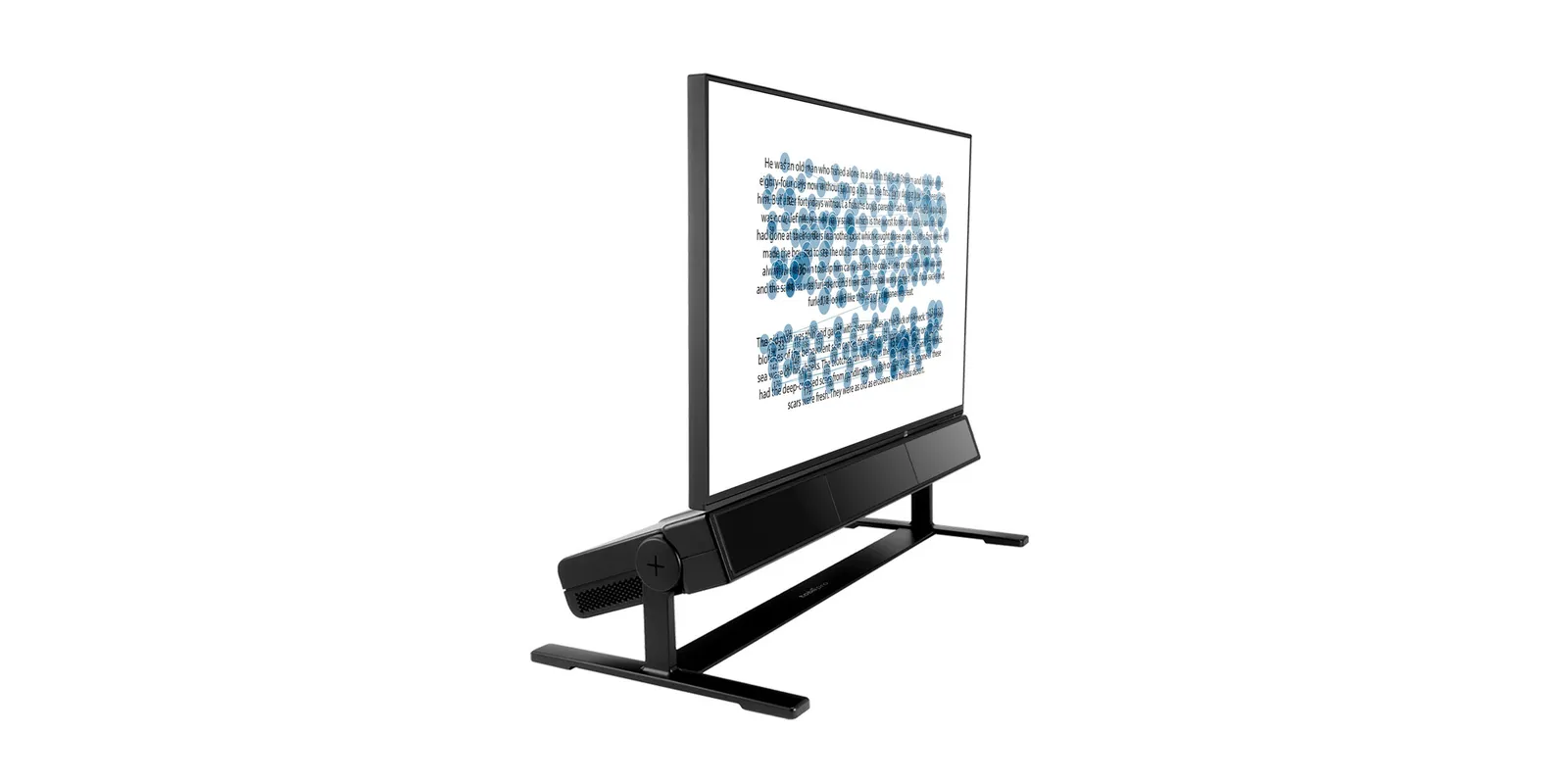
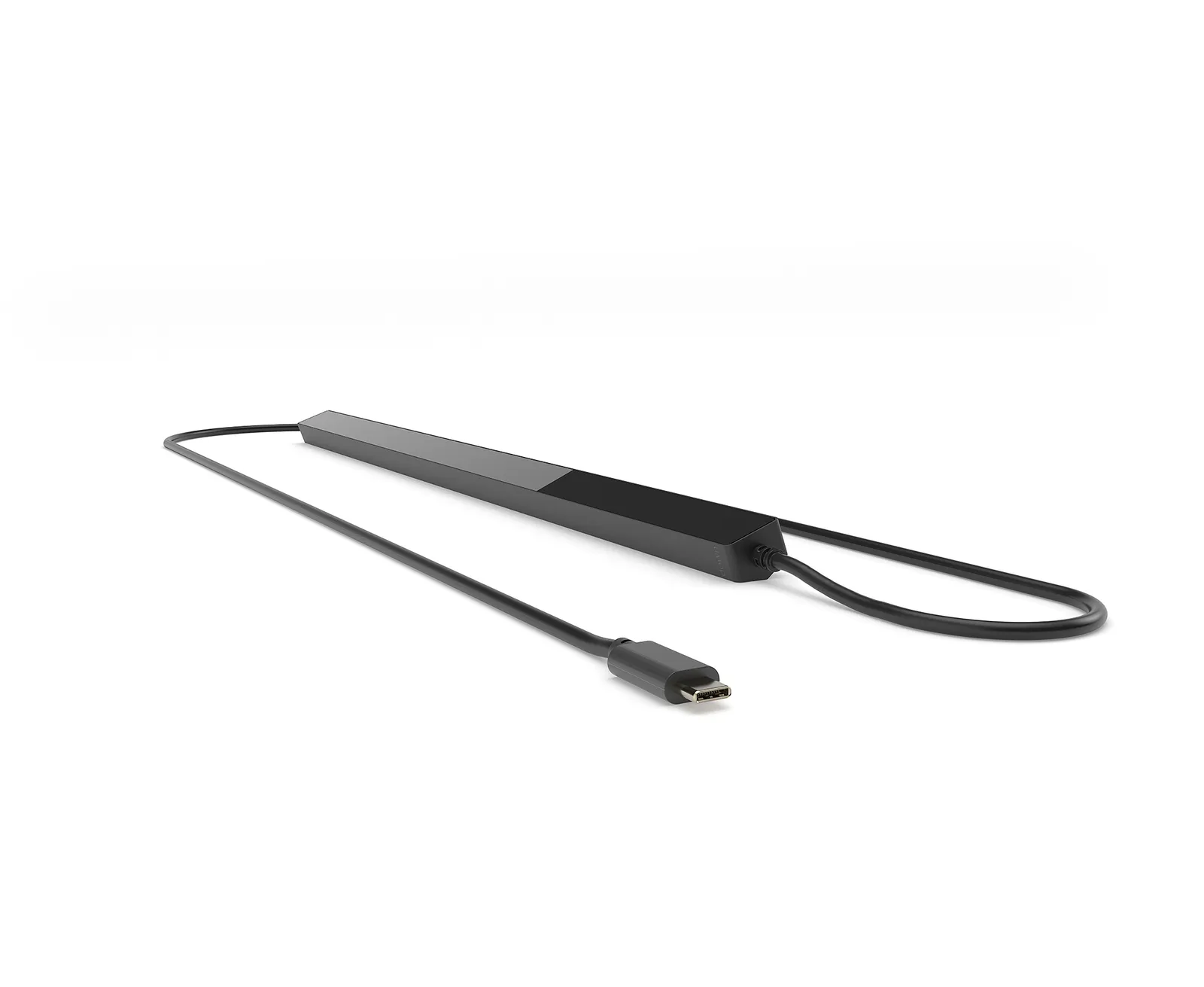
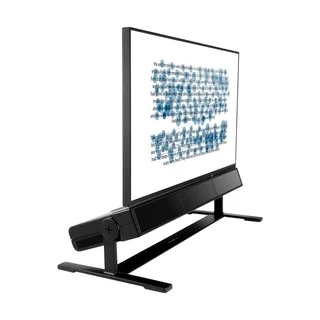
A bar below the monitor, the participant looks at stimuli presented by Pro Lab. You choose the model by how closely you want to study eye movement — from fixations to microsaccades.
Field test instruments and fusion splicers for network installers and operators.
102 products in this department
Browse the departmentLaboratory instrumentation for photonics, laser technology and R&D.
224 products in this department
Browse the departmentFiber-optic sensing systems: DAS, DTS, DSS, FBG and OFDR.
80 products in this department
Browse the departmentEye tracking, fNIRS, EEG and biometrics for science and business.
53 products in this department
Browse the departmentHome » Products » Research & Scientific Instruments » Eye Tracking » Tobii Pro Lab Software
Tobii Pro Lab presents stimuli to the participant, records their eye movements and turns the recording into heat maps, gaze plots and ready-made metrics for statistics. No programming, in one program — with screen-based eye trackers, Tobii glasses and a webcam.
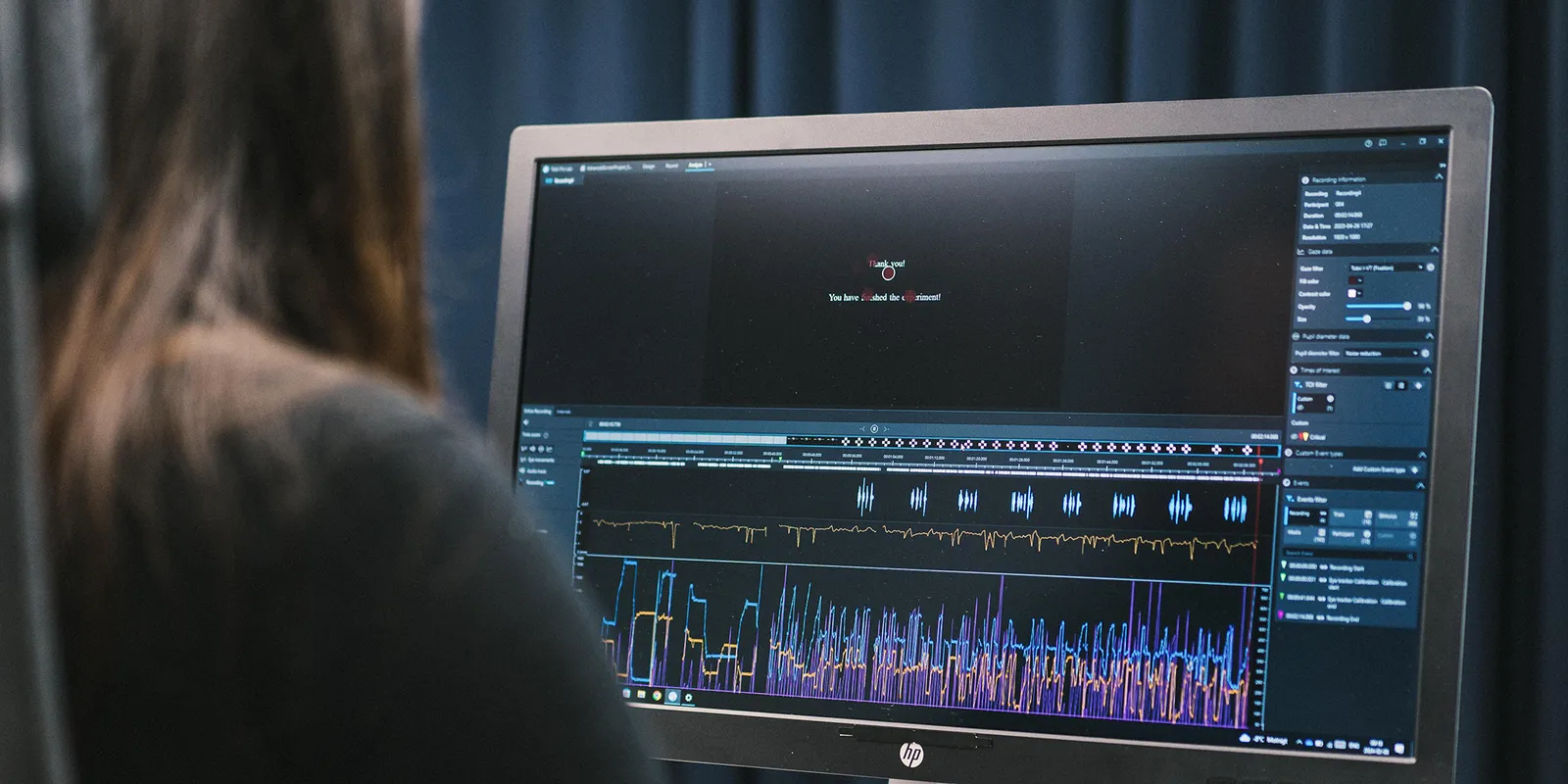
An eye tracker measures where a person is looking — but the measurement alone is a stream of numbers. Pro Lab organizes the whole study: it decides what the participant sees and when, records gaze synchronized with the stimuli, then shows the results on the image and calculates metrics from them. The software has three modules — Design, Record and Analyze — one for each stage.

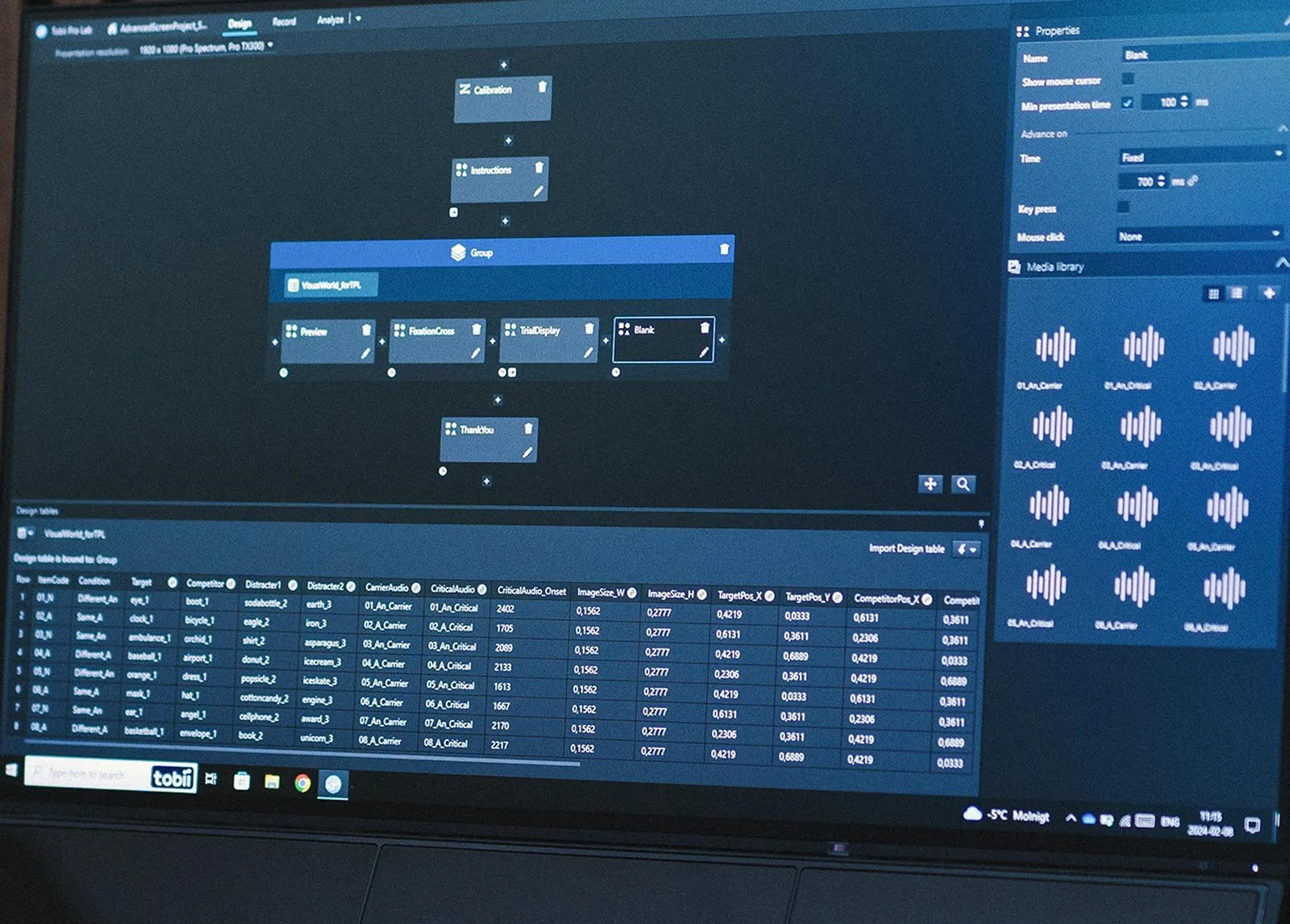
You build the study from blocks in a visual editor: what the participant sees, in what order and what advances to the next screen.

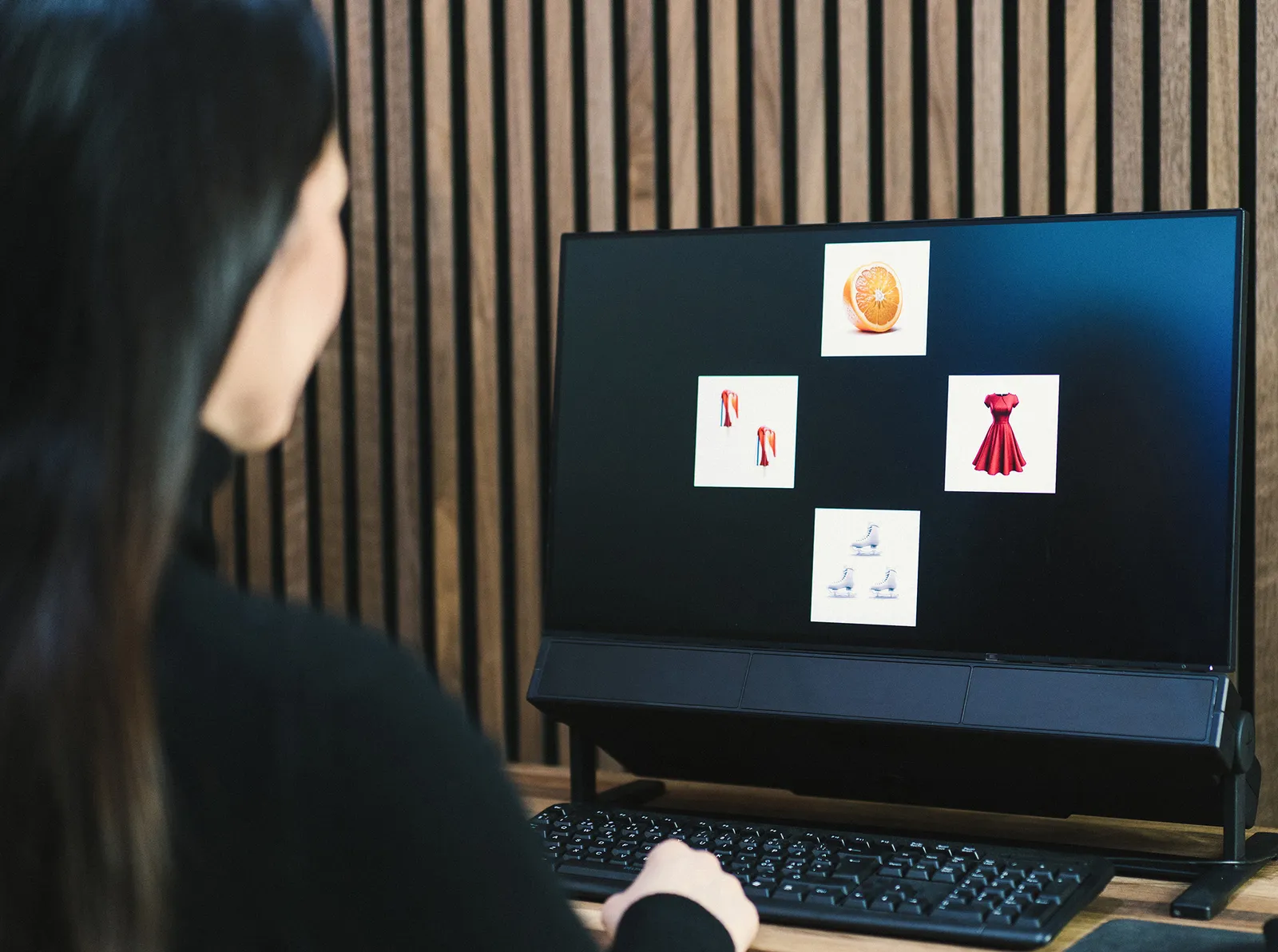
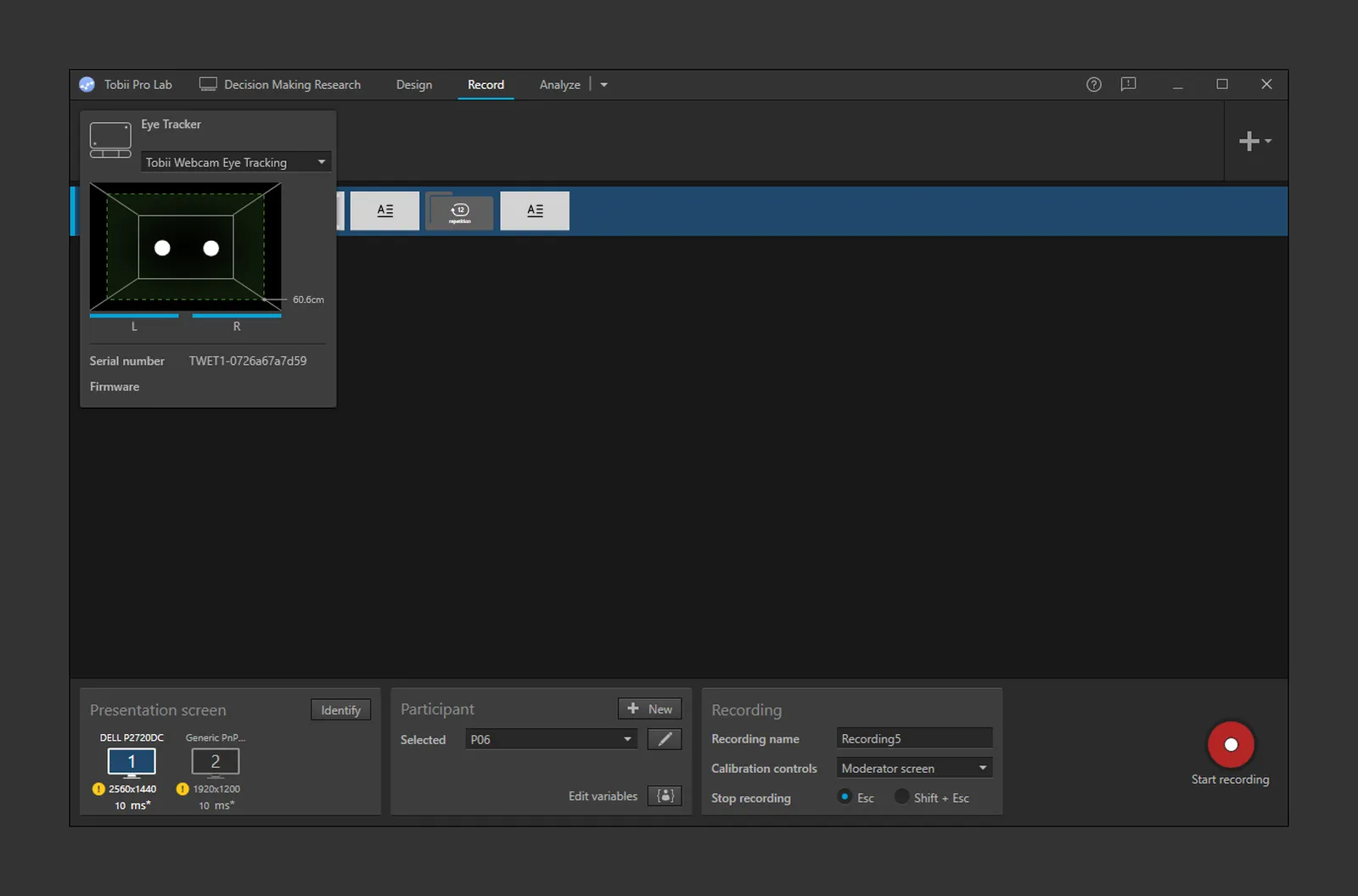
Pro Lab controls the eye tracker and stimulus presentation in one program, so every gaze sample is tied to a moment and a stimulus.

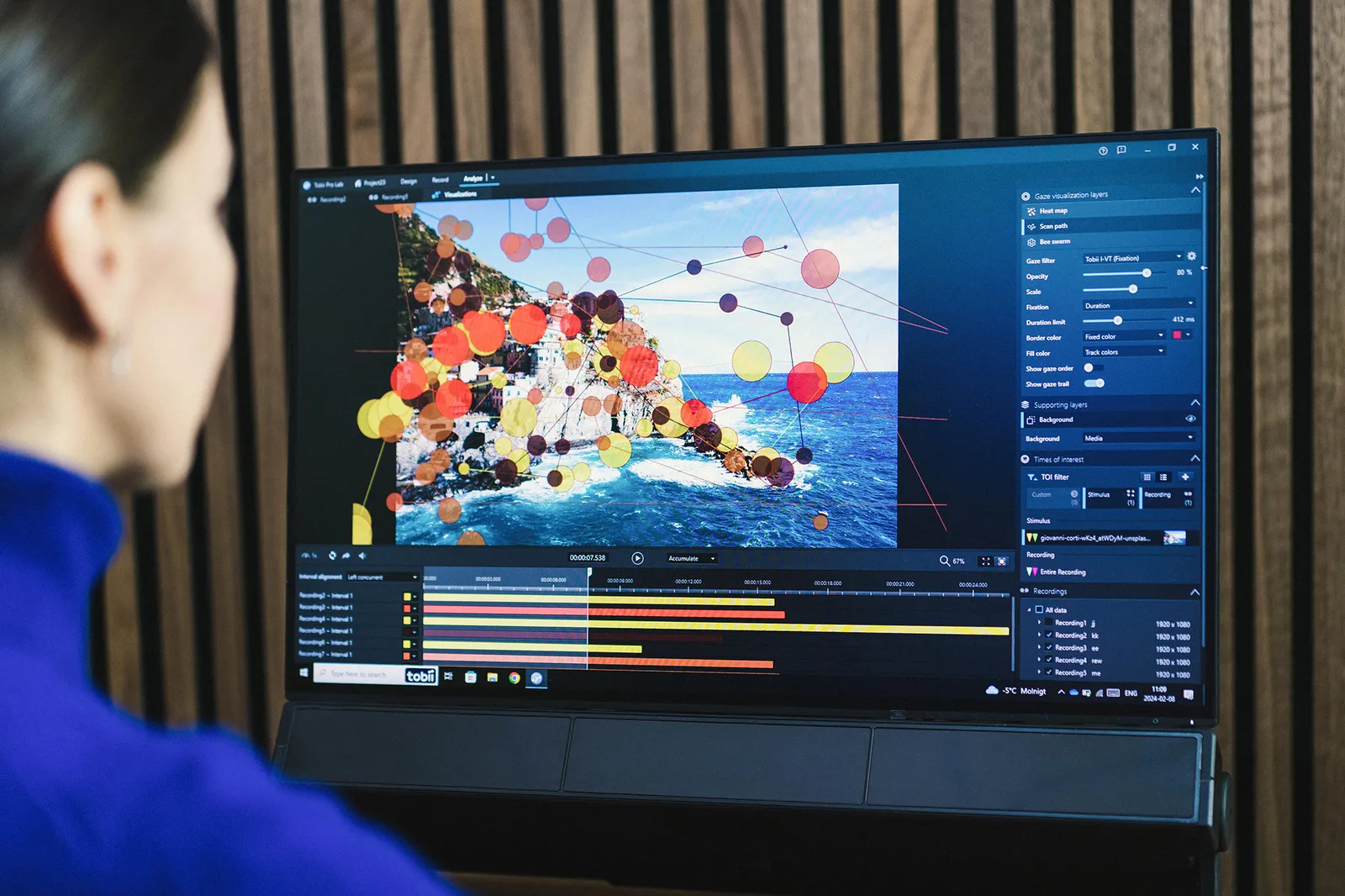
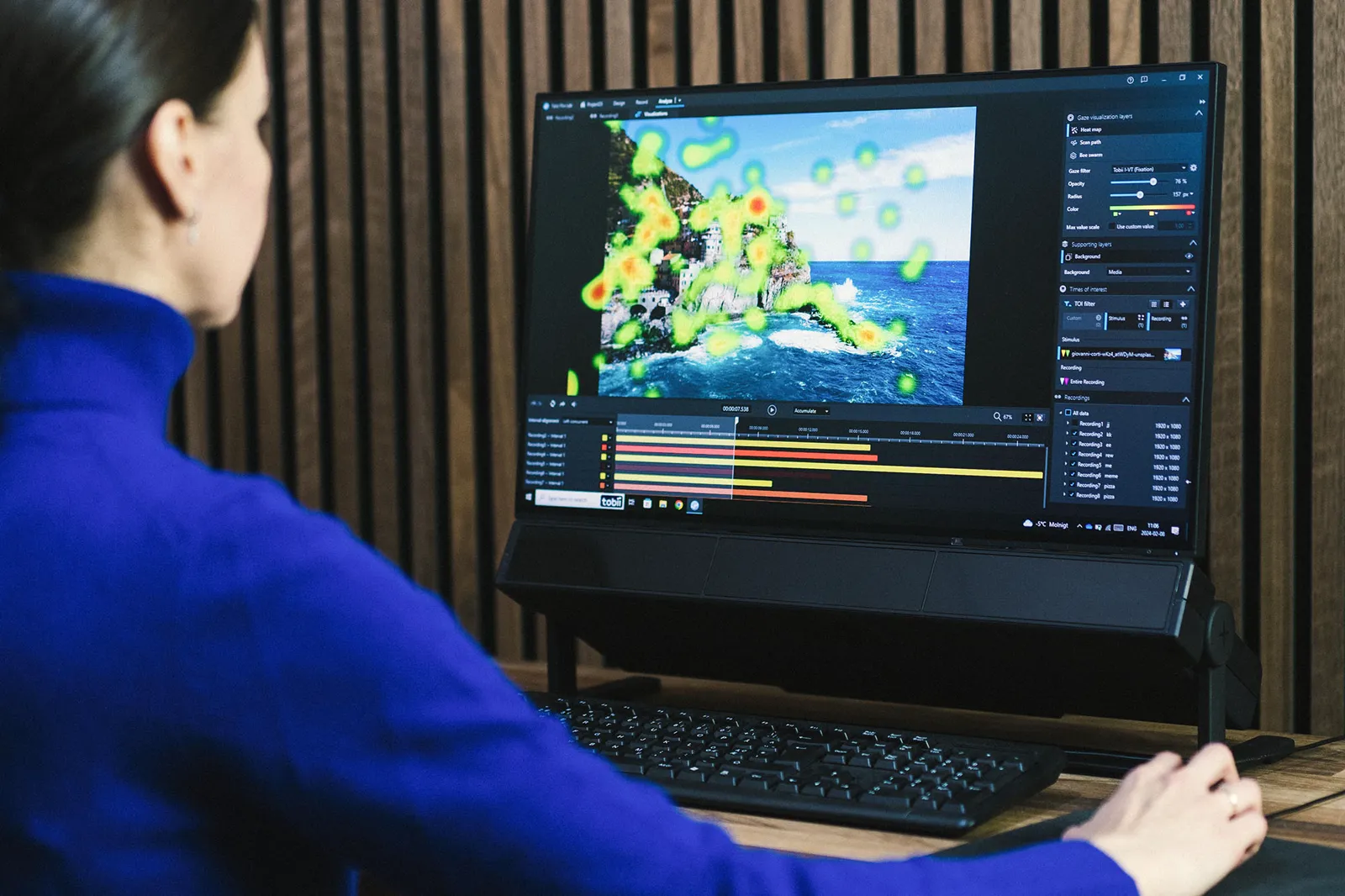
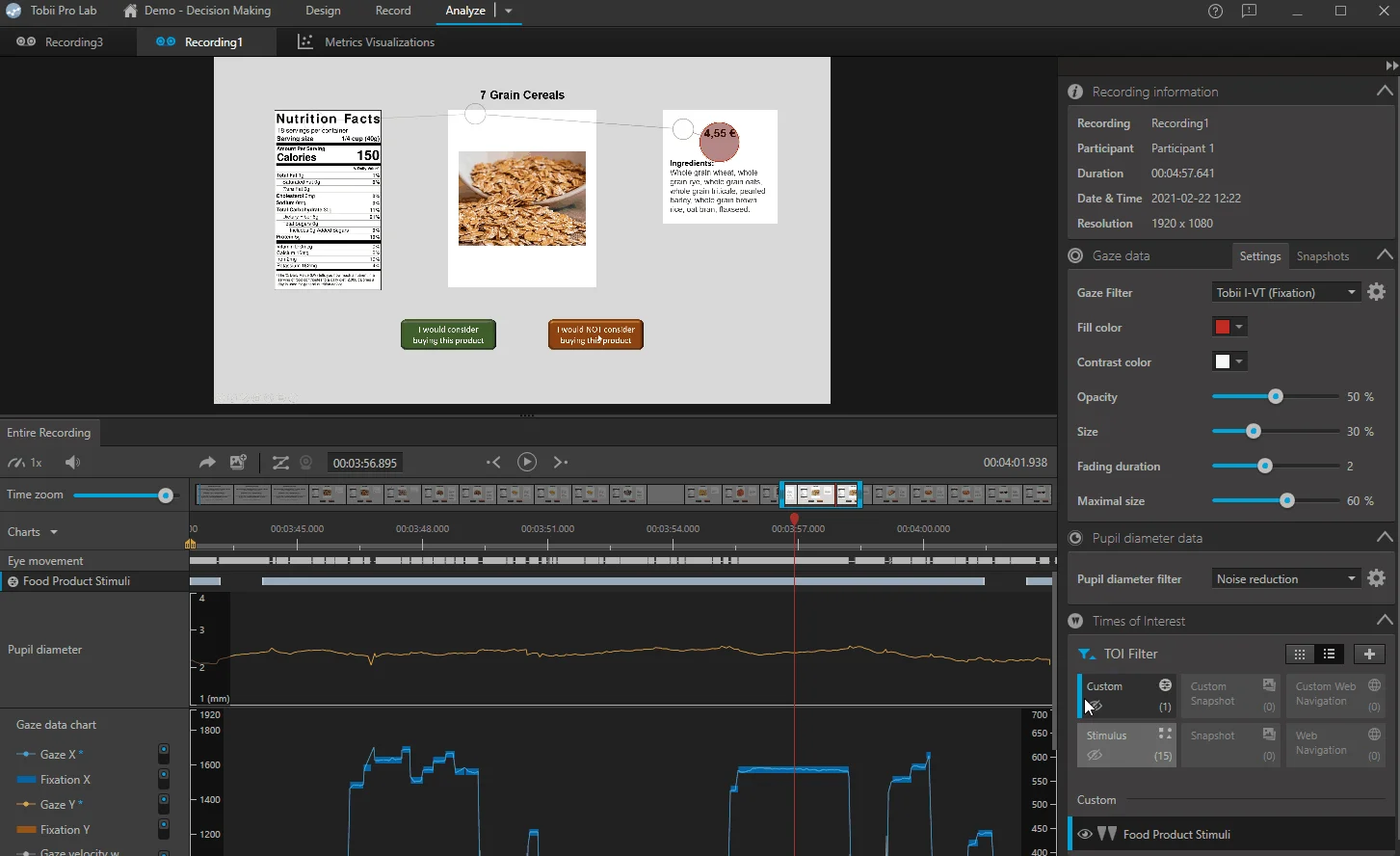
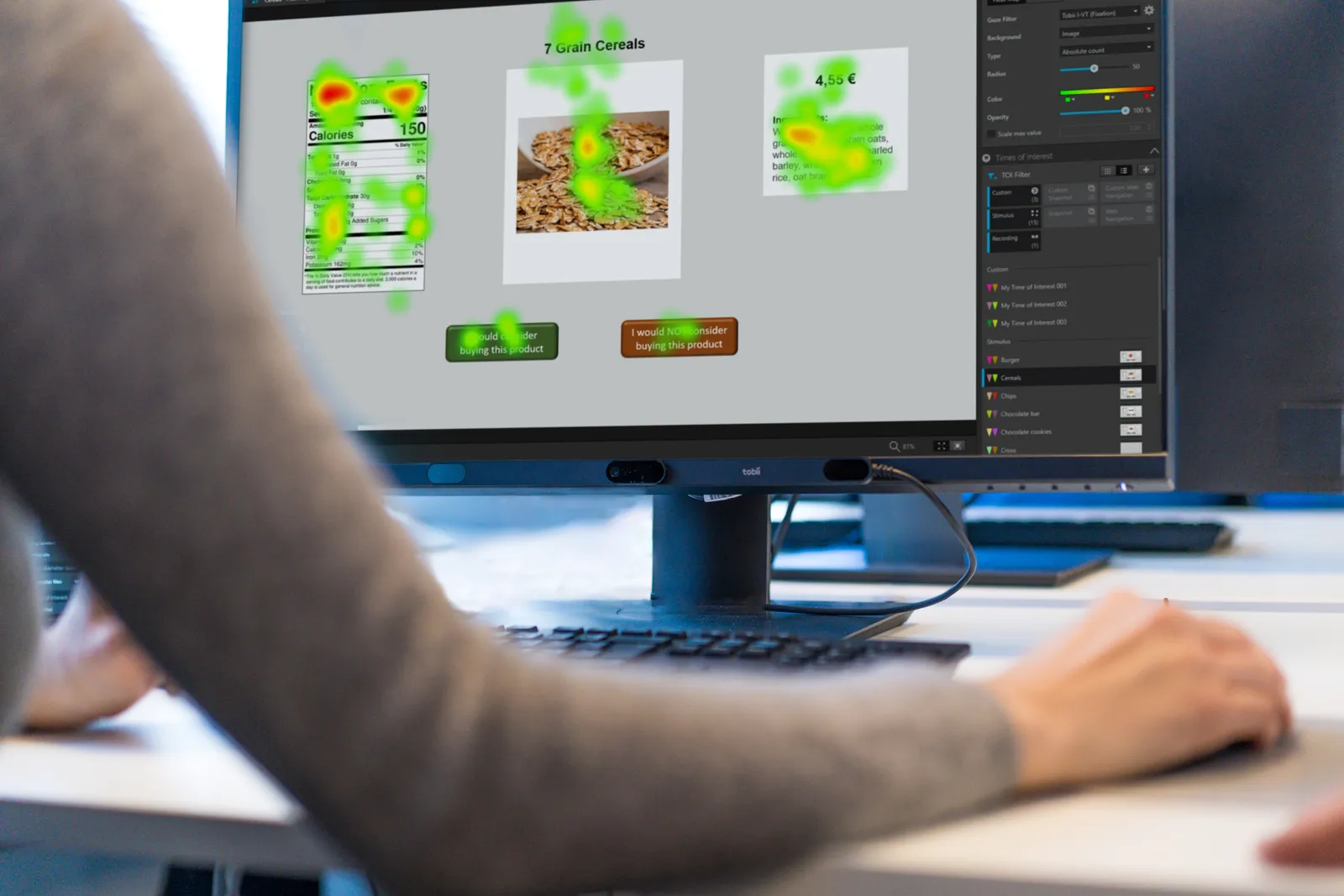
You replay the recording on a timeline with events and overlay the results on the stimulus — for one person or the whole group.

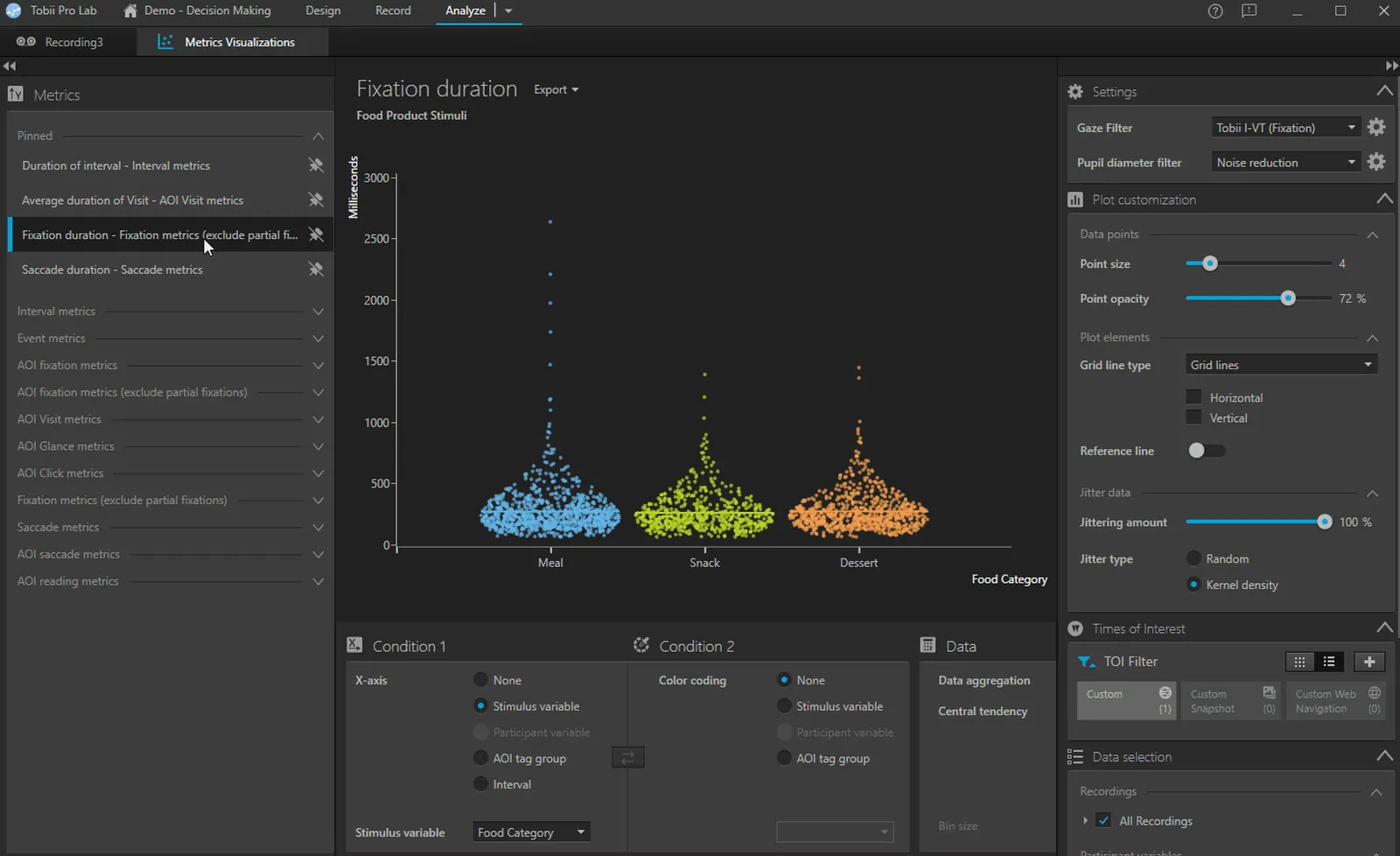
A fixation filter organizes the raw data, and Pro Lab calculates ready-made metrics from it — for areas, time intervals and participants.
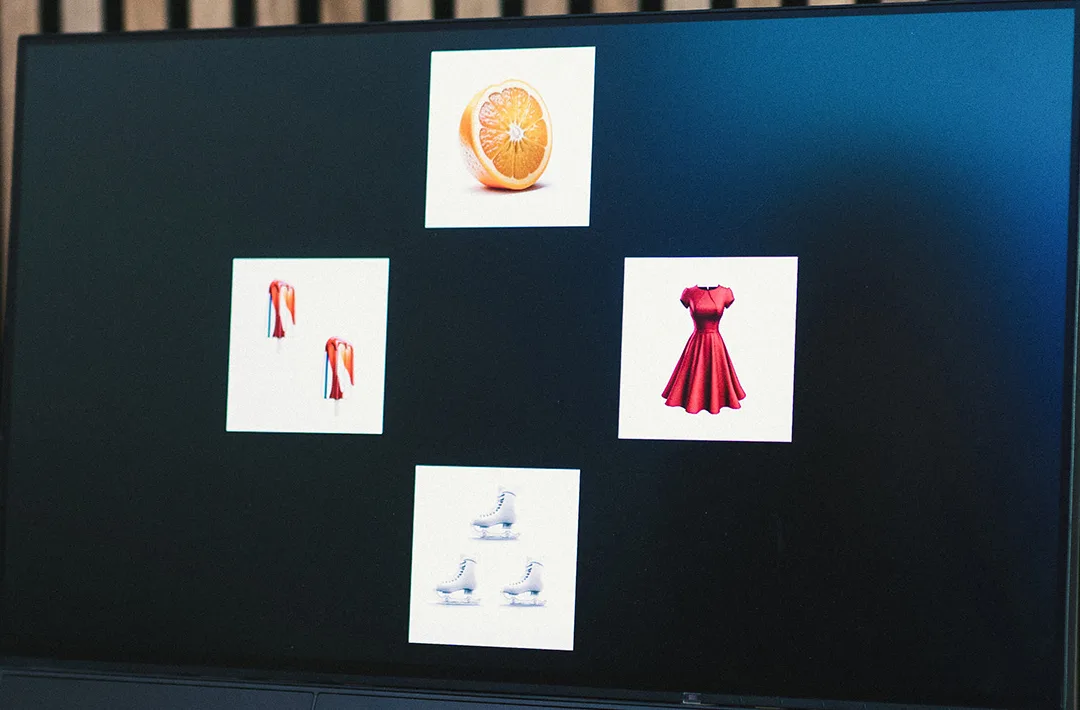
An eye tracker records the gaze point many times per second — in Tobii screen-based eye trackers from 60 (Pro Spark) to 1200 times (Pro Spectrum). Pro Lab organizes these points: it groups them into fixations, shows them on the stimulus and calculates metrics for selected areas. Go through the stages using the example of a task with four products.
| Area | Time to 1st fixation | Fixation count | Total fixation duration | Visits |
|---|---|---|---|---|
| Orange | 0.24 s | 3 | 0.72 s | 2 |
| Ice cream | 1.83 s | 2 | 0.46 s | 1 |
| Dress | 0.81 s | 3 | 1.04 s | 2 |
| Ice skates | 1.57 s | 1 | 0.22 s | 1 |
Illustration: points, fixations and metrics generated in the browser — this is not a Pro Lab recording. Screen photo: Tobii. Description of the I-VT filter, visualizations and metrics according to the Tobii Pro Lab documentation.
The metrics are defined in the Pro Lab documentation, so in a publication you state exactly what was calculated and with which filter. Blinks are detected by an algorithm described in the literature (Nyström et al., 2024).
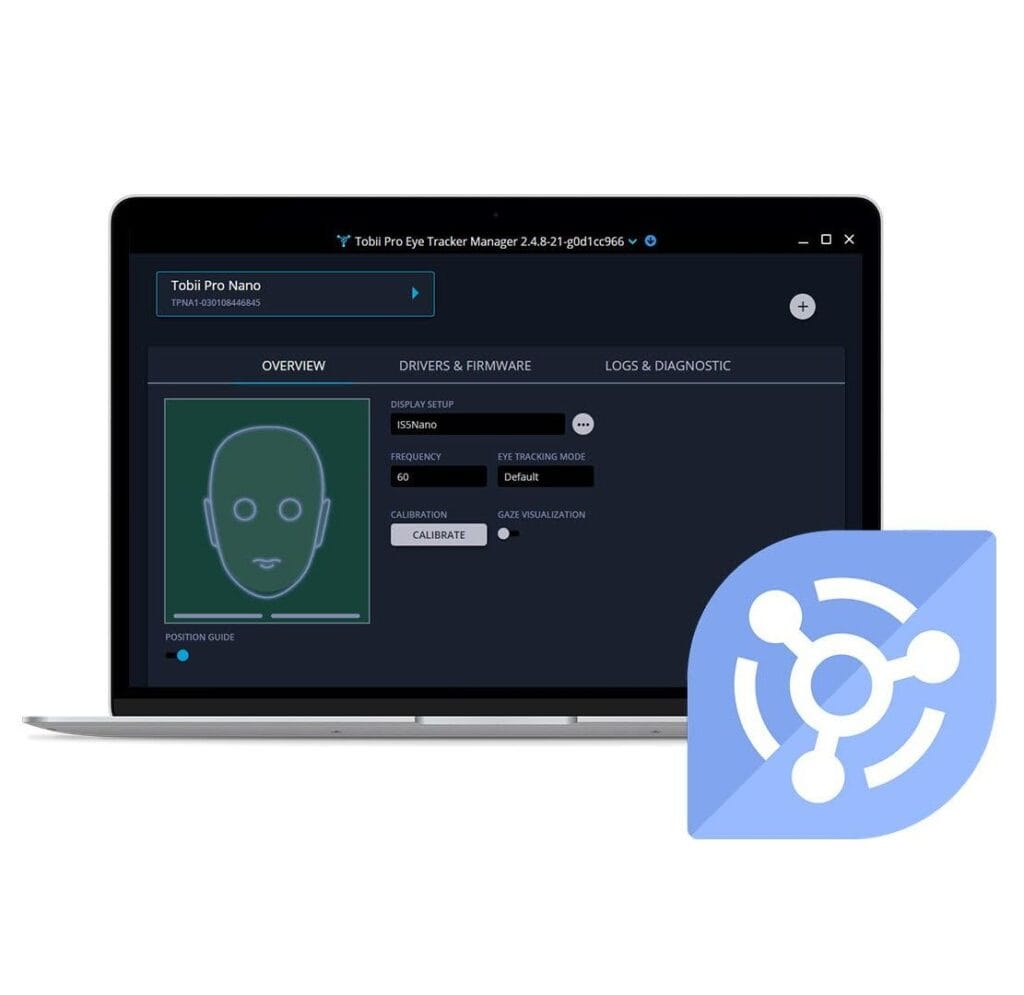
Pro Lab works with current Tobii eye trackers. You choose the project type in the software to match the hardware and the study setting: at a monitor, in the field or remotely.
A bar below the monitor, the participant looks at stimuli presented by Pro Lab. You choose the model by how closely you want to study eye movement — from fixations to microsaccades.

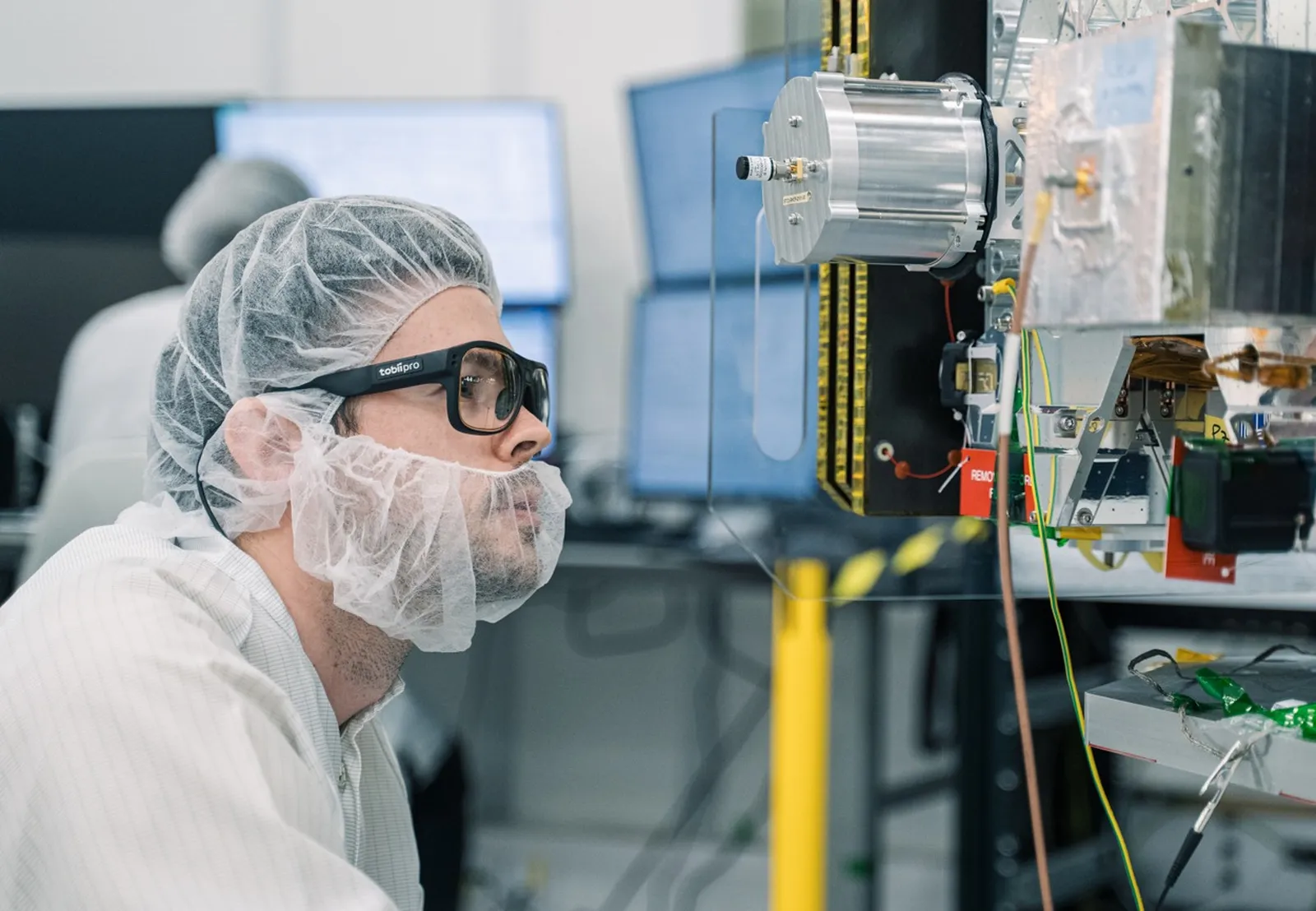
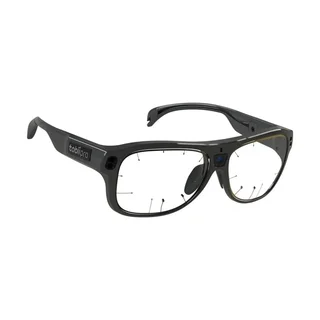
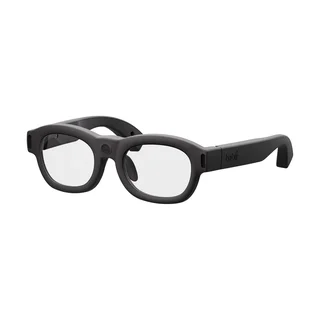
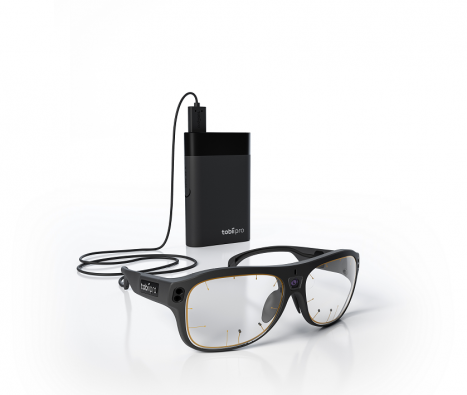
Research on the move — in a store, on the factory floor, behind the wheel. The glasses’ camera records the scene, and Pro Lab maps gaze from the moving video onto a still photo of the location (assisted mapping, Real World Mapping algorithm).

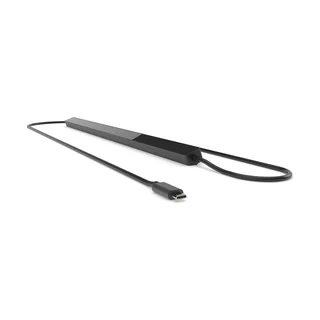
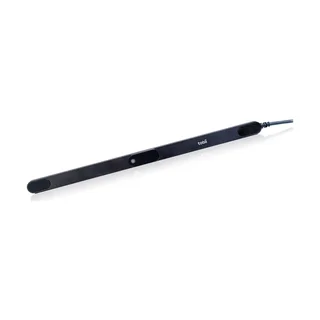
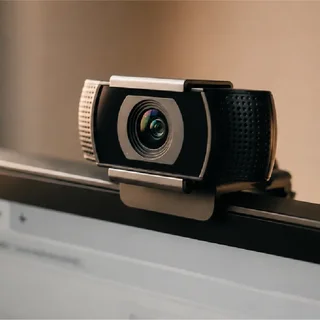
Since version 26.18, Pro Lab officially supports webcam eye tracking — you run a screen-based study just as you would with a dedicated eye tracker.

Participants take part from home, using their own webcams — no special hardware. You design and launch the study online in Tobii Sticky, then import the data into Pro Lab for visualization and analysis (Distributed Online edition).
If you already have your paradigm in E-Prime, that program presents the stimuli and runs the calibration, while Pro Lab records and analyzes. The E-Prime Extension for Tobii passes on to Pro Lab:
List of eye trackers and camera requirements according to the Tobii Pro Lab page (as of 2026-10); sampling frequencies according to Tobii product pages. Older models — see FAQ.
A popular alternative is subscription-based multimodal platforms: a mandatory core module, with separately paid modules on top — including eye tracking — and eye trackers from various manufacturers. Pro Lab works differently: it is part of the Tobii system, and you can buy a perpetual license.
Prefer to spread the cost over time? Pro Lab is also available as a subscription — the choice is yours. We will give the terms of both options in our quote.
| Feature | Tobii Pro Lab with Interlab | Subscription platform |
|---|---|---|
| License model | perpetual or subscription — your choice | annual, with a yearly renewal fee |
| What you buy | one edition with the Design, Record and Analyze modules for eye tracking | a mandatory core module + a separate eye tracking module |
| Eye movement analysis | software dedicated to eye tracking: I-VT filter with transparent parameters, saccades, blinks, visits and glances, reading metrics, AOIs tracked in video | a general-purpose platform; according to its manufacturer, eye tracking capabilities depend on the connected hardware |
| Hardware and software | one manufacturer: Tobii screen-based eye trackers, glasses and webcam in one program | eye trackers from various manufacturers connected to the platform |
Subscription platform: a popular multimodal platform with an eye tracking module; data according to the manufacturers’ websites, as of 2026-10.
We help you choose the edition and the eye tracker, teach you how to work in Pro Lab and stay with your team during the first studies.
The editions differ in modules (Design, Record, Analyze), project types and the hardware they work with. Select how you run your studies — the table will highlight the matching edition, with its scope below.
Tobii Pro Spectrumscreen-based · up to 1200 Hz
Tobii Pro Fusionscreen-based · up to 250 Hz
Tobii Pro Sparkscreen-based · 60 Hz
Tobii Webcam Eye Trackingwebcam at a computer
Tobii Pro Glasses 3glasses for field research
Tobii Glasses Xglasses for field research
Participants’ webcamsremote research via Tobii StickyFor a lab that works both at a monitor and in the field — or runs paradigms in E-Prime.
A psychology lab with Tobii Pro Spectrum in the lab and Glasses 3 for research outside it — one program, one license.
Ask about the Full editionThe base version with the complete workflow at a monitor — from design to metrics.
A website usability study with Tobii Pro Spark, or an image experiment on Tobii Pro Fusion.
Ask about the Screen-Based editionFor research with glasses: you record in the field, then import the data into Pro Lab and calculate the results.
A study of shopper behavior in a store with Tobii Glasses X: a heat map on a photo of the shelf and metrics for each product.
Ask about the Analyzer editionFor remote research: participants take part from home, using their own webcams.
Testing advertising material on participants from all over Poland — without inviting them to the lab.
Ask about the Distributed Online edition* In the Distributed Online edition, design and recording take place online in Tobii Sticky. According to Tobii, screen-based eye trackers require the Full or Screen-Based edition, and glasses require Analyzer (or Full). Edition scope according to the Tobii Pro Lab page (as of 2026-10); we will confirm license details in our quote.
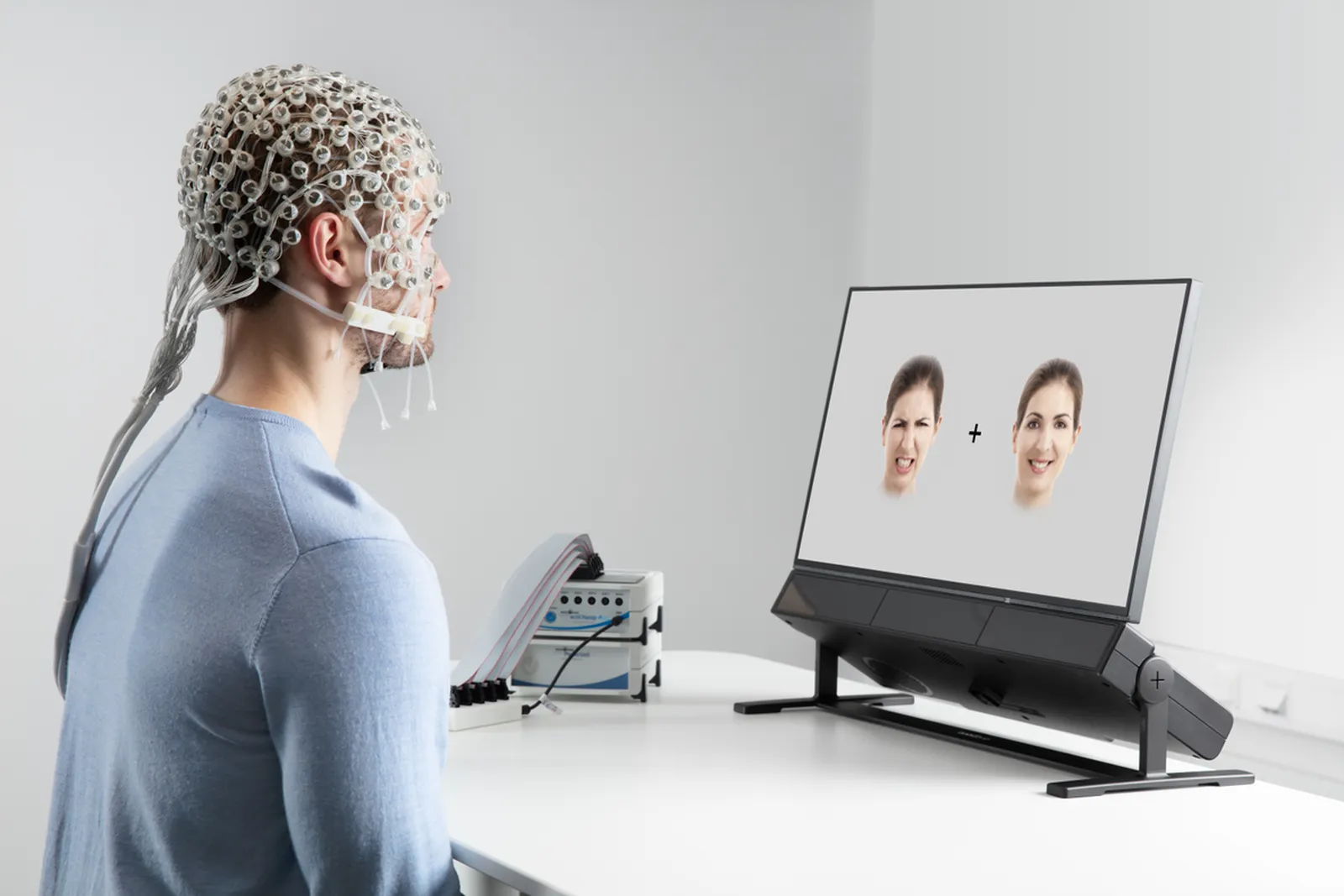
Eye tracking is often combined with other measurements: EEG (brain activity), ECG or fNIRS. Pro Lab records eye tracking data and — with a Shimmer sensor — the GSR signal (emotional arousal). Other signals are recorded by a separate system, e.g. EEG, in its own software. Pro Lab sends it event markers (TTL) — e.g. at the moment a stimulus appears — so both recordings can later be aligned in time.

Pro Lab records the stimulus, gaze, pupil and GSR. At the moment a stimulus is shown, it sends a TTL marker to the EEG system, which records it alongside its own signal. The two recordings are combined in the analysis after the study — using the markers.
You record EEG, ECG or fNIRS in the software of the respective system — Pro Lab supplies the event markers.
Pro Lab integrations according to the Tobii website and documentation (as of 2026-10). Photo: Tobii (Brain Products EEG cap).
According to the Tobii Pro Lab website and documentation, version 26.18. The feature set depends on the edition.
| Parameter | Value |
|---|---|
| Software and license | |
| Modules | Design, Record, Analyze |
| Editions | Full, Screen-Based, Analyzer, Distributed Online |
| License | perpetual or subscriptiontrial: 30 days of the full edition, 7 demo projects with recorded data |
| Project types | screen-based (Screen, Advanced Screen), scene camera, glasses, External Presenter, Distributed Onlineavailability depends on the edition |
| Design and recording | |
| Stimuli | images, audio, video and text in any combination, several media per stimulus; websites and screen recording |
| Study flow | randomization of trials and stimuli, block designs, setup from a spreadsheet; advance on time, key press, click or gaze |
| Calibration | standard; infant mode; primate mode |
| Live view | moderator view: tracking status, stimulus, gazerequires two monitors |
| Analysis and export | |
| Filters | I-VT (fixation), 30°/s by default; attention filter — 100°/sdefaults: merging fixations (75 ms, 0.5°), discarding those shorter than 60 ms |
| Visualizations | heat map, gaze plot, bee swarm, opacity map; metric charts |
| Areas of interest | AOIs on stimuli and in videos, automatic object tracking (Auto-track); times of interest (TOIs) |
| Mapping | assisted mapping (Real World Mapping) of glasses, scene camera, website and screen recordings onto a reference image |
| Metrics | intervals and events, clicks, fixations and saccades, blinks, visits and glances, binned metrics, reading metrics |
| Export | data and metrics in TSV files (Unicode), four metric export formats; Pro Lab Output Format (plof) — all data for other programsfurther analysis e.g. in R or SPSS |
| Hardware and synchronization | |
| Eye trackers | Tobii Pro Spectrum, Pro Fusion, Pro Spark, Pro Glasses 3, Glasses X, Tobii Webcam Eye TrackingPro Nano and Pro Glasses 2 are not supported since version 25.19 |
| Signals in Pro Lab | eye tracking data; GSR from the Shimmer3R sensorEEG, ECG, fNIRS — recorded in a separate system, synchronized with TTL markers |
| Synchronization | TTL markers sent and received (Advanced Screen), TriggerBox Plus, USB–TTL adapters; E-Prime Extension for Tobii |
| Computer requirements | |
| Operating system | Windows 11 (64-bit) Professional or Enterpriseno virtual machines, network drives or cloud storage; administrator rights required |
| Processor | Intel Core i7 or Core Ultra, 10th generation or newer, min. 4 cores, 2.3 GHz; or AMD Ryzen 5 or higher |
| Memory and storage | RAM min. 16 GB; SSD, min. 256 GB recommended |
| Graphics card | Intel or Nvidia from 2018 or newer (e.g. Intel UHD/Iris, Nvidia RTX); AMD cards not supported |
| Monitor | 1920 × 1080, 100% scaling; DVI, HDMI or DisplayPort connector |
Source: tobii.com, the Tobii Pro Lab page and its release notes, and connect.tobii.com (as of 2026-10). We can configure a computer for Pro Lab as part of our quote.
Not always. Tobii screen-based eye trackers come with the free Tobii Pro SDK — it is enough if you program experiments yourself (e.g. in Python or MATLAB). Pro Lab is for teams that want to design, record and analyze studies without programming, with ready-made visualizations and metrics.
For research at a monitor — Screen-Based; for analyzing recordings from glasses — Analyzer; for a lab with a screen-based eye tracker and glasses, or for working with E-Prime — Full; for remote research via participants’ webcams — Distributed Online. The simplest way is to describe your study to us — we will match the edition.
Tobii offers both models. A perpetual license is a one-time purchase; a subscription spreads the cost over time. We will give the terms of both options, including updates, in our quote.
Yes — 30 days of the full Pro Lab edition with seven demo projects, recorded data and self-study exercises. We can also demonstrate the software live with Tobii hardware.
No. Pro Lab requires Windows 11 (64-bit) Professional or Enterprise and is not supported in virtual machines. On macOS and Linux, Tobii screen-based eye trackers are used via the Tobii Pro SDK.
The manufacturer lists older models (including Pro Nano, Pro Glasses 2, Pro X3-120, Pro TX300) as discontinued; Pro Nano and Pro Glasses 2 are not supported since version 25.19. If you have older hardware, tell us the model — we will check which Pro Lab version it works with.
GSR — yes: Pro Lab records it directly from the Shimmer3R sensor, together with the eye tracking data. EEG, ECG or fNIRS is recorded by a separate system in its own software; Pro Lab sends it event markers (TTL, e.g. via the Brain Products TriggerBox), and the data is aligned after the study. We configure such workstations at Interlab.
Related products
Eye TrackingMobile (Glasses)Research & Scientific Instruments
Product: Tobii Pro Lab Software