Tobii Pro Fusion — Portable 250 Hz eye tracker for research in the lab and beyond

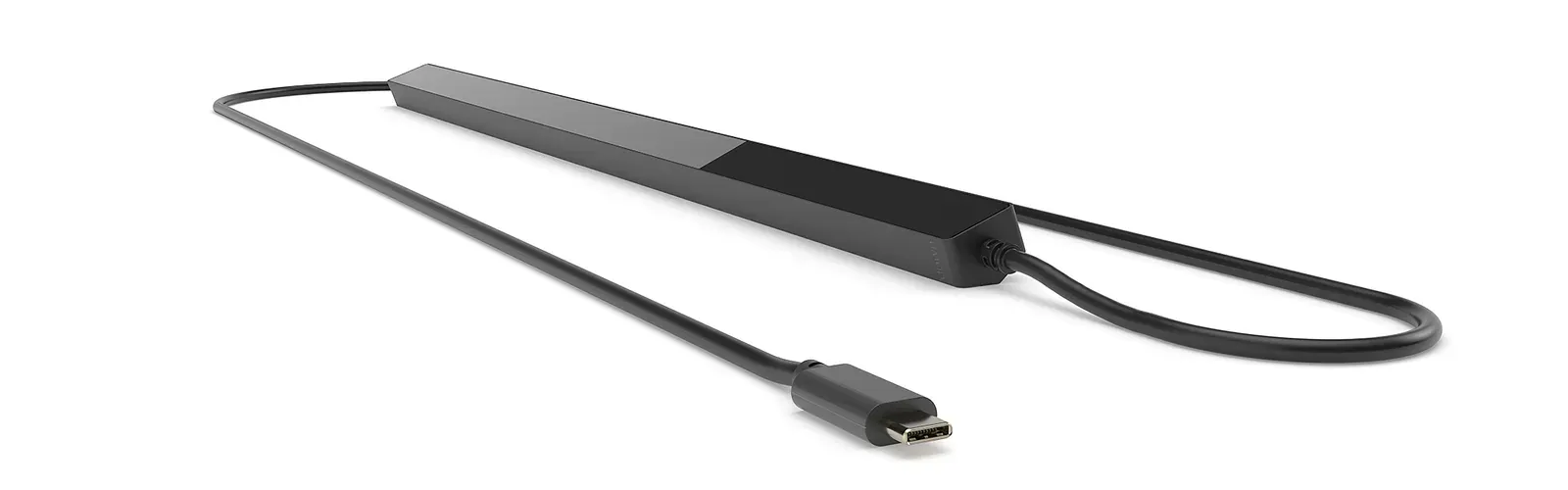
A 168 g bar that you attach below a laptop or monitor screen. Two cameras track the participant's eyes and record, up to 250 times per second, which point on the screen they are looking at and how their pupil changes. Data and power run through a single USB-C cable — you can run your study at a school, a clinic or in the participant's home.

250Hzsampling rate
168gweight
0.04°RMSprecision (filtered)
1cabledata + power
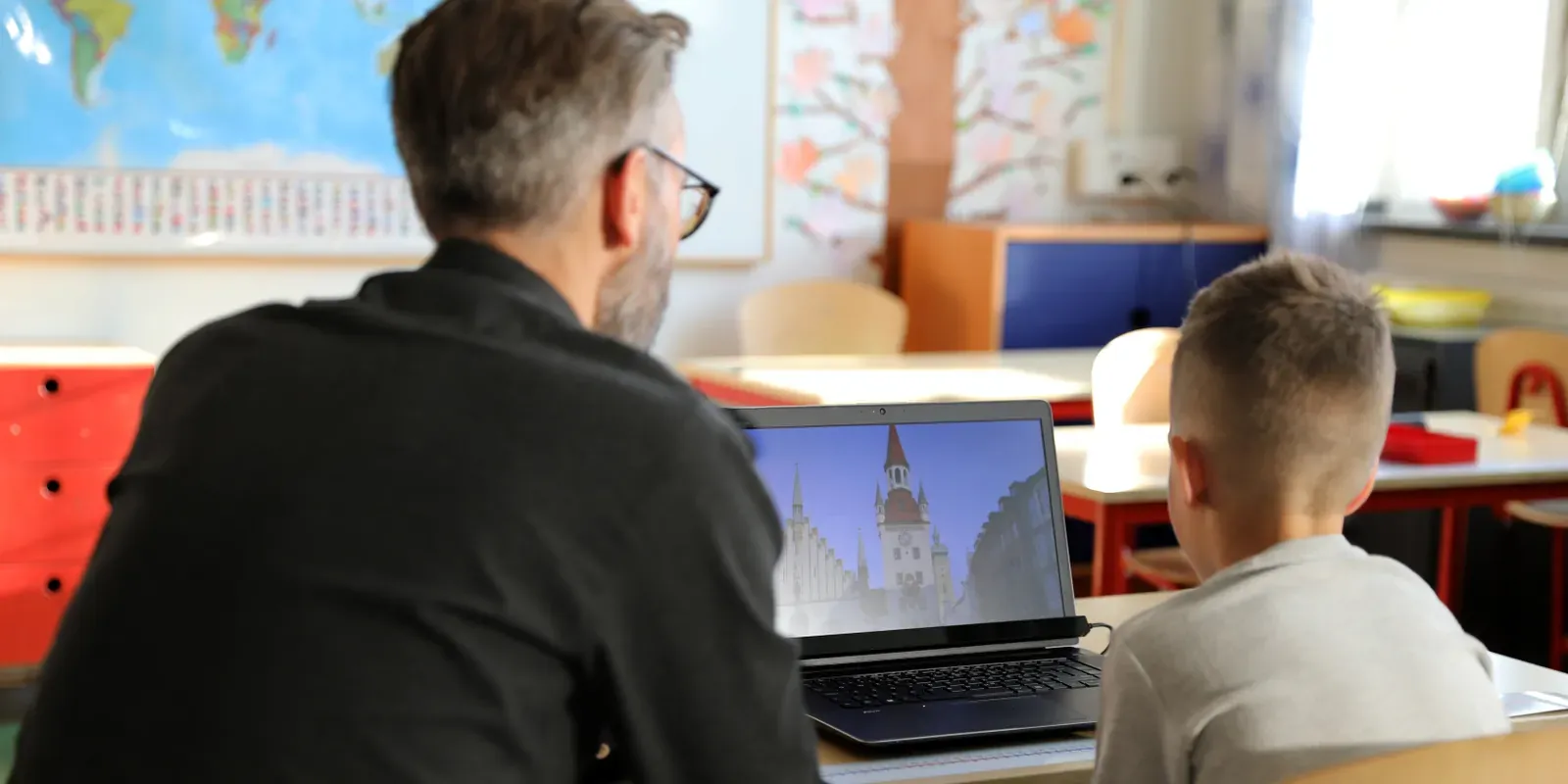
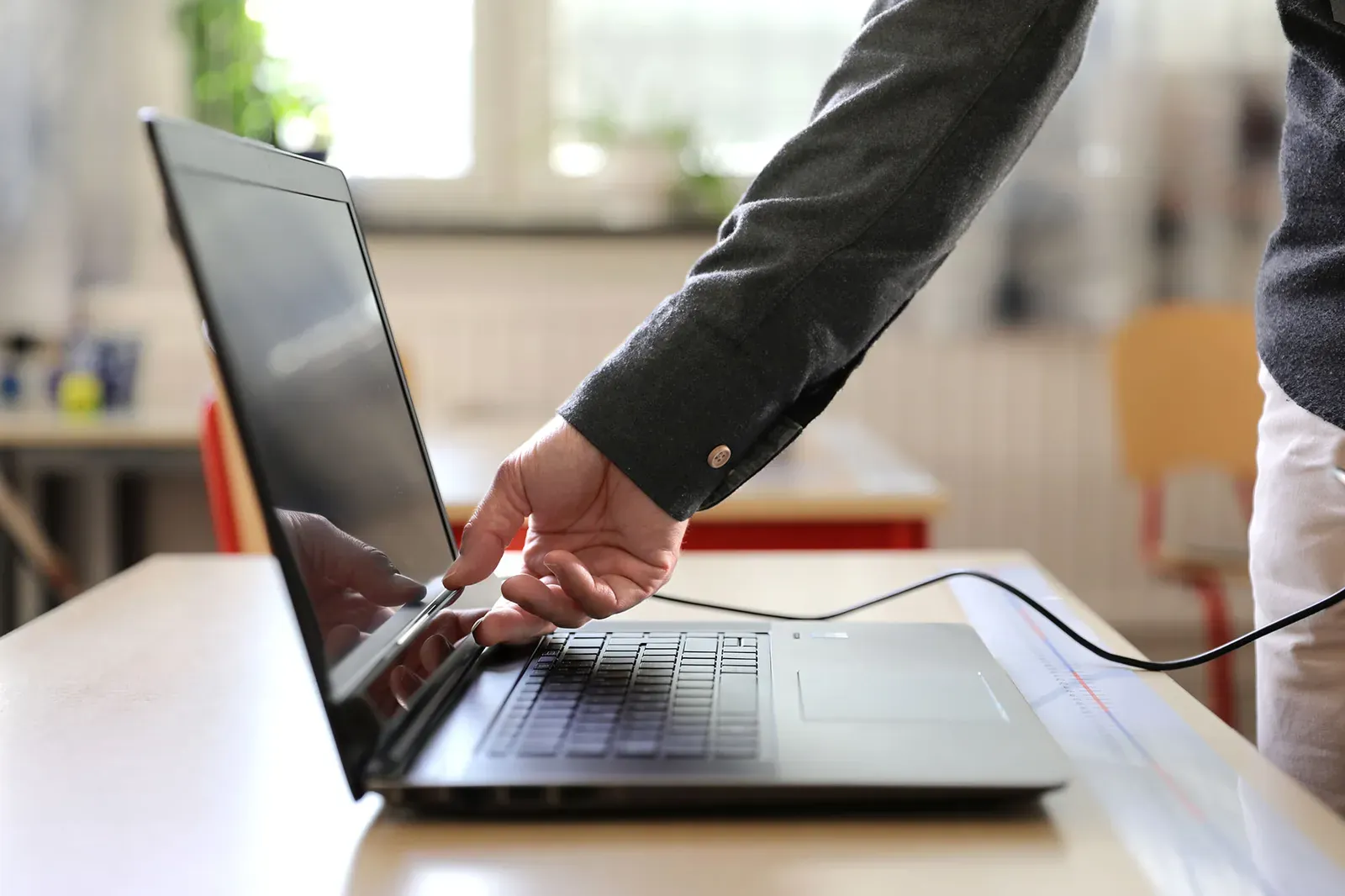
Eye tracking study in a school classroom: a boy looks at a picture on a laptop screen with Tobii Pro Fusion, a researcher next to him
How an eye tracker works

How Fusion knows where you are looking

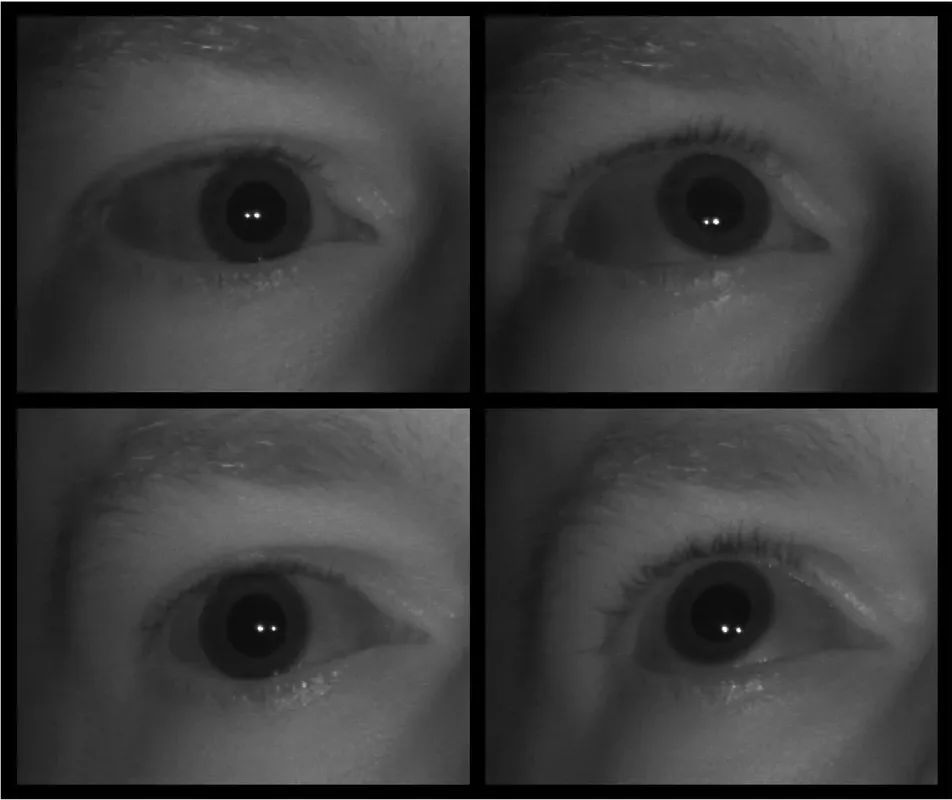
An eye tracker is a device that measures eye movements. Attached below the screen, Fusion continuously takes images of the participant's eyes and calculates from each image which point on the screen they are looking at. Below are real images of an eye taken by a Tobii eye tracker camera — the same eye looking at four different locations.

Four infrared images of the same eye taken by a Tobii eye tracker camera: the pupil is in a different position in each, with two bright corneal reflections of light
pupillight reflectionpupil offset (magnified)
  1. Illuminates the eyesLEDs in the bar emit near-infrared light — invisible to humans, so it does not distract. Bright reflections form on the cornea: the white dots in the images.
  2. Captures imagesTwo cameras take images of both eyes — in Fusion up to 250 times per second.
  3. Compares the pupil with the reflectionWhen the eye rotates, the reflections stay almost in place while the pupil moves. The direction and length of this offset tell where you are looking.
  4. Calculates the point on the screenAn algorithm with a 3D eye model converts the offset into a gaze point. A short calibration — looking at a few points — fits the calculations to the participant's eyes.
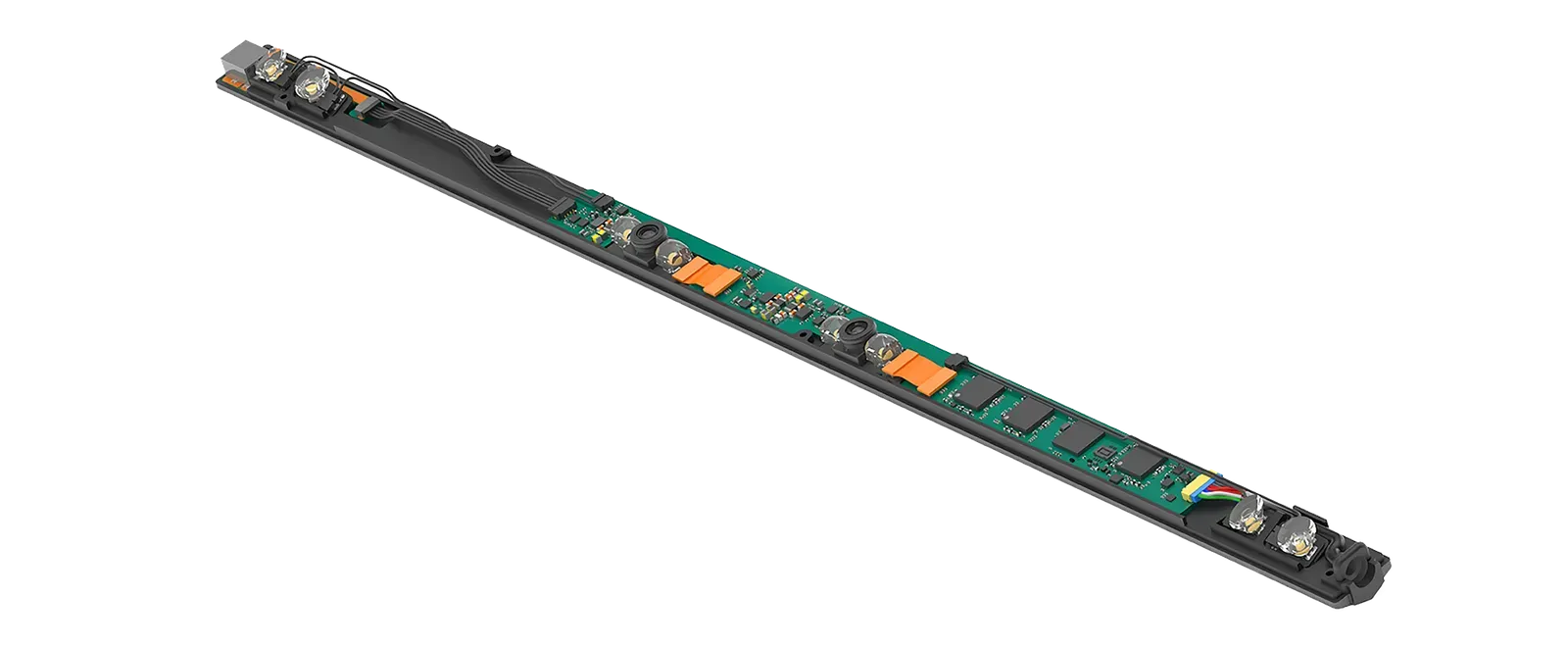
Inside the Tobii Pro Fusion bar without its housing: a circuit board with two camera modules, infrared LEDs and integrated circuits
Inside a 168 g bar

Everything happens in the device

  • A · Infrared LEDsdark pupil mode (every frequency) and bright pupil mode (60 and 120 Hz)
  • B · Two cameraseach eye seen from two positions — more images, greater robustness to head movement
  • C · Three Tobii EyeChip™ processorsprocessing in the bar; the laptop receives a ready gaze point
Data stream

What it records in every sample

Every eye image becomes a set of numbers. The 250 Hz version produces 250 of them per second — separately for the left and right eye. From these, the software identifies fixations (pauses of the gaze) and saccades (rapid eye jumps).

timestampTimestampwhen the sample was taken
gaze pointGaze pointwhich point on the screen each eye is looking at
gaze originGaze originwhere the gaze starts — eye position in space
pupil diameterPupil diameterseparately for each eye
eye opennessEye opennessin millimeters, at every frequency — shows blinks and eyelid closure
eye imagesEye imagesapprox. 4 images per second — for recording quality control

Eye images and bar interior: Tobii. Method according to the manufacturer's article “How do eye trackers work?”; mapping of images to screen points is illustrative. Data output: Tobii Pro Fusion specification.

Sampling

Up to 250 samples per second — saccades and reading

When reading, the eye pauses on a word (fixation) and jumps to the next one (saccade). A jump usually lasts a few dozen milliseconds — the more often the eye tracker captures the eye, the more accurately it describes its course. The manufacturer recommends Fusion for saccade analysis and reading research.

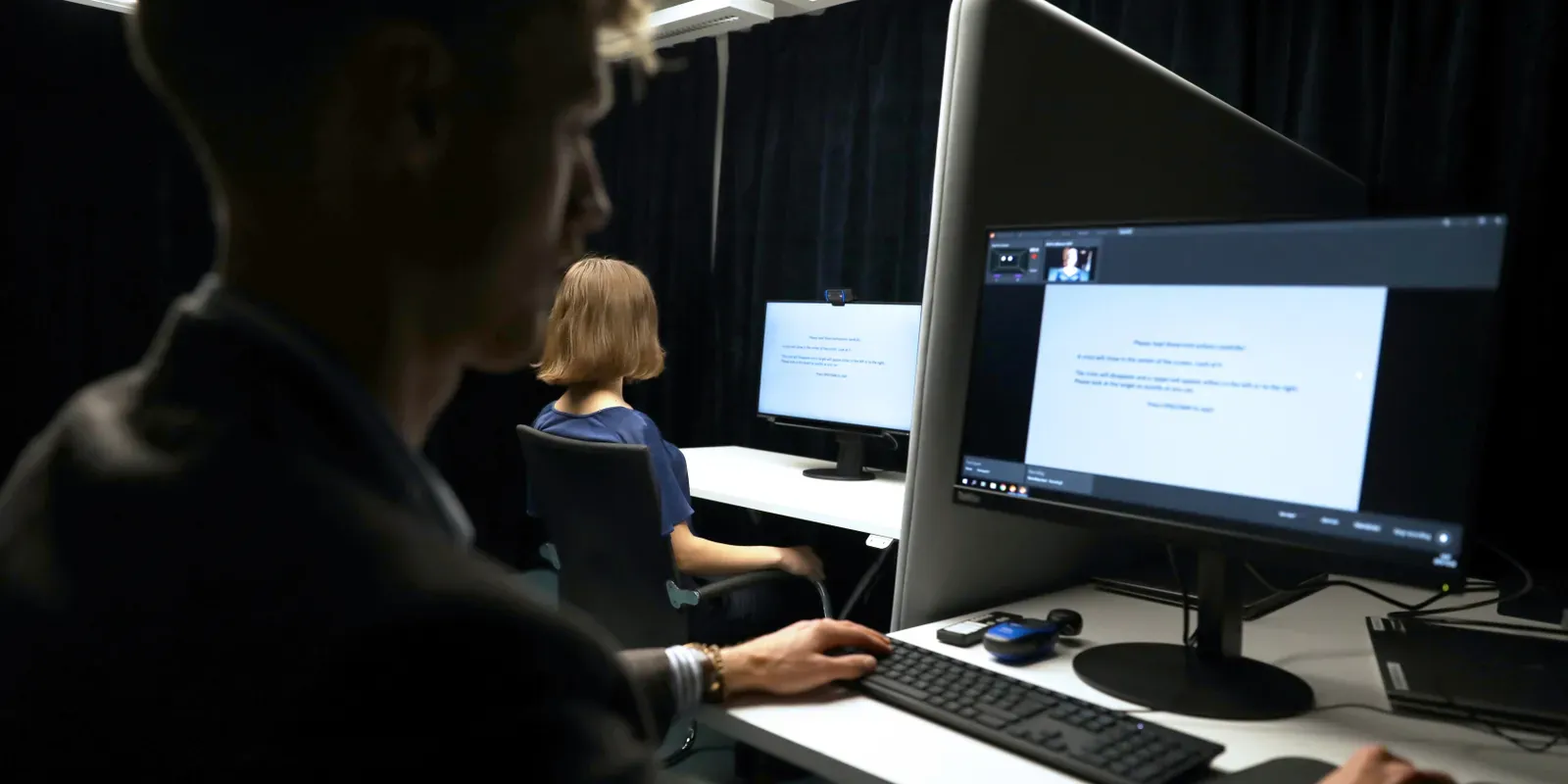
Reading study: a participant reads text on a monitor while the moderator sees the same text in a live view on their own screen
Same paragraph, different frequency

Researchers measure how long the eye pauses on each word and how far it jumps to the next one.

7–8samples fall within a 30 ms saccade
— one every 4 ms
60Hzdark and bright pupil modessample every 16.7 ms
120Hzdark and bright pupil modessample every 8.3 ms
250Hzdark pupil modesample every 4 ms · mean latency < 13 ms

The maximum frequency is set by the hardware version — you choose it at purchase; it is not a license setting. Every version also records eye openness in mm. Animation: illustrative, in slow motion (example fixation and saccade durations). Source of specifications: tobii.com.

Freedom of movement

No chin rest needed — even with infants

The eye tracker sees the eyes within a defined area in front of the screen. As long as they stay in it, the participant can fidget, lean and turn their head. Two cameras see each eye from two positions, so tracking is robust to movement — important with children, patients and anyone who cannot sit still.

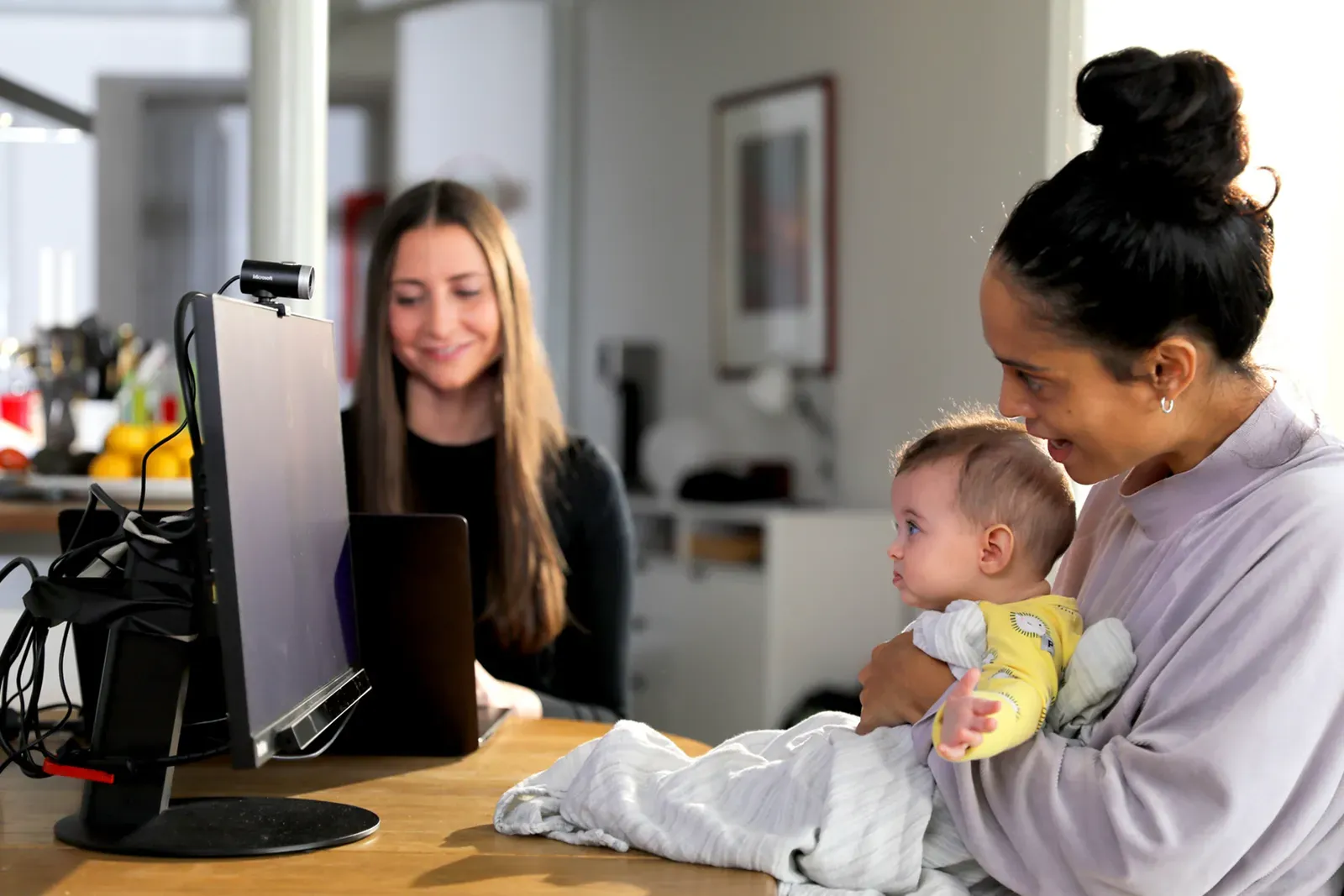
An infant on its mother's lap looks at a monitor with an eye tracker; a researcher sits next to them at a laptop
Tracking active

Gaze recording over time. After a blink, tracking recovers after 1 frame; after the eyes leave the area — within 250 ms of their return.

40 × 25 cmhead movement box at 65 cm
45 × 30 cmhead movement box at 80 cm
50–80 cmparticipant distance from the eye tracker
1 frametracking recovery after a blink; after losing the eyes — 250 ms

Photo: Tobii. The area on the photo and the signal recording are illustrative; dimensions and times according to the manufacturer's specification.

Multimodal research · Fusion + BIOPAC

Gaze and physiological responses in one recording

Eye tracking is often combined with other measures: GSR (emotional arousal), ECG (heart activity) or EEG (brain activity). For the data to be aligned, every stimulus must be marked at the same moment in all recordings. Fusion synchronizes via software — BIOPAC offers it in systems with AcqKnowledge software, and we combine everything into one setup.

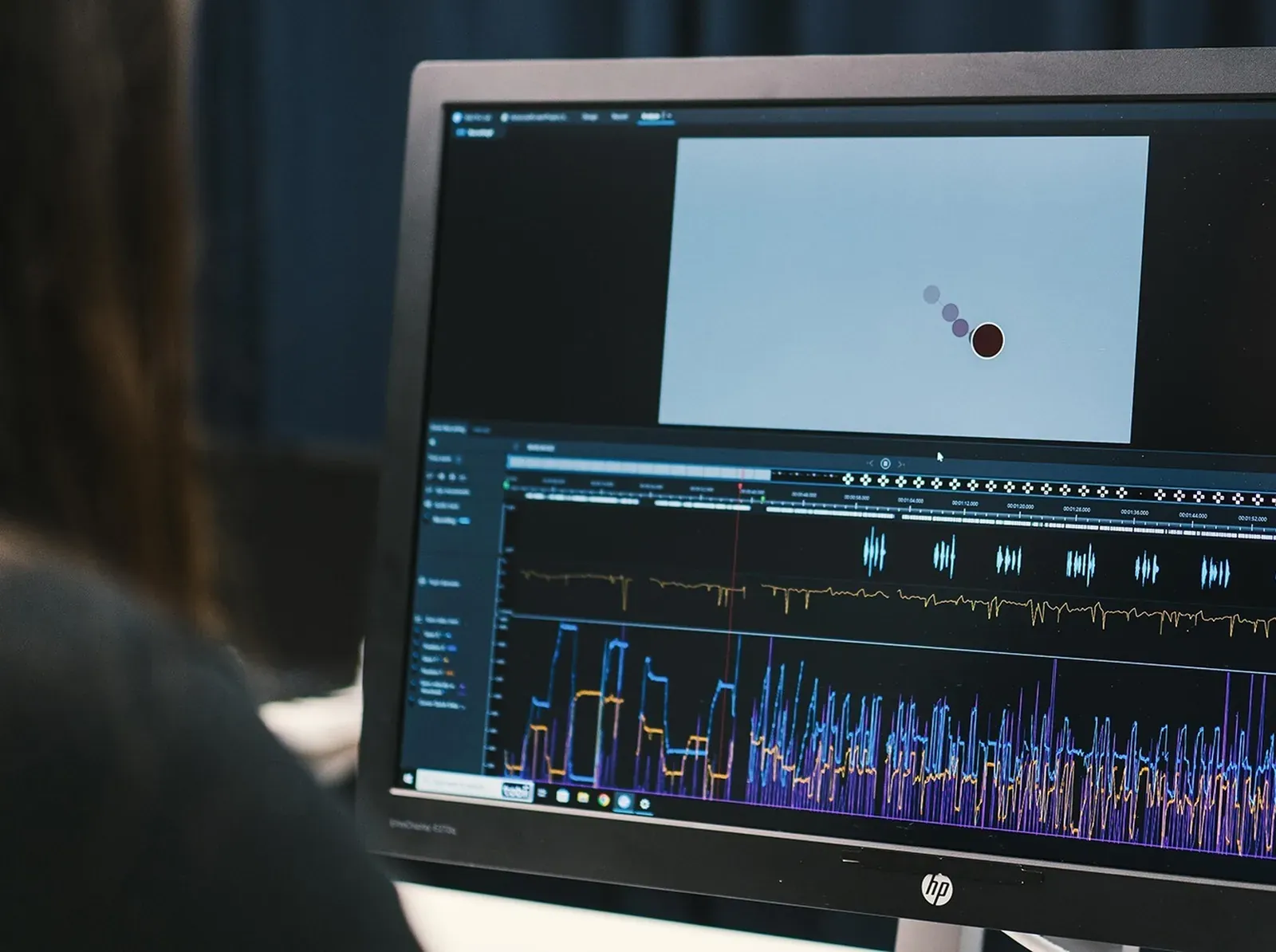
Monitor with a Tobii Pro Lab analysis window: gaze replay on the stimulus and signal plots below it
GAZEFusion · 250 Hz PUPILFusion EDA / GSRBIOPAC ECGBIOPAC STIMULI

In the Fusion eye tracker

  • gaze point, pupil diameter and eye openness — for each eye
  • eye tracker clock synchronized with the computer clock
  • Tobii Pro Lab supports workflows with EEG, GSR, ECG and fNIRS

With a BIOPAC system

  • BIOPAC systems with Fusion 60, 120 or 250 Hz and AcqKnowledge licenses for stimulus presentation and eye tracking
  • software synchronization with EEG, ECG and GSR
  • MP200: 16 analog channels, up to 100 kHz per channel, 16 digital lines
  • AcqKnowledge 6 supports Tobii eye tracking bars (Windows, eye tracking license)
Fusion has no TTL input. If your study requires hardware event markers — e.g. with high temporal resolution EEG — see Tobii Pro Spectrum (8-bit TTL, 50 µs).Tobii Pro Spectrum →

Sources: tobii.com (Tobii Pro Fusion, Tobii Pro Lab), biopac.com (Tobii Fusion Eye Tracking Bar Systems, AcqKnowledge, MP200). Photo: Tobii.

Software · Tobii Pro Lab

Prepare in the lab, record on site, analyze back at base

The eye tracker delivers data, and software turns it into results. Tobii Pro Lab guides you through the entire study: design, recording and analysis. The eye tracker and the software come from one manufacturer, so you can run the same study on a laptop at a school and at a lab workstation.

A researcher works at a monitor with a Tobii Pro Lab window open01 · In the lab

Design

You build the study on a timeline, with no programming.

  • images, audio, video and text — also several media in one stimulus
  • randomized order and trial blocks
  • advance on time, key press, mouse click or gaze
  • also websites and screen recordings
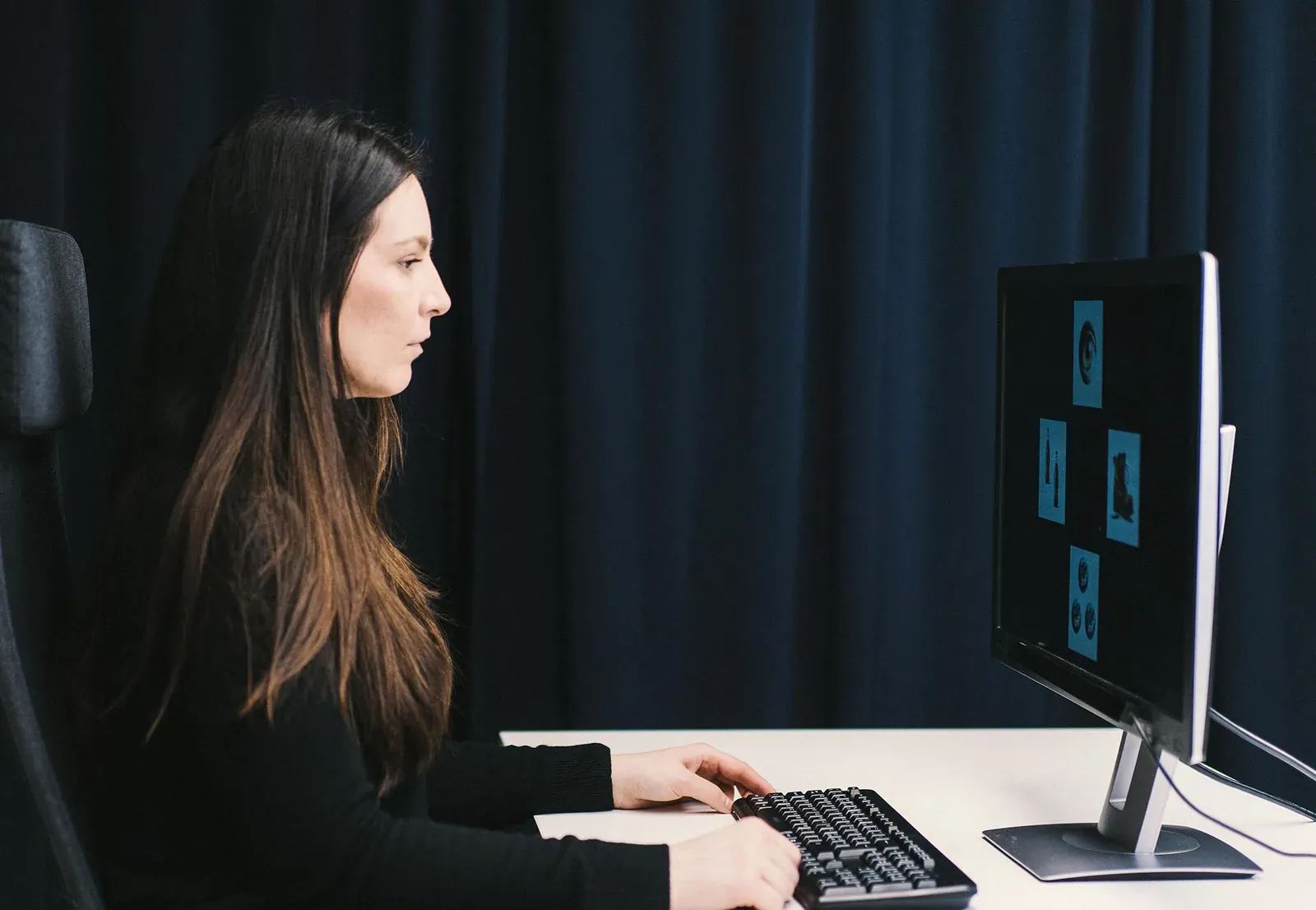
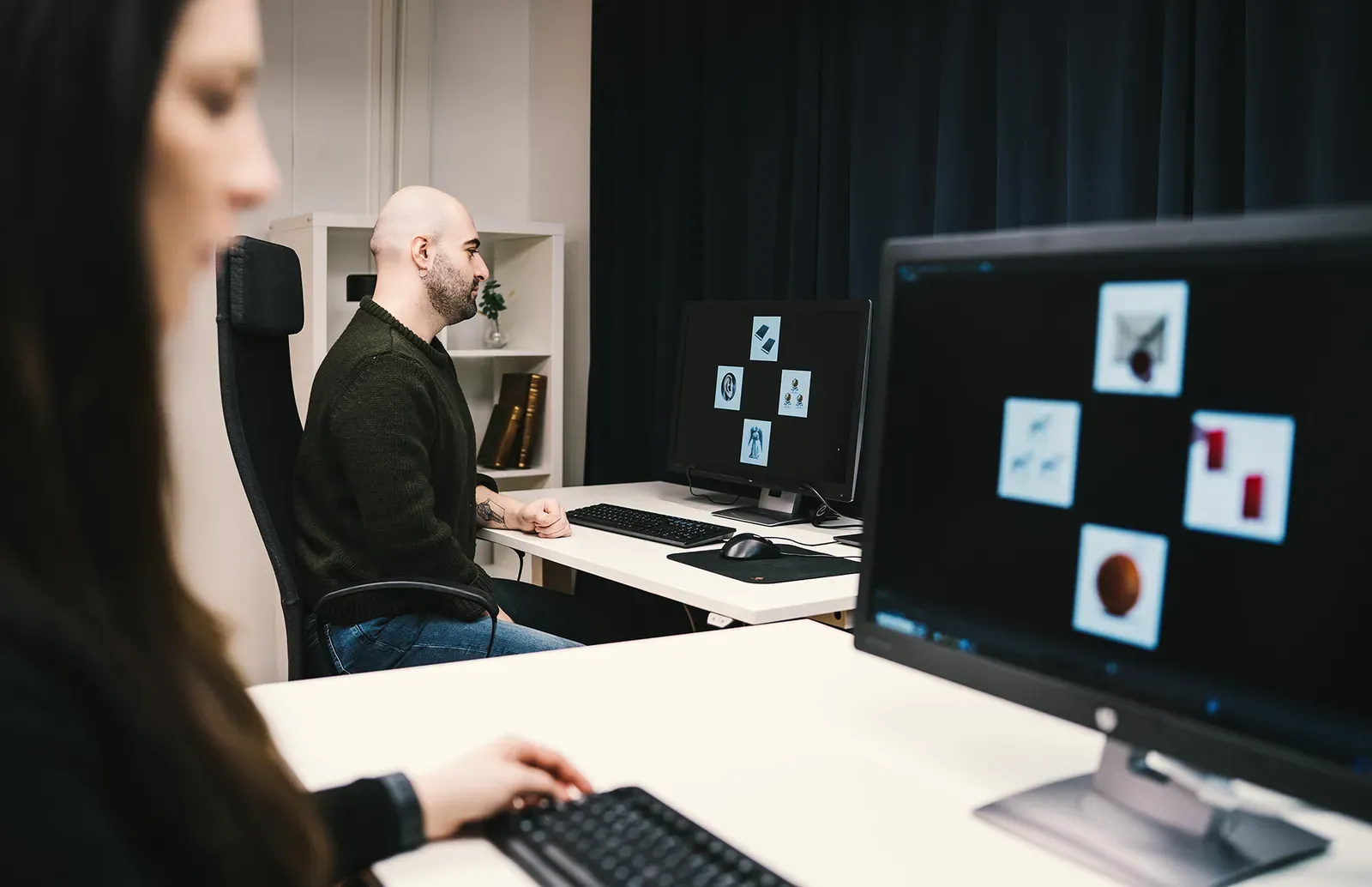
A study participant at a monitor showing four stimuli in a darkened lab02 · On site

Record

Pro Lab controls the eye tracker and presents stimuli in one program.

  • participant calibration, including an infant mode
  • live gaze view for the moderator (with two monitors)
  • gaze, pupil and eye openness recorded together with the stimulus
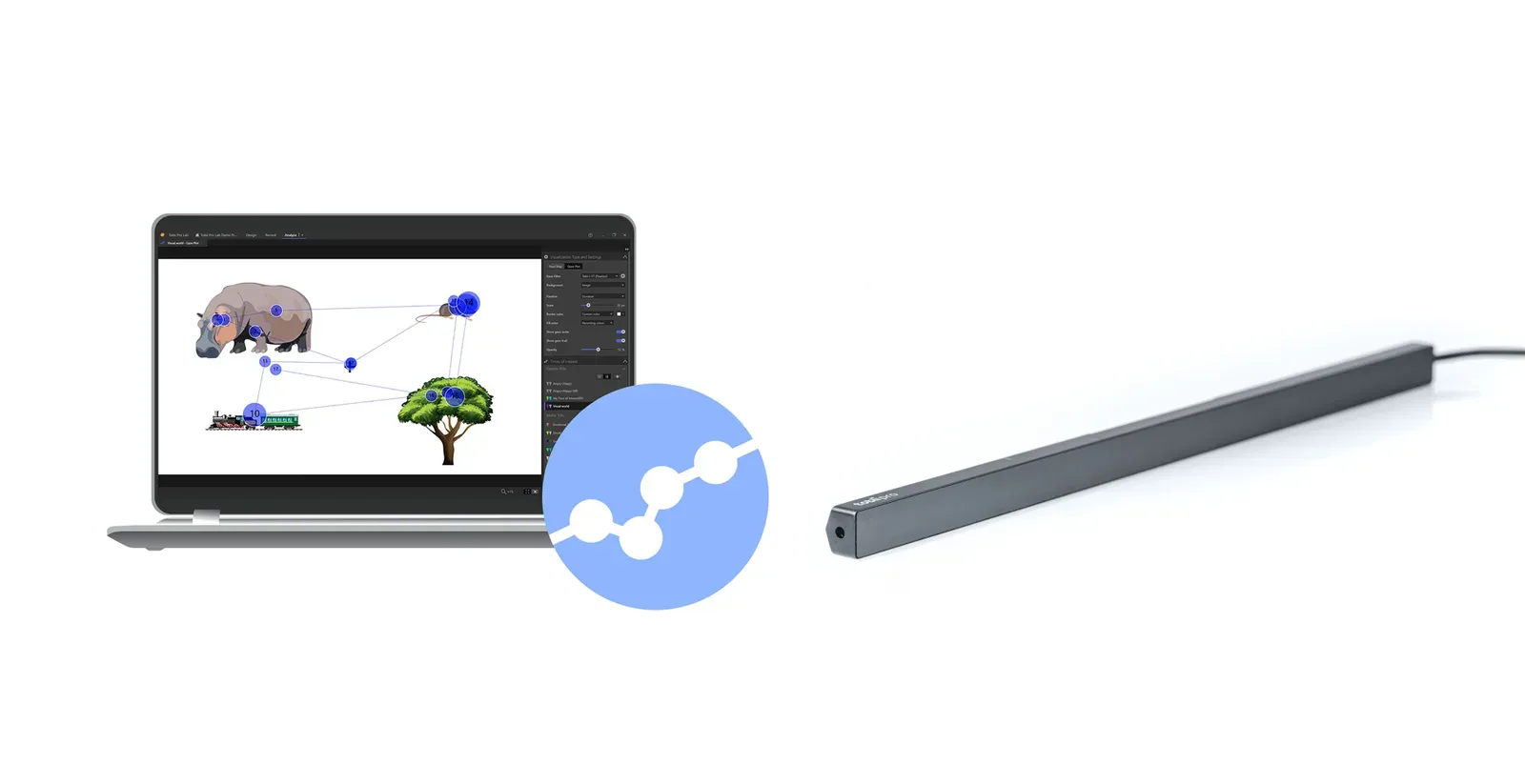
Laptop with Tobii Pro Lab: a gaze plot on a stimulus with animal drawings, next to it a Tobii Pro Fusion bar03 · Back at base

Analyze and export

Results are shown on the stimulus — for one person or a whole group.

  • heat maps and gaze plots
  • areas of interest (AOIs), also tracked automatically in video
  • fixation and saccade metrics, gaze filters
  • export: ready metrics, processed data or raw samples — then e.g. R or SPSS

Tobii Pro Lab license

Purchased separately — perpetual or subscription.

  • Screen-Based — the basic edition for screen-based research
  • Full — also studies with Tobii glasses
  • Analyzer — recording analysis without the recording module

More about Tobii Pro Lab →

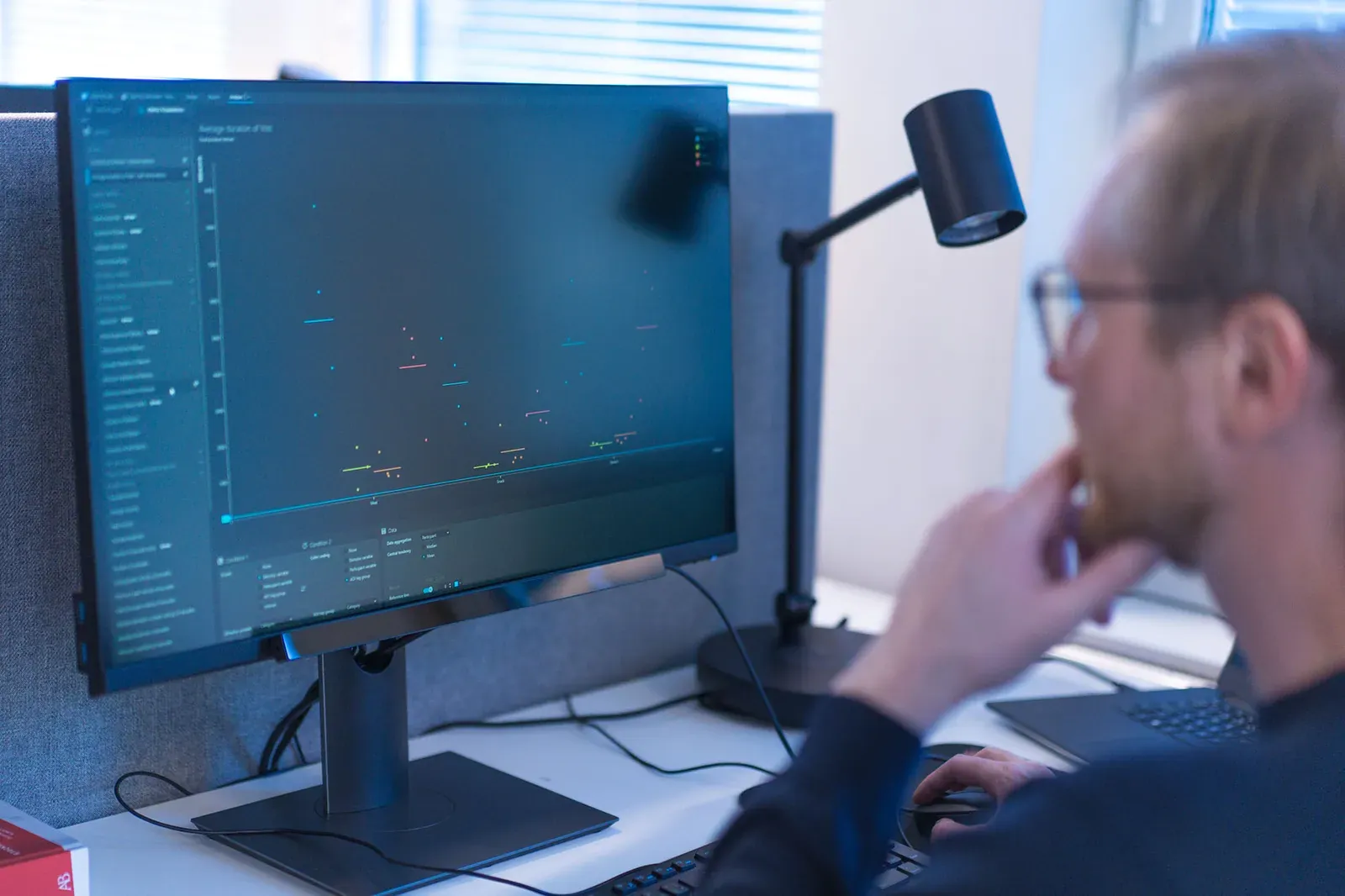
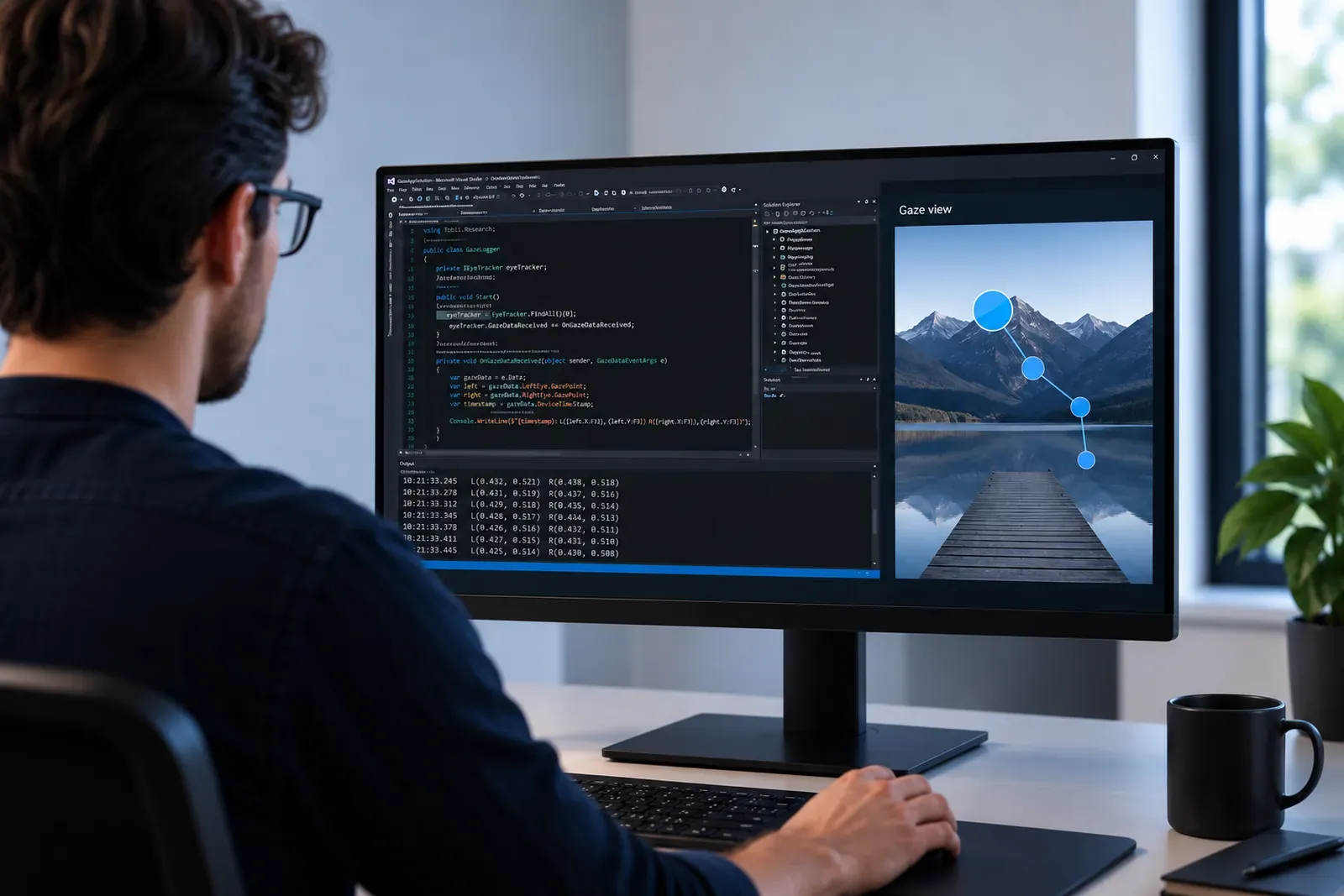
A developer at a monitor with code and a gaze point preview — Tobii Pro SDK

Tobii Pro SDK

Free, included. Gaze point, gaze origin, pupil, eye openness and eye images — for your own experiments.

PythonMATLAB / OctaveC.NETUnityPsychoPy (Titta)PyGazePsychtoolbox

Tobii Pro Eye Tracker Manager

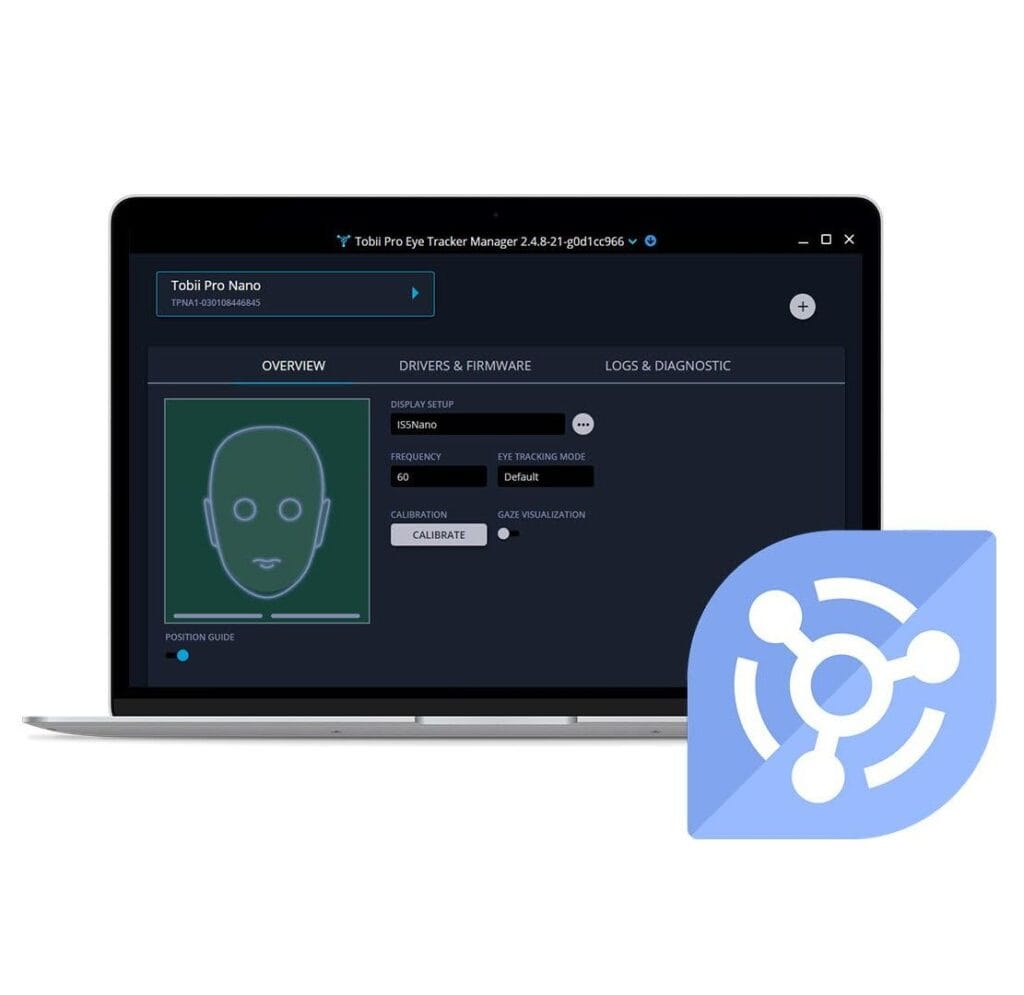
Free, included. Setup in a few minutes — also in the field: screen dimensions, participant calibration, changing the sampling frequency, device updates.

Windows · macOS · Linux

Not sure which software to choose? Describe your study to us.

Why Fusion from Interlab

An eye tracker with its own software, not a platform module

Subscription-based multimodal platforms, to which you connect an eye tracker from another manufacturer, are popular. Fusion is a different approach: an eye tracker up to 250 Hz with software built for eye tracking, while physiological signals — ECG, GSR, EEG — are combined into one setup with a BIOPAC system.

Tobii Pro Fusion from Interlab vs. a subscription platform with competing hardware
FeatureTobii Pro Fusion from InterlabSubscription platform + competing hardware
Sampling frequencyup to 250 Hz60–200 Hz
Freedom of head movement40 × 25 cm at 65 cm, no chin restat 200 Hz: 9 × 4 cm
Eye movement analysisTobii Pro Lab — software dedicated to eye tracking: fixation and saccade metrics, AOIs, heat mapsgeneral-purpose platform; according to its vendor, eye tracking capabilities depend on the connected hardware
LicenseSDK and Eye Tracker Manager free; Pro Lab — perpetual or subscription licensemandatory core module + separately paid eye tracking module; annual renewal
PhysiologyBIOPAC: systems with Fusion and AcqKnowledge licenses for stimulus presentation and eye trackingadditional paid platform modules

Competing hardware: screen-based eye trackers supported by a popular multimodal platform. Data according to manufacturers' websites, as of 2026-10.

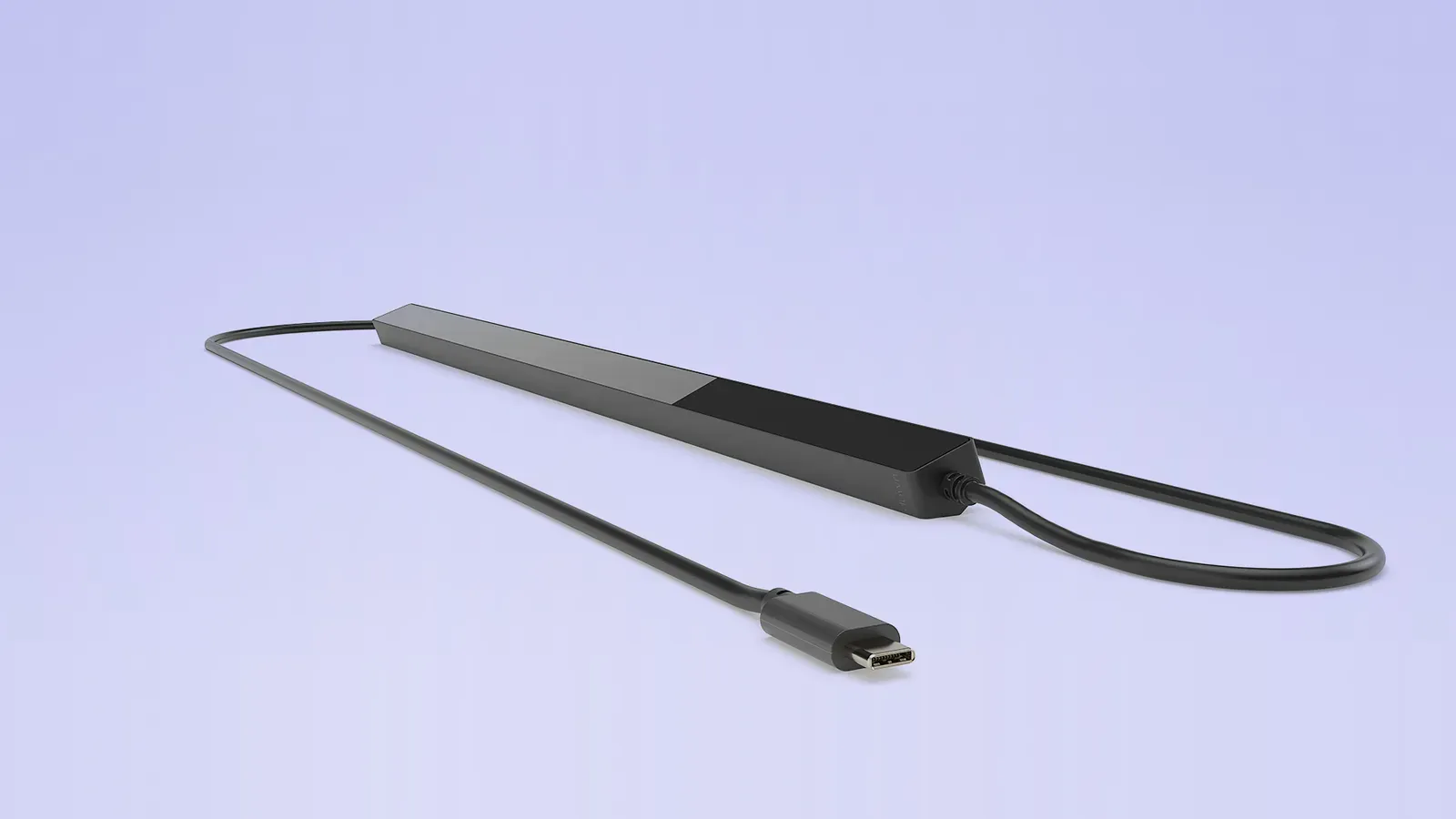
Tobii Pro Fusion bar with a USB-C cable on a light purple background
What you get from Interlab

From the first conversation to the last recording

A portable eye tracker makes sense when it works where you do your research — so we start with your study site.

  • Before purchaseTry before you buyA demo or a trial loan — test Fusion at your school, clinic or lab.
  • Before purchaseMethodological adviceWe help you choose the 60, 120 or 250 Hz version, the paradigm and metrics for your research question.
  • Before purchaseGrant supportTechnical descriptions and configurations for grant applications and tender specifications.
  • SetupInstallation and trainingWe configure the setup and train your team in Tobii Pro Lab — including research outside the lab.
  • SetupMultimodal labTobii and BIOPAC from one supplier — configured and synchronized by us.
  • After purchaseLocal support in PolandTechnical and methodological support — without intermediaries.
  • After purchaseAuthorized Tobii partner in PolandManufacturer's warranty, updates and Tobii Pro Lab licenses.
  • After purchaseReferences in PolandInstallations at universities and companies — contact with reference labs on request.
Portability

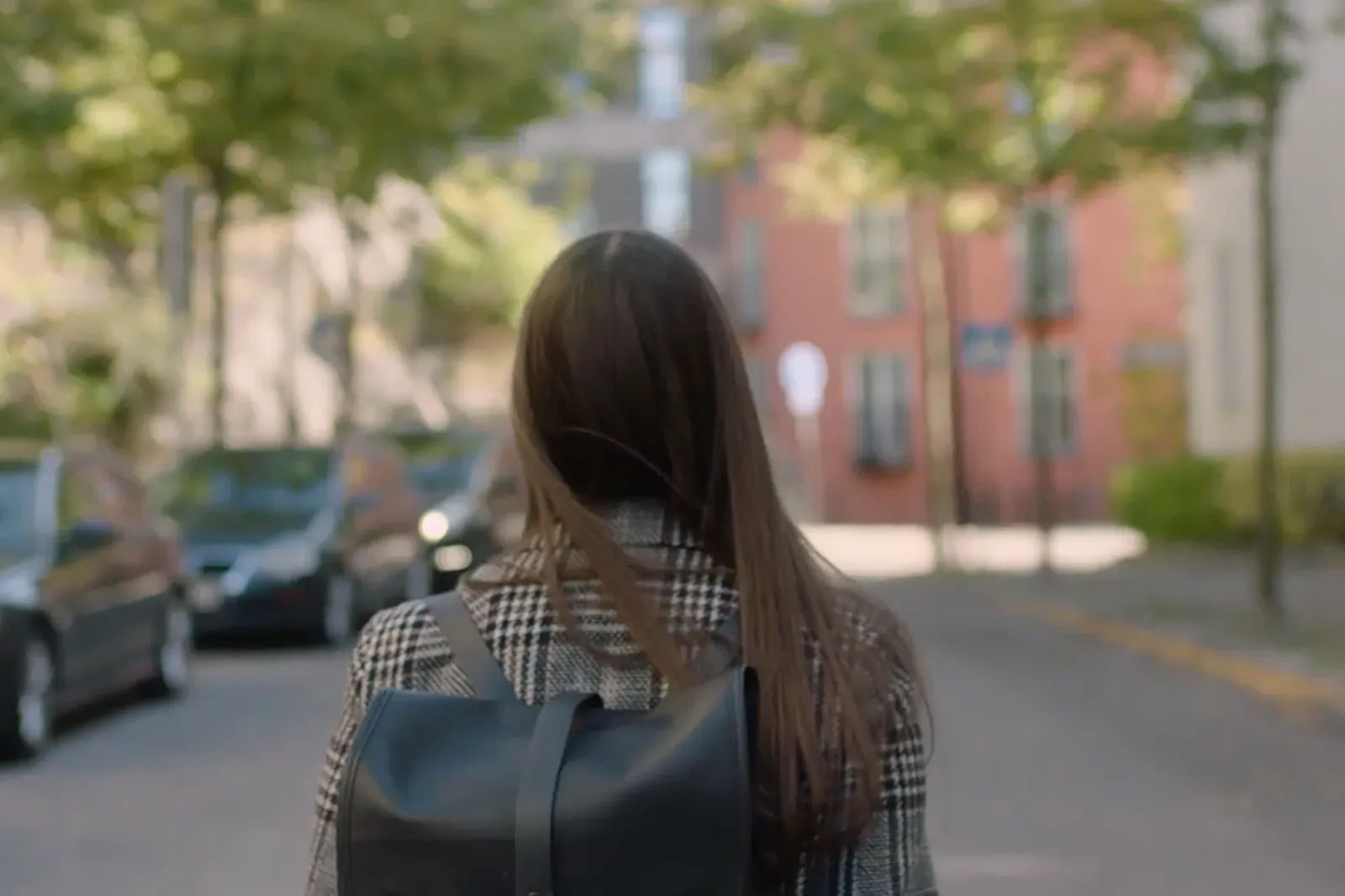
The entire setup fits in a backpack

For a study you need a laptop and the Fusion bar. The bar attaches magnetically below the screen, and a single USB-C cable transfers data to the computer and powers the eye tracker from the laptop — no need to look for a power outlet in the field.

A researcher with a backpack walks down a street between buildings — a portable eye tracking setup
In the backpack
  • Tobii Pro Fusion bar, 168 gwith magnetic mount
  • USB-C cabledata and power over one cable
  • USB-A adapter and power adapterwhen the laptop only has a USB 2.0 Type-A port
  • Laptop with Tobii Pro Labor with your own program built on Tobii Pro SDK
Tobii Pro Fusion bar with a connected cable ending in a USB-C plug

One cable instead of a setup with a power supply

The USB-C cable transfers data to the laptop and powers the eye tracker. Typical power consumption is 4.3 W. The power adapter is only needed with a computer that has a USB 2.0 Type-A port.

data: eye tracker → computerpower: computer → eye tracker
50–80 cmparticipant distance from the eye tracker
up to 24″optimal screen (16:9); on a stand — larger screens and physical objects
< 1 mintypical participant setup
37.4 cmbar length; cross-section 1.8 × 1.37 cm
Applications

Where you can take your study

Some participants are hard to bring to a lab: infants, school-age children, older adults, patients. With Fusion, the lab goes to them. For each site: who you study, which questions are asked there according to the manufacturer, and what Fusion provides.

Eye tracking lab: two workstations with monitors, a set of four pictures on the screen01 · Laboratory

Psychology and neuroscience

Who you study
adult participants in a university lab
Questions
attention allocation, inhibitory control, visual decisions — with saccade-level temporal resolution
Fusion
250 Hz; precision 0.04° RMS (filtered data)
A researcher prepares a laptop on a desk in a school classroom; the eye tracker cable runs to the computer02 · School

Reading and education

Who you study
students, in their classroom
Questions
reading, educational psychology, attention in class
Fusion
laptop, bar and one cable; powered from the laptop
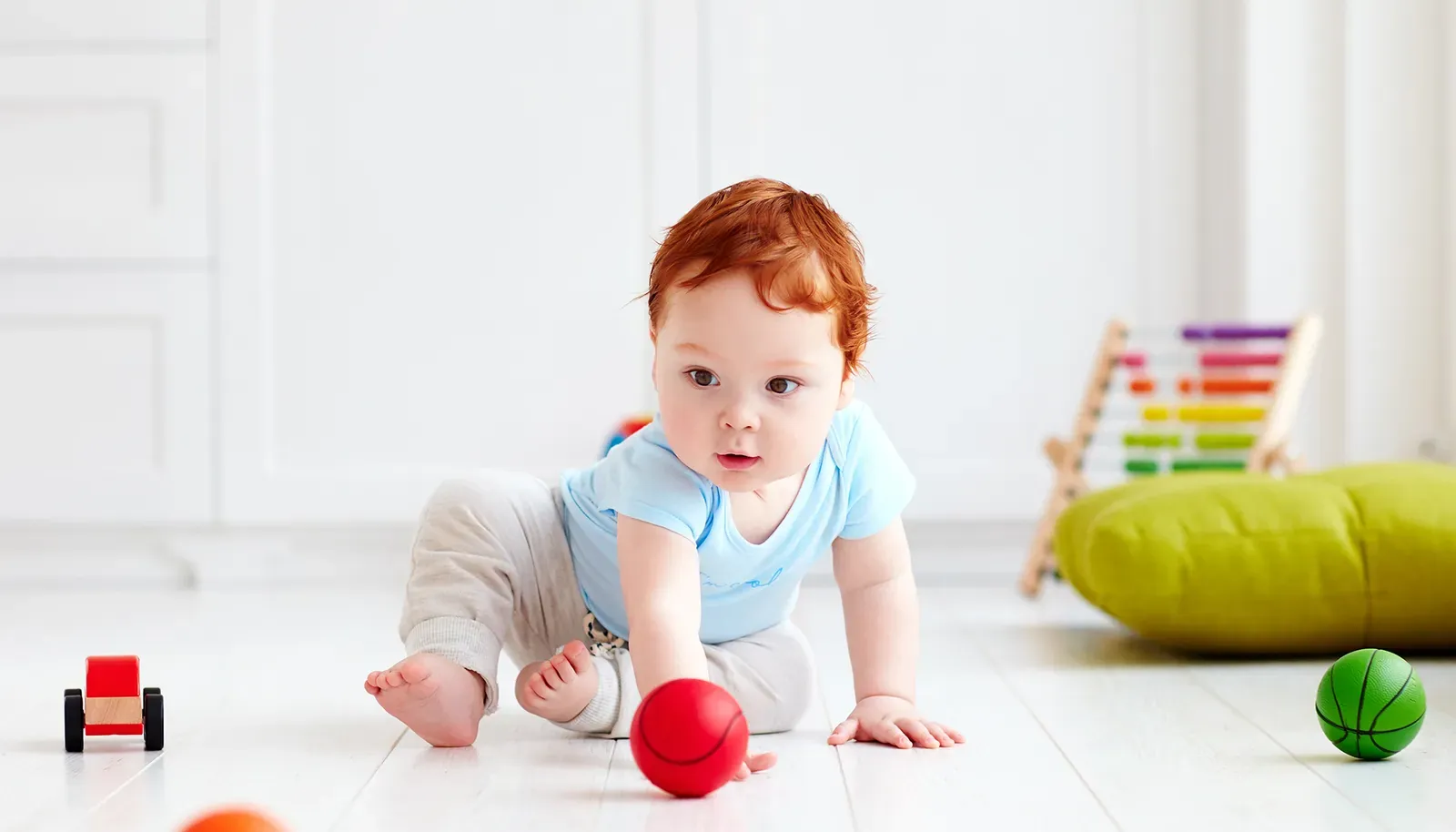
An infant crawls on a light floor among toys03 · Home, nursery

Developmental psychology

Who you study
infants and children; also older adults and longitudinal study participants
Questions
gaze patterns in a place where the participant feels at ease
Fusion
no chin rest; head movement 40 × 25 cm at 65 cm
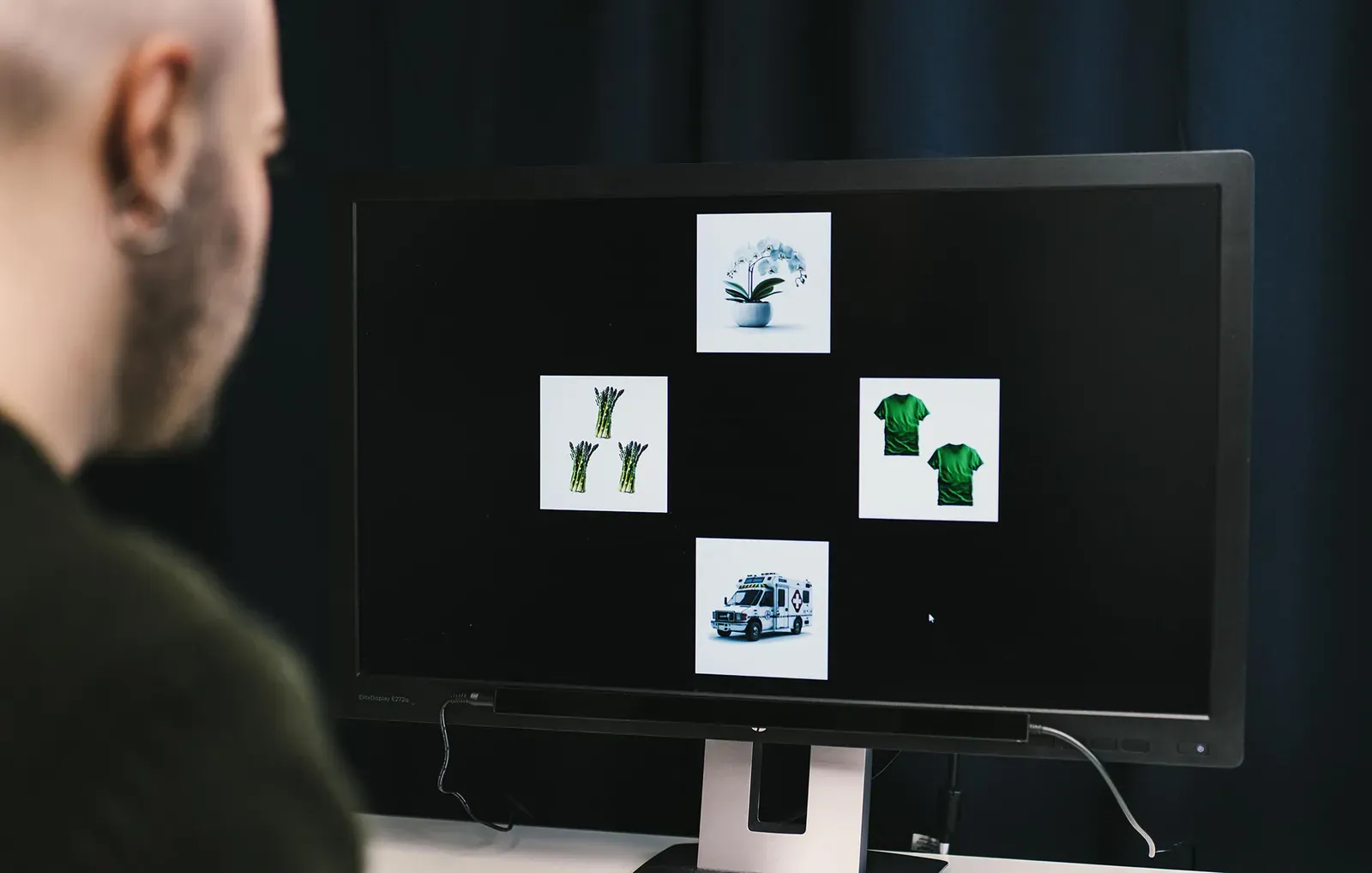
A study participant looks at a monitor with four pictures of objects04 · Clinic, hospital

Clinical research

Who you study
patients — on the ward, in an outpatient clinic, at a rehabilitation center
Questions
eye movement biomarkers in autism, schizophrenia, ADHD and neurological disorders; neurological assessment; rehabilitation progress
Fusion
participant setup usually under one minute
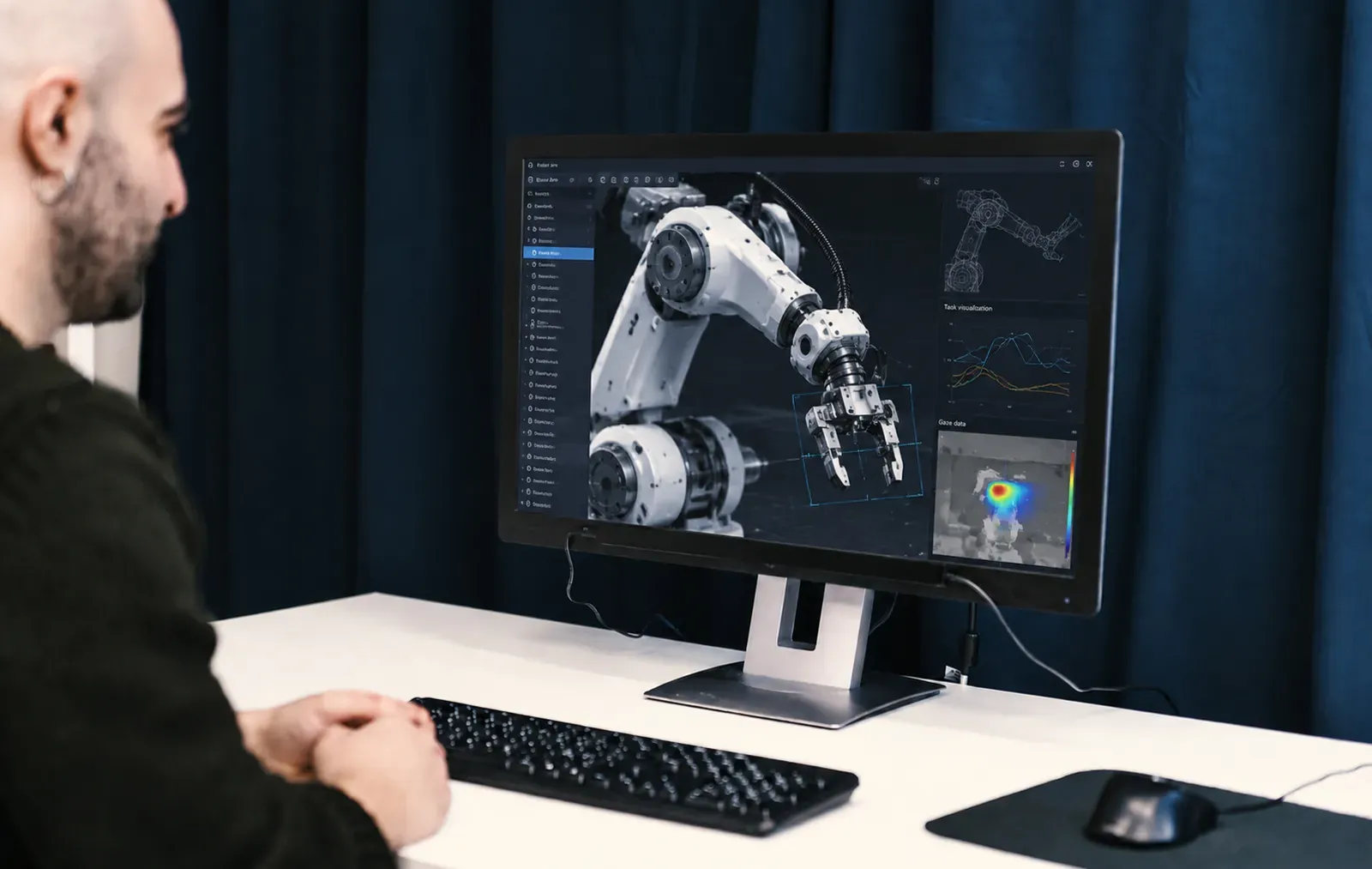
A participant looks at a monitor showing a robot arm and a gaze heat map05 · Company, R&D lab

Human and technology

Who you study
users of systems and interfaces
Questions
how people direct attention and make decisions with AI interfaces, automation and robots
Fusion
on a stand — also larger screens and physical objects

Several sites, one protocol

In multi-site studies, every site gets the same hardware and the same Tobii Pro Lab project. The manufacturer documents data quality both in the lab and in the field — without a chin rest.

500+participants in field data quality tests
450+scientific publications with Fusion
2manufacturer reports: lab and field

Sites and research questions according to the Tobii Pro Fusion page (tobii.com). Photos: Tobii.

Specification

Technical specifications

According to the manufacturer's current specification. Accuracy and precision refer to optimal conditions.

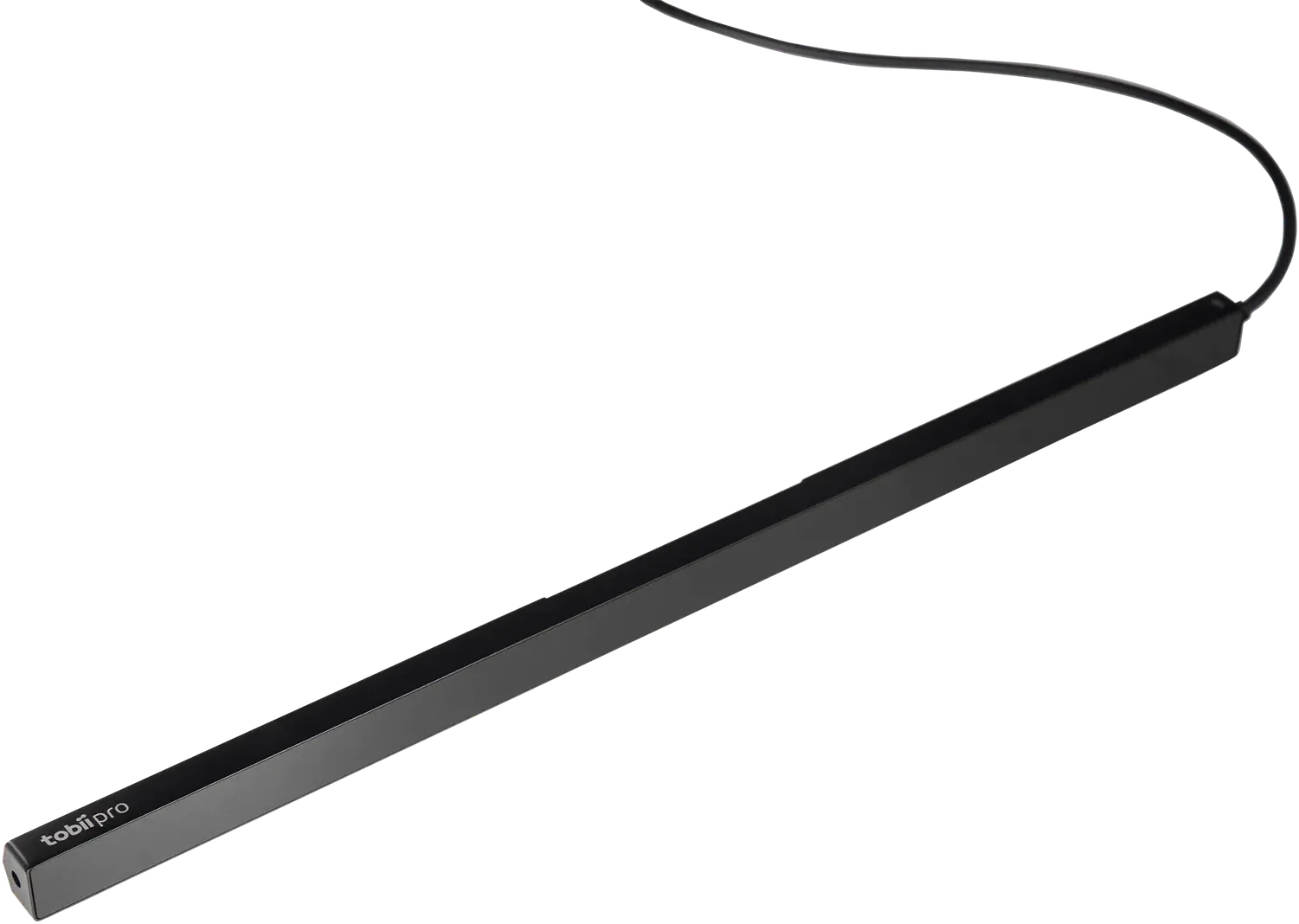
Tobii Pro Fusion — black eye tracker bar with cable
Tobii Pro Fusion technical specifications
ParameterValue
Sampling and latency
Sampling frequencies30, 60, 120 or 250 Hzmaximum depends on the hardware version: 60, 120 or 250 Hz
Eye tracker latencymean < 13 ms at 250 Hz (SD < 1.2 ms)
Tracking recoveryafter a blink: 1 frame; after tracking loss: 250 ms
Data quality
Accuracy0.3°in optimal conditions
Precision0.04° RMS (Savitzky-Golay filter) · 0.2° RMS (raw signal)in optimal conditions
Methodvideo-based pupil and corneal reflection, dark and bright pupil modesdark — all frequencies; bright — 60 and 120 Hz
Binocular trackingyes — two cameras, stereo imaging of both eyes
Participant and setup
Head movement box40 × 25 cm at 65 cm · 45 × 30 cm at 80 cm
Operating distance50–80 cm from the eye tracker (screen-mounted)
Optimal screen sizeup to 24″ (16:9)on a stand: larger screens and physical objects
Calibrationbinocular or monocularparticipant setup usually < 1 min
Data and synchronization
Data outputtimestamp, eye position, gaze point, pupil diameter
Eye opennessin mm, separately for each eye; at all frequencies, with the same timestamps as gaze data
Eye imagesapprox. 4 Hz (one image of each eye)
TTL inputnone
Time synchronizationintegrated between the eye tracker and computer time domains
Device
Dimensions and weight37.4 × 1.8 × 1.37 cm; 168 g
Cameras and processing2 Tobii EyeSensor™ modules; 3 Tobii EyeChip™ processors — on-device processing
Connectors and powerUSB Type-C (USB-A adapter included); powered via USB-C or by a power adapter with a USB 2.0 Type-A port
Power consumptiontypically 4.3 W, max. 9 W
Operating systemsWindows, macOS, Linux
SoftwareTobii Pro Lab, Tobii Pro Eye Tracker Manager, Tobii Pro SDK and applications based on it
In the boxeye tracker bar with magnetic mount, USB-C cable, USB-A adapter, power adapter, quick start guideTobii Pro SDK and Eye Tracker Manager licenses included; Tobii Pro Lab license sold separately

Fusion within the Tobii Pro family

Comparison according to the manufacturer. Fusion combines portability with a frequency sufficient for saccade analysis.

Comparison of Tobii Pro Spectrum, Fusion and Spark
ParameterPro SpectrumPro FusionPro Spark
Intended usemicrosaccades, tremor, saccade dynamics, multimodal researchsaccade analysis, reading, portable labfixation-based research, UX, teaching
Max. sampling rate1200 Hz250 Hz60 Hz
Precision (filtered)0.01° RMS0.04° RMS0.26° RMS
Camerastwotwoone
Hardware TTL synchronizationyes — 8-bit, 50 µsnono
Form factorunit with monitor, 5.1 kgportable bar, 168 gportable bar, 97 g

Source: tobii.com, Tobii Pro Fusion product page (as of 2026-10). Older manufacturer documents give some different values (e.g. head movement box, power consumption) — the current specification applies.

Frequently asked questions

How do the 60, 120 and 250 Hz versions differ?

In maximum sampling frequency and illumination modes: the 60 and 120 Hz versions work in dark and bright pupil modes, the 250 Hz version in dark pupil mode. These are hardware versions chosen at purchase, not license options. The manufacturer recommends Fusion as a whole family for saccade analysis and reading research; we will advise you which version suits your paradigm.

Is a laptop enough?

Yes. Fusion attaches magnetically below a laptop or monitor screen (optimally up to 24″, 16:9) and connects with a single USB-C cable that transfers data and powers the eye tracker. With a computer that has a USB 2.0 Type-A port, you use the included adapter and power adapter.

Does the participant need a chin rest?

No. The eyes are tracked within a 40 × 25 cm area at 65 cm from the eye tracker (45 × 30 cm at 80 cm). After a blink, tracking recovers after one frame; after the eyes leave the area — within 250 ms of their return.

How do I combine Fusion with EEG, ECG or GSR?

Via software — Fusion has no TTL input. The eye tracker clock is synchronized with the computer clock, and BIOPAC offers systems with Fusion and AcqKnowledge licenses for stimulus presentation and eye tracking. When hardware event markers are needed, Tobii Pro Spectrum is a better choice.

What software do I need?

Tobii Pro Lab for study design, recording and analysis (license purchased separately — perpetual or subscription) or Tobii Pro SDK for your own programs, e.g. in Python, MATLAB or PsychoPy. The SDK and Tobii Pro Eye Tracker Manager are free and included.

What is in the box?

The eye tracker bar with magnetic mount, USB-C cable, USB-A adapter, power adapter and quick start guide. We will confirm the package contents and any transport accessories in the quote.

Can I try Fusion before buying?

Yes — we will arrange a demo or a trial loan, also at the site where you plan your research. Contact us.

Download materials click to expand

Interested in this product?

Contact us for a detailed quote and technical advice.

Related products

fNIRSResearch & Scientific Instruments

fNIRSResearch & Scientific Instruments

Eye TrackingResearch & Scientific InstrumentsSoftware

AccessoriesEye TrackingResearch & Scientific Instruments

Ask about this product

Product: Tobii Pro Fusion