Tobii Pro Tripod Stand — Eye tracking beyond the monitor — large screens, projections, objects

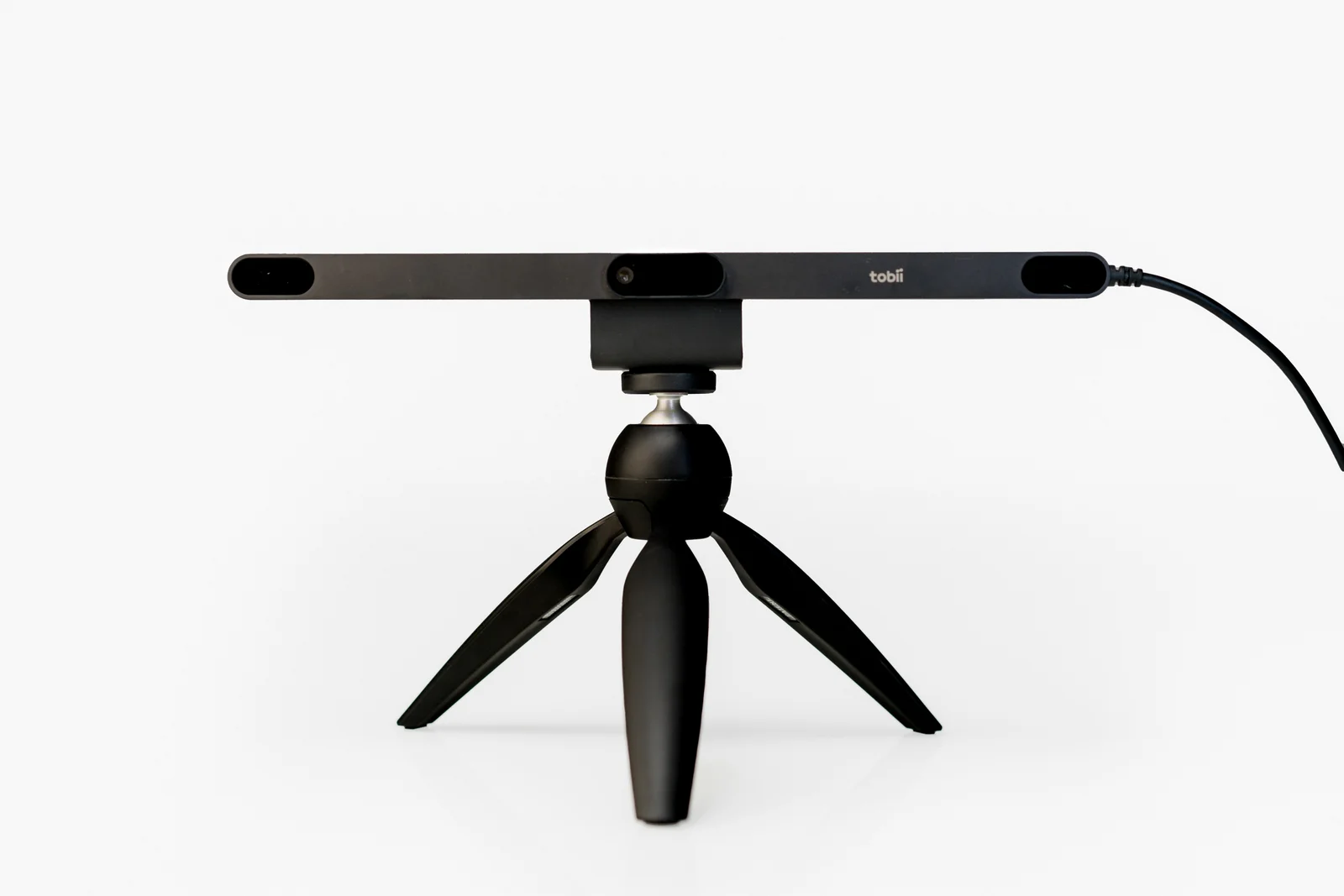
A small tripod with a Tobii mounting plate that holds a Pro Spark or Pro Fusion eye tracker in front of the study participant. Useful when what is being viewed does not fit on a regular monitor: a large screen, a projection, products on a table or a conversation with another person.

Pro Spark · Pro Fusioneye trackers you mount on the tripod
screens above 24″large monitors, projections, simulators
objects and peoplescene camera studies in Tobii Pro Lab
angle meter and tape measureincluded — to describe the setup in the software
Tobii Pro Spark eye tracker mounted on a small tripod with a ball head — front view
Bar angle and level
you set them, measure with the included meter and enter them in the software · illustrative graphic
Tobii accessory

When the eye tracker does not fit under a monitor

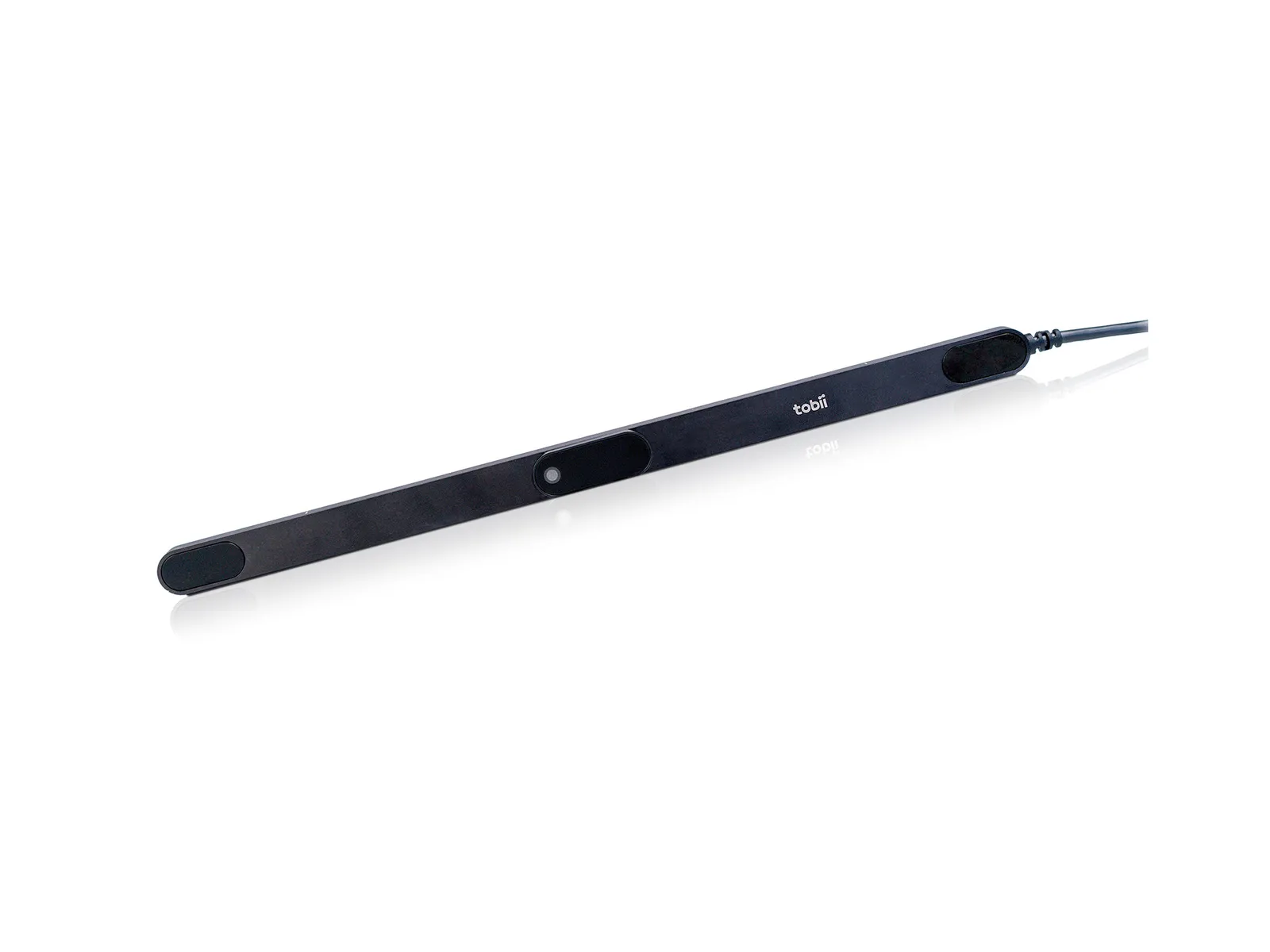
A screen-based eye tracker is a bar with cameras that films the participant’s eyes and calculates which point on the screen they are looking at. It is usually attached magnetically below the monitor. When the study material is larger than a monitor, or is not an on-screen image at all, the eye tracker is placed separately — on a tripod.

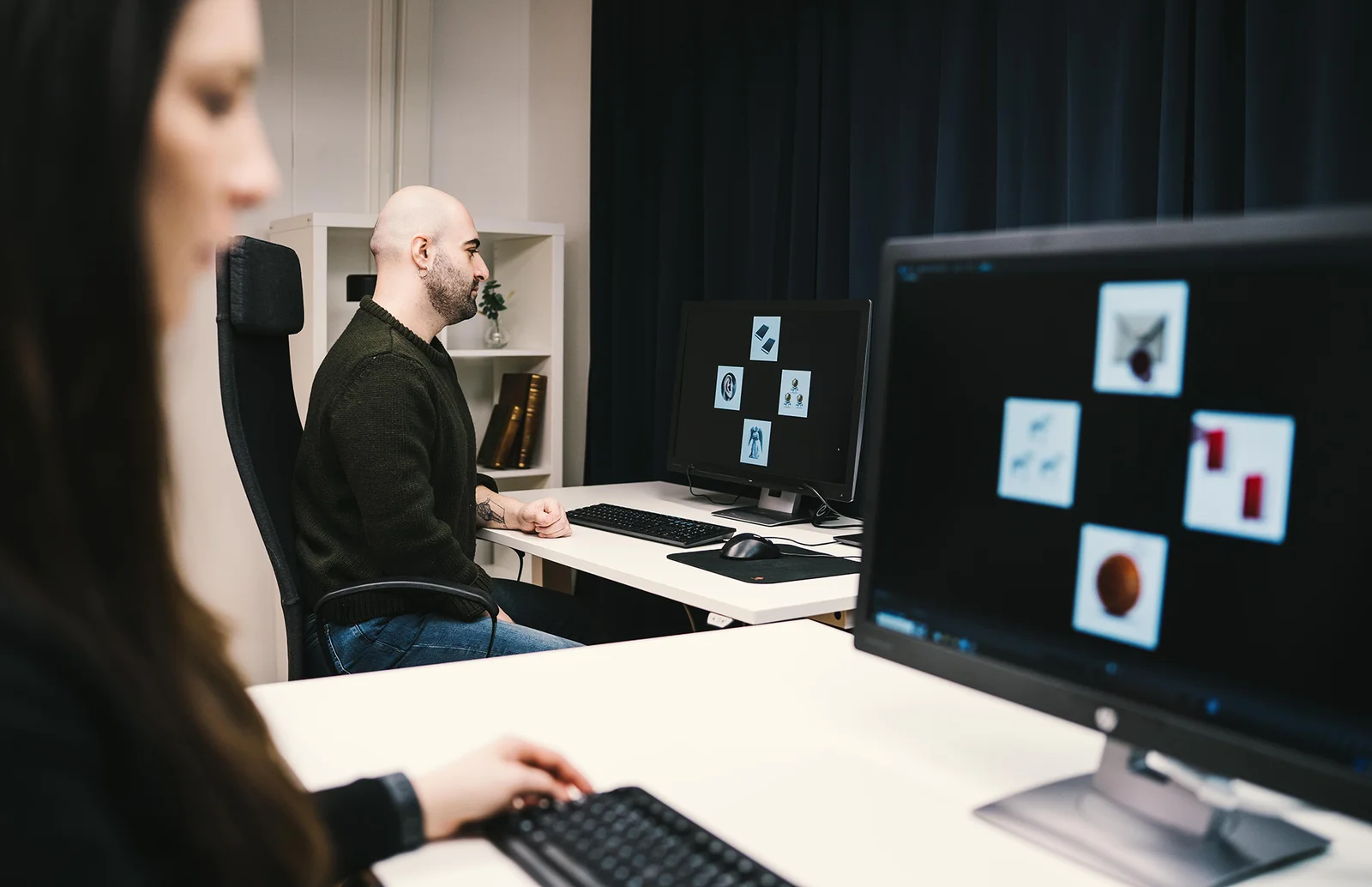
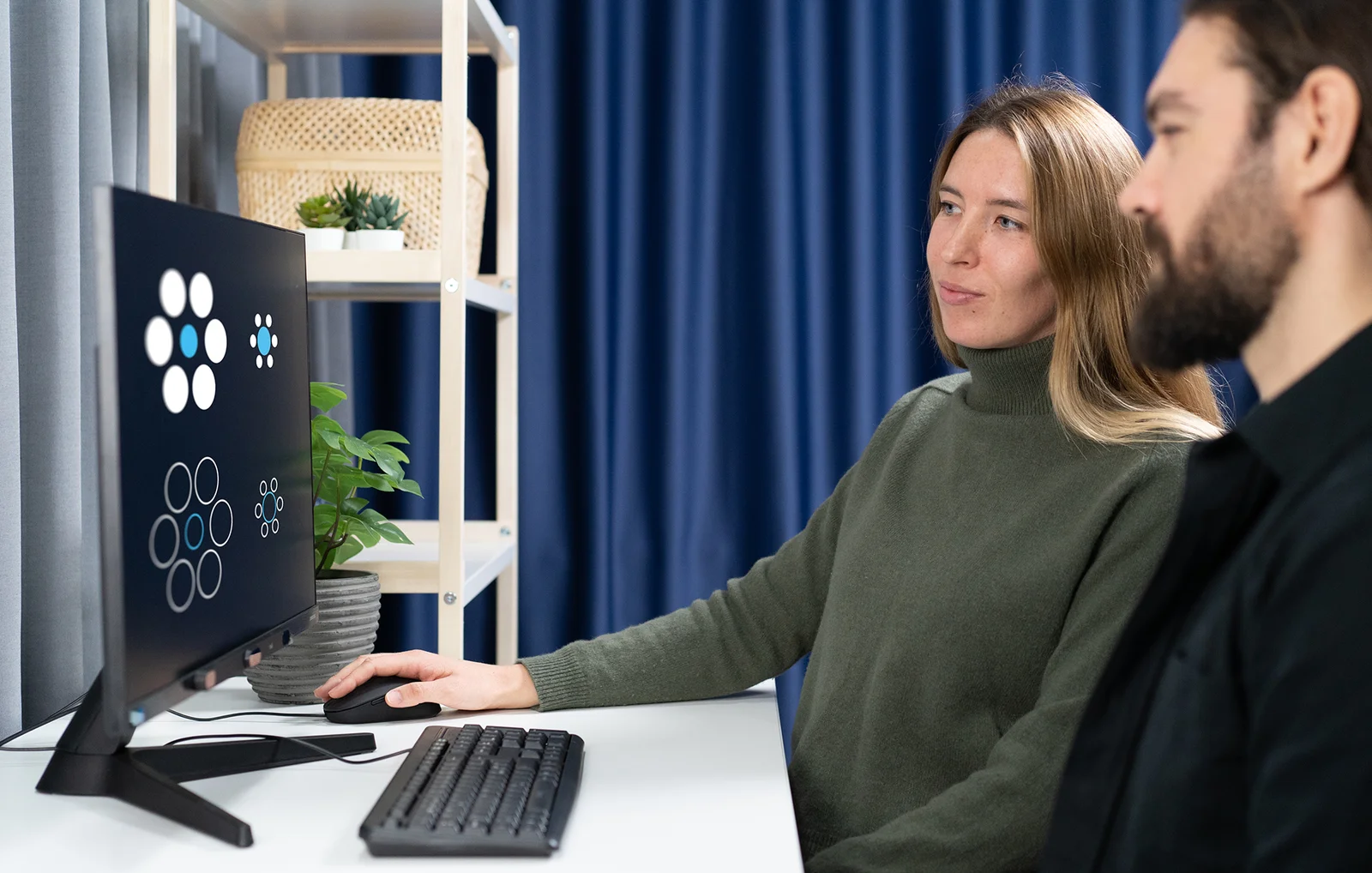
Laboratory: a participant in front of a monitor with an eye tracker attached below the screen, the experimenter’s station in the foreground
Below the monitor · magnetic mount

Standard: the bar below the screen

You attach Spark below screens up to 27″, Fusion — up to 24″. The magnetic mount is included with the eye tracker.

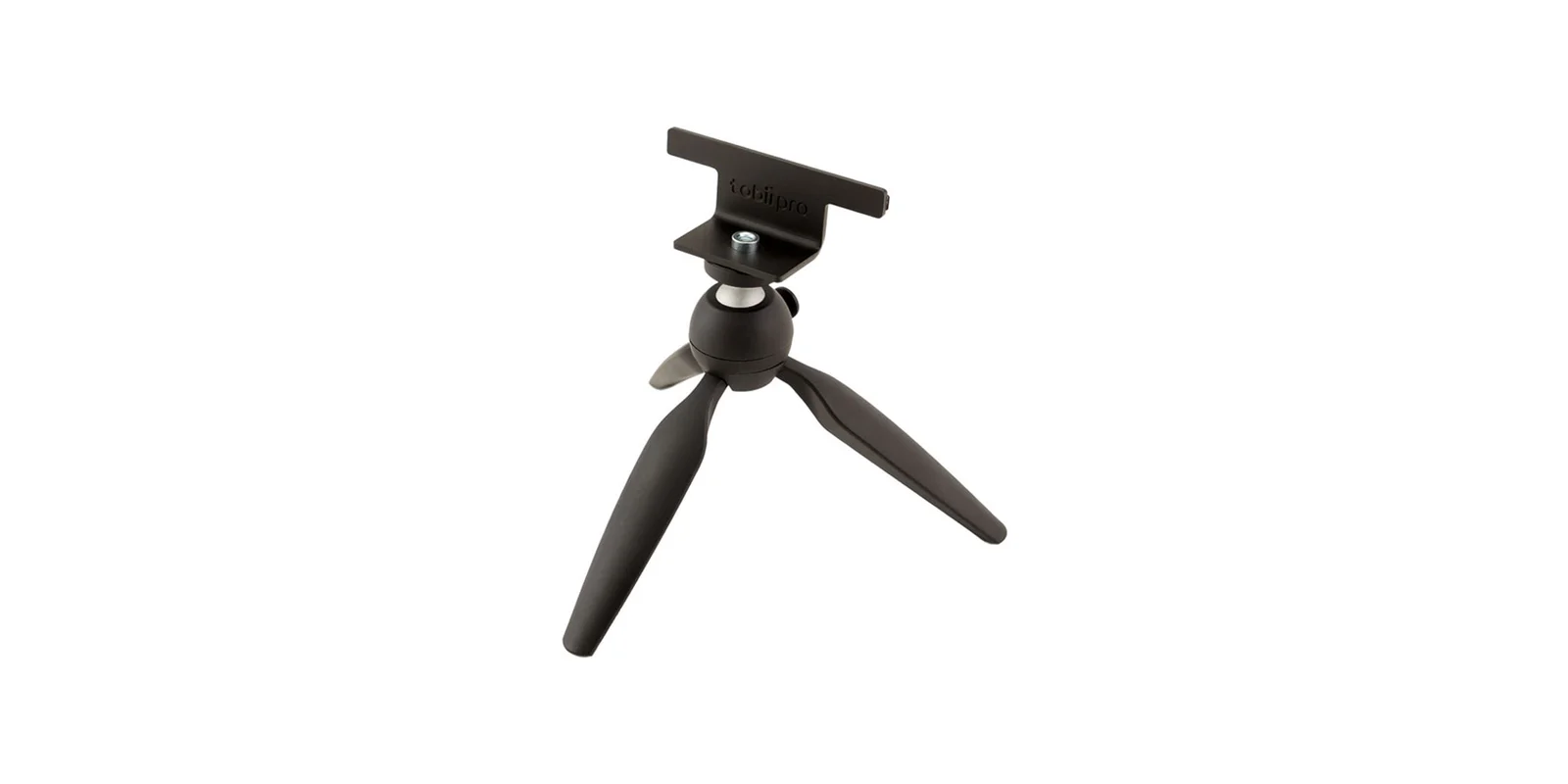
Tobii Pro mounting plate screwed onto a small tripod with a ball head
On the tripod · Tobii mounting plate

With the tripod: the eye tracker stands on its own

You fix the included plate on the tripod and the eye tracker on the plate. You place it in front of the participant where it sees the eyes best — regardless of what the participant is looking at.

Important: the eye tracker has to know where the screen is relative to it. On a monitor this is fixed geometry. On a tripod you set it up yourself, so you measure distances and angles and enter them in the software — that is why a digital angle meter and a tape measure are included.

Applications according to Tobii

Studies where the tripod is useful

The manufacturer points to three typical situations. The participant sits at a table and the eye tracker stands in front of them on the tripod.

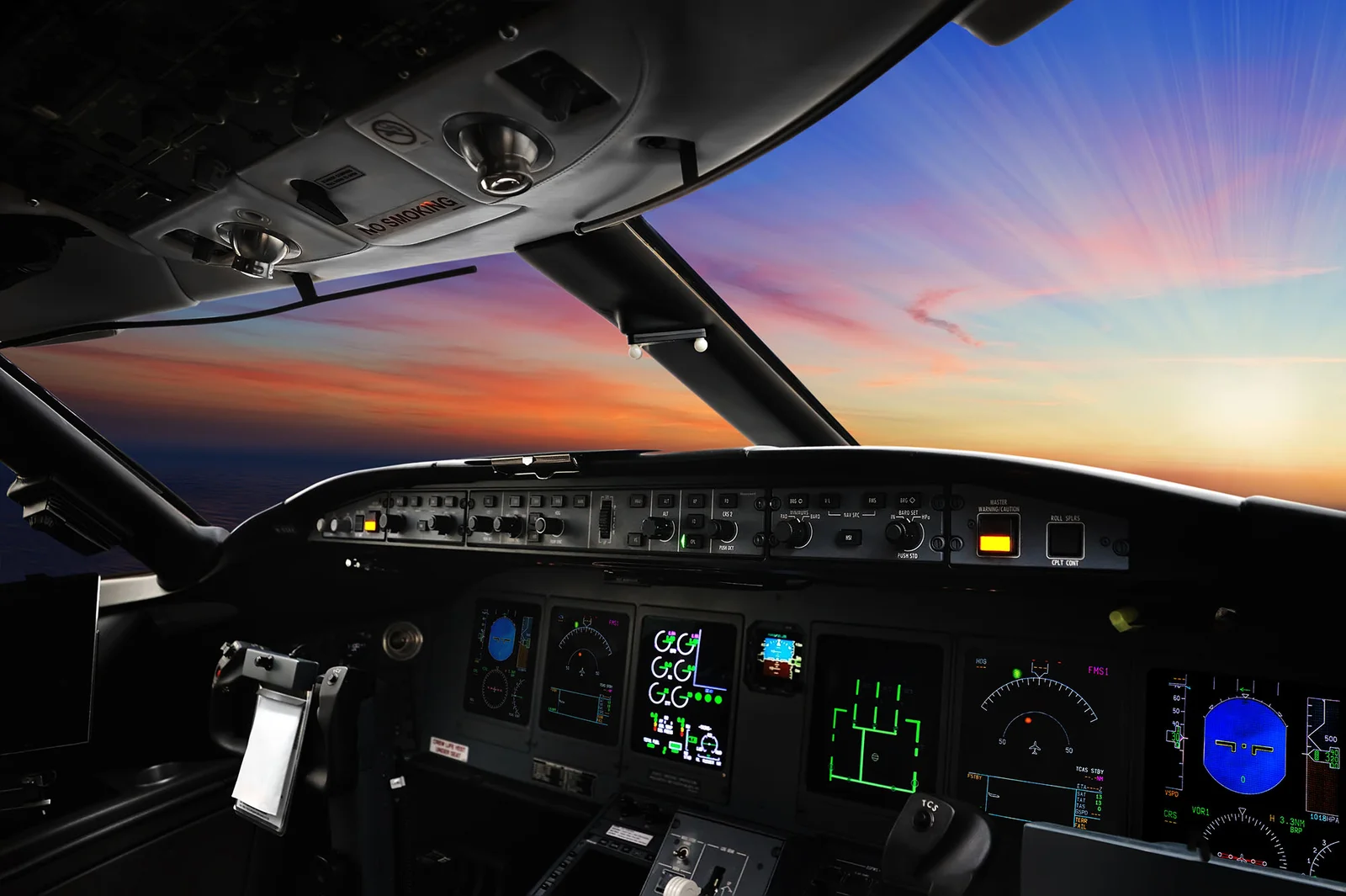
Flight simulator cockpit with a sky view on a large screen and an instrument panel
Large screens

Projections, simulators, monitors above 24″

When the image is too large to mount the bar below it — e.g. a wall projection, a TV or a simulator screen. The participant works at a distance of 50–80 cm from the eye tracker (Pro Fusion).

A shopper in a store looking at a milk bottle by a shelf of products
Physical objects

Products, packaging, objects on a table

The participant looks at a real object instead of a picture. An external camera records the scene, and Tobii Pro Lab overlays the gaze point on the recording in a scene camera project.

Two people talking at a research station with a monitor
Interactions

Face-to-face conversation

How the participant looks at the other person: at the eyes, mouth, gestures. Tobii gives this example directly — the scene camera records one side of the conversation.

Photos: Tobii — they illustrate research topics and do not show the tripod. Source: tobii.com (Tripod Stand), Tobii Pro Fusion user manual, Tobii Connect (scene camera project).

How to set up the station

Five steps from tripod to first recording

According to the Tobii Pro Fusion user manual — with a large monitor or a projection screen. Click a step to see what it refers to.

Screenside view · illustrative diagram
Side-view diagram of the station: participant, eye tracker on the tripod and the screen behind it, with the dimensions to be measured participant screen eye tracker on tripod height · mm plate + tripod 50–80 cm angle ° angle ° Δ height · mm position · mm
Screen width and heightmm
Screen angle°
Height difference: top of the eye tracker — bottom of the screenmm
Eye tracker position below / above the screenmm
Eye tracker angle°

Fields according to the Tobii Pro Fusion user manual (Setup with Tobii Pro Tripod Stand). Diagram proportions are illustrative.

In the box

What is included

Everything you need to mount the eye tracker and describe its setup in the software.

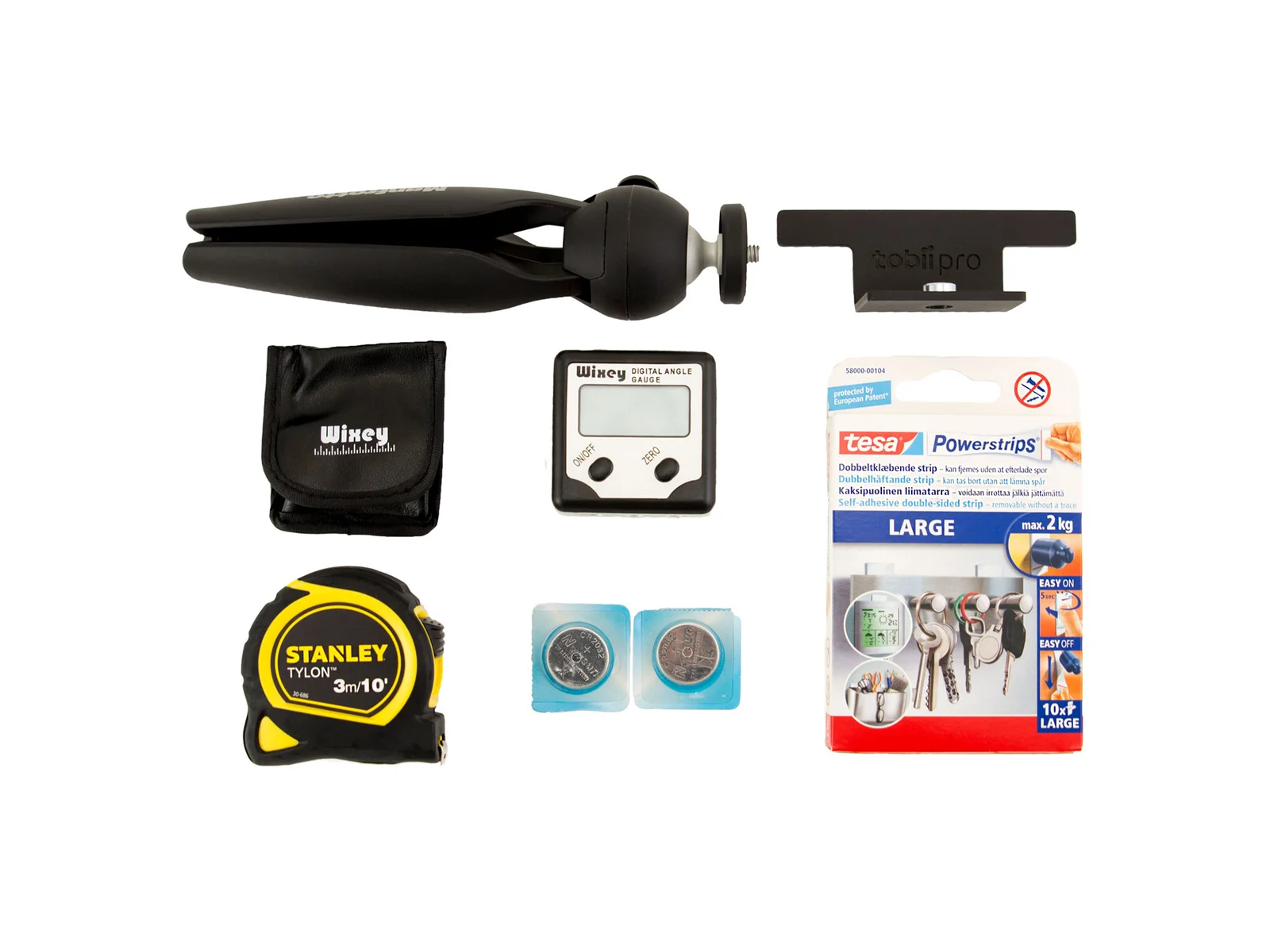
Contents of the Tripod Stand kit: Tobii Pro mounting plate, small tripod with a ball head, digital angle meter with case and batteries, retractable tape measure and TESA Powerstrips mounting strips
  • 1Tobii mounting plateconnects the eye tracker to the tripod; standard camera thread
  • 2TESA Powerstrips mounting stripsself-adhesive, double-sided
  • 3Digital angle meterscreen and eye tracker tilt — you enter them in Eye Tracker Manager
  • 4Tape measurescreen dimensions and distances at the station
  • 5Tabletop tripod with ball headfolding legs; the ball head lets you set the eye tracker angle

Photo and list: tobii.com, Tripod Stand page (as of 2026-10).

Compatibility

Which eye trackers it works with

The tripod is intended exclusively for two eye trackers: Tobii Pro Spark and Tobii Pro Fusion. You can buy it together with the eye tracker or later, when your studies go beyond the monitor.

Tobii Pro Eye Tracker Manager

Free software included with the eye tracker. This is where you describe the screen setup (Advanced setup) and check the participant’s position (Position Guide).

Tobii Pro Lab

Study design and analysis. For objects and conversations — the scene camera project: an external camera records the surroundings, and the software combines the video with gaze and the GSR signal from Shimmer3 sensors.

Why Interlab

The tripod is not everything — a well-described station is what counts

As an authorized Tobii partner in Poland, we help you plan studies beyond the monitor and set them up together with you.

Configuration choiceMonitor or tripod, Spark or Fusion, whether you need a scene camera — we advise based on your study plan.
Setup during installationWe measure the station, configure Eye Tracker Manager and make the first recording in Tobii Pro Lab together with you.
Demo before purchaseSee the eye tracker on the tripod in our multimodal Tobii + BIOPAC laboratory or try it on a test loan.
Local support in PolandTraining, methodological help, assistance with grants and tenders — and someone to contact when you change your station.

Specifications

Specifications

According to Tobii materials. The manufacturer does not publish the dimensions or weight of the kit.

Tobii Pro Spark on a tripod with a ball head
Tobii Pro Tripod Stand specifications
ParameterValue
Manufacturer and nameTobii — Tripod Stand
Purposemounting a Tobii Pro Spark or Tobii Pro Fusion eye tracker on a tripod
Compatible eye trackersTobii Pro Spark, Tobii Pro Fusion
MountingTobii mounting plate with a standard camera thread
Includedtabletop tripod with ball head, Tobii mounting plate, TESA Powerstrips, digital angle meter, tape measure
Applicationsmonitors and projection screens above 24″, simulators; physical objects and social interactions in a scene camera setup
Participant distance50–80 cm from the eye trackerTobii Pro Fusion, according to the manufacturer’s manual
Screen configurationTobii Pro Eye Tracker Manager › Display Setup › Advanced setup: screen dimensions (mm), screen angle (°), height difference and position of the eye tracker relative to the screen (mm), eye tracker angle (°)
Research softwareTobii Pro Lab — screen-based projects and the scene camera project (video from an external camera, gaze, GSR from Shimmer3)

Sources: tobii.com — Tripod Stand and accessories table; Tobii Pro Fusion User Manual; Tobii Connect — Tobii Pro Lab Scene Camera Project (as of 2026-10).

Frequently asked questions

Do I need a tripod if I run studies on a regular monitor?

No. You attach Spark magnetically below screens up to 27″, and Fusion below screens up to 24″ — the mount is included with the eye tracker. The tripod is useful for larger screens, projections, simulators, physical objects and conversations.

Why are an angle meter and a tape measure included?

An eye tracker on a tripod does not know where the screen is. In Eye Tracker Manager you enter the screen dimensions, its angle, the eye tracker position relative to the screen and the eye tracker angle — you measure them at the station with the tape measure and the meter. You save the configuration under a name.

Is the tripod itself included?

Yes — a small tabletop tripod with a ball head, plus a Tobii mounting plate, TESA strips, a digital angle meter and a tape measure. The plate has a standard camera thread, so if your station needs a different height, you can mount it on another camera tripod.

How do I study what a participant looks at on a real object?

In Tobii Pro Lab you choose a scene camera project. An external video camera records the surroundings and the eye tracker records gaze; during analysis the software lets you replay, visualize and map the data (assisted or manually). The same project records the GSR signal from Shimmer3 sensors.

Can I see such a station before buying?

Yes — book a demo in our laboratory or a test loan. Write to us.

Download materials click to expand

Interested in this product?

Contact us for a detailed quote and technical advice.

Related products

AccessoriesResearch & Scientific Instruments

Eye TrackingMobile (Glasses)Research & Scientific InstrumentsSoftware

AccessoriesEye TrackingResearch & Scientific Instruments

BiometricsGSR / EDA (Skin Conductance)PPG / SpO2 (Pulse & Saturation)Research & Scientific Instruments

Ask about this product

Product: Tripod