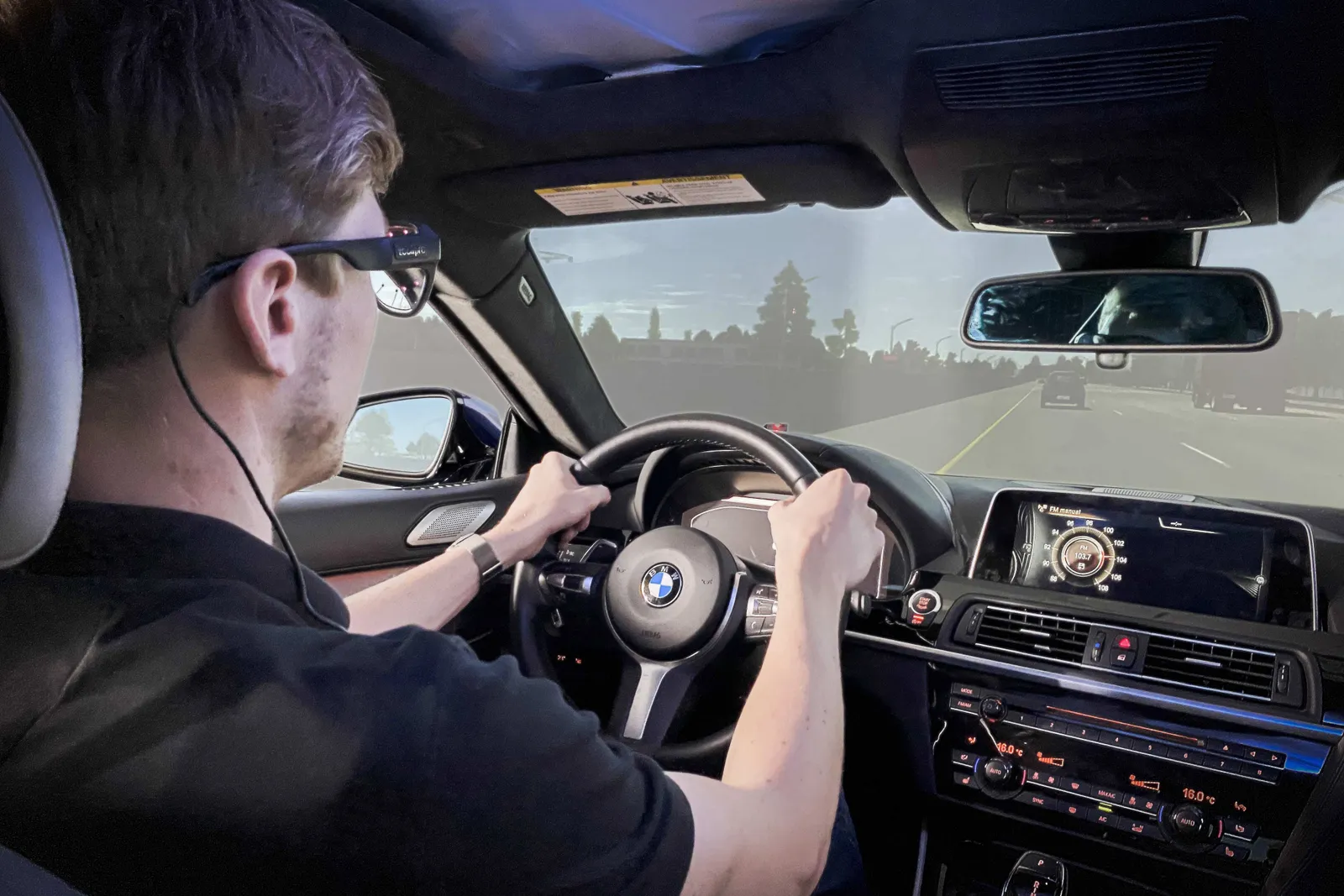
Drivers and vehicle interfaces
Distraction, fatigue, cognitive load and cockpit operation — in a simulator or on the road.

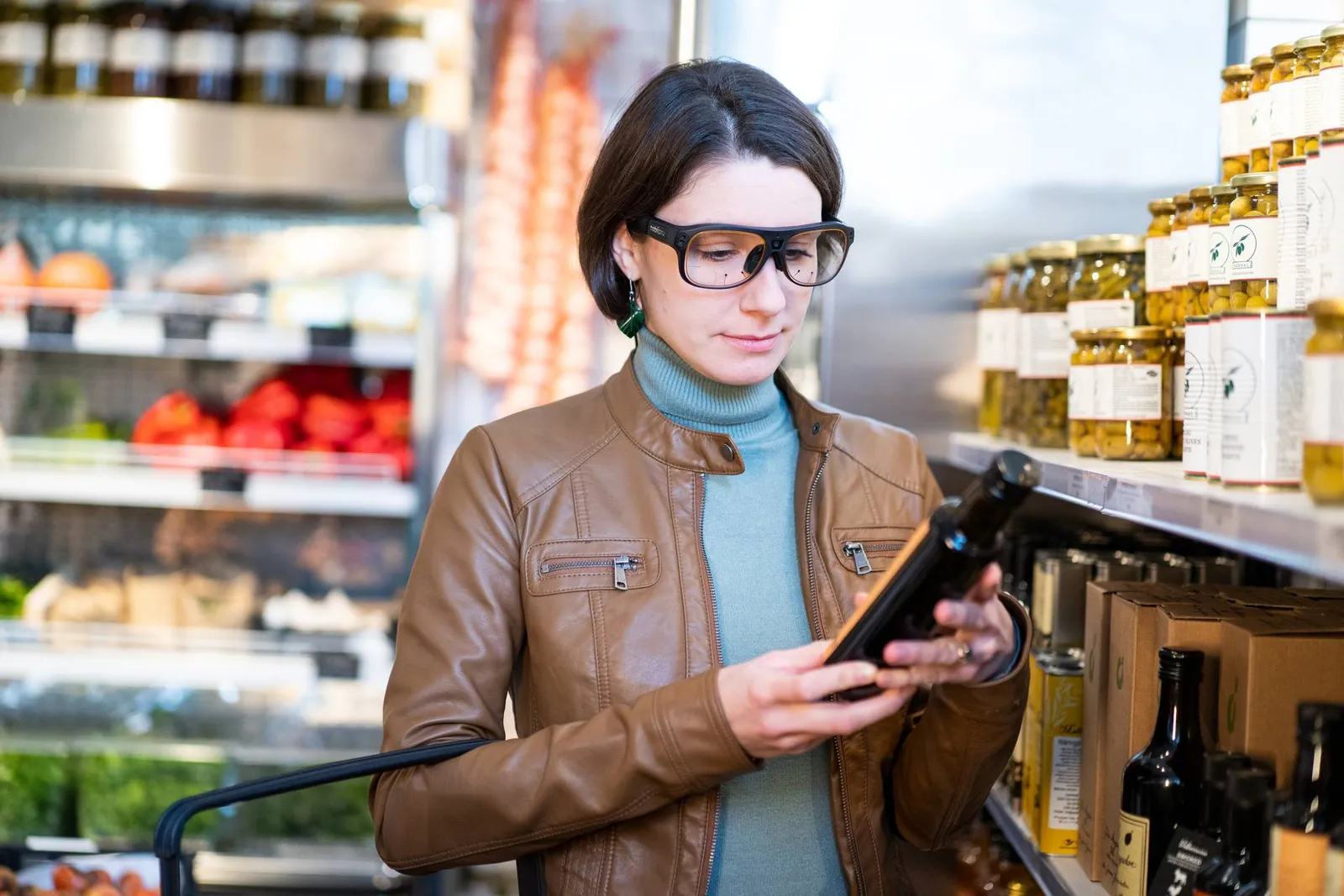
Glasses that film what the participant sees and mark on that video where they are looking — in a store, behind the wheel, on the sports field or at a workstation. The participant moves freely, and you get scientific-quality data: gaze point, pupil and head movement.
An eye tracker is a device that measures where a person is looking. It usually sits below a monitor and tracks gaze on the screen. Glasses 3 are worn like glasses — so you study attention where it is actually used: in a store, in a car, in an operating room. Three elements do all the work.
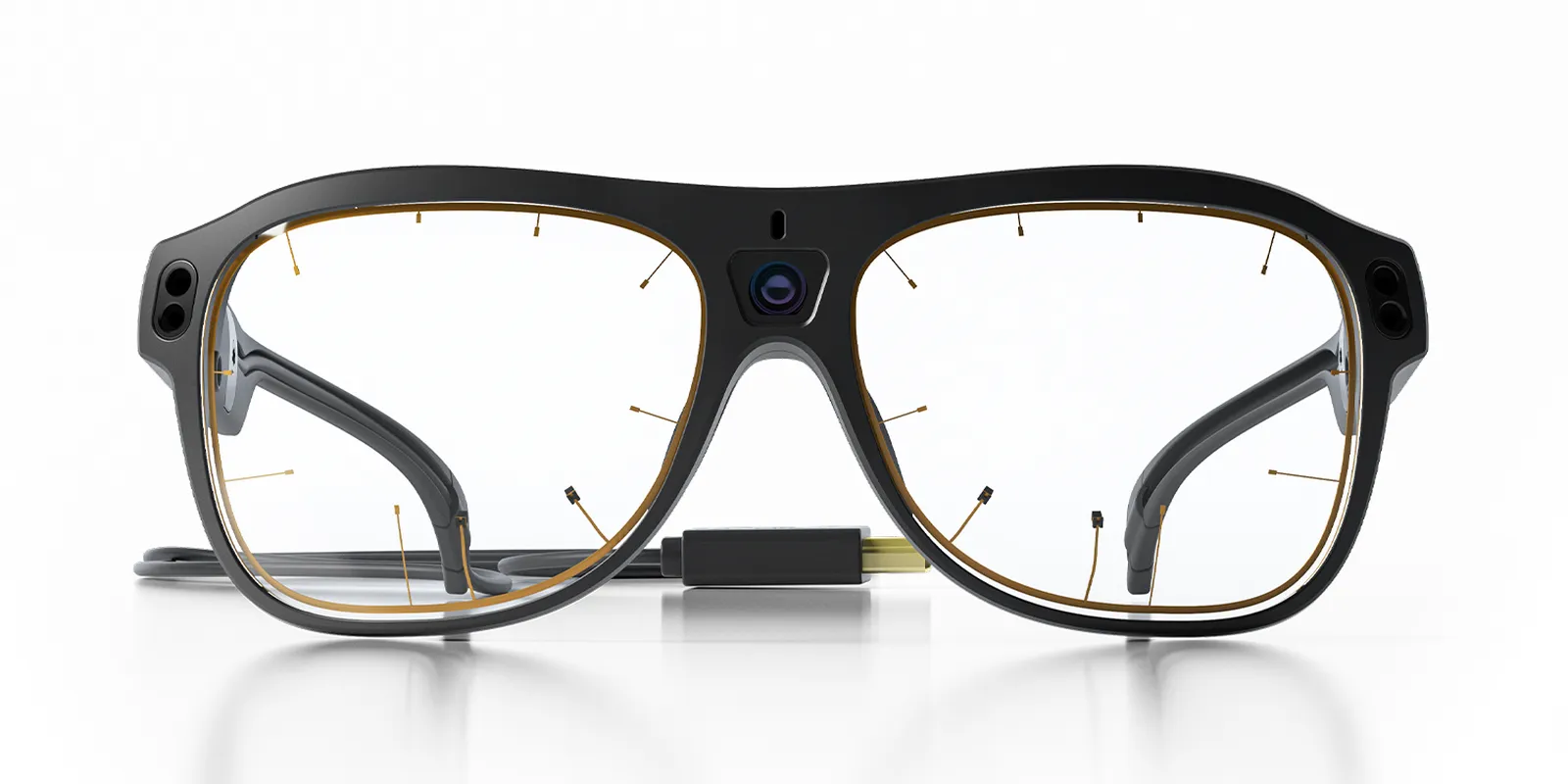
Photo: Tobii. Description of operation according to the Tobii Pro Glasses 3 specification and the manufacturer's article “Why choose Tobii Pro Glasses 3 for eye tracking research”. What exactly the glasses record — see Recording data.
You run a field study from a tablet, an Android phone or a laptop. The Glasses 3 Controller app connects to the glasses through their own Wi-Fi network — you do not need the internet or the network of the store or plant. On the screen you see what the scene camera sees, and a circle where the participant is looking.
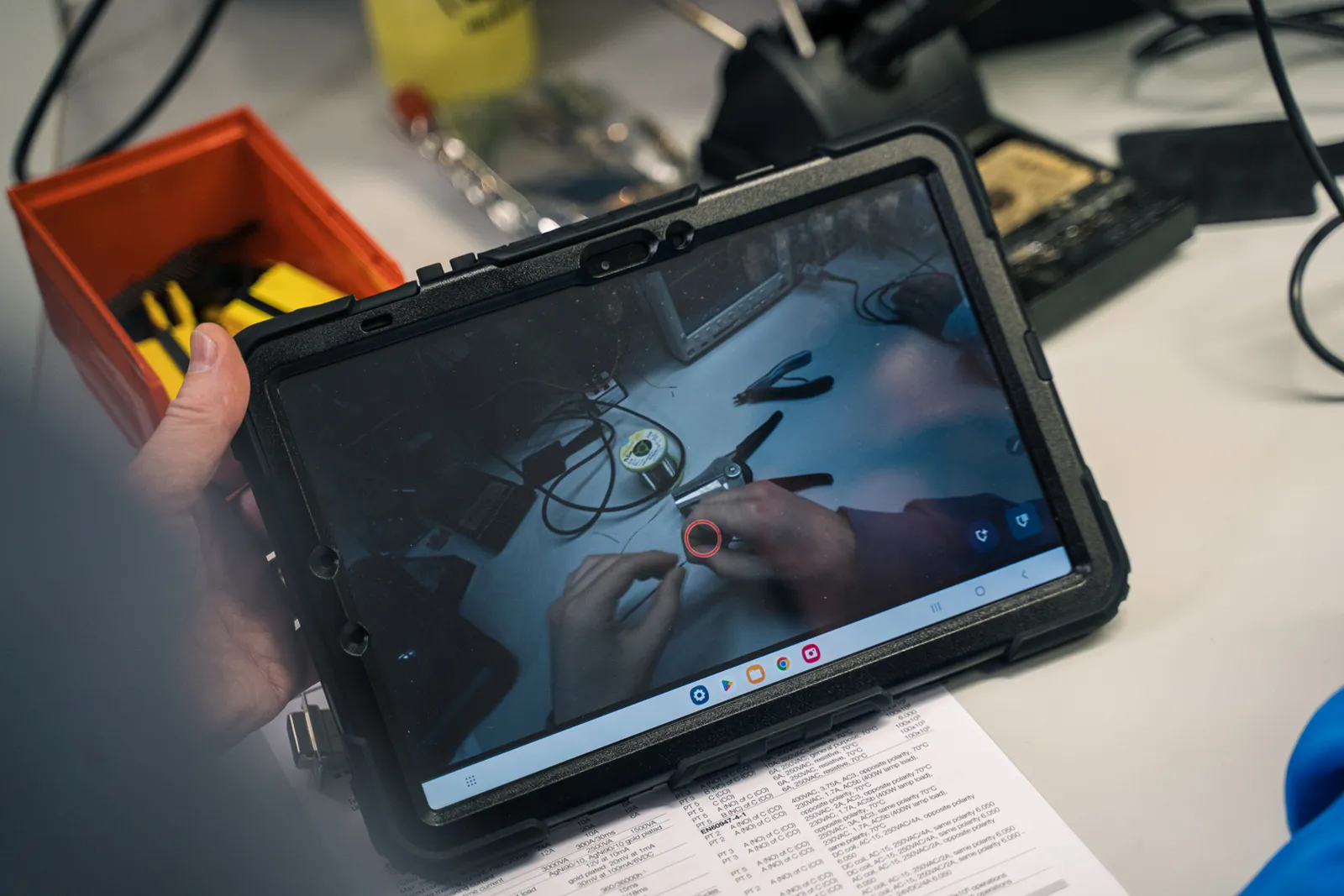
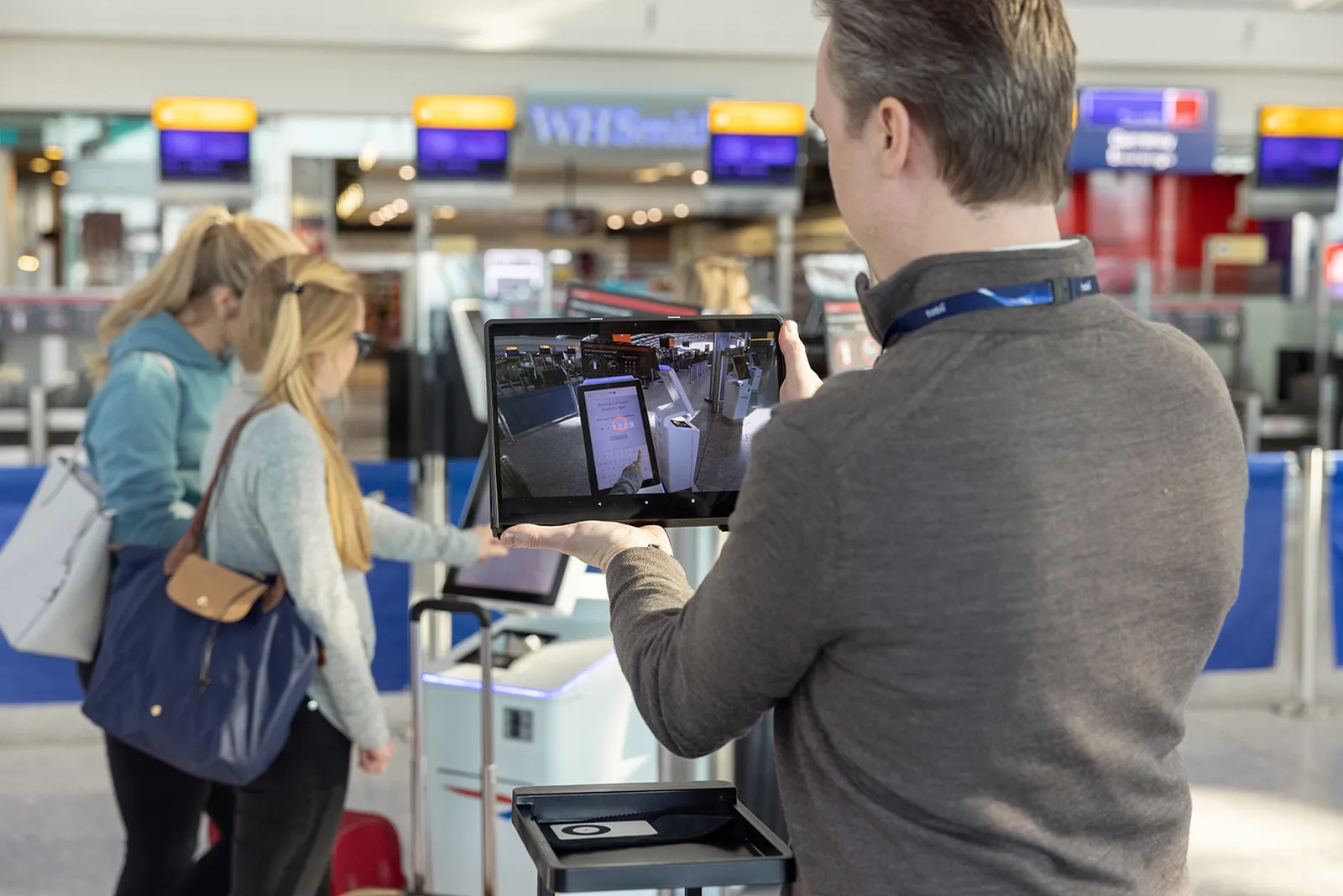
Photos: Tobii. Features and operating systems according to the manufacturer's “Glasses 3 Controller App” page and the Tobii Pro Glasses 3 specification.
The glasses produce a scene camera video showing the gaze point, and data recorded alongside it. Results — numbers and visualizations for the whole group — are created in Tobii Pro Lab. Below are five analysis steps, from the raw recording to a table ready for statistics.

You import the glasses recording into a Glasses-type project. You replay it with gaze overlaid and divide it into the segments you want to analyze — e.g. “at the sauce shelf” or “lane change”.
At a monitor, all participants see the same image, so their gaze can be overlaid right away. With glasses, everyone has their own video: a different angle, a different distance, constant head movement. To compare people, you need to transfer gaze from each video onto one common reference image (snapshot) — and that is mapping.
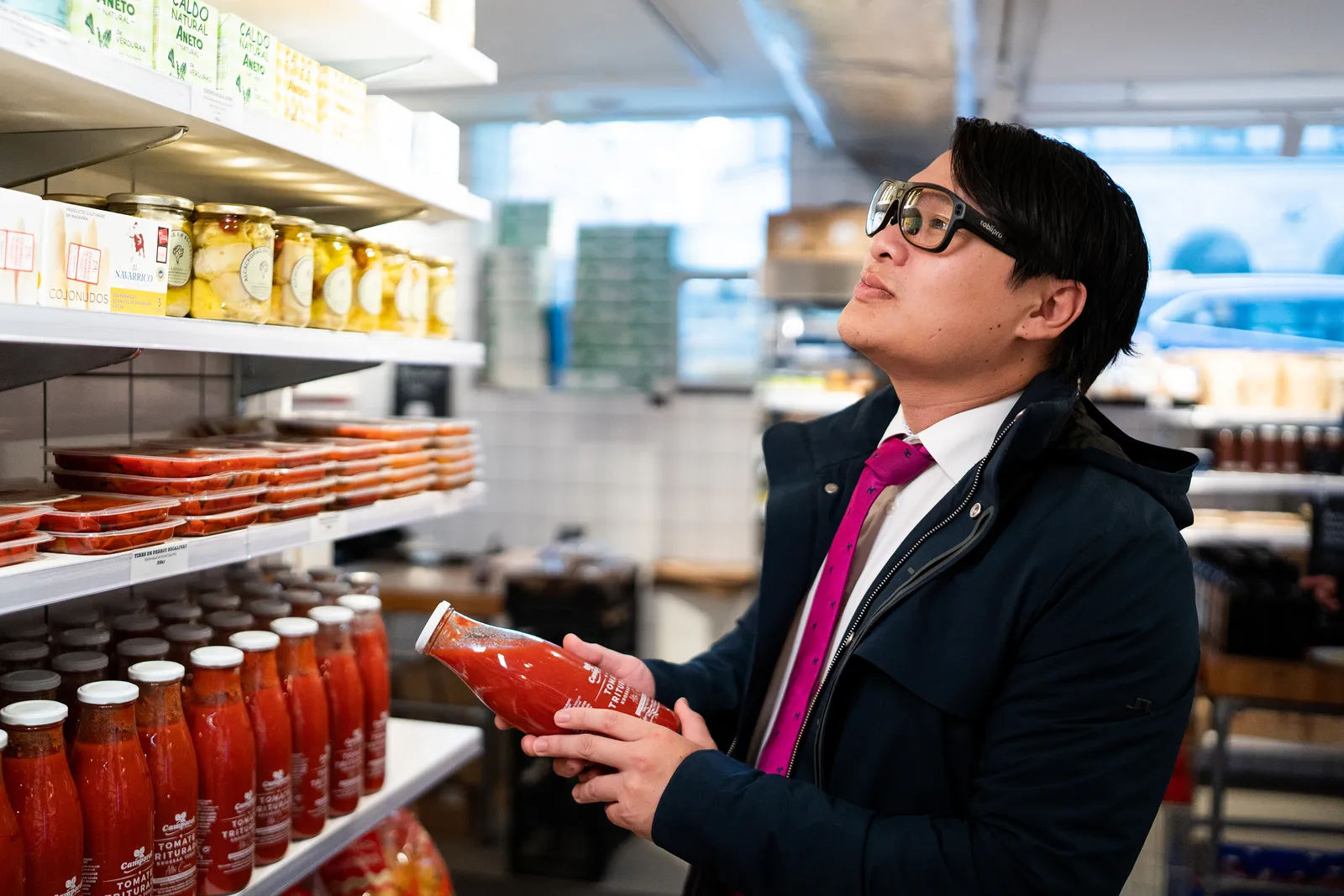
Illustration on a Tobii photo: frame movement, fixations and mapping confidence are simulated. The numbers in the AOIs are the fixation counts in this animation.
An area of interest (AOI) is the part of the image for which you want to calculate results — e.g. the navigation screen in a car. In a glasses video, the object keeps changing position in the frame. Until now, the AOI had to be moved manually, frame by frame. Now you draw it once and turn on Auto-track.
When to use mapping and when Auto-track? Mapping, when you want to aggregate many participants on one image of a fixed location. Auto-track, when you analyze an object in the video — including one that moves or that you hold in your hand. It works best when the object is clearly visible, has distinct edges and contrast, and the image is well lit and not very blurred.
Illustration on a Tobii photo: frame movement and tracking are simulated. Feature description: tobii.com (“What's new in Tobii Pro Lab”) and connect.tobii.com (“How to work with dynamic areas of interest”).
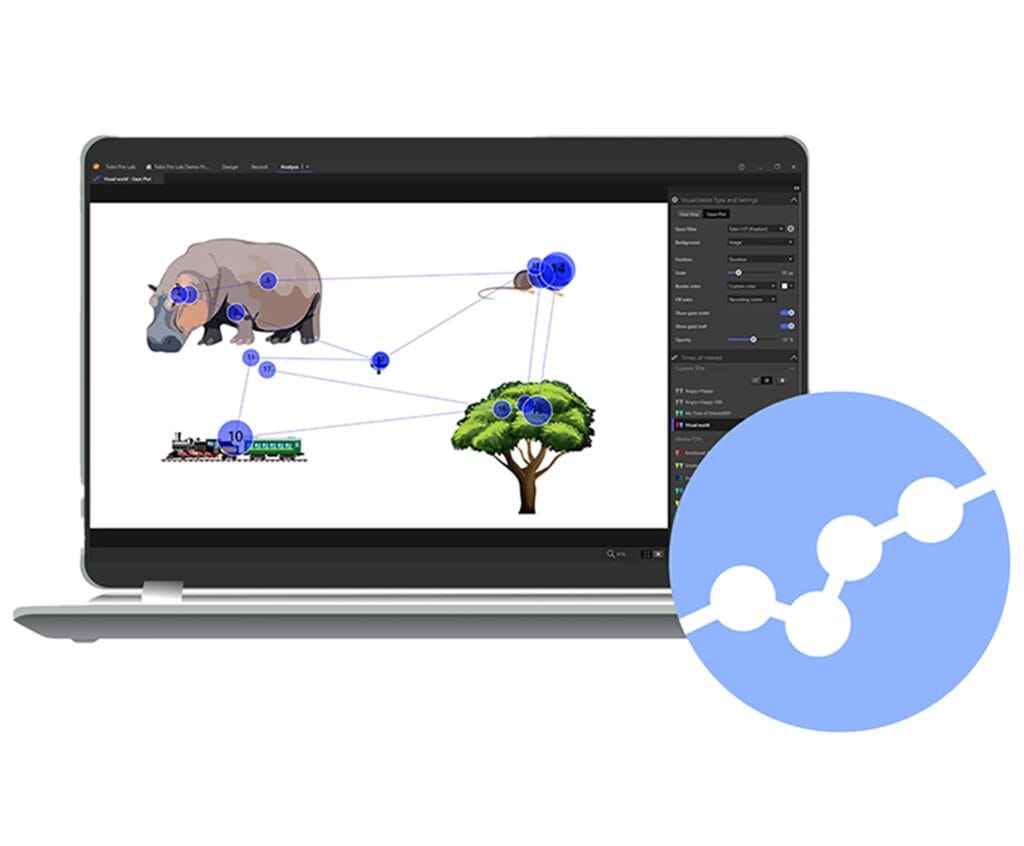
Once the gaze of all participants has been mapped onto the reference image, Pro Lab draws visualizations on it. Switch between the types next to this text to see how they differ.
Visualizations can be compared between groups and saved as an image (PNG, JPEG) or video.
Illustration on a Tobii photo — not a study result. Description of visualizations: connect.tobii.com (“Visualizations for Tobii Pro Lab”, “Calculate heat maps”).
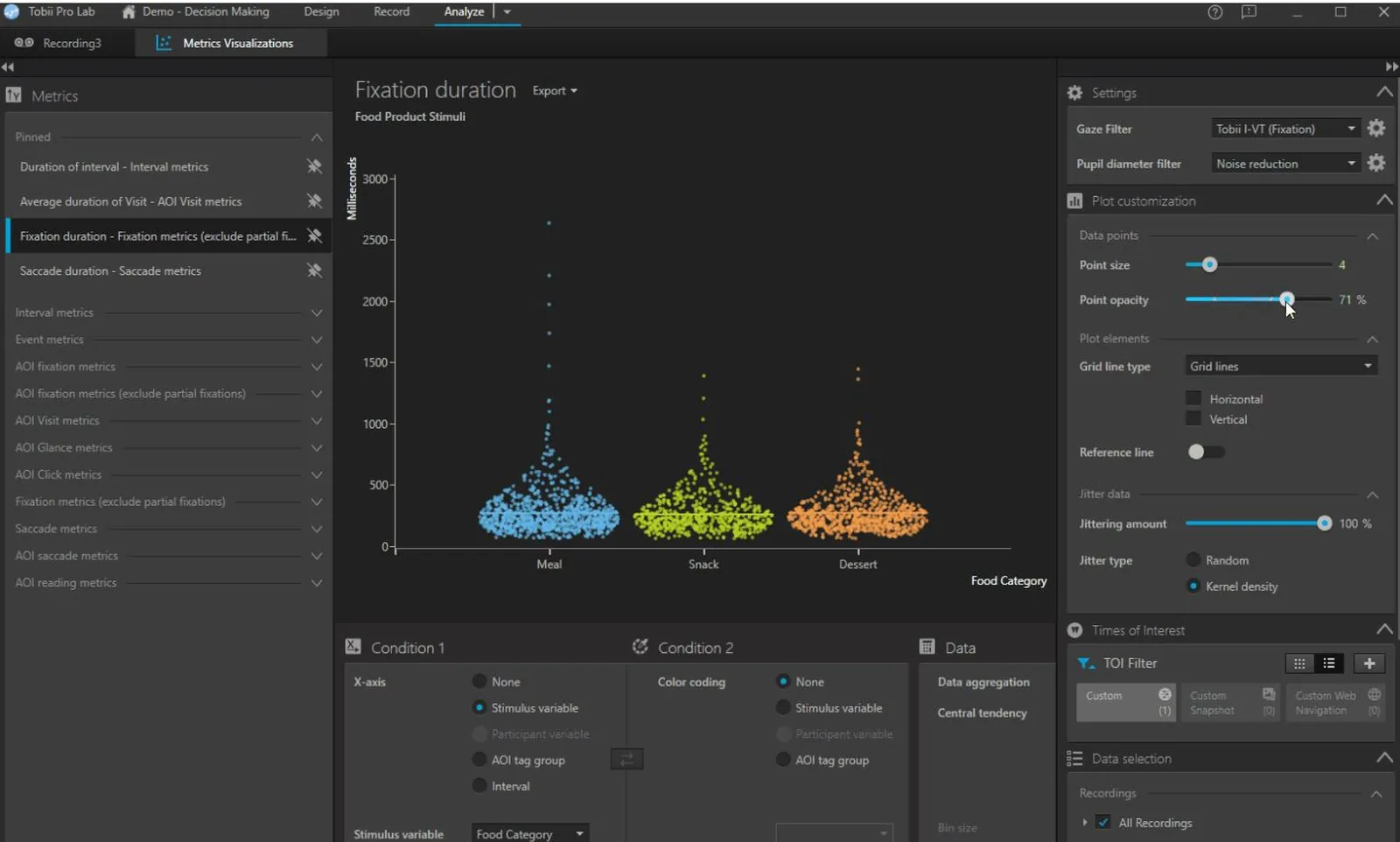
For each AOI and each time of interest, Pro Lab calculates ready-made metrics — for individuals and for the whole group. You can view the distributions right in the software (in the screenshot next to this text) and export the data for further analysis.
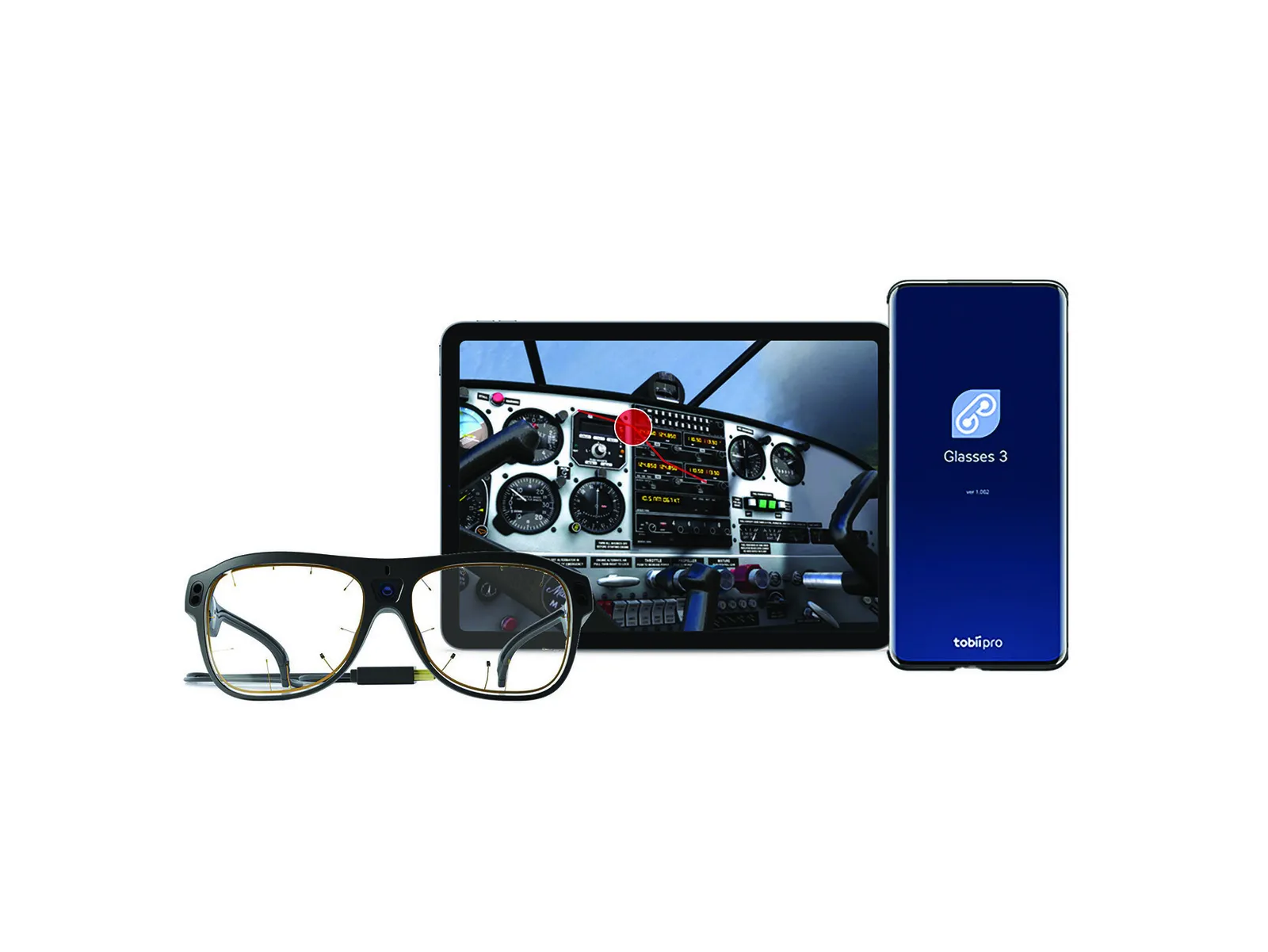
Full access to the glasses from code: recording control, calibration, live data and data from saved recordings. The scene camera image with gaze can be received live. The API works in any language that supports HTTP requests. For multimodal research, Tobii provides a Lab Streaming Layer (LSL) connector.
Sources: tobii.com (Tobii Pro Lab, “What's new in Tobii Pro Lab”, Glasses 3 API), connect.tobii.com (“Assisted mapping in Tobii Pro Lab”, “How to perform manual and assisted mapping”, “Understanding Tobii Pro Lab eye tracking metrics”, “Tobii Pro Lab data export formats”, “Tobii Pro Glasses 3 IMU data”). Photos and screenshot: Tobii.
A popular alternative is a subscription-based multimodal platform to which you connect glasses from other manufacturers. Glasses 3 is a single-source approach: the glasses, the recording app and the analysis software come from Tobii — and we add physiological signals with a BIOPAC system.
| Feature | Tobii Pro Glasses 3 from Interlab | Subscription platform + competing glasses |
|---|---|---|
| Glasses and software | one manufacturer: glasses, Glasses 3 Controller and Tobii Pro Lab | general-purpose platform; according to its manufacturer, eye tracking capabilities depend on the connected hardware |
| Data recording | SD card in the recording unit; data outside the cloud, with no remote processing | for some of the supported glasses, recording via a phone with an app and uploading recordings to the glasses manufacturer's cloud |
| Mapping and AOI on video | Assisted Mapping and automatic AOI tracking on video in Tobii Pro Lab | fully automatic AOI in dynamic scenes — a separately paid module |
| License | Pro Lab: perpetual or subscription; Glasses 3 API free of charge | mandatory core module + separately paid glasses module; annual renewal |
| Physiology | BIOPAC from Interlab: TTL markers and Lab Streaming Layer, wireless BioNomadix modules | additional paid platform modules |
Competing glasses: models supported by the glasses module of a popular multimodal platform. Data from manufacturers' websites, as of October 2026.
Field research has its pitfalls: light, calibration on the move, choosing reference images. We help you anticipate them, set up the equipment and stay with your team after the purchase.
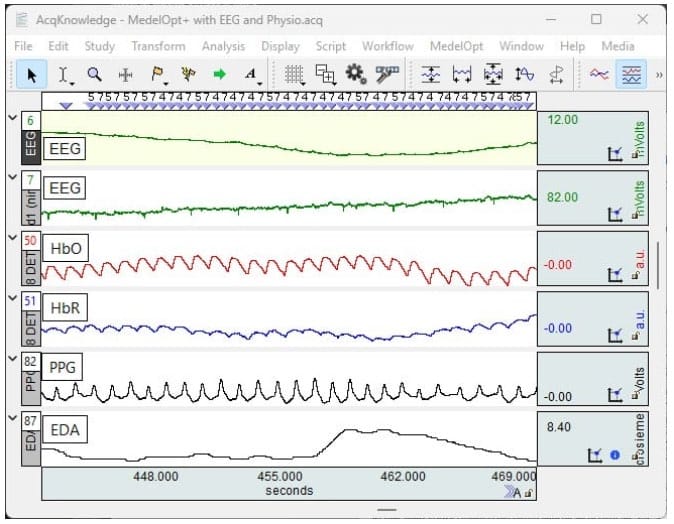
The glasses are often combined with other measurements: motion capture (body movement), EEG (brain activity) or ECG and EDA (bodily responses). For the data to be comparable, each event must be marked at the same moment in all recordings. This is what the synchronization port in the recording unit and Lab Streaming Layer streams are for.
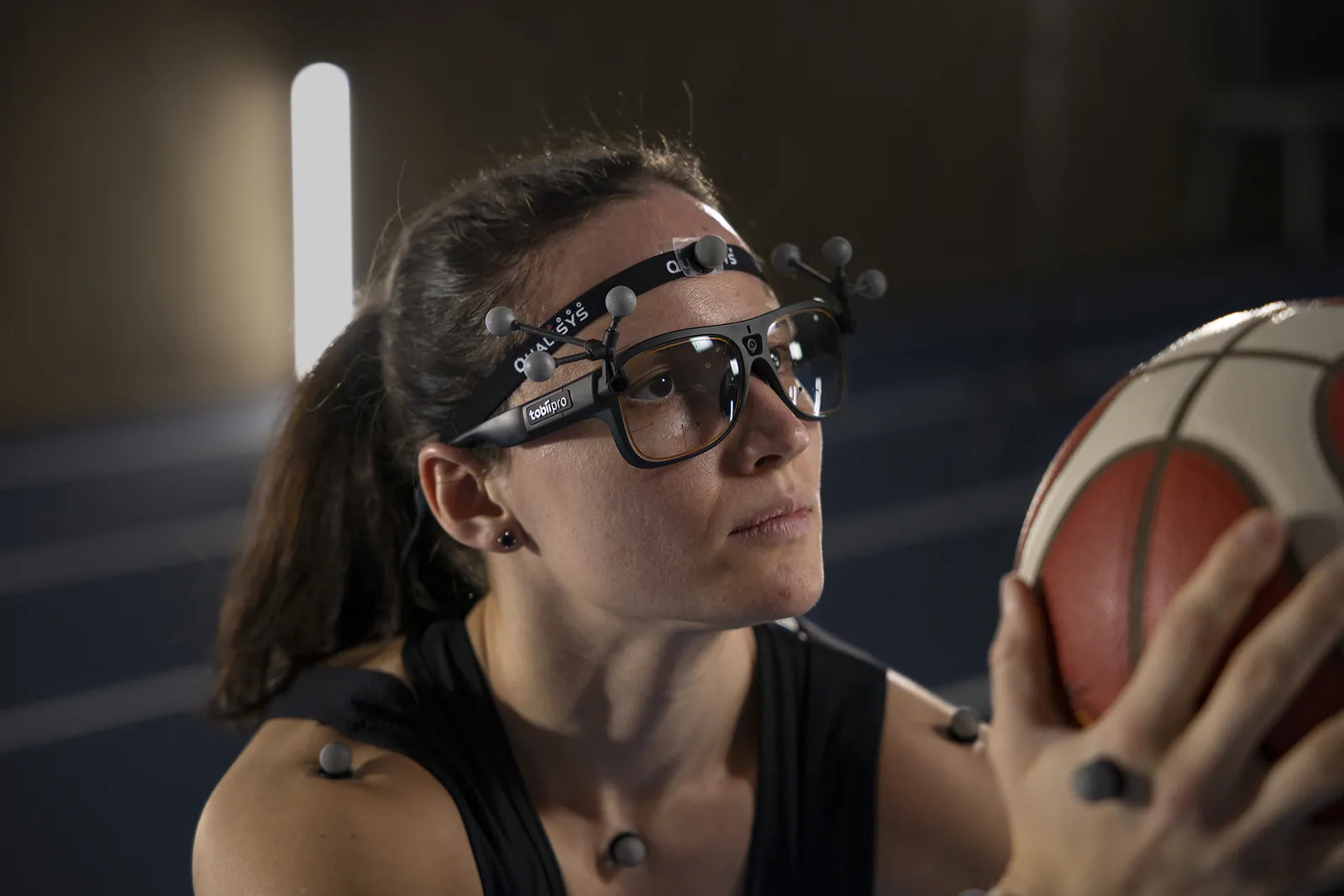
The participant wearing the glasses moves around — that is why we offer wireless physiology.
Signal tracks on the photo are illustrative. Sources: tobii.com (specification, motion capture accessories, scientific use cases), connect.tobii.com (“Can Tobii Pro Glasses accept TTL signals”), biopac.com (AcqKnowledge, MP200). Photo: Tobii.
Wherever behavior cannot be moved in front of a monitor — because real space, movement and tools in hand matter.
Distraction, fatigue, cognitive load and cockpit operation — in a simulator or on the road.
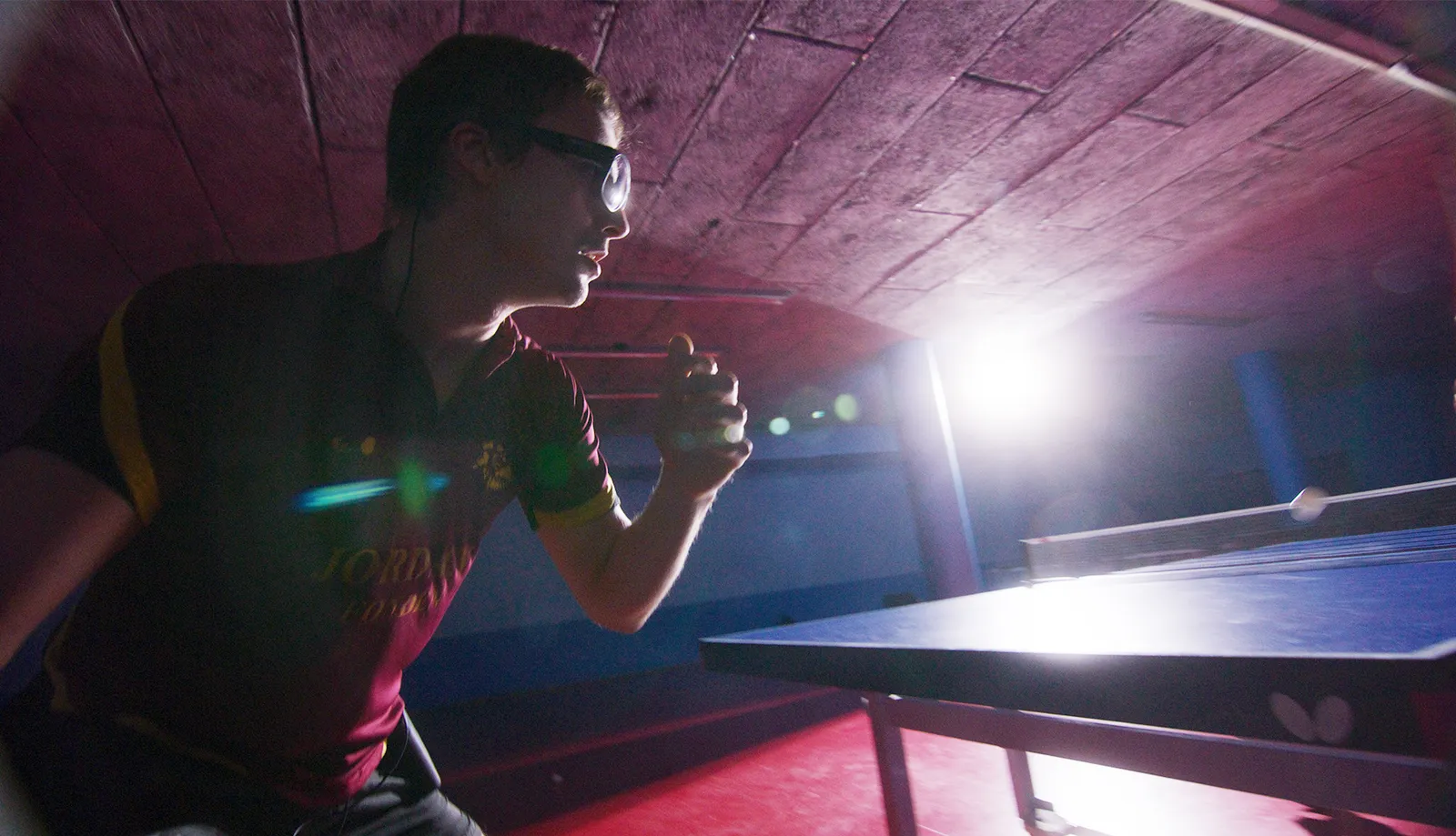
Athletes' visual strategies without restricting movement, also with motion capture.
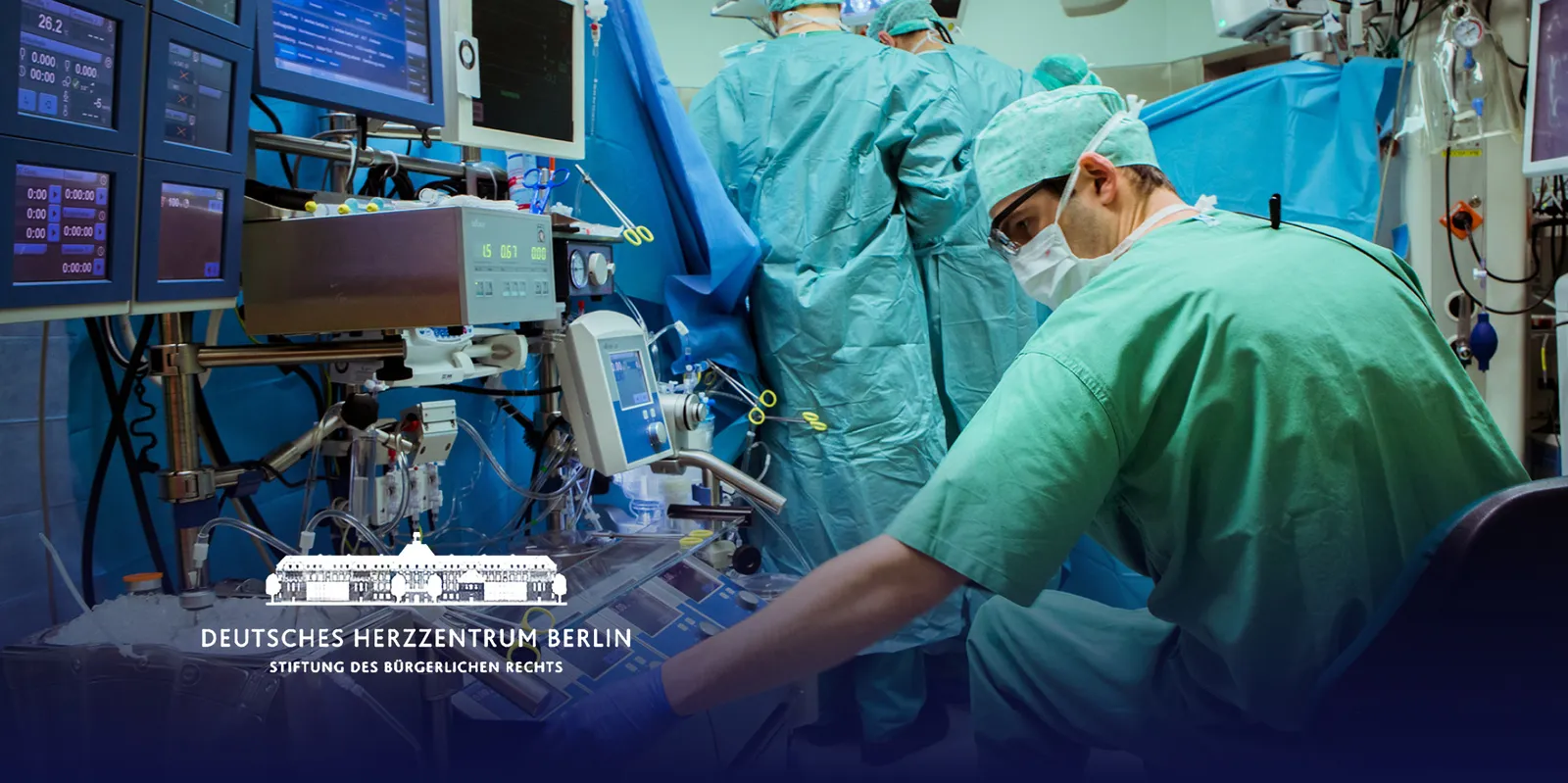
Surgical technique from the surgeon's perspective — for training and assessing students' progress.
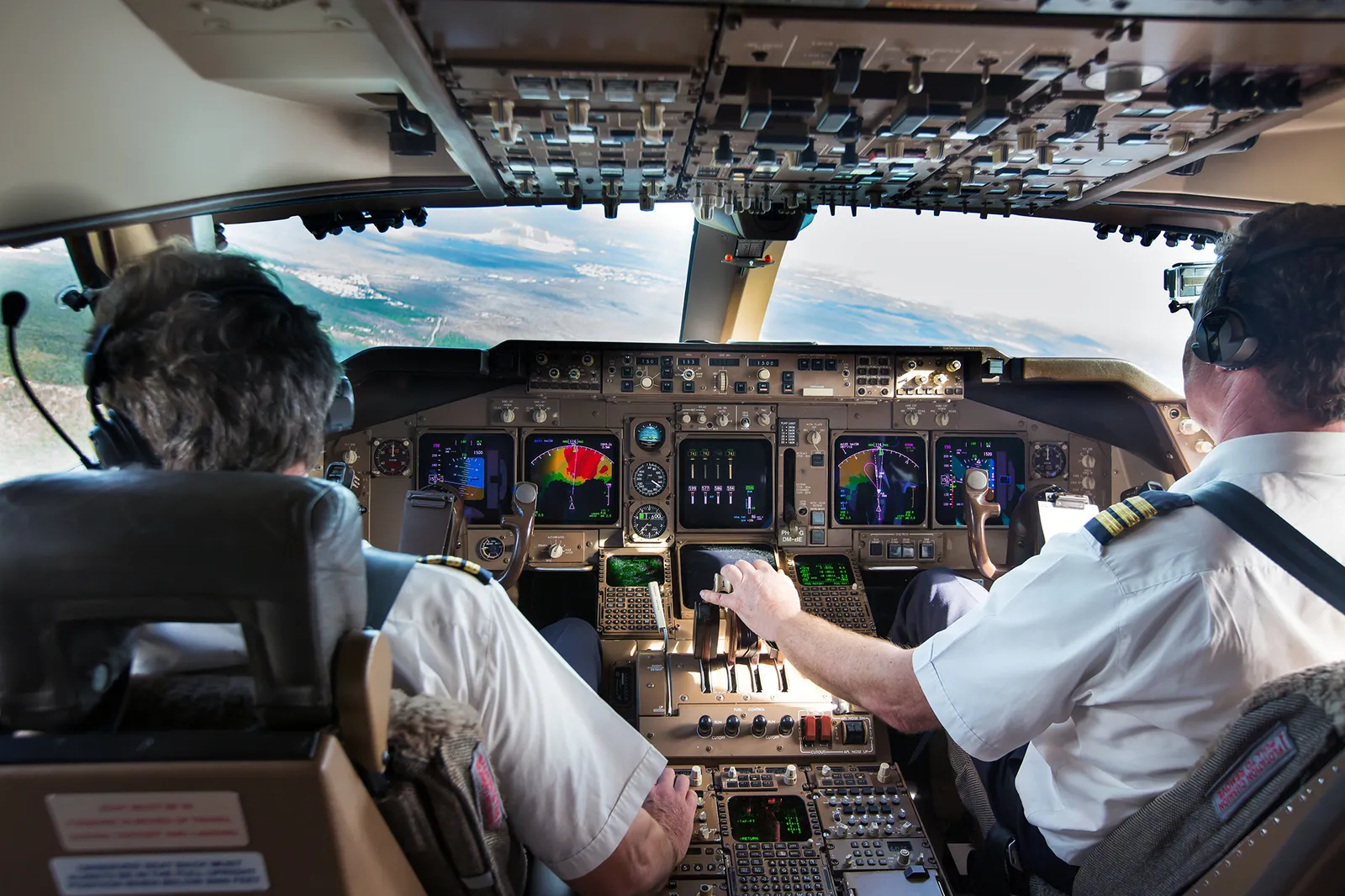
Crew work in the cockpit and in the simulator — where safety depends on attention.
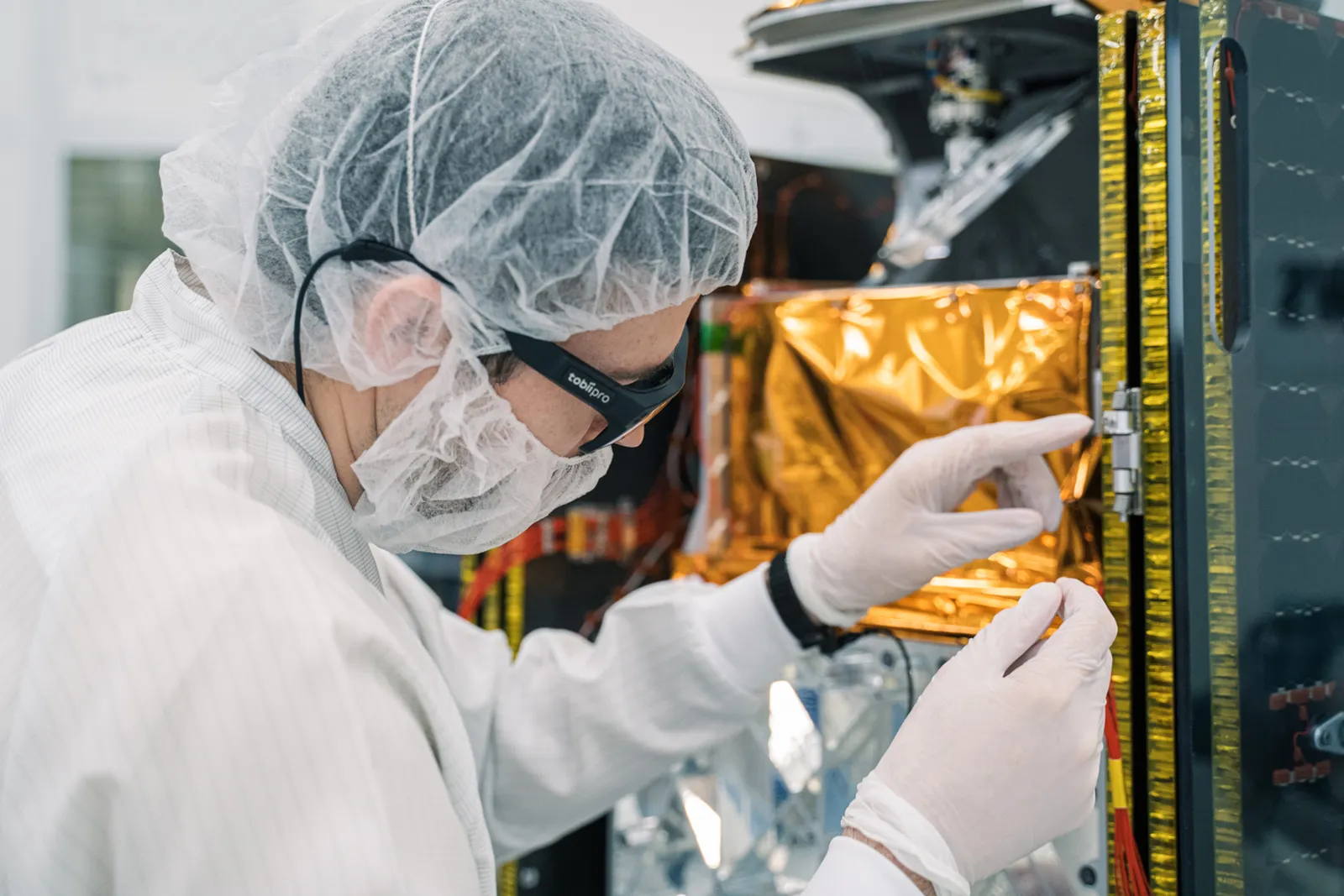
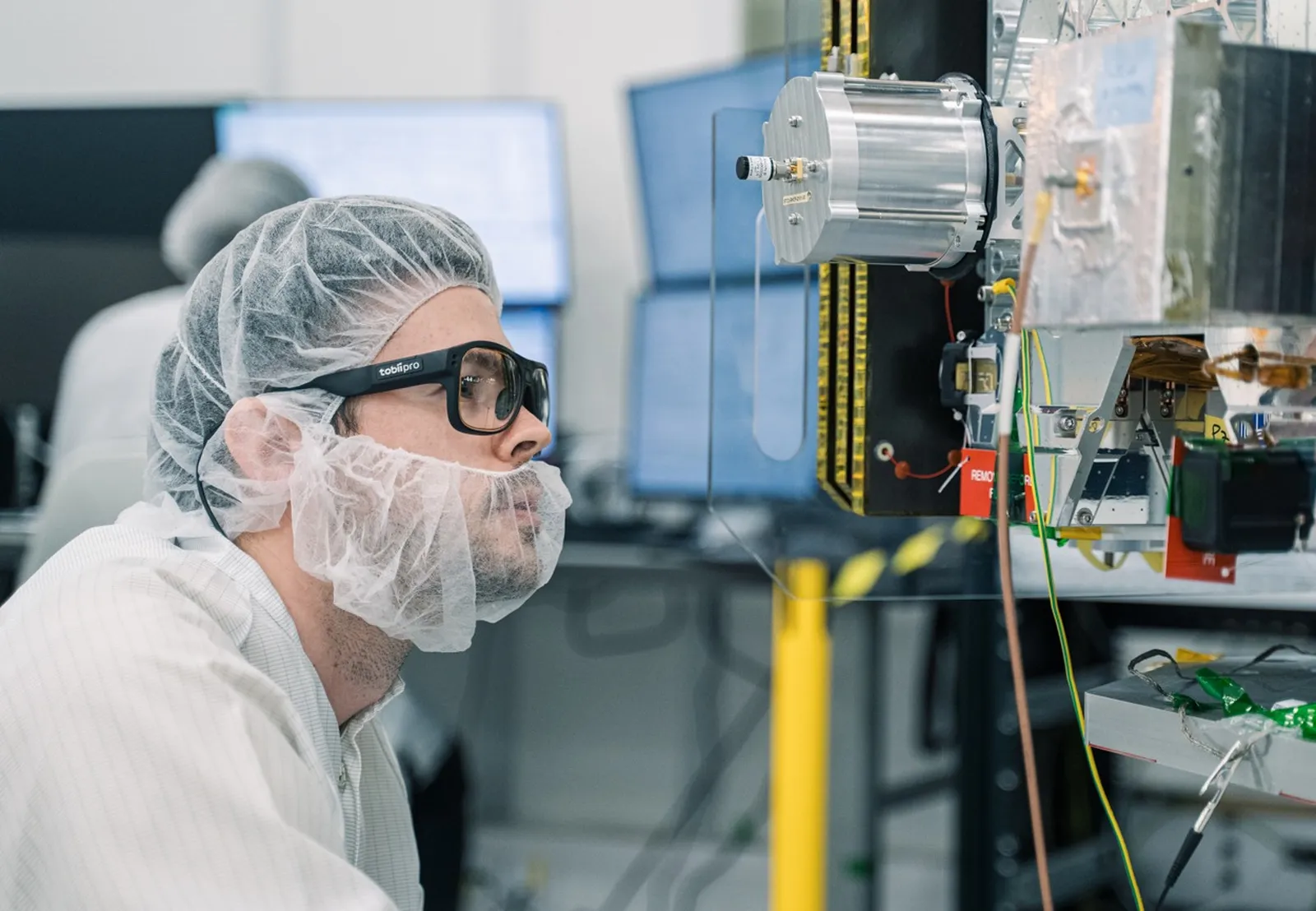
Quality control, assembly, transfer of experienced workers' knowledge.
What catches the eye on the shelf and why — packaging, displays, signage.
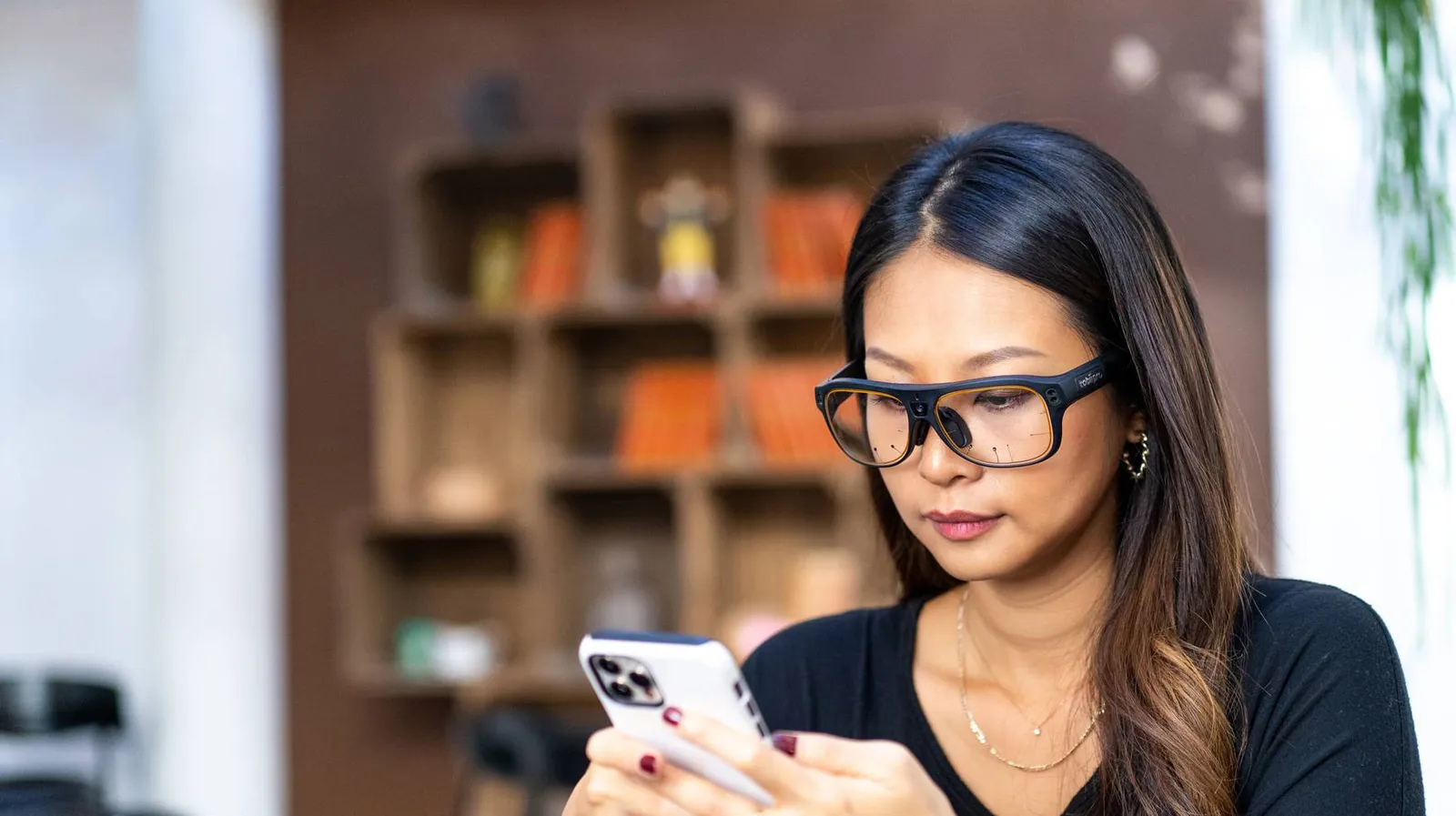
Attention in a real classroom; use of phones, apps and devices in natural conditions.
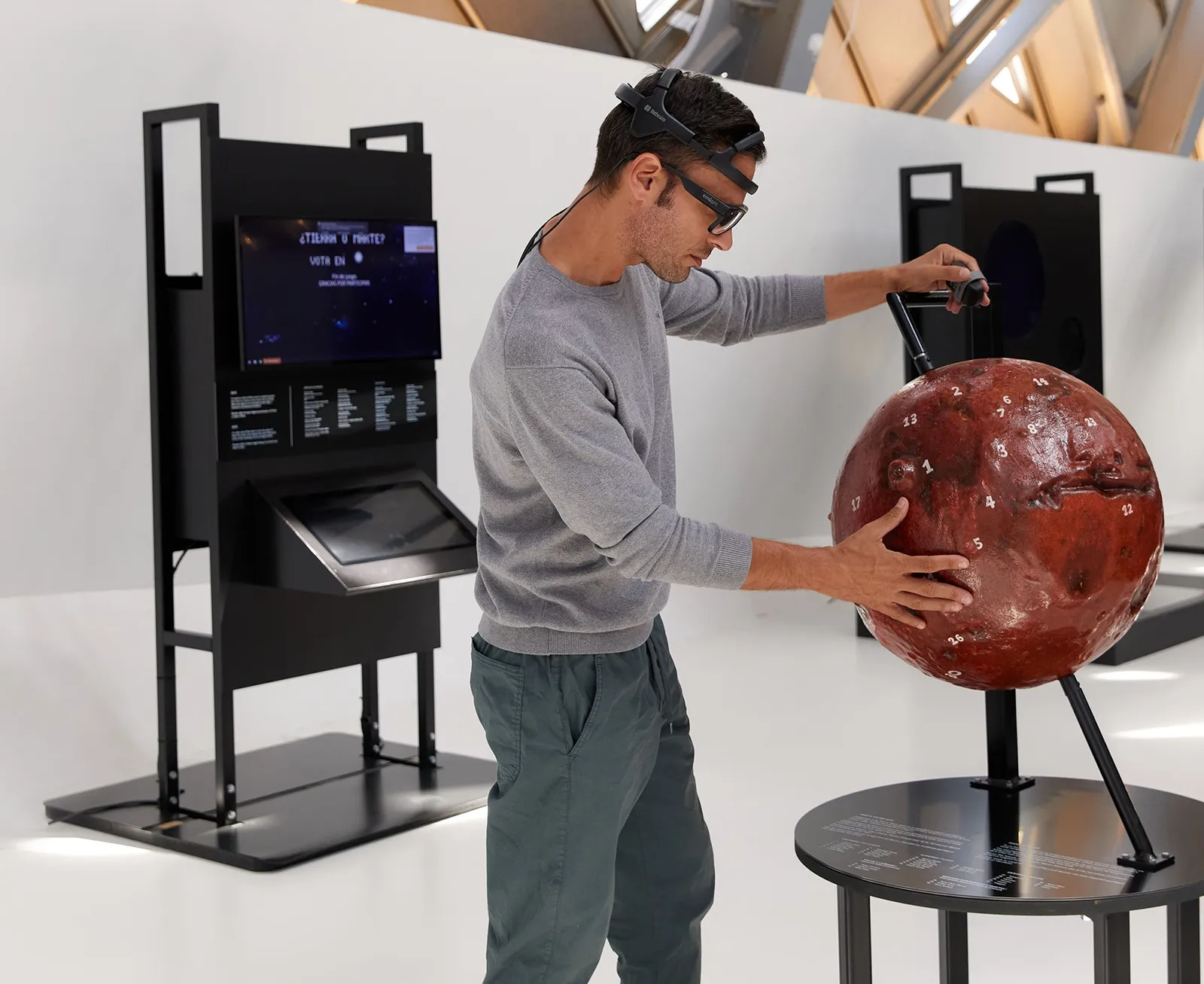
Natural behavior, social interaction, navigation and learning — also with EEG.

How pedestrians, cyclists and drivers read the street, signs and the traffic around them.
Photos: Tobii. Applications according to the manufacturer's pages (“Scientific use cases”, product page).
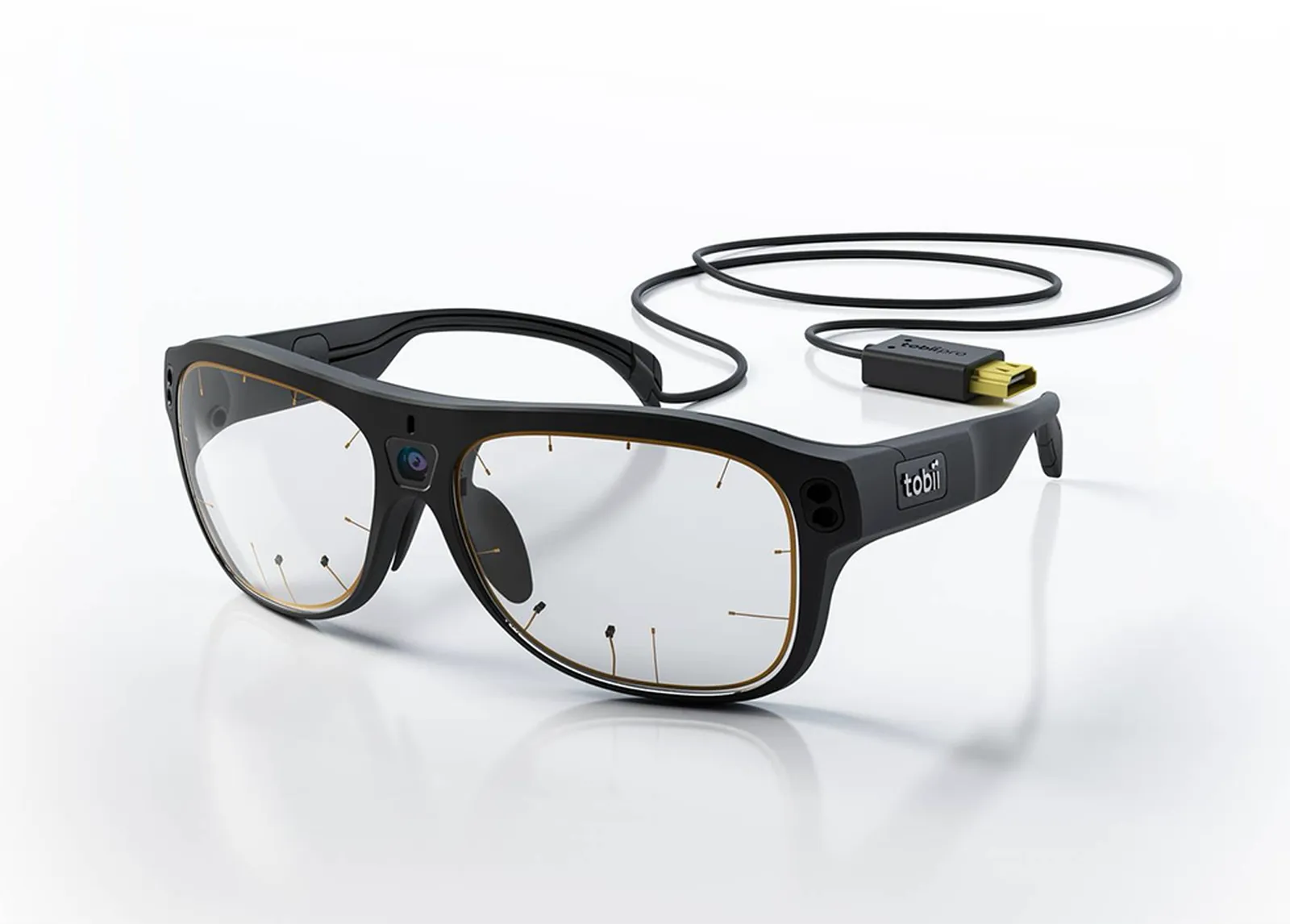
The glasses weigh 76.5 g including the cable. Calibration is a single point or an automatic procedure, and when the glasses slip on the nose, the 3D tracking mode compensates for the slippage. Accessories are available for people who wear glasses every day and for work in demanding conditions.
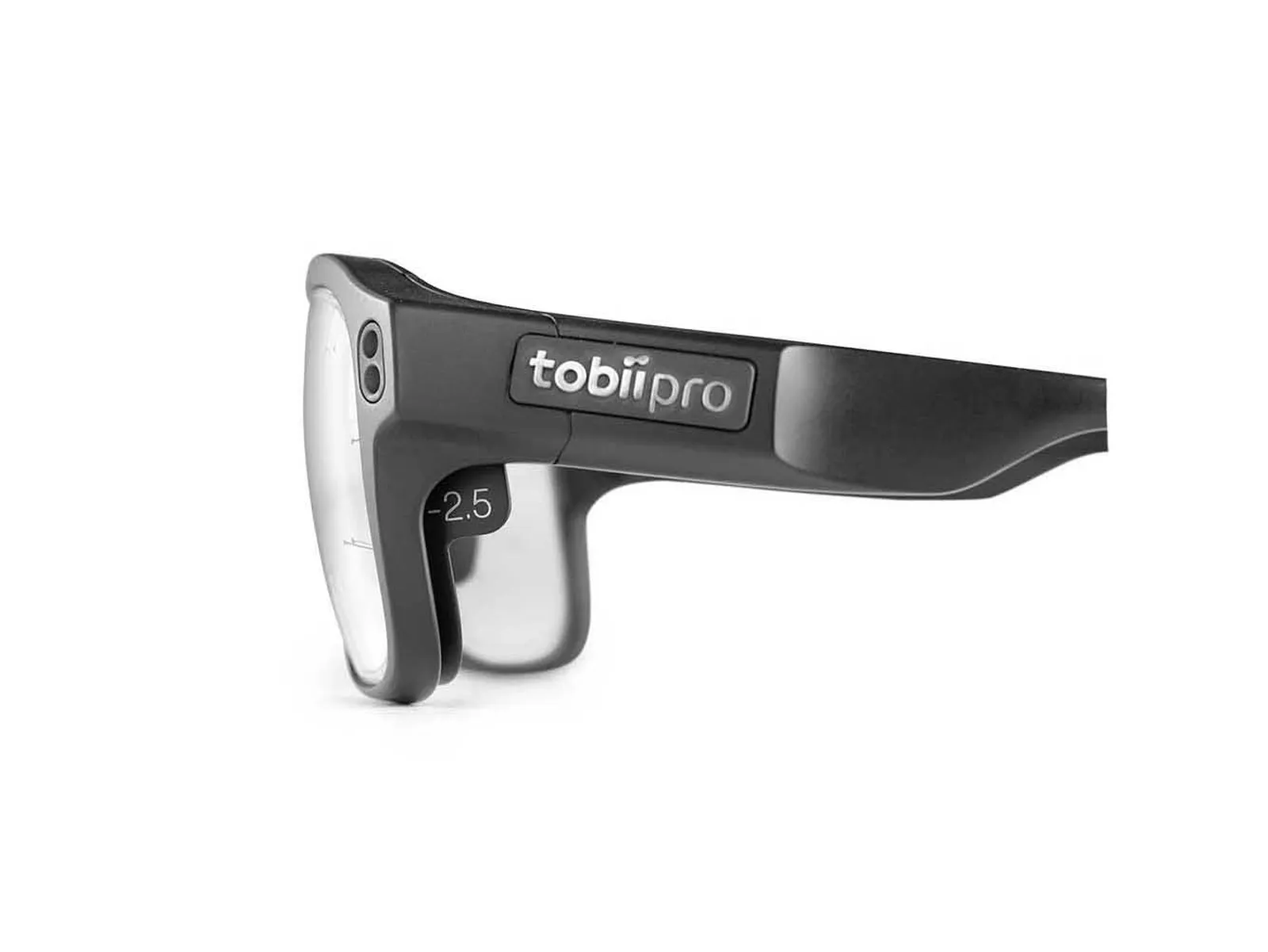
Snap onto the lenses, from −8.0 to +3.0 diopters in 0.5 steps — 44 lenses in the kit, 22 for each eye.
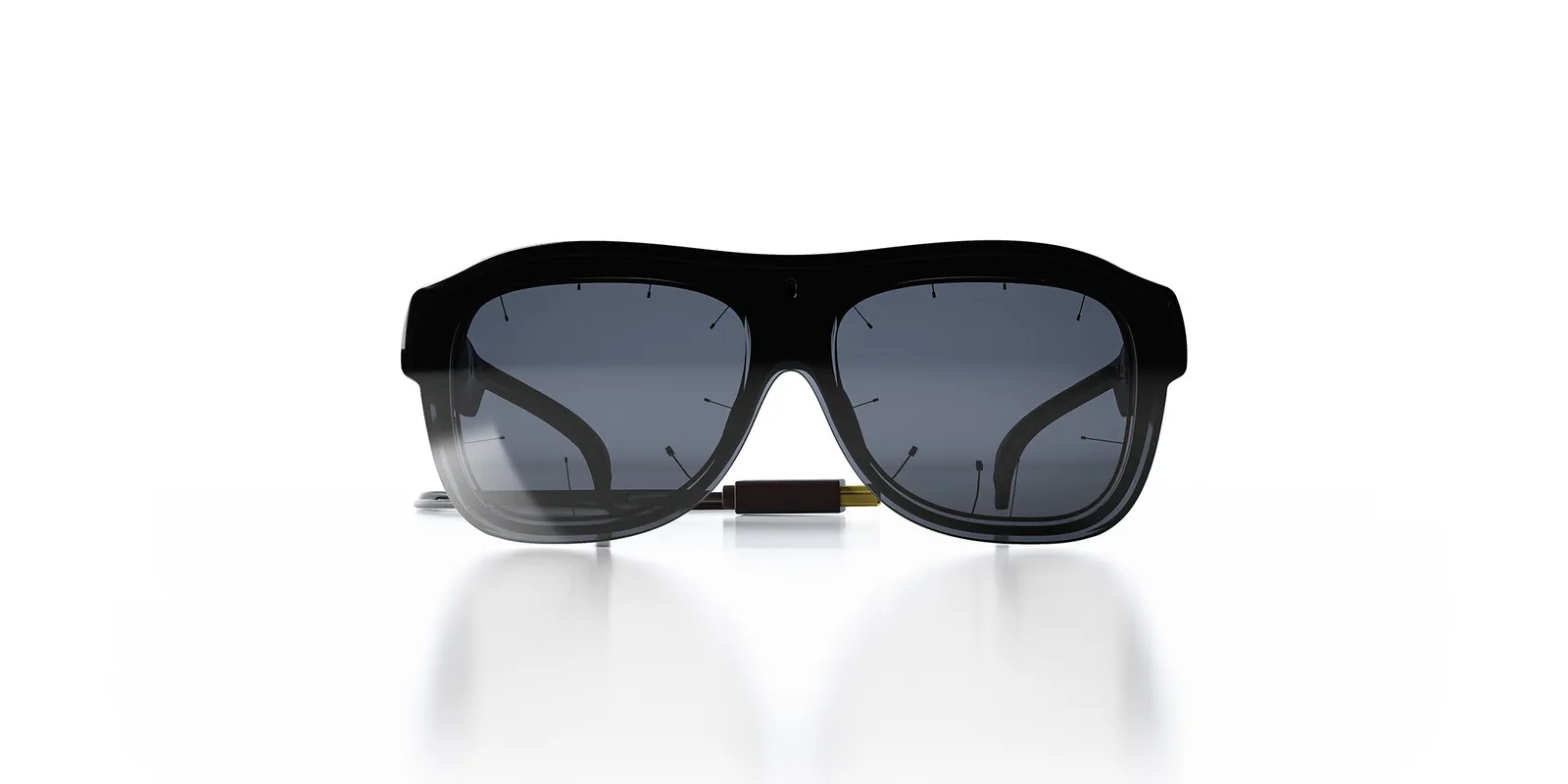
Made of durable polycarbonate, resistant to impact and scratches. Clear or tinted, blocking infrared.
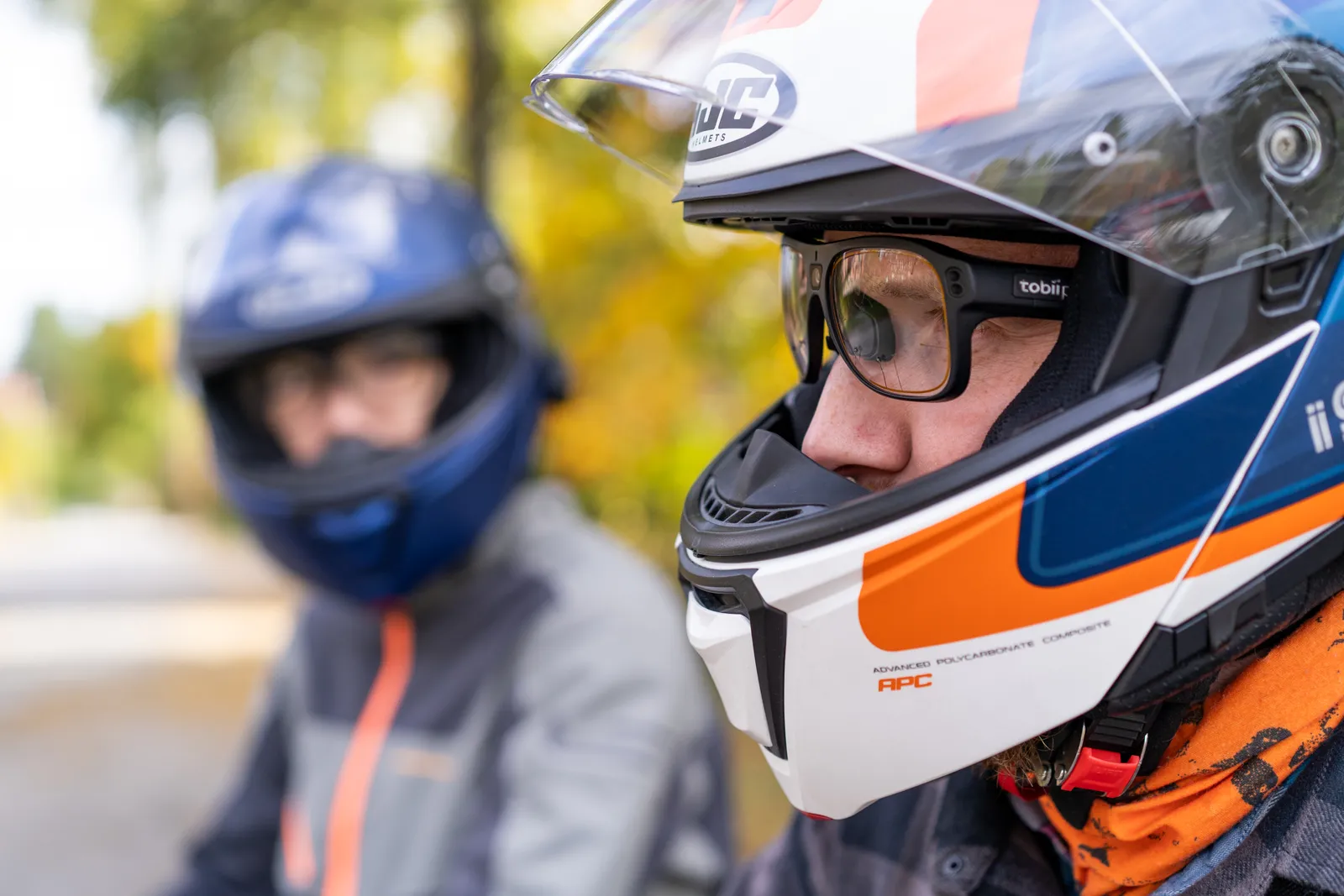
The slim frame fits under a helmet; the cable runs to the recording unit worn on the body.
Photos: Tobii. Sources: Tobii Pro Glasses 3 specification, accessory pages “Tobii corrective lenses” and “Tobii protective lenses”.
In addition to video and gaze, the glasses record pupil diameter, head movement and audio. This data goes to Tobii Pro Lab and can be exported — including motion sensor readings.
In addition to video and gaze, the glasses record head movement and audio. All streams share a common clock, so you know where the participant was looking, what they heard and how they moved their head at the same moment.
Illustrative waveforms generated in the browser — not a recording from the device. Sampling rates according to the manufacturer's specification.
According to the manufacturer's current specification. Tobii measures accuracy, precision and data loss in different areas of the field of view, on binocular data.
| Parameter | Value |
|---|---|
| Eye tracking | |
| Method | corneal reflection, dark pupil, stereo geometry; binocular tracking |
| Sampling rate | 50 Hz or 100 Hz |
| Accuracy | 0.6°average, one-point calibration |
| Precision | 0.03° (average) |
| Data loss | 0.01% (average) |
| Calibration | one-point or automatic |
| Compensation | slippage — 3D tracking mode; parallax — automatic |
| Pupil measurement | yes, absolute value |
| Eye sensors | 4 (2 per eye) |
| Glasses (head unit) | |
| Scene camera | 1920 × 1080 px, 25 fps, H.264field of view: 106° diagonal (16:9), 95° horizontal, 63° vertical |
| Motion sensors | gyroscope and accelerometer (100 Hz), magnetometer (10 Hz) — ST LSM9DS1 |
| Audio | built-in microphone, mono, 16 bit |
| Weight and dimensions | 76.5 g with cable; frame 153 × 168 × 51 mm |
| Cable | 1200 mm |
| Materials | Grilamid, stainless steel, optical-grade plastic lenses; replaceable nose pads |
| Recording unit | |
| Recording time | 105 min on batterywhen powered from a power bank — no time limit |
| Battery | Li-ion 18650, 3400 mAh, rechargeable |
| Storage | SD card (SDHC, SDXC) |
| Synchronization port | 3.5 mm jack, TTL signal |
| Connectors | Micro USB, RJ45 (Ethernet), 3.5 mm jack (synchronization), glasses connector |
| Weight and dimensions | 312 g; 130 × 85 × 27 mm |
| Software and accessories | |
| Recording | Glasses 3 Controller — Windows 10/11, macOS 13/14, Android 13/14 |
| Analysis | Tobii Pro Lab — Analyzer or Full edition |
| Programming | Glasses 3 API (free): HTTP REST, WebSocket, live video via WebRTC and RTSP |
| Accessories | corrective lenses −8.0…+3.0 D; protective lenses; motion capture marker attachment (Qualisys, Vicon) |
Comparison according to the manufacturer. Glasses X are for training and analysis in companies; Glasses 3 — for scientific research where accuracy, raw data and synchronization matter.
| Parameter | Tobii Pro Glasses 3 | Tobii Glasses X |
|---|---|---|
| Intended use | neuroscience, precise UX research, medical and clinical research, multimodal research | attention training, efficiency and quality in production, process analysis, consumer research |
| Accuracy | 0.6° (one-point calibration) | 2.5° (no calibration) |
| Eye cameras | two per eye | one per eye |
| Sampling rate | 50–100 Hz | 120 Hz |
| TTL synchronization port | yes | no |
| Corrective lenses | −8 to +3 D | −6 to +3 D |
| Data | raw data export, custom metrics | depending on the package: visualizations without raw data, or export from Pro Lab |
Sources: tobii.com — Tobii Pro Glasses 3 product page, Tobii glasses comparison, article “Why choose Tobii Pro Glasses 3” (as of October 2026).
Yes. Instead of their own glasses, the participant gets corrective lenses that snap onto the Glasses 3 lenses — from −8.0 to +3.0 diopters in 0.5 D steps. The kit contains 44 lenses, 22 for each eye.
105 minutes on one battery. When the recording unit is powered from a power bank, the manufacturer does not limit recording time. Data is saved to an SD card.
No. The glasses create their own Wi-Fi network, through which the Glasses 3 Controller app shows the live view. Recordings stay on the SD card in the recording unit — the manufacturer emphasizes that they do not go to the cloud and are not processed remotely.
You run the recording in the Glasses 3 Controller app (Windows, macOS, Android). For analysis — mapping, AOIs, heat maps and metrics — you need Tobii Pro Lab in the Analyzer or Full edition, with a perpetual or subscription license. The Glasses 3 API for your own applications is free of charge.
With the Assisted Mapping feature in Tobii Pro Lab. You take a reference photo of the location or object, and the software automatically transfers gaze from all participants' recordings onto it. You then calculate AOIs, heat maps and metrics on this single image.
Mapping (Assisted Mapping) transfers gaze from all participants' videos onto one reference image of a fixed location — a shelf, a cockpit, a poster. You then calculate visualizations and metrics for the whole group on one image. Auto-track (from Pro Lab 26.18) works on the video itself: you draw an area of interest around an object, and it follows the object from frame to frame — useful when the object moves or there is no single fixed view.
In hardware — through the synchronization port (3.5 mm jack, TTL signal) in the recording unit. In software — through the Glasses 3 API or the Lab Streaming Layer connector from Tobii. For motion capture there is a marker attachment for Qualisys and Vicon systems. We select physiology from the BIOPAC system — ask us about the configuration.
If the stimuli are on a screen and a high sampling rate and controlled conditions matter, a screen-based eye tracker is better — e.g. Tobii Pro Spectrum (up to 1200 Hz), Pro Fusion or Pro Spark. You choose glasses when the study takes place in real space and the participant needs to walk, drive or work with their hands.
Yes — we arrange a demo or a trial loan so you can test the glasses in the conditions of your study. Write to us.