Sports
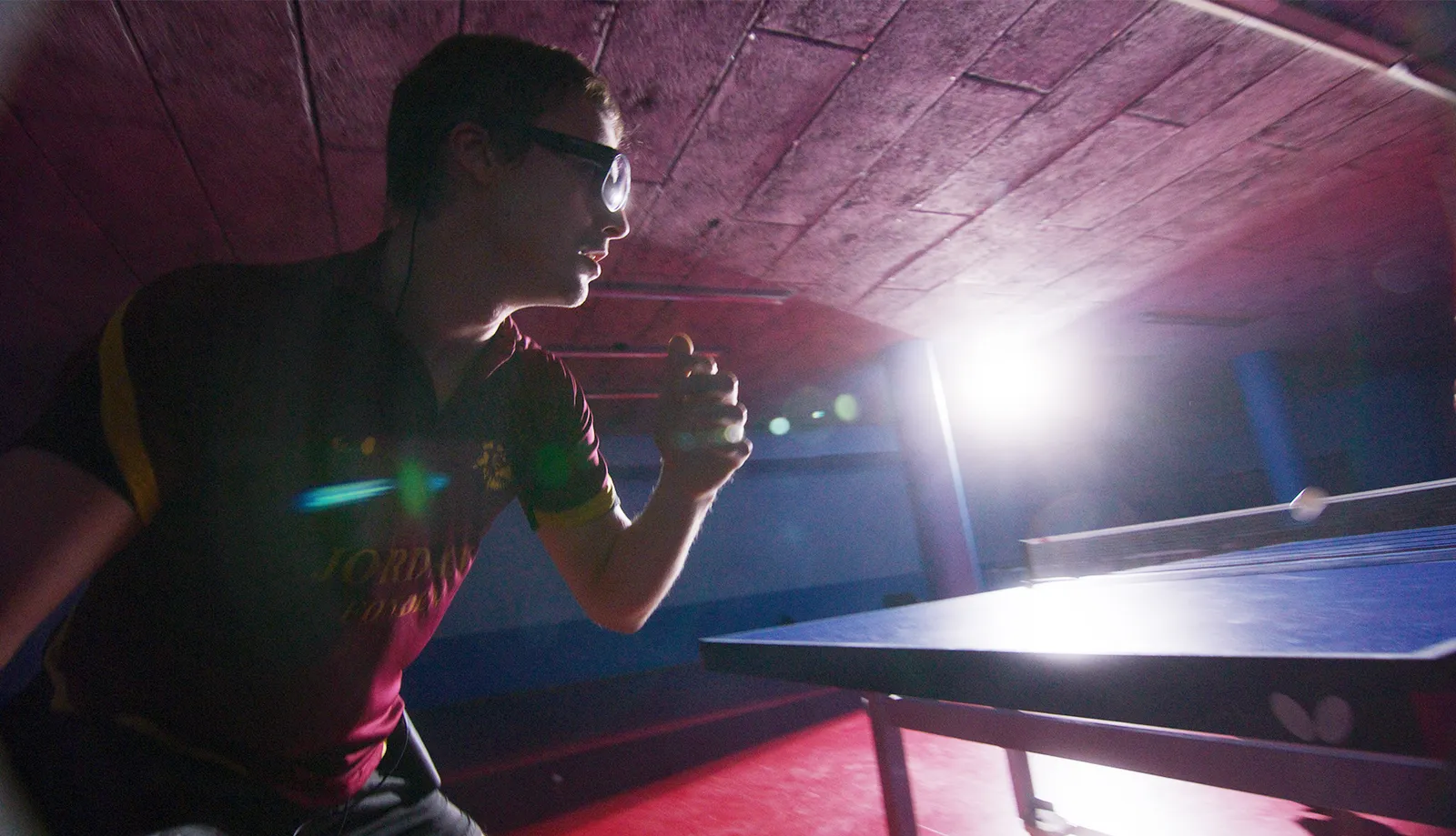
Hand–eye coordination and visual strategies: from goalkeeping to a golf swing.

A set of reflective markers that screw onto the Tobii Pro Glasses 3 wearable eye tracker. The cameras of a Qualisys or Vicon motion capture system track the markers and know where the participant's head is and which way it is facing. The glasses add where the eyes are looking — together you get gaze in the space of the entire lab.
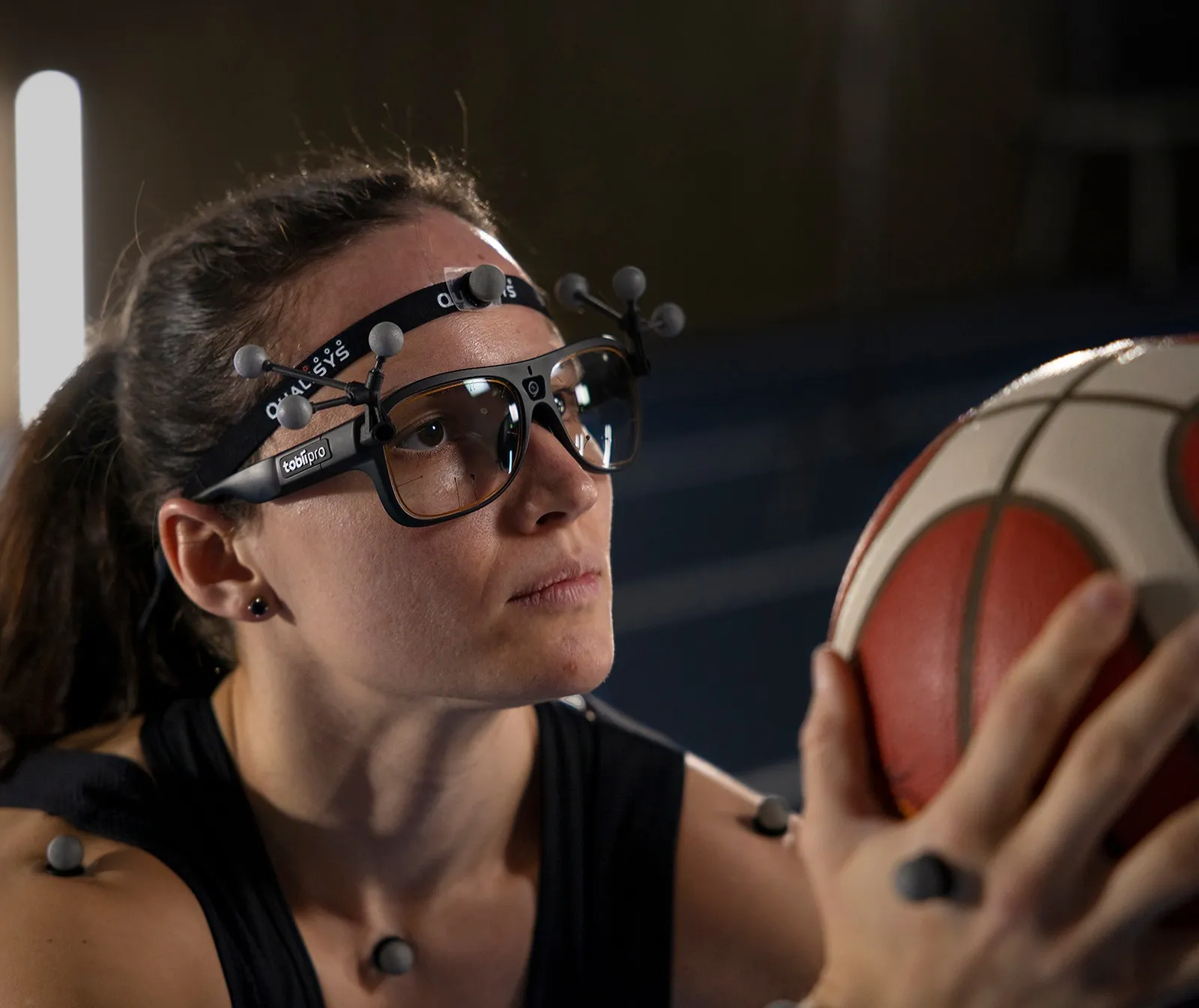
Eye tracking glasses measure gaze direction relative to the head. A motion capture system is a set of cameras placed around the room that track small reflective spheres — markers — with high precision. The Tobii kit connects both worlds: thanks to the markers on the glasses, the cameras "see" the participant's head, and gaze can be described in the space of the entire lab.
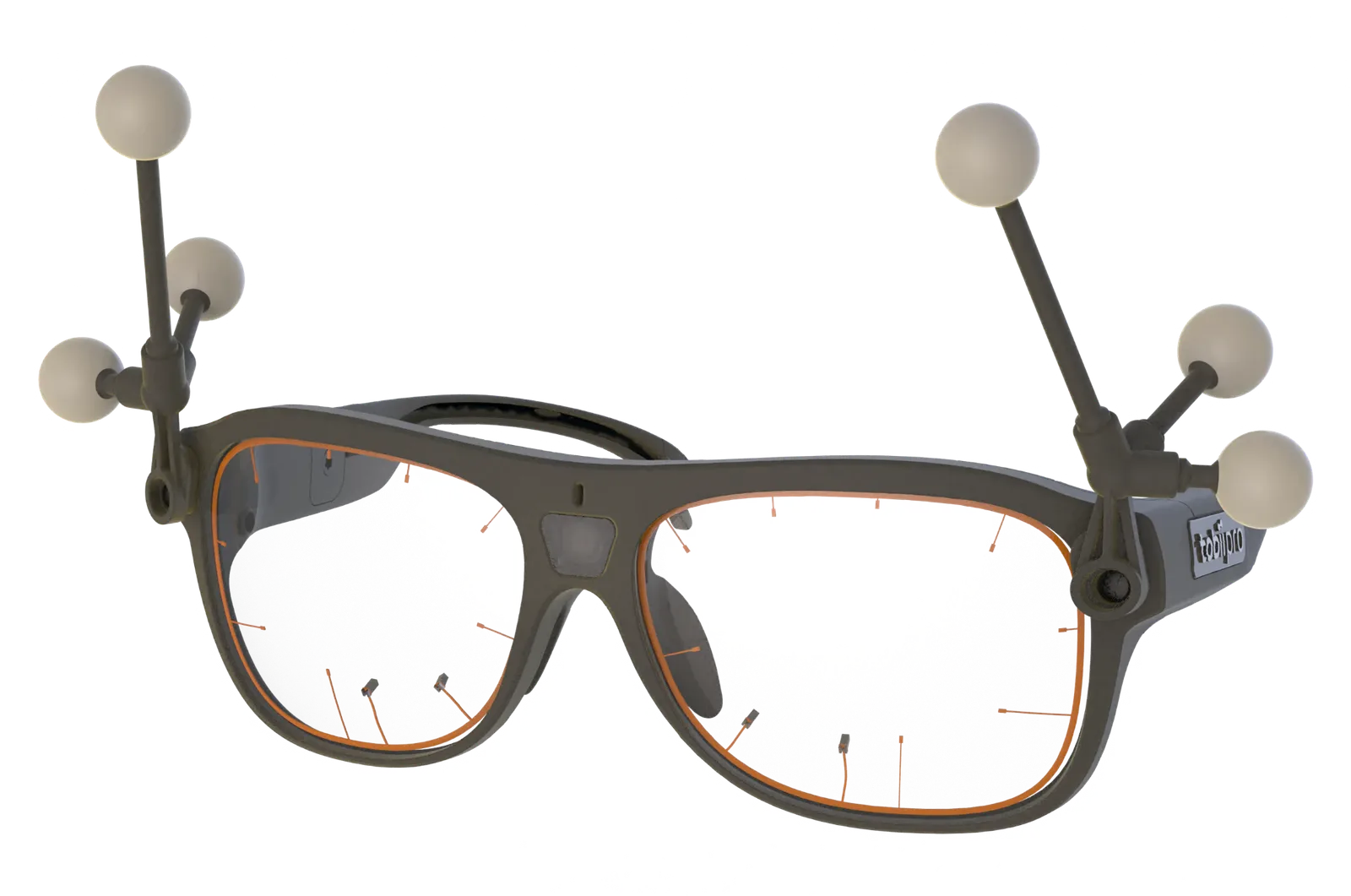 1Attachment with 3 markers — screwed onto the frame
2Second attachment — 6 points in total
3Eye cameras in the frame — gaze direction
Three sources of information, one result — in the motion capture software.
The glasses alone describe gaze from the head's perspective: "to the left and slightly down". When the participant walks and turns, the same "to the left" points to a different place every time. Motion capture adds the head position, so gaze becomes a ray that hits a specific object in the room — in every frame of the recording.
The cameras see the markers, so the head position and rotation are known. The gaze ray has its place in the room, and you know what it hits.
The glasses are added to the motion capture system like another measurement device. Gaze data streams over the network to the mocap software, which records it together with the motion, lets you view it live in 3D and then export it — Tobii mentions MATLAB, for example.
You add the glasses in the project settings as an input device. QTM links the gaze direction to the rigid body of the glasses — the marker triangles — and projects the gaze vector into 3D space.
Why a cable? Data from the glasses arrives over the network with a delay that can vary. Qualisys recommends hardware synchronization — then the gaze and motion recordings are aligned in time.
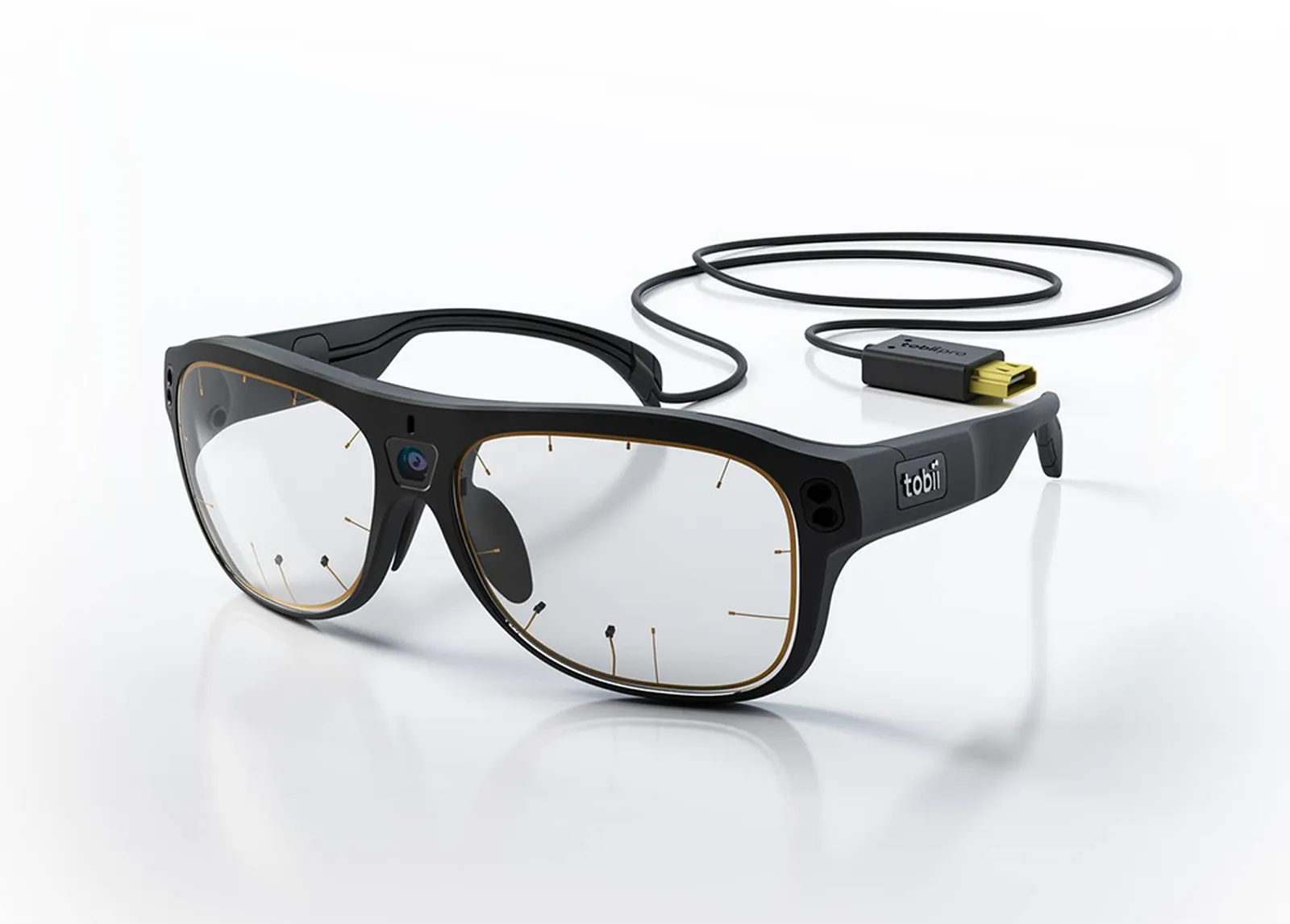
You add the glasses in the system resources tree as a digital device. The Nexus installer includes templates (VST) for the marker attachments, so you can load the head model with the glasses right away.
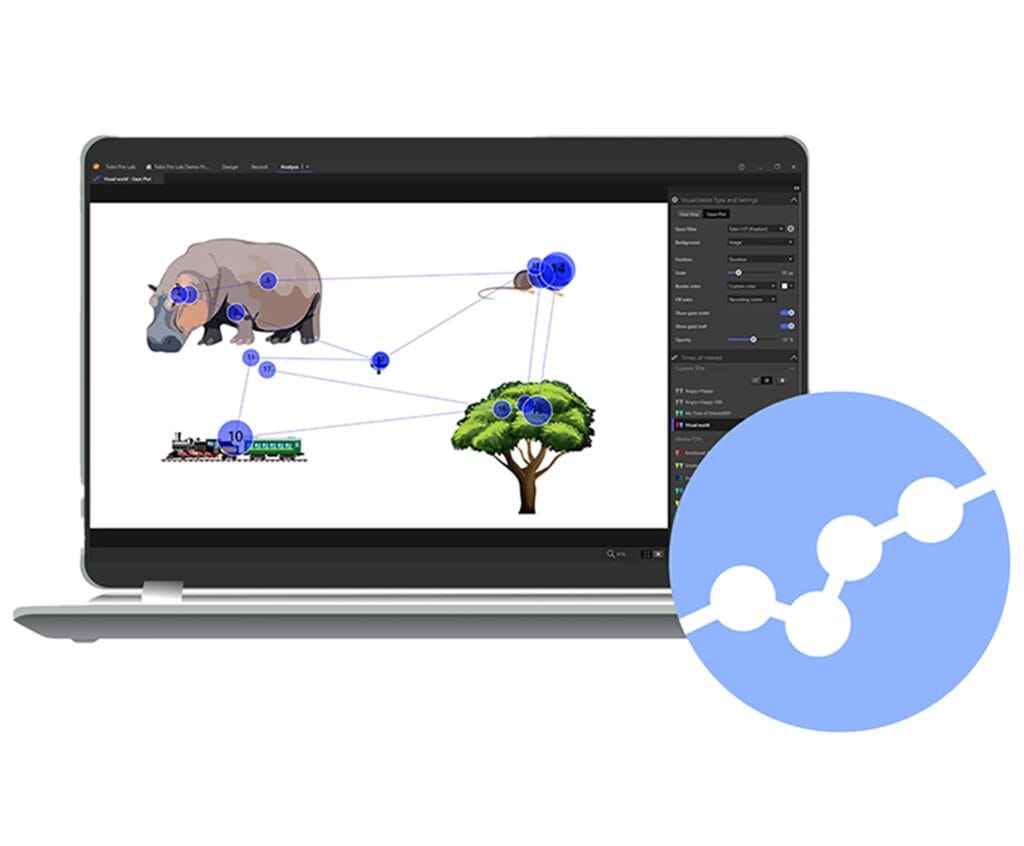
Left / Right Eyeeye position (X, Y, Z) relative to the glasses and pupil diameterLeft / Right Gazegaze direction vector of each eyeGaze positiongaze point of both eyesYou analyze recordings from the glasses in Tobii Pro Lab — heat maps, areas of interest, mapping onto snapshots of the scene. Motion capture data stays in QTM or Nexus; the manufacturer does not state that motion data can be imported into Pro Lab.
Sources: tobii.com (Motion Capture), Qualisys QTM and Vicon Nexus 2.17 documentation, as of 2026-10.
Most often, the motion capture system is already in the lab, and eye tracking comes as a new layer. We help you align both systems so that your first measurement is a measurement, not a connection test.
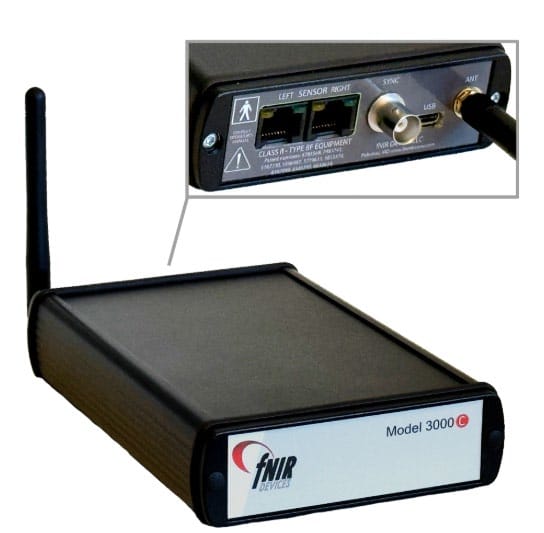
Glasses, marker kit and Tobii software from one source — with full knowledge of how to configure the whole setup.
We help you plan the study: gaze sampling rate, calibration, number of participants at once, export for analysis.
We set up the glasses on your network, connect them to QTM or Nexus and go through the first measurement with your team.
We'll prepare a technical description of the setup and a specification for a grant application or tender procedure.
We resolve questions about configuration, synchronization or updates with Tobii on your behalf.
We supply Tobii solutions to Polish universities and research teams — we'll gladly put you in touch with users.
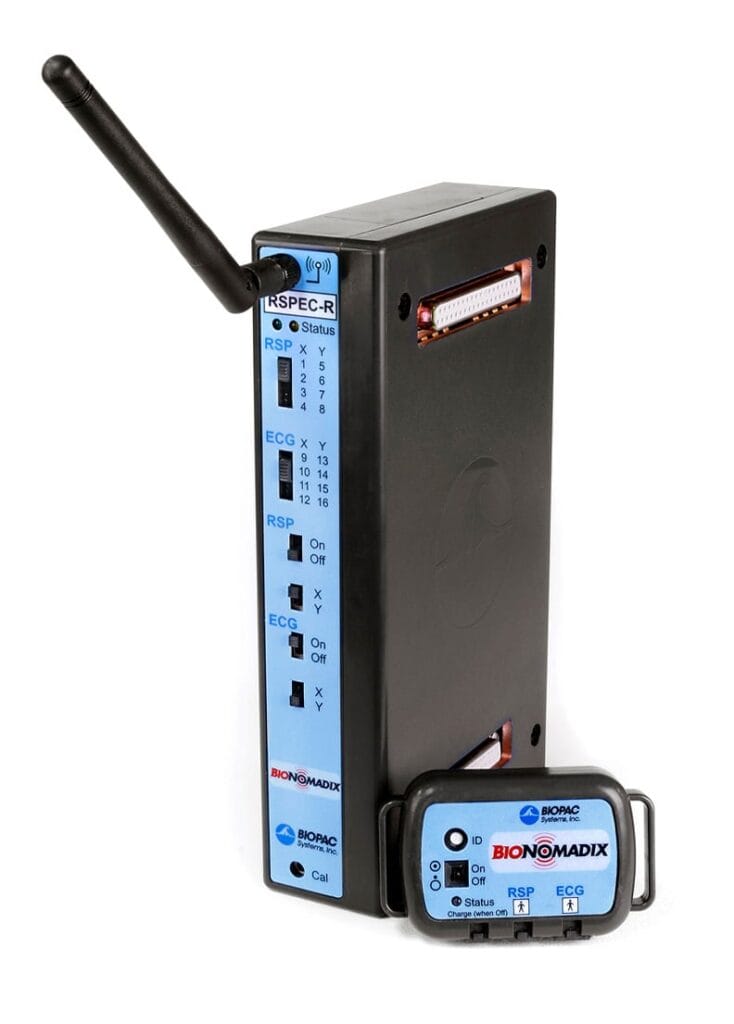
Tobii Pro Glasses 3 also connect to BIOPAC systems — via the TTL port and Lab Streaming Layer — so alongside gaze and motion you can record, for example, heart activity or skin conductance. Details on the Tobii Pro Glasses 3 page.
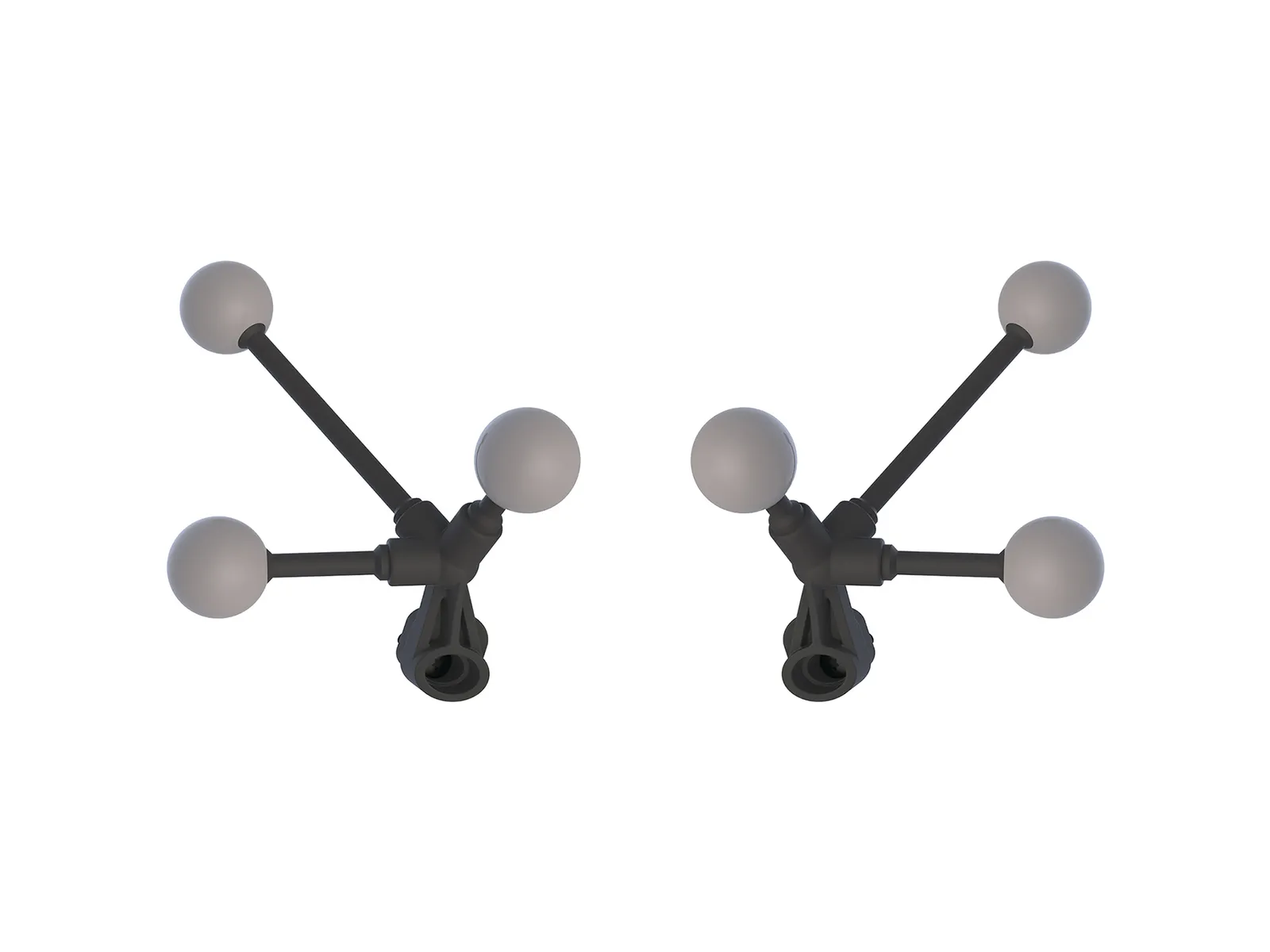 2 × 3 passive markers · photo: Tobii
Two lightweight attachments, each with three passive spherical markers. They screw onto the mounts on the Tobii Pro Glasses 3 frame — one on each side.
A dedicated cable that synchronizes both data streams based on timestamps. Needed only with a Qualisys system.
Combining eye tracking with motion capture lets you study the coordination of eye and body movements — a fuller picture of behavior than either measurement alone.
Hand–eye coordination and visual strategies: from goalkeeping to a golf swing.
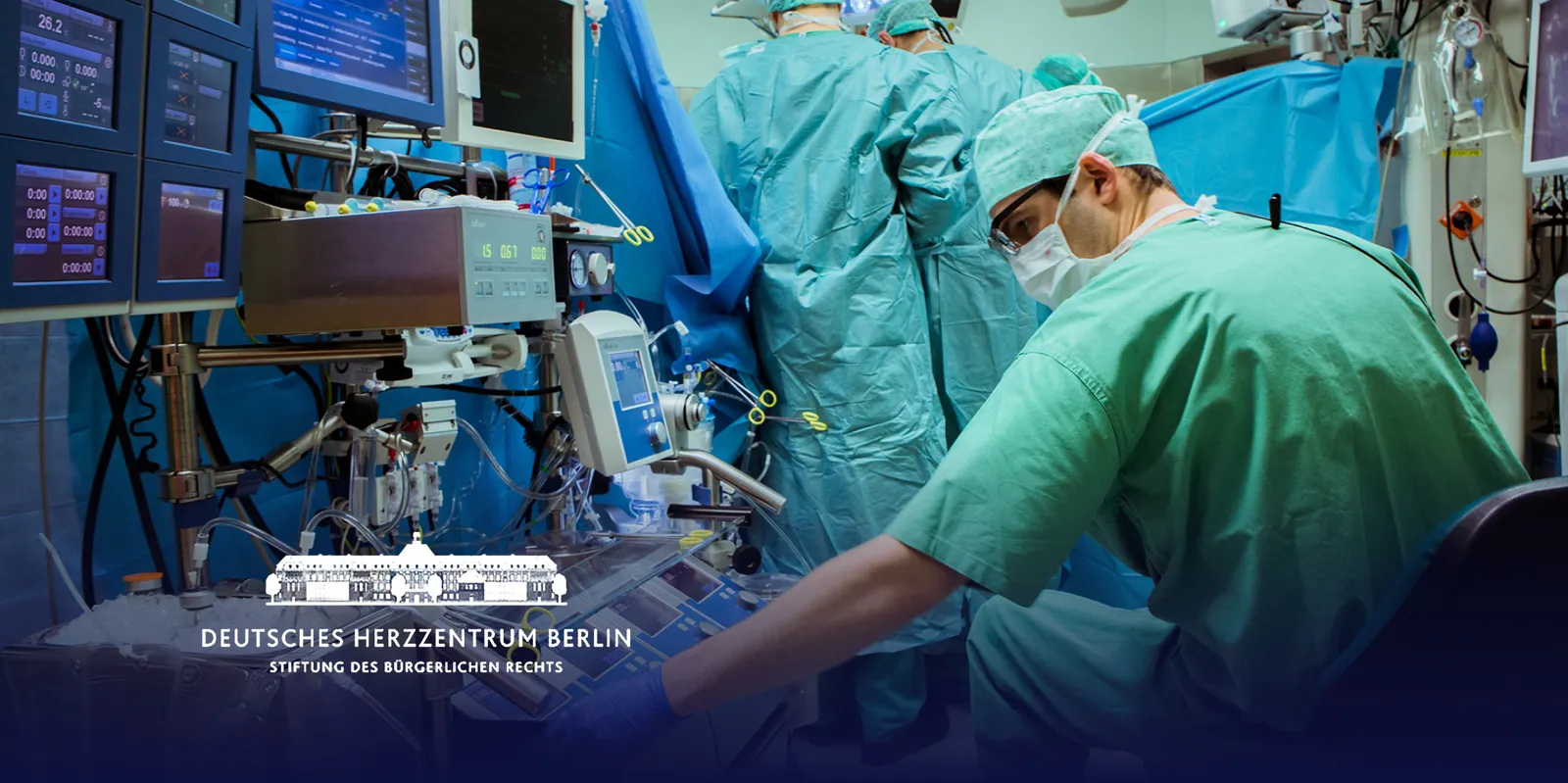
The coordination of experienced surgeons as training material; assessing progress in motor rehabilitation.
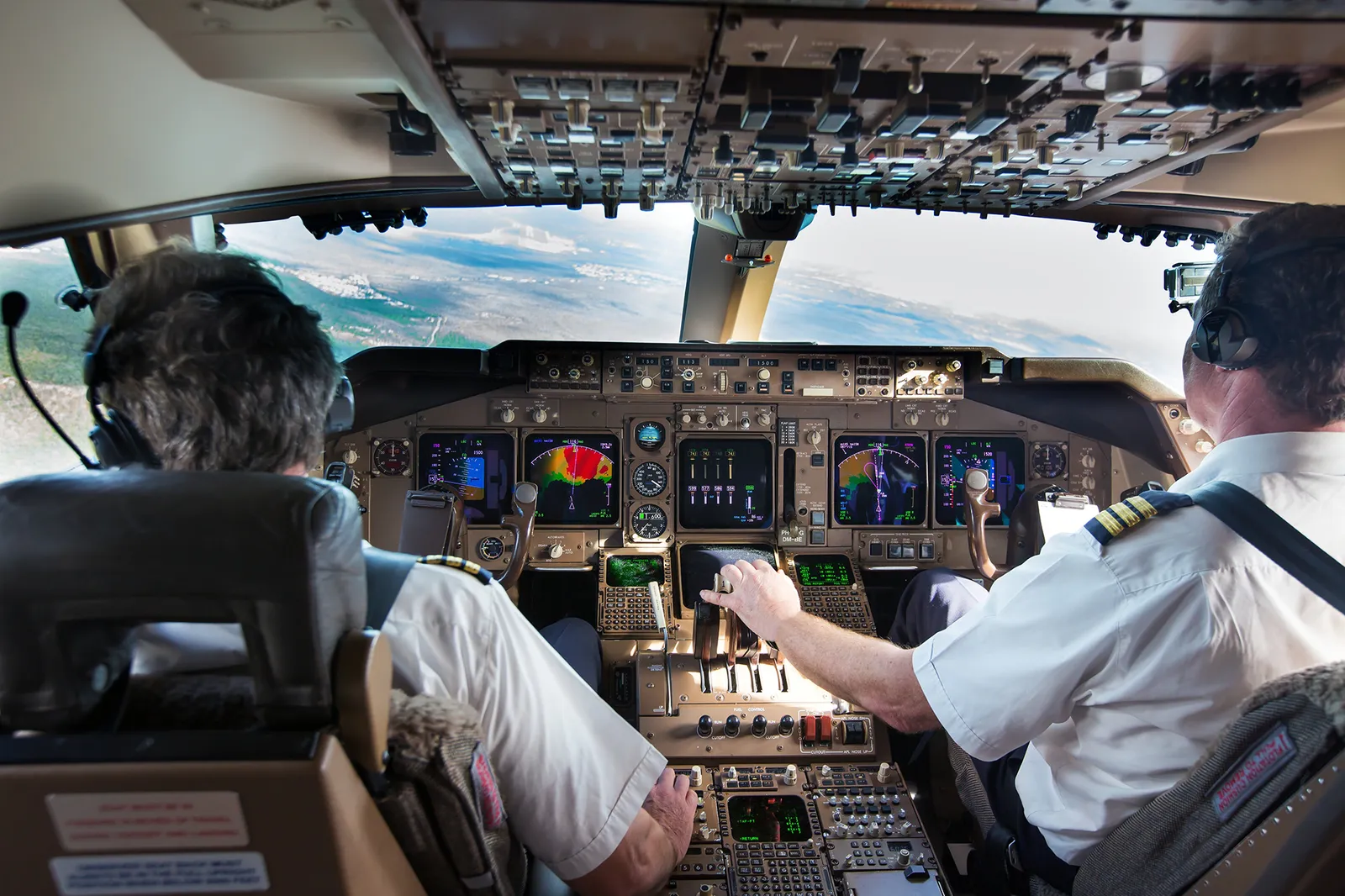
Scenarios under controlled conditions: movement and gaze show how to practice new skills and improve safety.
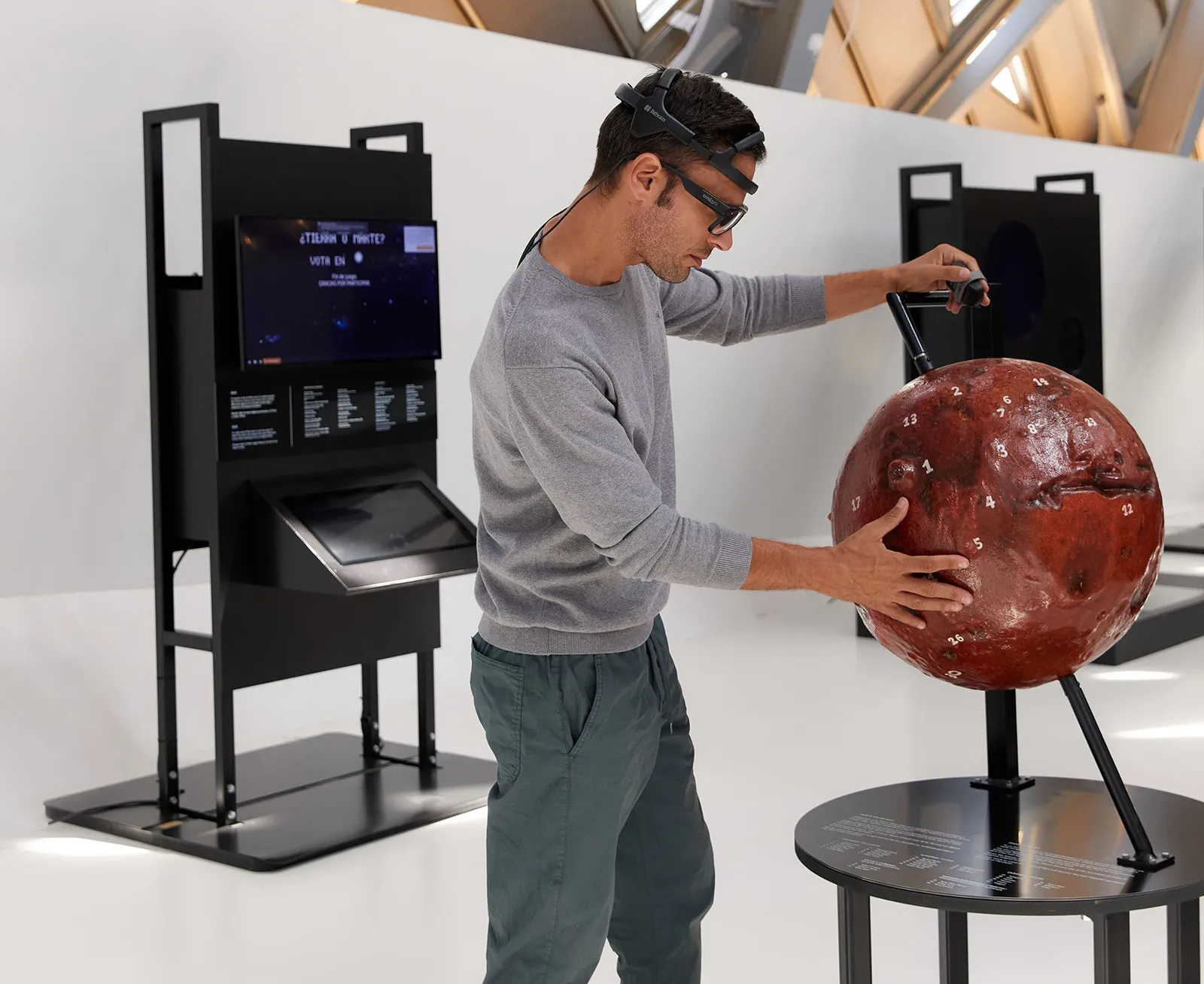
Which stimuli trigger specific body language and how gestures relate to speech.
During movement, eye tracking glasses can slip slightly on the nose, which degrades the measurement. Researchers from Lund combined eye tracking with motion capture to measure this effect in three models of glasses. Tobii Pro Glasses 3 proved the most robust.
Nyström M., Niehorster D. C., Lund University — “Uncovering the effect of slippage on wearable eye trackers: A motion capture study”, ACM, DOI 10.1145/3797246.3803029. Results cited by Tobii.
According to Tobii, Qualisys and Vicon documentation. We list the parameters of the glasses because they determine the gaze measurement.
| Parameter | Value |
|---|---|
| Kit | |
| Manufacturer | Tobii AB (Motion Capture Marker set) |
| Contents | 2 lightweight attachments, each with 3 passive spherical markers |
| Mounting | screwed onto the mounts on the glasses' frame |
| Compatible glasses | Tobii Pro Glasses 3 |
| Motion capture systems | Qualisys, Vicon |
| Synchronization with Qualisys | dedicated sync cable (timestamps)needed only with a Qualisys system |
| Qualisys Track Manager | |
| Integration | glasses as an input device; gaze vector assigned to the rigid body of the glasses (6DOF); ready-made rigid body definitions for the Tobii attachments |
| Connection | shared local network: the recording unit's Wi-Fi or a router; no direct cable; several pairs of glasses via a router |
| Gaze sampling rate | 50 Hz by default; higher if the glasses support it |
| Hardware synchronization | cable: 3.5 mm to the recording unit's sync port, BNC to the Camera Sync Unit output (Arqus, Miqus); for Oqus — a sync/trigger splitter |
| Vicon Nexus | |
| Integration | glasses as a digital device; VST templates for the attachments in the Nexus installer |
| Data | eye position (X, Y, Z) and pupil diameter; gaze vector of each eye; gaze point — relative to the glasses |
| Connection | Ethernet via a DHCP router or Wi-Fi |
| Multiple pairs of glasses | supported for Glasses 3 (according to Vicon — limited testing) |
| Tobii Pro Glasses 3 | |
| Sampling rate | 50 Hz or 100 Hz |
| Accuracy | 0.6° |
| Weight of the glasses | 76.5 g (with cable) |
| Sync port | 3.5 mm socket (TTL signal) on the recording unit |
Sources: tobii.com (Motion Capture, Tobii Pro Glasses 3), docs.qualisys.com, help.vicon.com (Nexus 2.17), as of 2026-10. The manufacturer does not list the marker diameter or the kit weight on the product page — we'll provide them in the quote.
No — it is an accessory. Movement is measured by the cameras of a Qualisys or Vicon motion capture system, and gaze by Tobii Pro Glasses 3. The marker kit lets the cameras see the glasses, and the mocap software combines both measurements. If you are just planning your lab, we'll advise you how to put it all together.
Tobii offers the kit for Tobii Pro Glasses 3 — the attachments screw onto the mounts on this model's frame. Tobii Glasses X do not have an external TTL sync port; for multimodal studies, the manufacturer intends Glasses 3.
Yes, with limitations described by the mocap manufacturers. In Qualisys QTM, several pairs of Glasses 3 connect via a router. Vicon Nexus supports several pairs of Glasses 3, but according to Vicon this configuration has undergone limited testing. Each person needs their own glasses and attachments.
Data travels over the network, so the live view has some delay, which can vary. For analysis, Qualisys recommends hardware synchronization with a cable — it only needs to be connected at the start of the recording. The live delay cannot be compensated; the correction applies to the recorded data.
Gaze and motion together — in QTM or Nexus: 3D view, recording and export for further analysis, for example in MATLAB. Recordings from the glasses alone (scene video, heat maps, areas of interest) are analyzed in Tobii Pro Lab. The manufacturer does not state that motion capture data can be imported into Pro Lab.
Before each session, the glasses are calibrated on the participant — in the Glasses 3 app (when working with QTM) or from within Nexus. The participant looks at a calibration card held at a distance of 0.5–1.5 m.