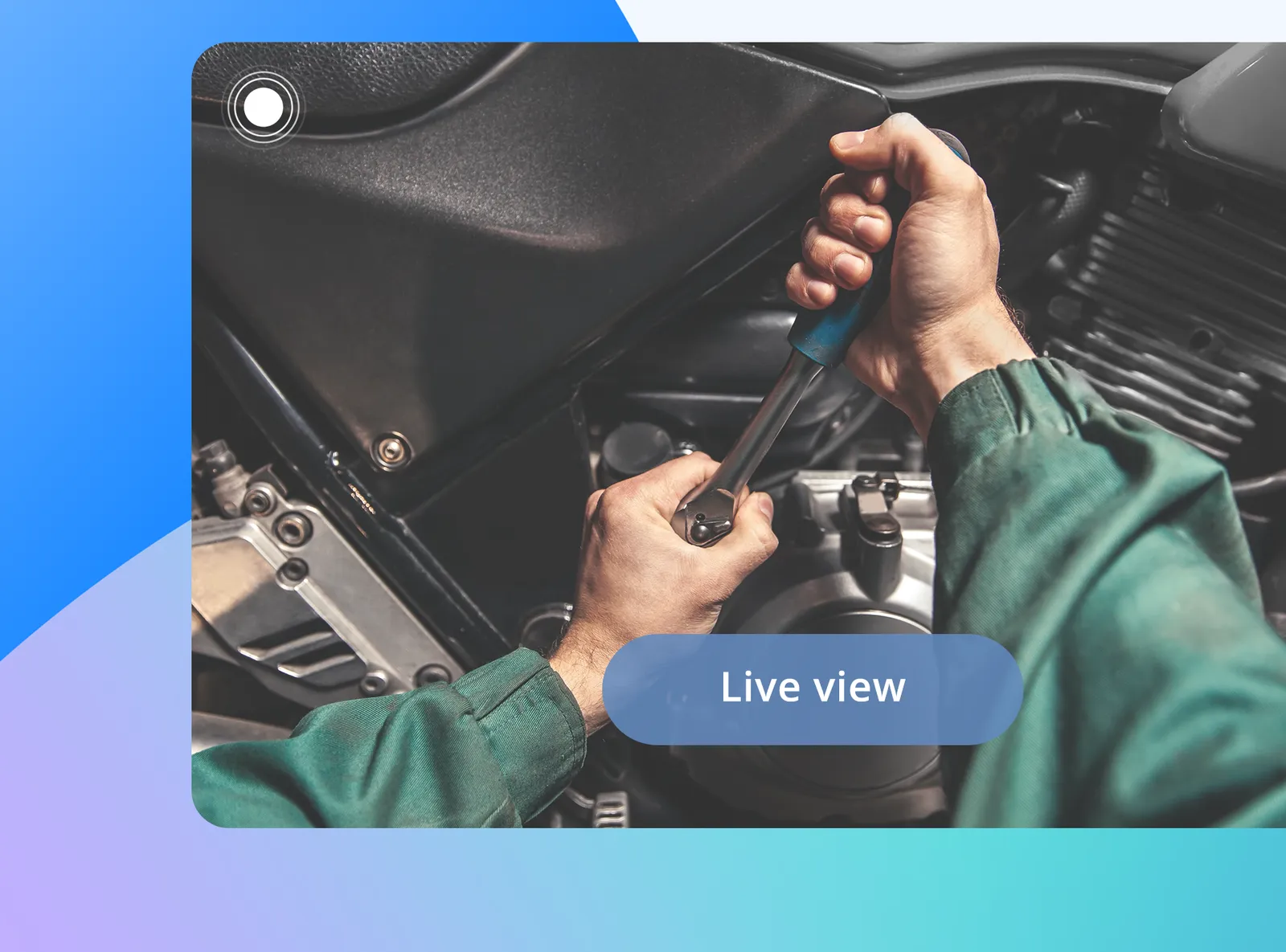
You look along with the worker
Remote live view shows the image from the glasses camera and the gaze point in real time. You observe from anywhere and can guide the person through the next steps of the procedure.
Software for viewing, tagging and comparing recordings from Tobii Glasses X — video from the perspective of a person at work, with the point they are looking at overlaid. For training and quality departments and teams studying work in real environments.

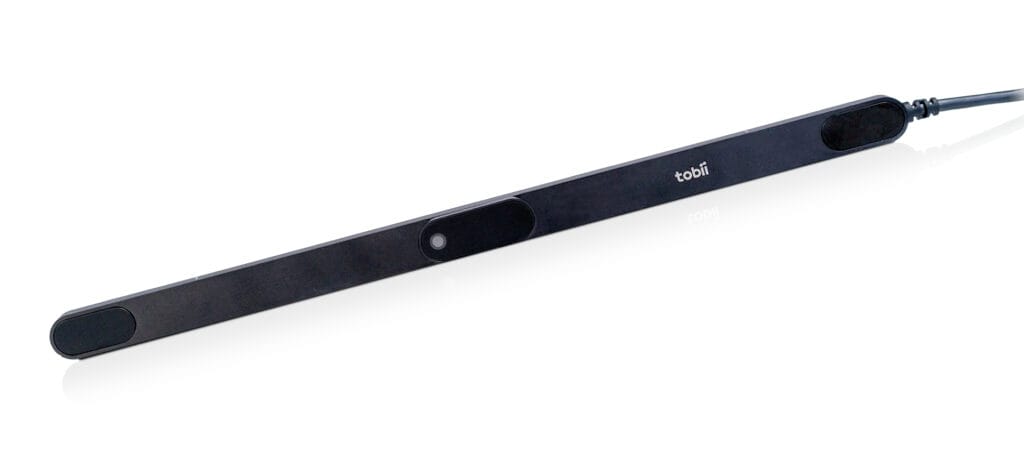
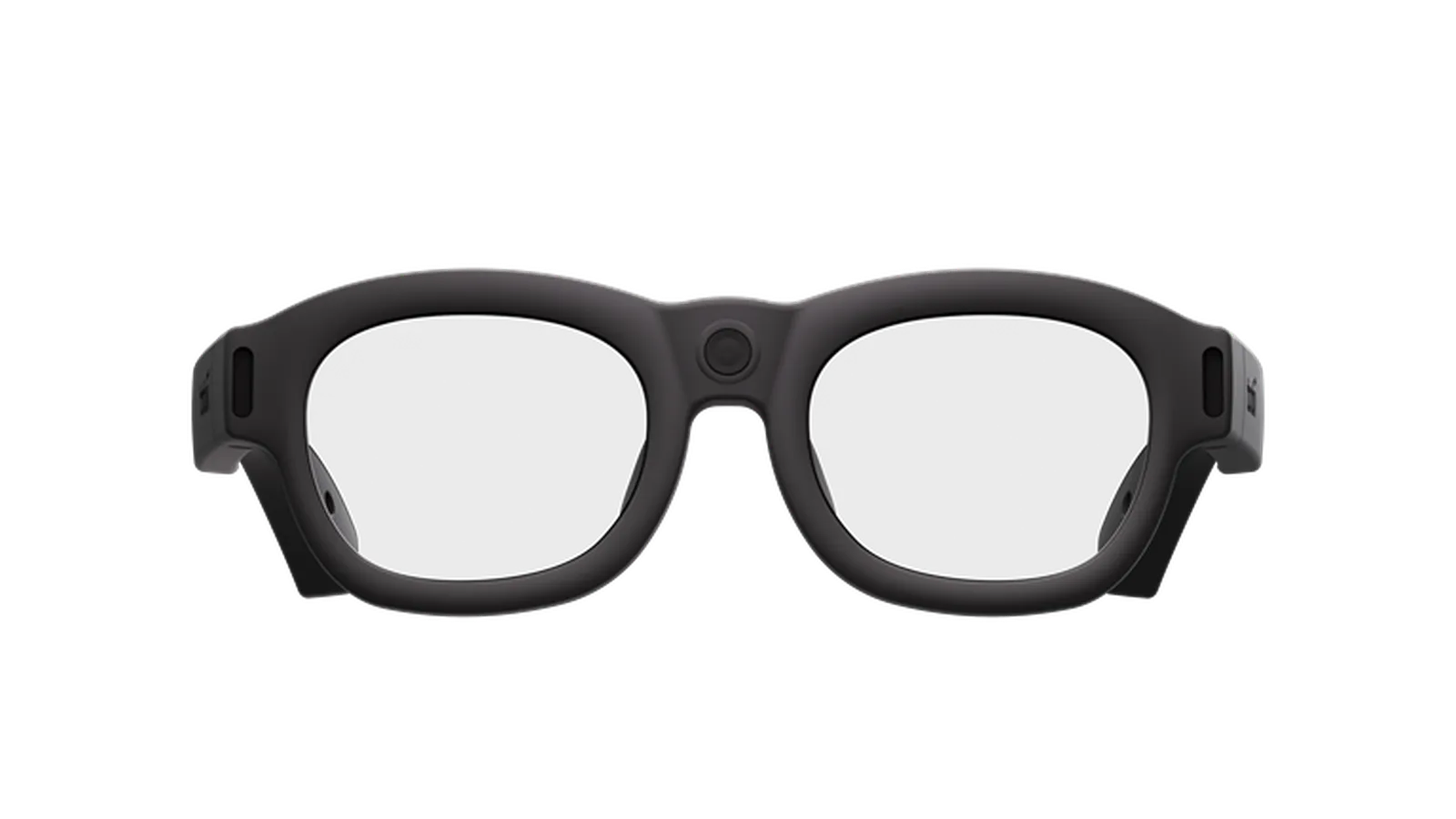
Tobii Glasses X are glasses with a camera and eye tracking sensors. They record video from the wearer's perspective and log which point of that image the person is looking at. Glasses Explore is cloud software in which you view, tag and compare these recordings — without installing specialized analysis software.
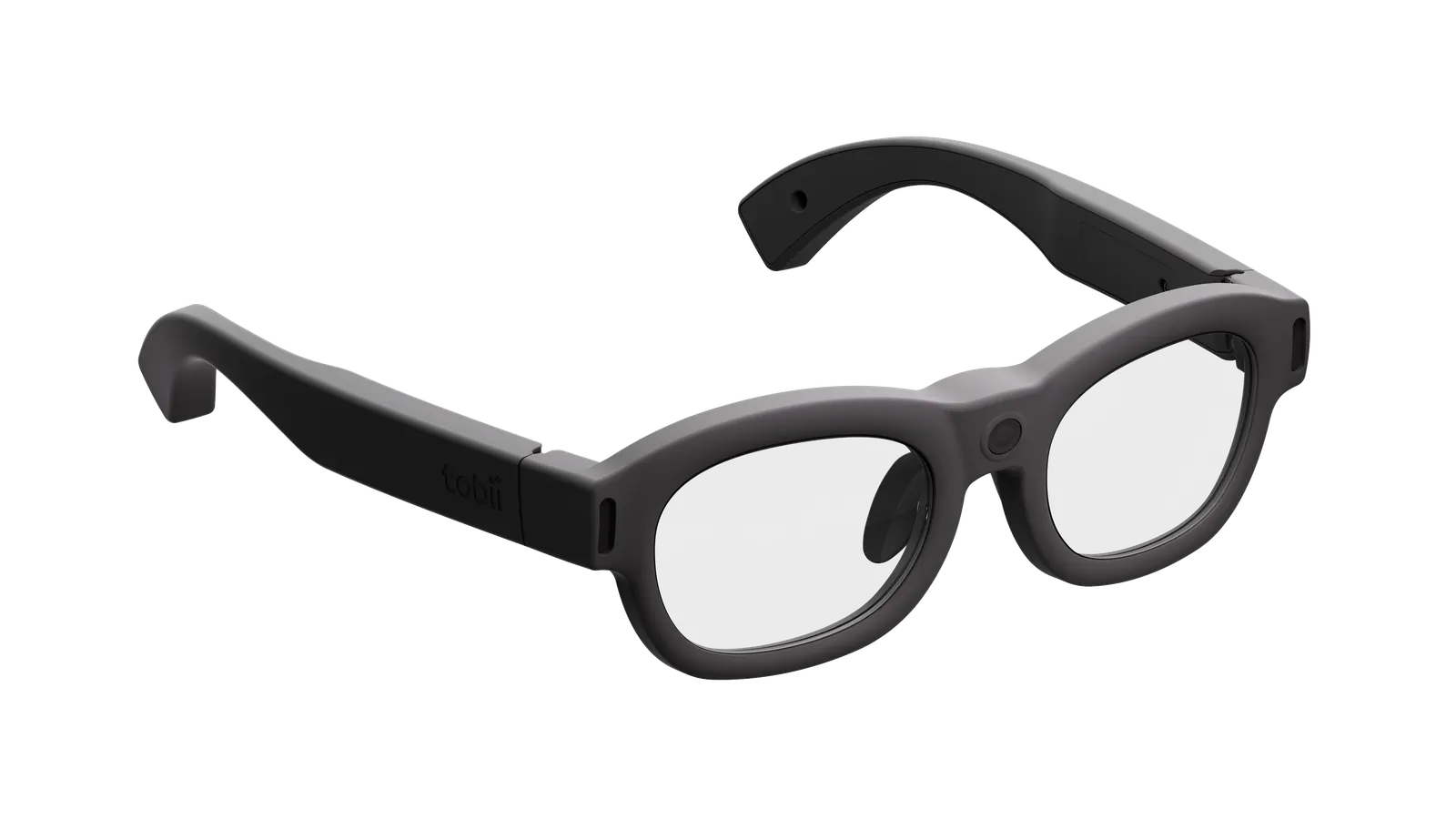
The participant puts on the glasses and performs a normal task — at the assembly line, in a car, on the court. No calibration is needed, so recording can start right away.
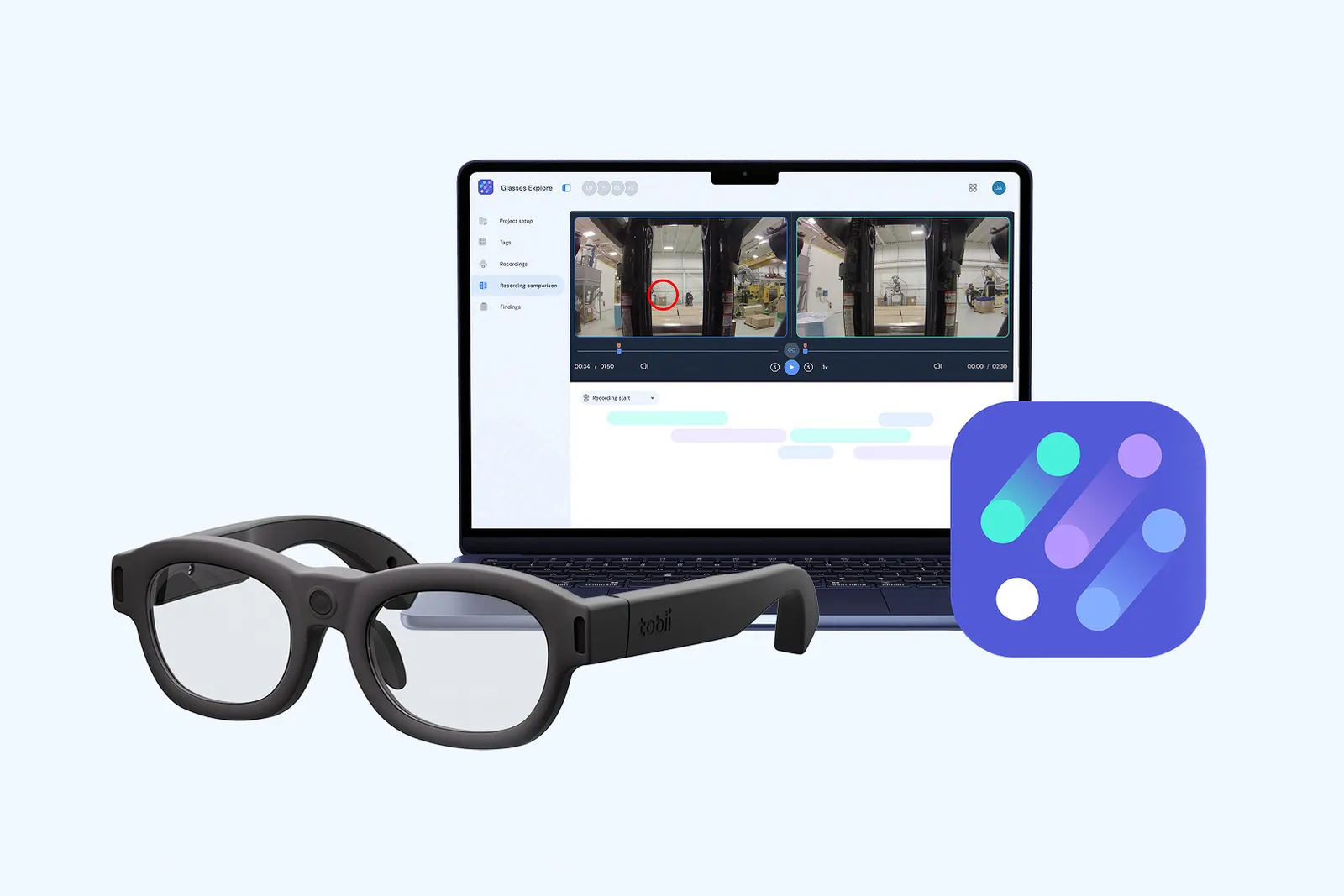
The recording goes from the app to the Glasses Explore cloud. There you watch it live or later, tag important moments, compare people and share findings with your team.
Sensors facing the eyes are built into the frame — one for each eye.
The algorithm finds the center of the pupil and the light reflection on the cornea. Their relative position determines the gaze direction.
A three-dimensional model compensates for the glasses slipping on the nose, which is why they do not need calibration.
This is how many times per second the glasses determine the gaze point and map it onto the scene camera image.
This is a frame of a Glasses X recording: the image from the camera in the glasses with gaze overlaid on it. Click the points to see how to read them.
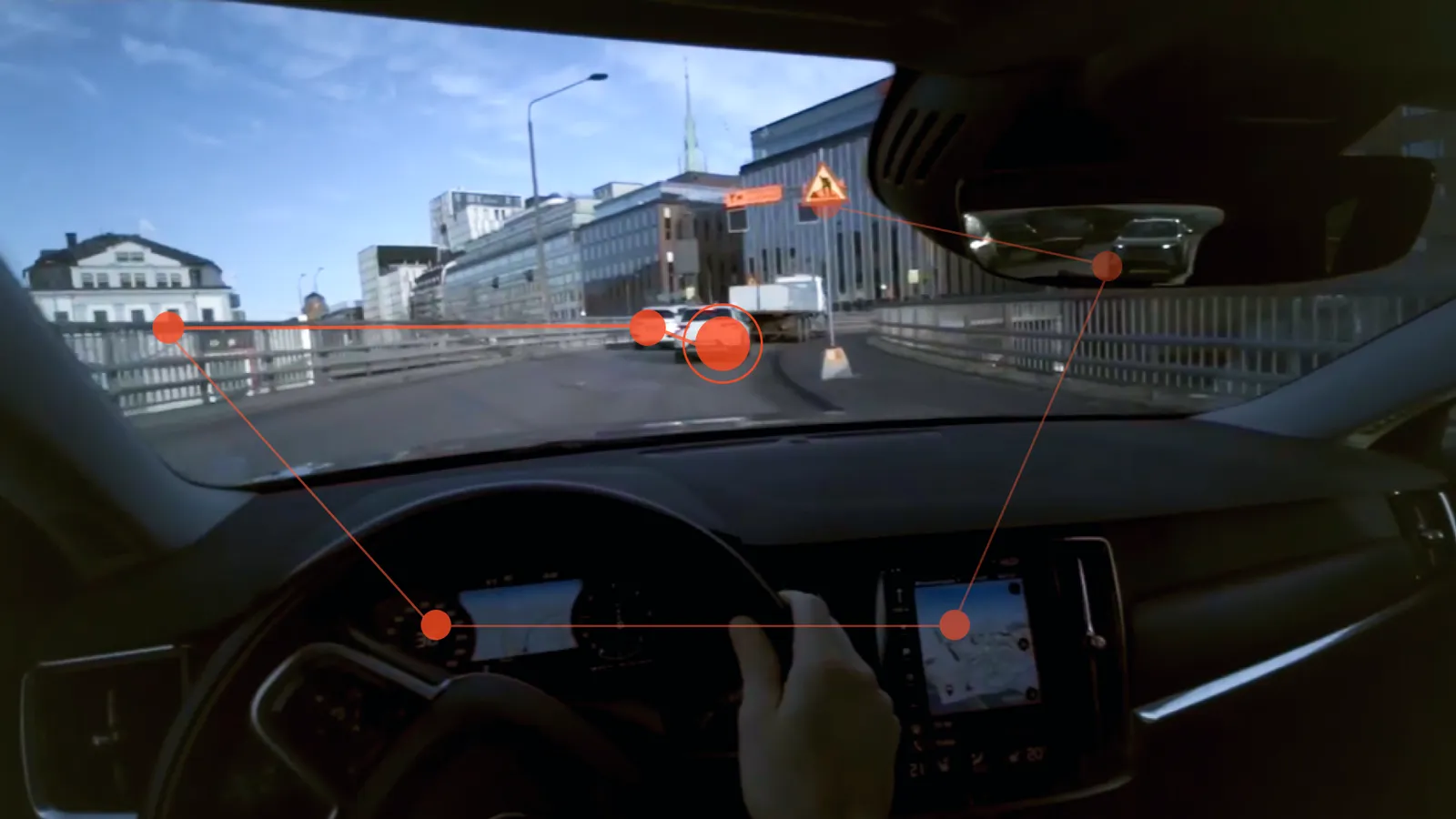
The large circle is where the driver is looking in this frame — the car driving ahead.
The smaller dots are earlier locations, and the lines show the order: mirror, sign, gauges, navigation. You can see how the driver checked the surroundings.
A glance at the navigation screen can be marked with a tag on the timeline and compared with other drives.
The wide frame covers most of the field of view: 118° horizontally and 67° vertically. The image is stabilized, so the recording stays watchable despite head movements.
Explore guides you through the entire work with a recording: from live view, through tagging and comparing, to sharing the results. It presents results visually — raw data and advanced metrics come with Tobii Pro Lab (comparison below).
Remote live view shows the image from the glasses camera and the gaze point in real time. You observe from anywhere and can guide the person through the next steps of the procedure.
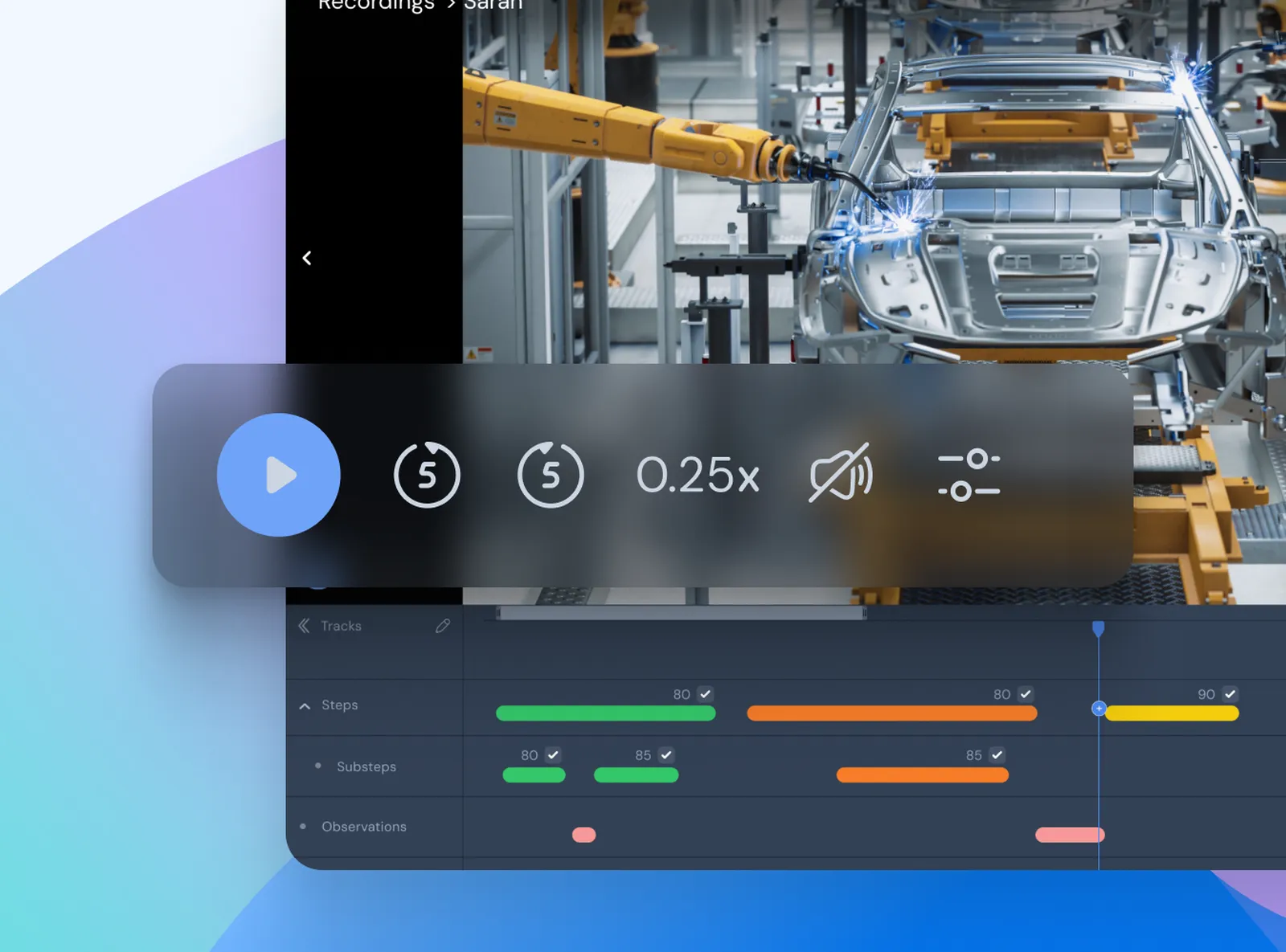
You play the recording more slowly, e.g. at 0.25×, with the gaze and fixation trail — the places where the eyes briefly stopped.
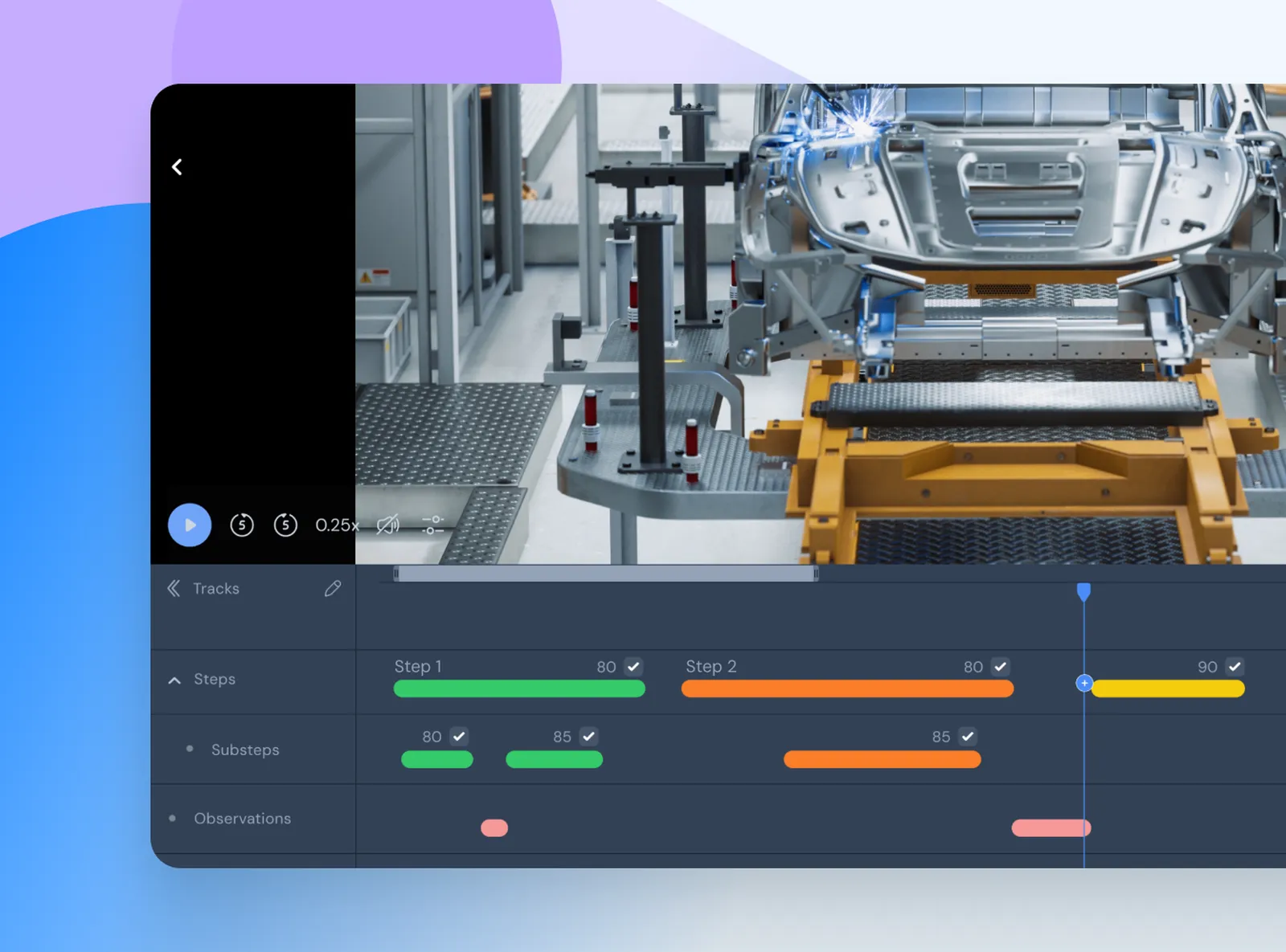
A tag is a marker on the timeline: a procedure step, a check, an observation. Attributes give it context, and Explore calculates metrics from the tagged segments.
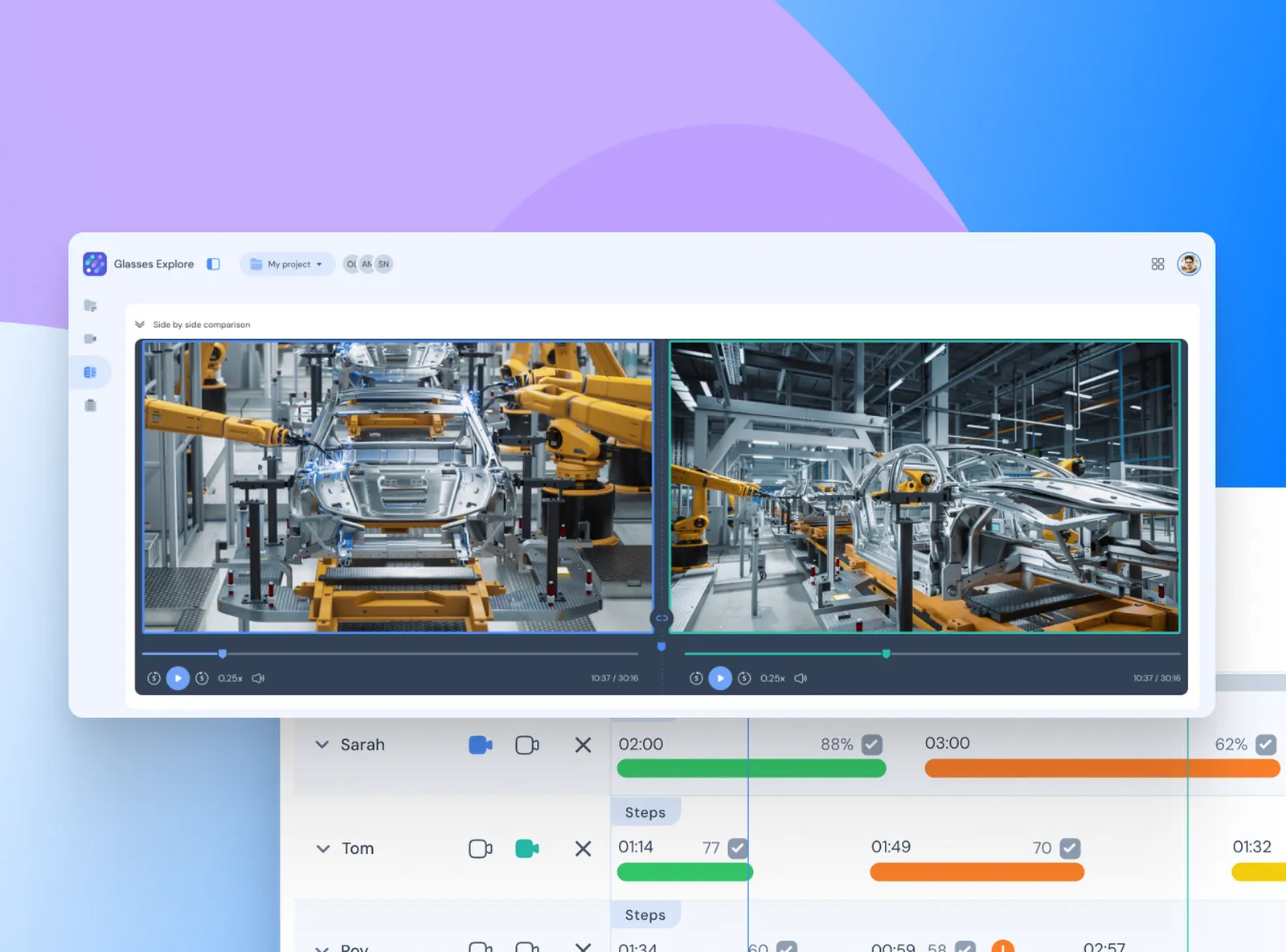
You play two recordings at the same time — e.g. an experienced worker and a trainee. You can see what each of them looked at and where they paused.
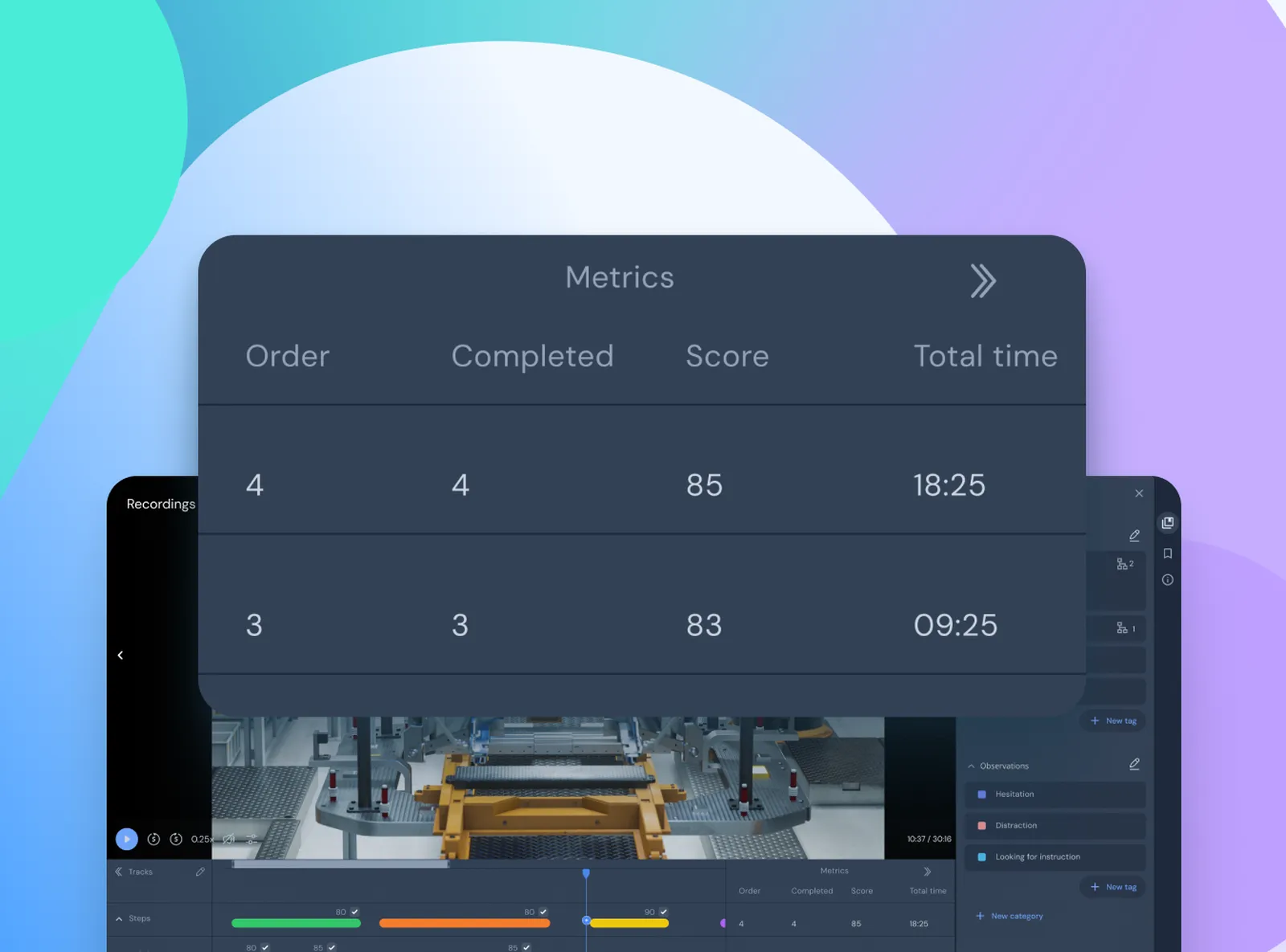
Target metrics put into numbers what you see in the recording — in the screenshot: step order, number of steps completed, score and total time. They are calculated the same way for every recording compared.
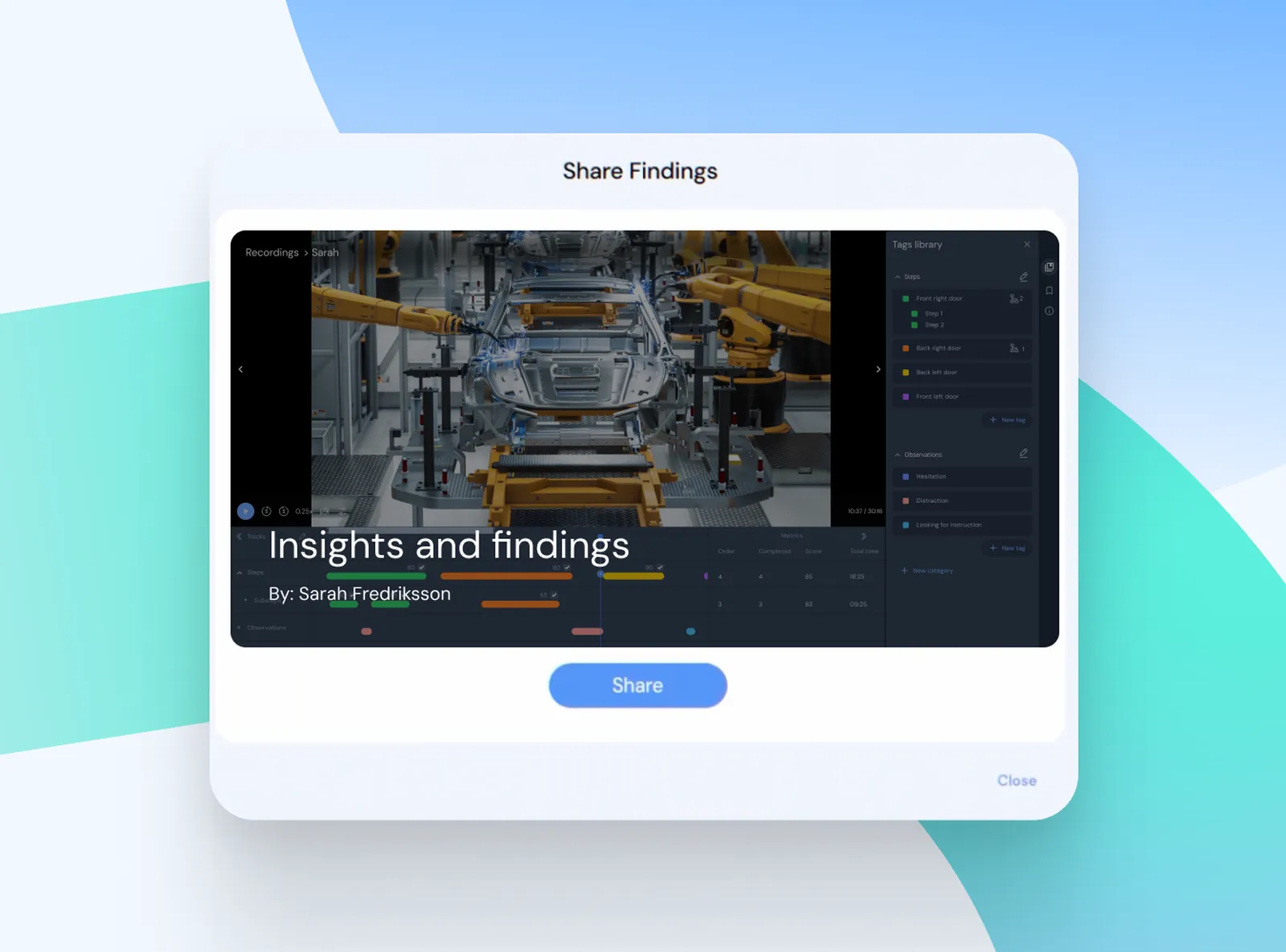
You create clips from the recording and publish them on a results page. Colleagues and managers watch the exact moment, not a description from memory.
You analyze Glasses X recordings in Glasses Explore or in Tobii Pro Lab. Explore answers the question “what happened and how to improve it”. Pro Lab — when you need numbers for publication or your own statistics.
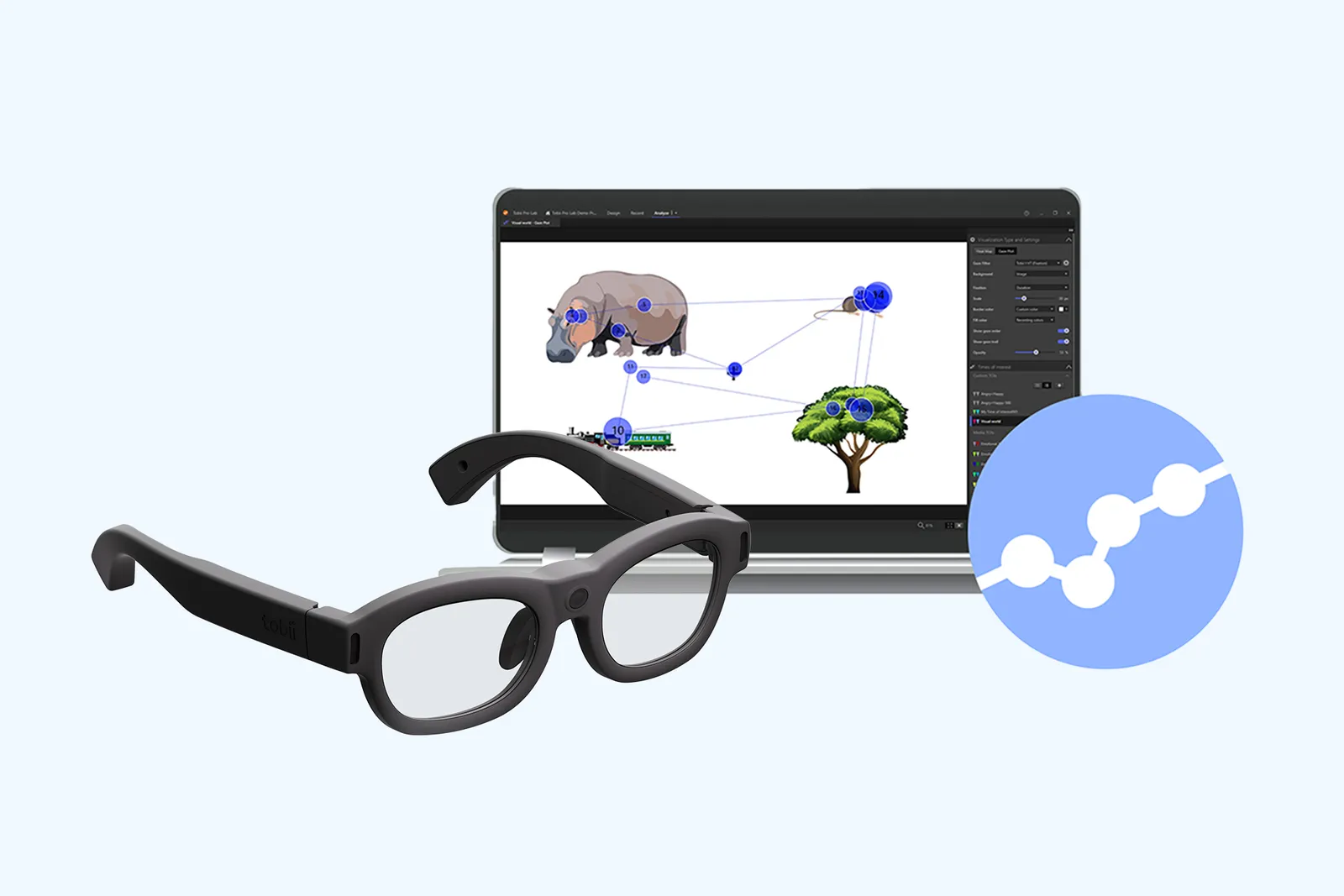
Glasses X with Explore is a calibration-free solution for fast deployment in companies. For research where 0.6° accuracy and integration with EEG, physiology or motion capture matter, Tobii offers Pro Glasses 3.
Eye tracking glasses are often bought together with an analysis platform from another company, billed in modules. Glasses X and Glasses Explore were developed together: the recording goes from the app directly to the Explore cloud, and a starter license is included in the kit.
| Feature | Glasses X + Explore from Interlab | Subscription platform + competing glasses |
|---|---|---|
| Glasses and analysis | one manufacturer: glasses, recording app and Glasses Explore; recordings go to the Explore cloud directly from the app | platform from one manufacturer, glasses from other companies |
| Starter license | one year of Glasses Explore included with the glasses, up to 3 glasses per license | mandatory core module + separately paid glasses module; annual renewal |
| Advanced analysis | Tobii Pro Lab: AOI, heat maps, raw data — perpetual license or subscription | additional platform modules, e.g. automatic AOI in dynamic scenes; annual renewal |
Competing glasses: eye tracking glasses supported by a popular multimodal platform. Data from manufacturers' websites, as of October 2026.
We help you choose the hardware and software, set up the glasses and Explore in your team, and stay with you after the purchase.
Wherever attention during a task in a real environment matters — not in front of a screen.

A recording of an experienced worker shows what they look at during a task. A recording of a trainee shows which procedure steps they skipped.

Inspections, quality control and service work: where the worker's attention goes during a procedure.
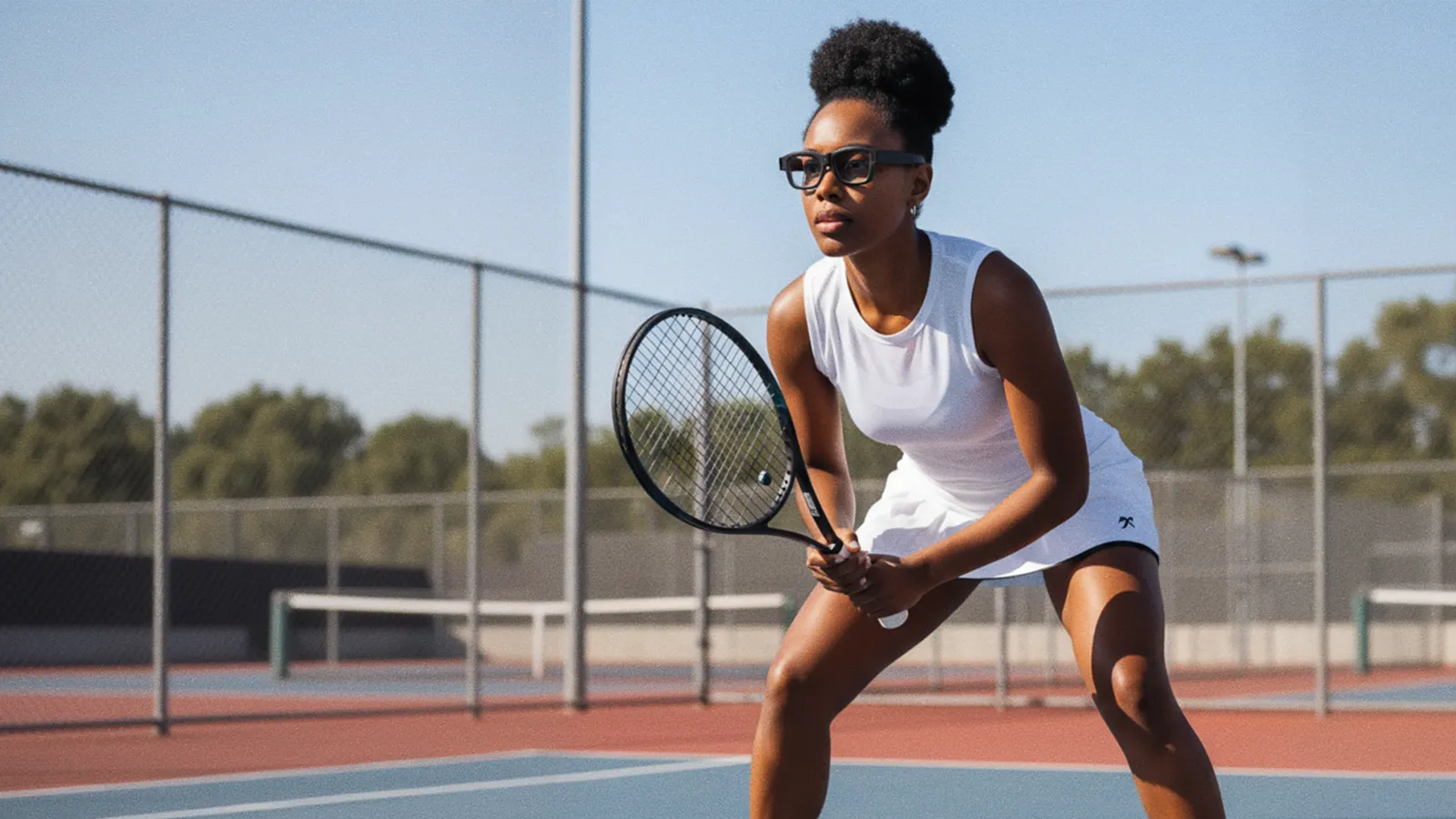
An athlete's attention in motion — the glasses weigh 72 g with the cable.
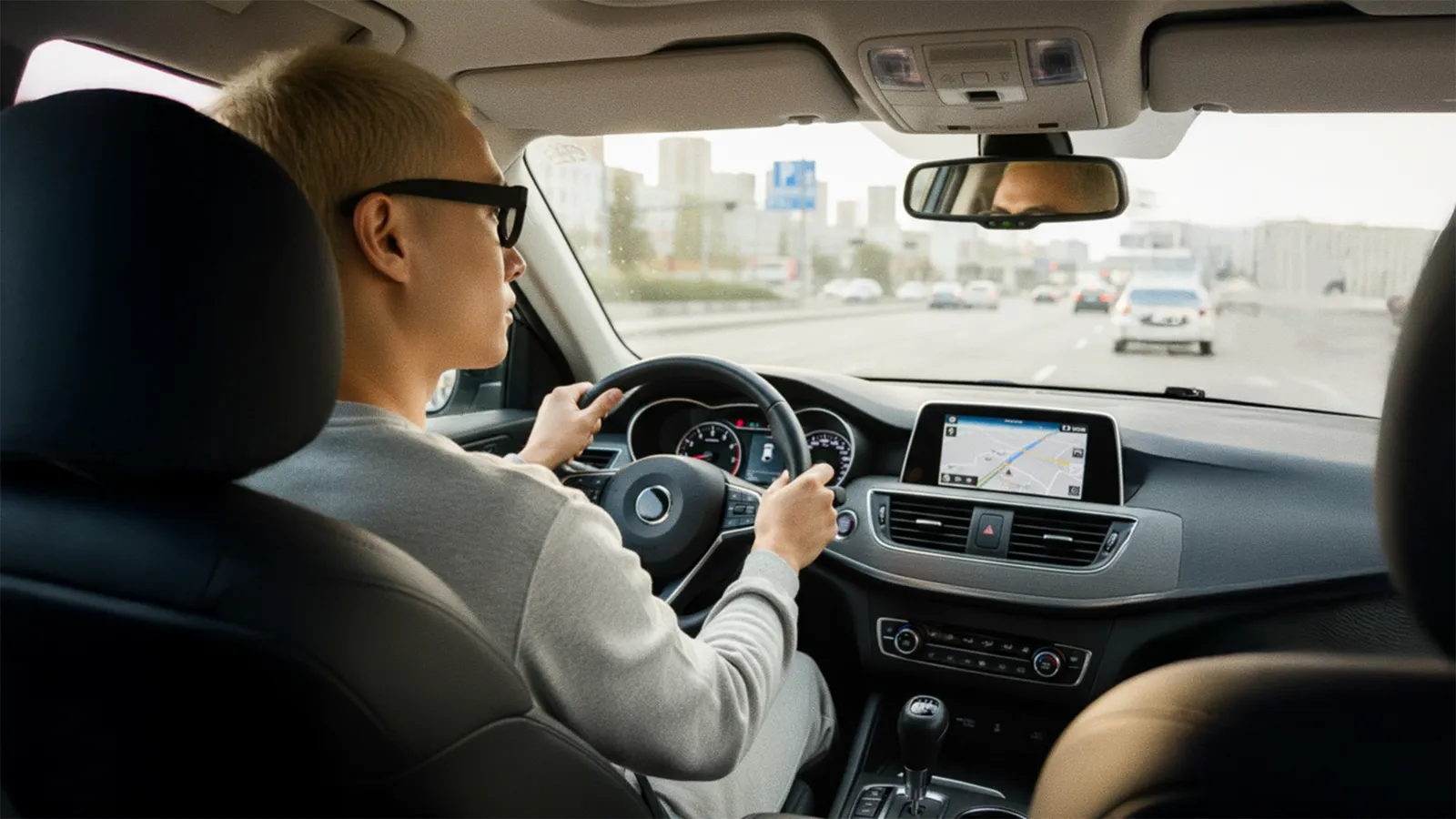
How a driver watches the road, mirrors and gauges — for training and assessing drives.
Glasses Explore works only with Tobii Glasses X — which is why we list the specifications of both. Values according to the manufacturer.
| Glasses Explore | Value |
|---|---|
| Type | cloud software for analyzing recordings from eye tracking glasses |
| Works with | Tobii Glasses X (only) |
| Recording | Tobii Glasses X app on Android; native integration with the Explore cloud |
| Features | live view (remote), slow-motion playback and timeline zoom, gaze and fixation trails, tags with attributes, tag library, side-by-side comparison of two recordings, target metrics, clips and results page |
| Data access | visual results, no raw dataraw data, AOI and heat maps — in Tobii Pro Lab |
| License | 1 year included with Tobii Glasses X; up to 3 eye trackers |
| Security | AES-256 for data at rest, TLS 1.2+ in transit, keys in AWS KMS; Auth0 sign-in with role-based accessfault-tolerant data centers with backup and recovery |
| Parameter | Value |
|---|---|
| Eye tracking | |
| Method | pupil center corneal reflection (PCCR), dark pupil; binocular, 2 sensors (1 per eye) |
| Sampling rate | 120 Hz |
| Accuracy | 1.5–2.5°“enterprise” class: 2.5° without calibration |
| Calibration | not required |
| Glasses slippage | compensated — 3D eye model |
| Scene camera and sensors | |
| Scene camera | 2560 × 1440 px, 30 fps, MP4 recording |
| Camera field of view | 118° horizontal, 67° vertical, 132° diagonal |
| Image stabilization | yes — HD resolution after stabilization |
| Audio | stereo microphones; 16 bit, 48 kHz, AAC 128 kbit/s |
| Motion sensors | gyroscope, accelerometer, magnetometer |
| Synchronization | no external TTL input; basic sensor data recording |
| Device | |
| Weight | 72 g with cable (56 g + 16 g) |
| Dimensions | 156 × 163 × 49 mm |
| Corrective lenses | from −6 to +3 diopters |
| Power | via USB-C, 5.5 V DC, max. 0.5 A |
| Recording storage | Android app with upload to the Glasses Explore cloud |
Source: tobii.com — Tobii Glasses X and Glasses Explore pages and the Tobii glasses comparison (as of October 2026).
Explore is for quick insights: you watch recordings (also live), mark moments with tags, compare two recordings side by side and share clips with your team. It does not provide raw data. Tobii Pro Lab is software for scientific analysis: areas of interest (AOI), heat maps, behavior coding and raw data export.
No. Glasses Explore works only with Tobii Glasses X. Pro Glasses 3 recordings are analyzed in Tobii Pro Lab.
No. Glasses X determine gaze without calibration, and the 3D eye model compensates for the glasses slipping. The manufacturer specifies an accuracy of 1.5–2.5°. If your study requires higher accuracy, see Tobii Pro Glasses 3 with one-point calibration.
Not in Glasses Explore — it presents results visually. Raw data and researcher-configured metrics are provided by Tobii Pro Lab, which supports Glasses X recordings. We will help you choose the license.
The Glasses X kit includes a one-year Glasses Explore license for up to three glasses. We will confirm the renewal terms in our quote — ask us.
According to the manufacturer, data is stored encrypted with AES-256 and transmitted over TLS 1.2 or later; keys are managed by AWS Key Management Service. Sign-in is handled by Auth0 with role-based access, and the data centers have backups. We will forward questions about data location and your organization's requirements to Tobii.
Yes — Glasses X accept corrective lenses from −6 to +3 diopters.
Glasses X have no external TTL input; the manufacturer describes multimodal integration as basic sensor data recording. For research with EEG, physiology and motion capture, Tobii offers Tobii Pro Glasses 3.