UX Reveal

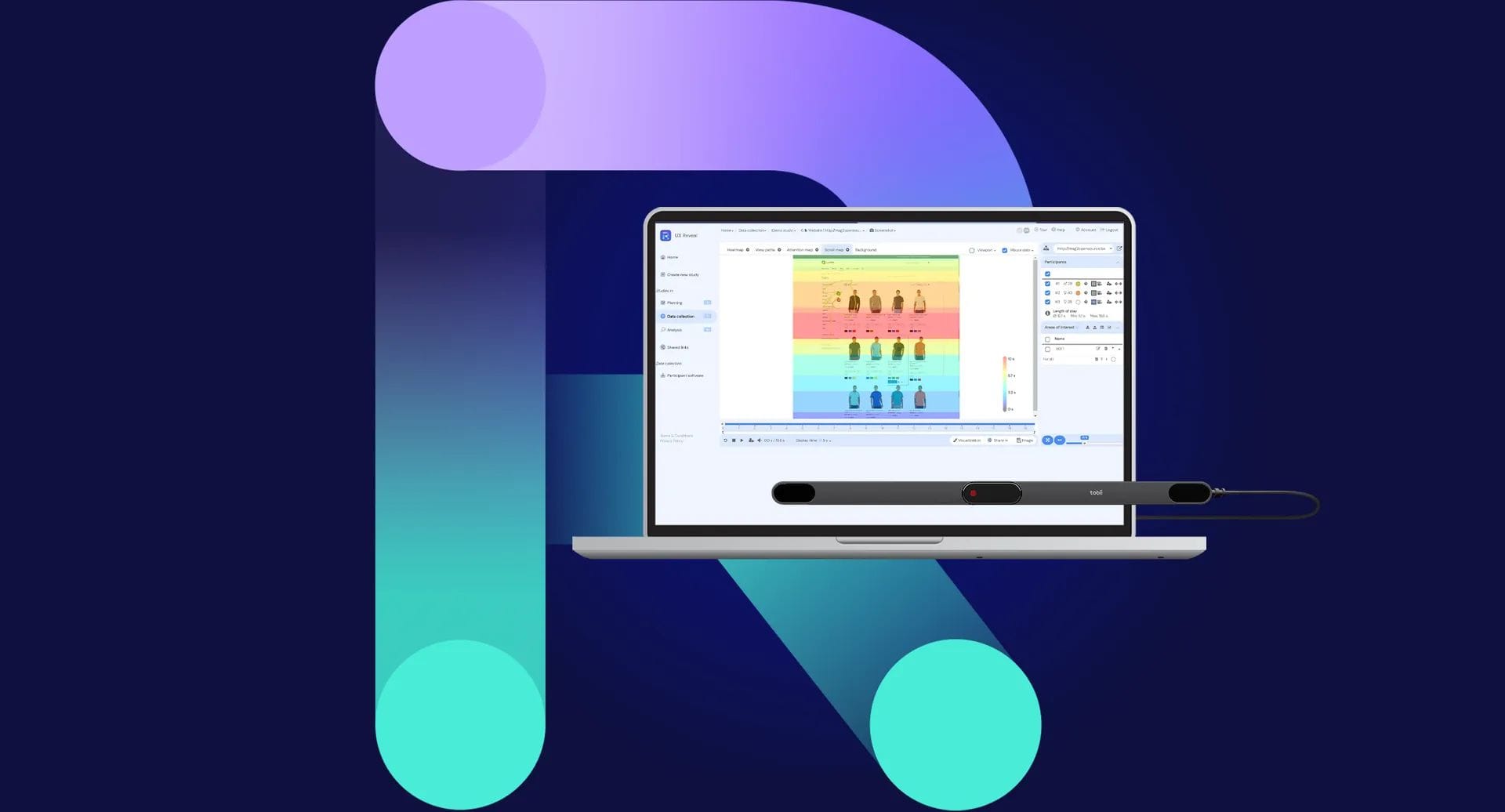
Turn your webcam into a source of valuable data. Tobii UX Reveal lets you track the user’s gaze and discover what truly draws their attention — quickly, easily and at no extra cost.

Refine your digital design with the user in mind

Tobii UX Reveal uses the user’s webcam to deliver a layer of eye tracking data. It provides deeper insight from a single user session, saving you time — with no extra effort or cost.

Why use Tobii UX Reveal?

Accelerate user research

Test up to 50% faster than in traditional face-to-face sessions or interviews — without compromising quality.

Test remotely. Without limits.

Tobii eye tracking technology works with a standard webcam — so you can run tests from anywhere.

For every budget

Gain additional eye tracker data without incurring any extra cost.

Key features

Tobii UX Reveal combines attention analysis methods such as eye tracking, mouse data, scroll maps and voice recordings with surveys and qualitative user feedback. It is all rounded out by an advanced interface for analysis and collaboration that makes it easy to extract insights and share data.

Eye tracking
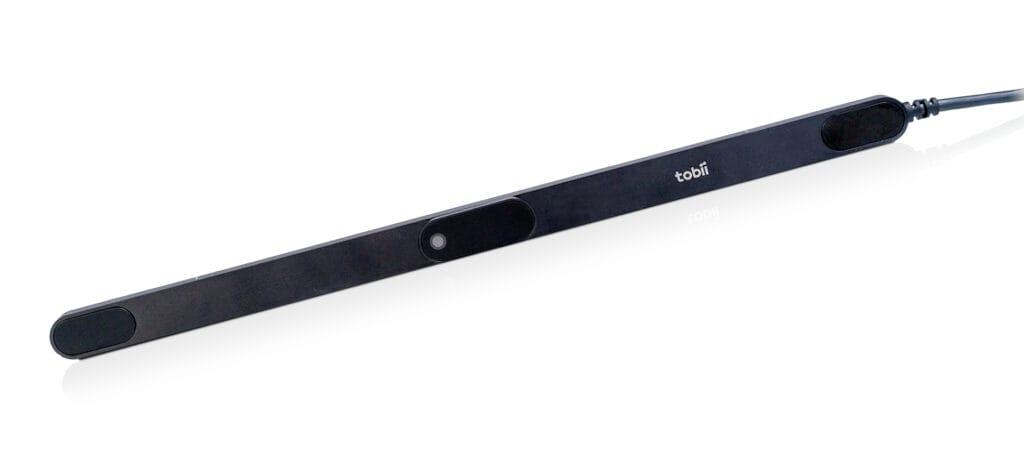
Use a webcam or a Tobii Pro eye tracker. Get recordings of individual sessions with the user’s gaze fixation point overlaid, heatmaps and multi-user views.

Click and scroll analysis

See how users navigate the page. Analyze their interactions and visualize where their attention ends — before they scroll on.

Voice recordings

Ideal for “think aloud” sessions, where you can hear in real time what users verbally express while using the interface.

Metrics and data exploration

Define key success indicators and obtain behavioral metrics. Analyze and compare the behavior of different users against selected areas of interest (AOI).

Surveys

Collect user feedback using open-ended questions, point-based ratings, and single- and multiple-choice questions.

Sharing and exporting results

Share a link to a single session or to aggregated results. Recipients can review the data in sandbox mode (sandbox), with no risk of changing it.

Analysis in three simple steps

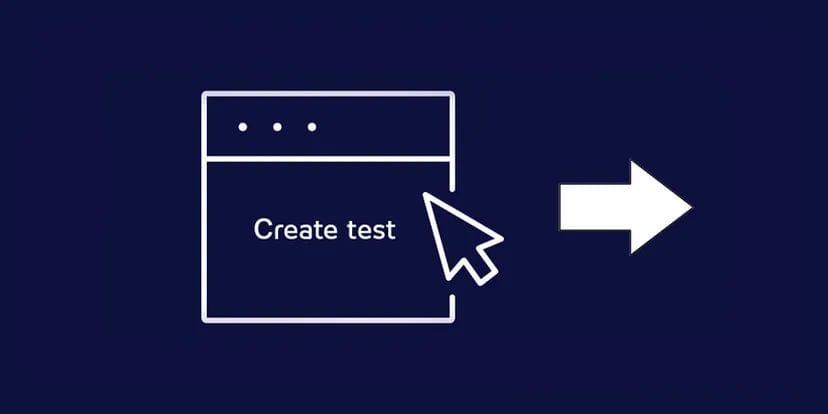
Create a test

Create a test by defining tasks, attaching a link to a Figma prototype or a website and – optionally – a simple survey. Share the session link with your testers.

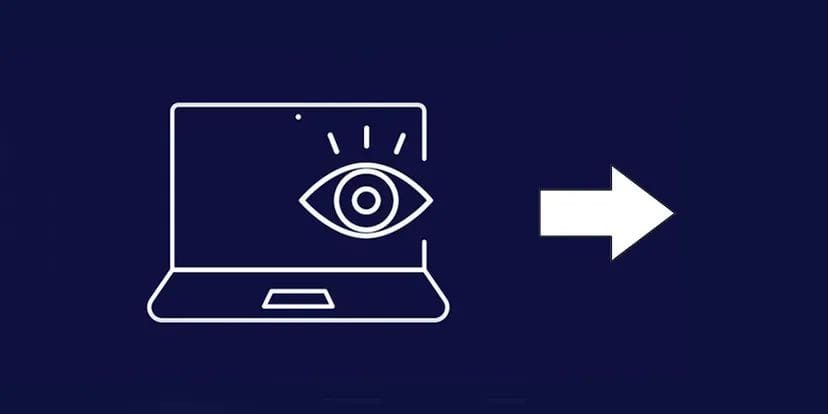
User test

The user installs the session agent for Windows and takes part in an unmoderated test at a time convenient for them. Once the session is complete, the results appear in your dashboard.

Analyze and share

Analyze user behavior — individually in session recordings or in aggregate on heatmaps, navigation paths and scroll maps. Define success goals and track user effectiveness. With eye tracking you can easily identify where the user got lost and exactly what happened at that moment. Share data and collaborate with others in sandbox mode (sandbox).

Download materials click to expand

Interested in this product?

Contact us for a detailed quote and technical advice.

Related products

Eye TrackingResearch & Scientific InstrumentsSoftware

Eye TrackingResearch & Scientific InstrumentsSoftware

AccessoriesEye TrackingResearch & Scientific Instruments

Eye TrackingResearch & Scientific InstrumentsStationary (Screen-based)

Ask about this product

Product: UX Reveal