
Screen-based or wearable eye tracker: how to choose
Five Tobii devices, four design questions, and one principle: the goal is not to find a winner, but to match the system to the hypothesis, stimulus, and participant behavior.
“How many hertz do I need?” is often the first question in a discussion about eye trackers. Yet sampling frequency is only one parameter within a device family. Before comparing it, researchers need to establish where the stimulus is located and whether participants will remain in front of a screen or move through a natural environment. That distinction changes the measurement reference frame, calibration procedure, session logistics, and downstream analysis.
This guide compares the screen-based Tobii Pro Spark, Pro Fusion, and Pro Spectrum with the wearable Tobii Pro Glasses 3 and Tobii Glasses X. Every specification comes from the manufacturer’s product documentation. The devices are not ordered from weakest to strongest. Instead, we explain what each choice provides and what trade-off it requires. Reading specifications this way is more useful than focusing on maximum Hz because every study has a different tolerance for movement, level of detail, and operational workflow.
1. Four questions to ask before choosing a device
Tobii’s starting rule is simple: if participants move, consider a wearable; if they remain in front of a screen, consider a screen-based system. The deeper distinction concerns the type of behavior. Glasses record behavior in context, while a device mounted near a display captures behavior in controlled conditions. The first family supports ecological validity by allowing researchers to observe actual activity in its environment. The second makes it easier to present repeatable stimuli and compare participants within consistent geometry.
The worksheet below does not point to a particular model. It helps define the measurement task before discussing specifications. Answers may pull in different directions: a participant may sit at a display but still require substantial freedom of head movement; a field study may require fast turnover without time for calibration. Those tensions should be identified before any device decision is made.
Study decision frame
Answer each question for your project. There is no single answer for every study; the task is to match the method to the hypothesis and measurement conditions.
Where is the stimulus?
Screen or digital material
Think about the screen-based family and a fixed reference frame.
Space, shelf, cockpit, or field
Think about the wearable family and gaze embedded in context.
Does the participant need to move?
Seated within fixed geometry
A display-mounted device can track gaze within its head-movement box.
Walking, reaching, or performing a task
Glasses preserve movement and interaction with real objects.
Which eye movements matter?
Precise fixations and small movements
Within the family, inspect temporal resolution, accuracy, and precision.
Orientation of attention in the environment
Field of view and mobility may matter more than a small angular difference.
Who participates, and what are the logistics?
Laboratory participants and setup time
Calibration and a more controlled participant position can be planned.
Large cohorts, children, or rapid sessions
No calibration or a large head-movement box may streamline the protocol.
Tobii’s rule of thumb: participant moving → wearable; participant at a display → screen-based. The next step is to select parameters within that family.
2. Screen-based systems: control and repeatability
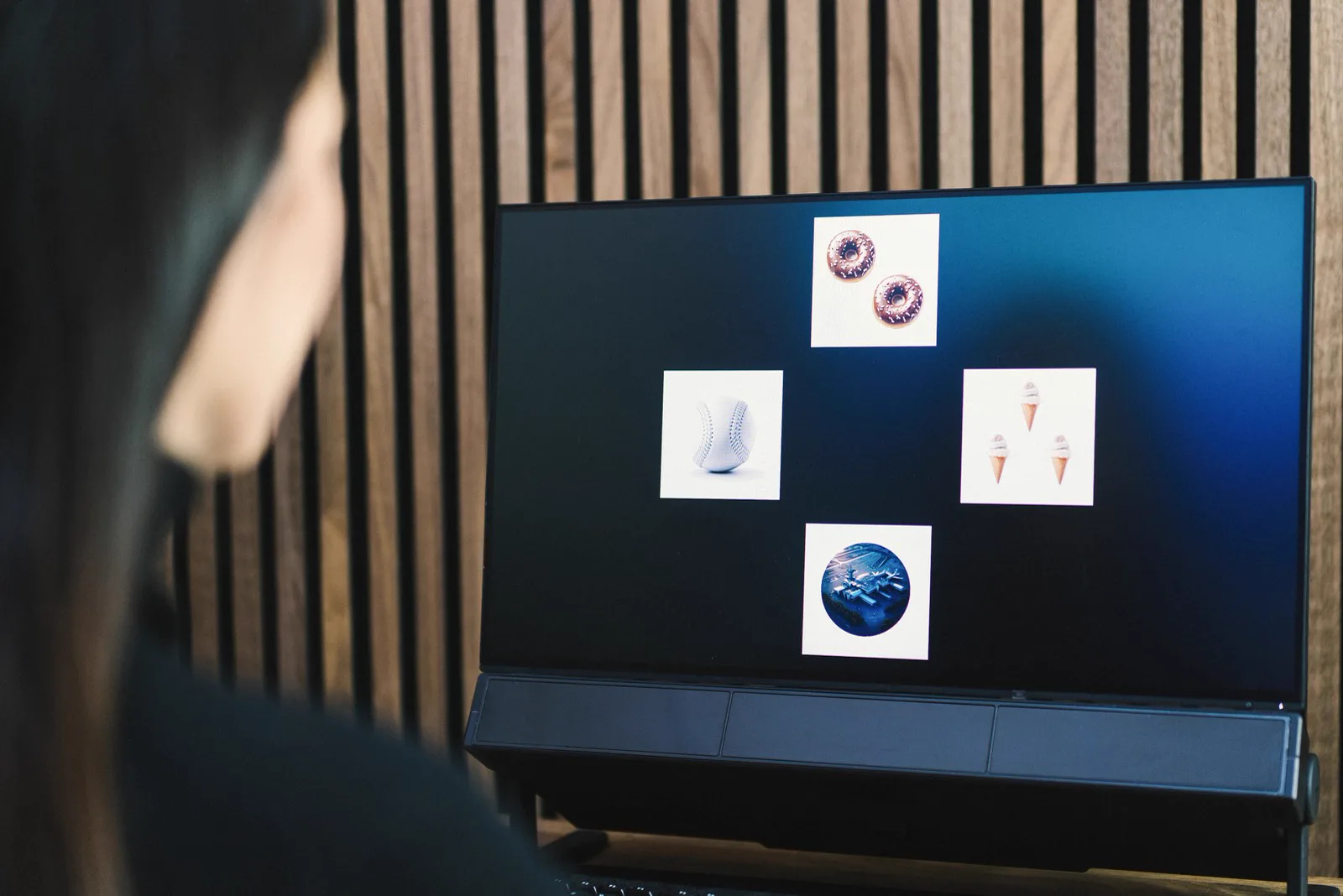
A screen-based eye tracker is mounted near a display, and the gaze point is calculated in the fixed coordinate system of the stimulus. The same interface, text, advertisement, or task can therefore be presented to successive participants under comparable conditions. This family is a natural fit for UX and navigation studies, reading and language processing, advertising materials, and simulator tasks in which presentation control takes priority over free movement in the environment.
Differences between models in this family extend well beyond frequency. Tobii Pro Spark operates at 60 Hz or 33 Hz and provides 0.45° accuracy, while supporting an operating distance of 45–95 cm and head movement of up to 35×35 cm. This matters when a participant changes posture, cannot maintain a fixed position, or is a child. A large head-movement box may preserve data completeness where stricter geometry would increase lost samples.
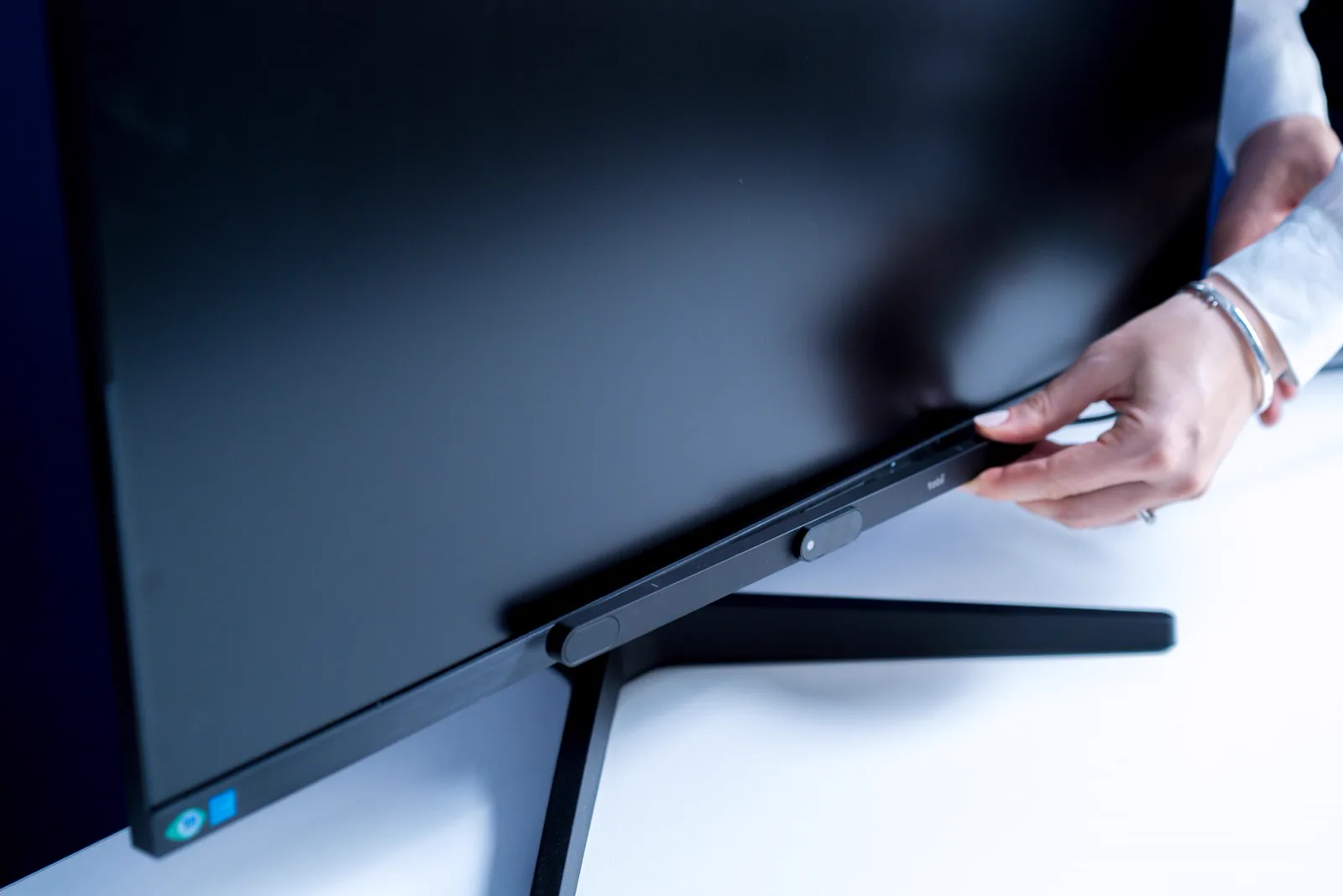
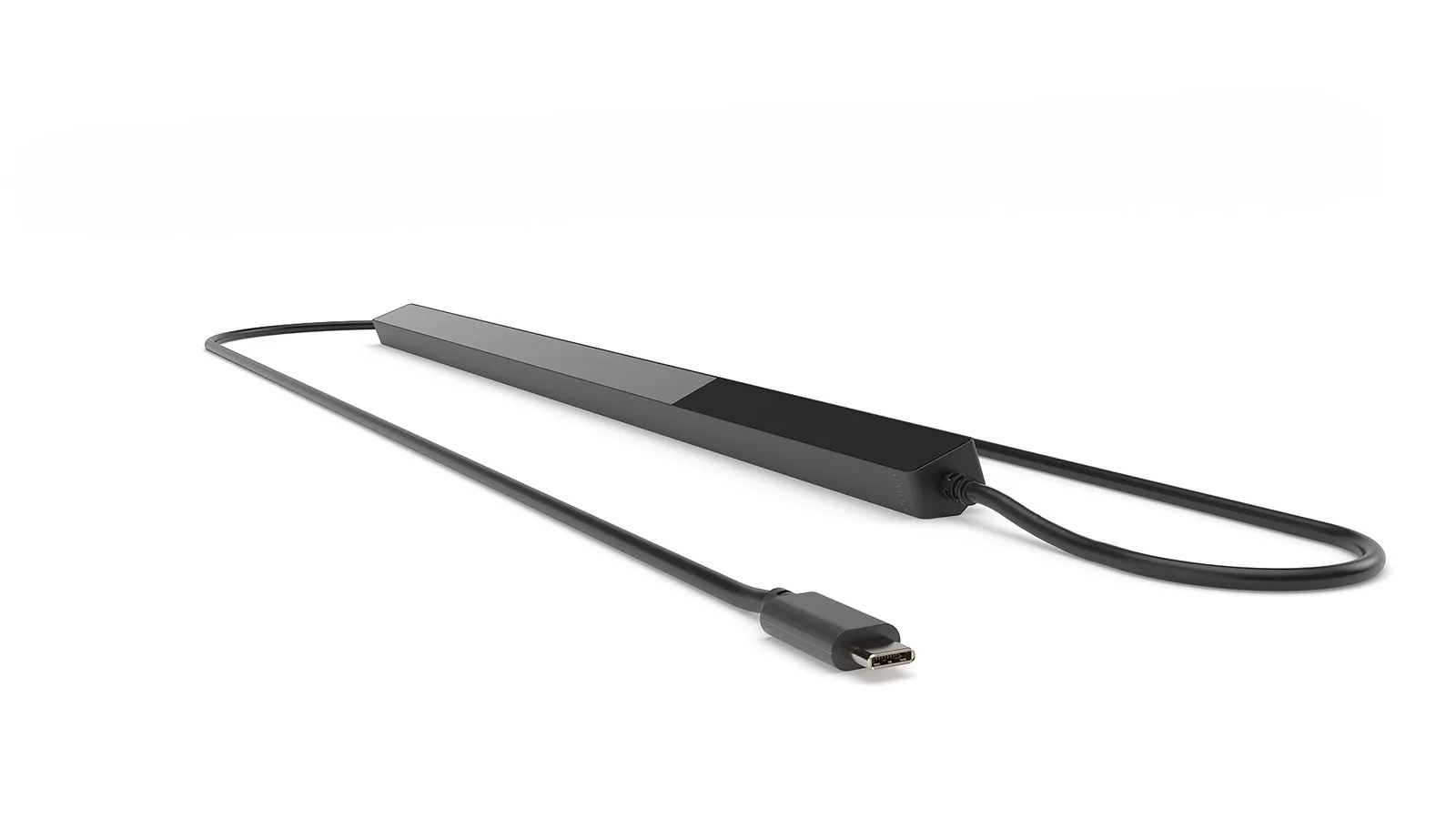
Tobii Pro Fusion extends the sampling range to 250 Hz, uses two cameras, and supports binocular or monocular calibration. It works with displays up to 24 inches at a 16:9 aspect ratio. Dark-pupil mode is available at every sampling frequency, while bright-pupil mode is available at 60 and 120 Hz. Fusion therefore occupies a practical position in screen research that requires greater temporal resolution than Spark without the 1200 Hz range of Spectrum.
Tobii Pro Spectrum reaches 1200 Hz, uses two cameras, and has a median accuracy of 0.30° with a head support. That range is justified when the hypothesis concerns saccade dynamics, microsaccades, or fine-grained timing. High Hz does not improve spatial accuracy; it provides more samples that describe an event. Spectrum should therefore be selected because the planned analysis needs this information, not simply because its maximum value is higher.
It is useful to view the screen-based family through the actual measures required. An interface study may compare time to first fixation, the order in which areas are visited, and the proportion of gaze directed at navigation elements. A reading experiment may depend on fixation durations, regressions, and transitions between text regions. In a controlled task, eye movements can be aligned with behavioral responses or another signal recorded within the same protocol. A fixed stimulus makes areas of interest easier to keep consistent across participants, but it does not remove the need to verify calibration and sample completeness.
Device capability must also be separated from workstation quality. Lighting, monitor height, reflections from prescription lenses, and body position all influence eye visibility. A large head-movement box increases tolerance, but it does not make every position equally effective. Before formal recording begins, a pilot with people similar to the intended population can confirm coverage of the full stimulus and establish criteria for recalibration. Model selection is therefore the beginning of workstation design, not its final step.
Pro Spectrum and Pro Spark: two different priorities
This is not a ranking. Each column serves a different study.
Tobii Pro Spectrum
screen-based · precision and temporal resolution
- Sampling up to 1200 Hz
- Median accuracy of 0.30° with a head support
- Two cameras operating in stereo geometry
- The positioning freedom available across Spark’s broad operating range
- The simplicity of a configuration intended for common screen tasks
Tobii Pro Spark
screen-based · freedom of head movement
- A head-movement box up to 35×35 cm
- An operating distance of 45–95 cm
- Support for displays up to 27 inches at 16:9
- Sampling frequencies above 60 Hz
- 0.30° accuracy and two-camera geometry
Tobii Pro Spark latency: the manufacturer does not provide a value in milliseconds. The blink-recovery specification should not be substituted for it.
3. Wearable systems: behavior in context
A wearable eye tracker moves the measurement away from the display and into the real environment. A forward-facing camera records what is in front of the participant, and the gaze point is overlaid on successive video frames. Participants can walk, reach, operate tools, and respond to changing conditions. In return, the analyst must associate gaze with objects visible in the recording, often by mapping data onto a reference image. We discuss heatmaps and areas of interest separately in the guide to heatmaps and gaze paths.
This family suits research on shelves and packaging in actual stores, driver attention, clinical simulation, sports, and vocational training. Each case concerns the link between perception and action: which elements an operator checks before moving, where an athlete searches for information, when a driver checks a mirror, or how an expert distributes attention during a procedure. Replacing the real task with a screen mockup could reduce ecological validity.
In retail research, the question is not limited to whether packaging was noticed. Researchers can examine movement between shelves, product comparisons, and moments preceding a reach. In automotive work, gaze can be related to mirror checks, hazard detection, and the division of attention between the road and an interface. Clinical simulation may focus on tool-handling order, team communication, and points of rising cognitive load. Sports research can reveal visual search and the relationship between information and movement, while vocational training can compare an expert’s strategy with that of a novice.
Forward-facing video provides rich context, but it requires a clear coding plan. An object may leave the frame, change position, or be occluded by a participant’s hands. The same area of interest does not always remain at the same image coordinates. Before data collection, the team should decide whether analysis will be performed frame by frame, through mapping to a shared reference image, or with event annotations. The more dynamic the task, the more important consistent coding instructions and recording-quality checks become.
The choice within this family reveals an especially clear trade-off. Tobii Pro Glasses 3 provides 0.6° accuracy and one-point or automatic calibration. Tobii Glasses X requires no calibration, operates at 120 Hz, has a 2560×1440 camera at 30 frames per second, covers 118° horizontally, 67° vertically, and 132° diagonally, and weighs 72 g. Pro Glasses 3 records 1920×1080 at 25 frames per second, covers 95° horizontally, 63° vertically, and 106° diagonally, and weighs 76.5 g including its cable.
At first glance, the newer camera parameters and calibration-free start may look like a simple advantage. The corresponding trade-off is 1.5–2.5° accuracy in Glasses X, approximately two to four times less exact than the 0.6° of Pro Glasses 3. That difference matters when a project needs to separate small, closely spaced areas of interest. In training with many operators, however, removing calibration may determine whether the full protocol is operationally feasible. This is not a flaw in one device and a virtue in the other; it is a deliberate choice between tighter gaze localization and smoother deployment.
Tobii Pro Fusion
- Samplingup to 250 Hz
- Accuracy0.3° under optimal conditions
- Workstation geometrydisplay up to 24 inches at 16:9; operating distance 50–80 cm
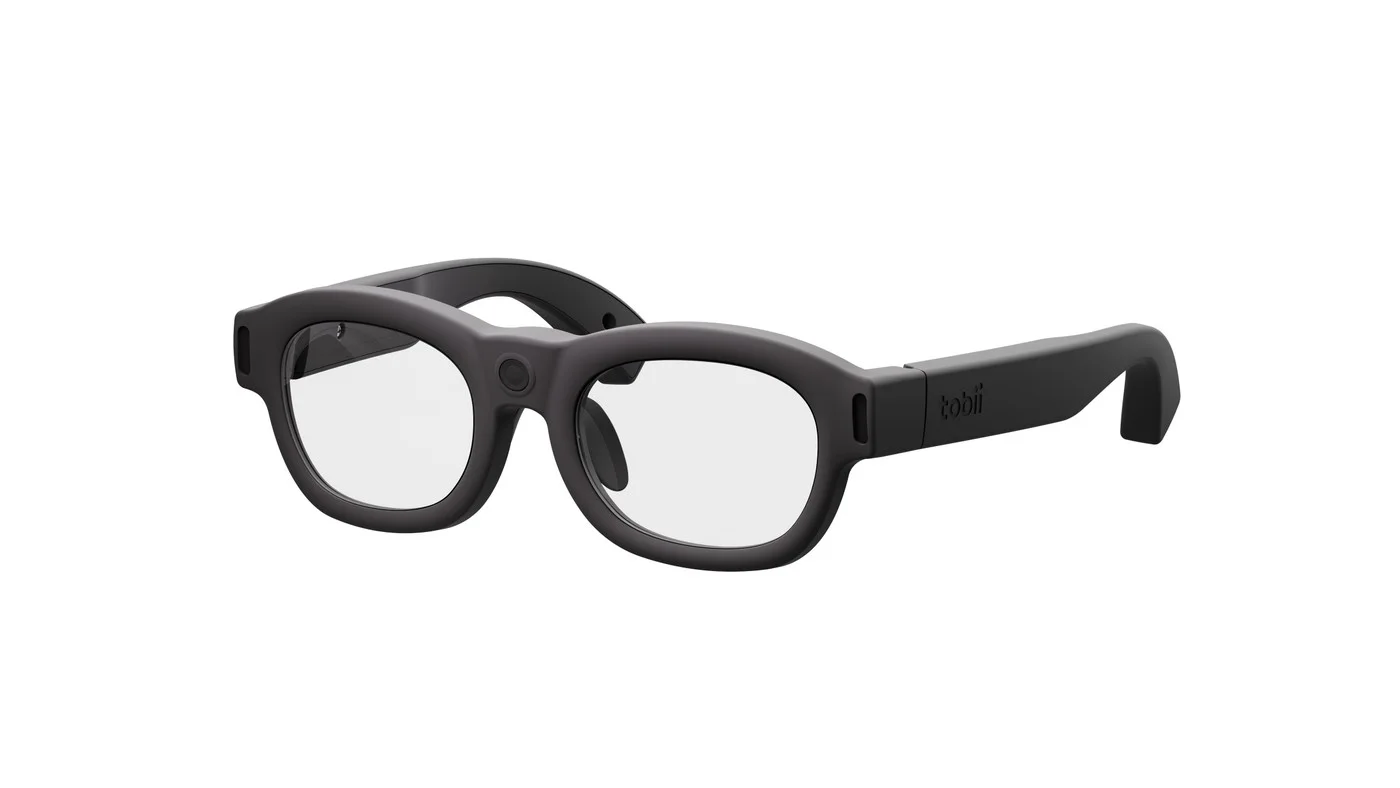
Tobii Glasses X
- Sampling120 Hz
- Accuracy1.5–2.5° under optimal conditions
- Session workflowcalibration is not required
Pro Glasses 3 and Glasses X: the central trade-off
This is not a ranking. Each column serves a different study.
Tobii Pro Glasses 3
wearable · one-point calibration
- Accuracy of 0.6°
- One-point or automatic calibration
- Sampling at 50 or 100 Hz
- Time for a calibration step
- A 1440p camera at 30 frames per second
- The wider field of view and lighter construction of Glasses X
Tobii Glasses X
wearable · no calibration
- An immediate start without calibration
- 120 Hz sampling and a 1440p camera at 30 frames per second
- A 132° diagonal field of view and 72 g weight
- The 0.6° accuracy available after calibration
- You accept 1.5–2.5° accuracy, which means less exact gaze localization
4. Specifications of five devices
Use the tables to compare models only after selecting the device family. Every parameter must be interpreted in the conditions of the study. Frequency describes temporal resolution, accuracy describes the distance between the true and measured gaze point, and the head-movement box describes the space in which the device can continue tracking despite head movement. None of these values alone determines whether the complete system is suitable.
| Parameter | Tobii Pro Spark | Tobii Pro Fusion | Tobii Pro Spectrum |
|---|---|---|---|
| Sampling frequency | 33 or 60 Hz | up to 250 Hz | up to 1200 Hz |
| Accuracy | 0.45° in optimal conditions | 0.3° in optimal conditions | median 0.30° with a head support |
| Cameras | 1 | 2 | 2 |
| Display | up to 27 inches, 16:9 | up to 24 inches, 16:9 | laboratory configuration defined by the study |
| Head movement | up to 35×35 cm | 40×25 cm at 65 cm; 45×30 cm at 80 cm | 34×26 cm at 65 cm; 42×26 cm at 75 cm |
| Operating distance | 45–95 cm | 50–80 cm | 55–75 cm |
| Parameter | Tobii Pro Glasses 3 | Tobii Glasses X |
|---|---|---|
| Sampling frequency | 50 or 100 Hz | 120 Hz |
| Accuracy | 0.6° | 1.5–2.5° |
| Calibration | one-point or automatic | not required |
| Forward-facing camera | 1920×1080 at 25 frames per second | 2560×1440 at 30 frames per second |
| Field of view | 95° horizontal; 63° vertical; 106° diagonal | 118° horizontal; 67° vertical; 132° diagonal |
| Weight | 76.5 g including cable | 72 g including cable |
A higher frequency or lower angular value does not make a device suitable for every study; the trade-off cards above explain what those figures mean.
Technical differences must be translated into a protocol. When analyzing rapid eye movements, more samples allow the event trajectory to be reconstructed in finer temporal detail. In a straightforward usability study, reliable calibration, correctly defined areas of interest, and data-quality control may add more value. In research with children, a large head-movement box may matter more than maximum frequency because the device must first maintain tracking for the data to exist.
5. Selection pitfalls and criteria beyond the headline specifications
Check these four symptoms before purchasing, before a headline specification becomes a constraint on the data or workflow.
| Symptom | Consequence for the data | Control question |
|---|---|---|
| The highest Hz bought “for future use” | More samples over time, without correcting spatial error or weak calibration. | Does the hypothesis concern microsaccades or saccade dynamics, or only attention, viewing order, or usability? |
| Glasses treated as a universal solution | Less exact gaze localization plus reference-image mapping or object tracking across frames. | Does the value of behavior in a real context justify the additional coding and analysis effort? |
| Workstation geometry checked after device selection | Part of the stimulus may fall outside the useful measurement range even when the tracker is compatible with the computer. | Do display size, operating distance, and required head movement fit the model geometry? |
| Hardware and software selected separately | Samples do not form a complete pipeline covering stimuli, calibration, quality control, events, mapping, and reporting. | Have the device and Tobii Pro Lab been tested in one workflow from recording to report? |
Children and clinical groups
Head movement, limited cooperation, and difficulty with a long procedure may make a large head-movement box or simple calibration more important than maximum Hz. The protocol should also define how gaze is recovered after signal loss.
Vision correction
Prescription glasses, contact lenses, and individual visual characteristics affect participant screening and data-quality procedures. They belong in the study method rather than being left until the recording day.
In studies with children, the issue may be more than maintaining head position; willingness to complete a calibration procedure can also be limited. Spark’s large head-movement box or the one-point or automatic calibration of Pro Glasses 3 may then have greater practical value than the headline parameter in a table. Groups with nervous-system conditions add involuntary movements, nystagmus, and limited ability to follow instructions. The protocol should define how long eye visibility may be lost, when a trial is interrupted, and which rule determines whether a recording enters the analysis.
Vision correction should likewise be considered before recruitment. Frames can restrict eye visibility, while lenses may produce reflections that depend on lighting and angle. This does not automatically exclude a participant, but it calls for testing, documentation of the conditions, and a consistent procedure across the cohort. When a study includes atypical visual characteristics, sampling and signal checks become part of the methodology alongside stimulus selection.
A useful consultation brief should describe the stimulus, required participant movement, relevant eye events, study population, lighting conditions, display size or workspace, and intended analysis. This makes it possible to separate essential requirements from parameters that merely look attractive in a specification table. The resulting decision concerns the complete research station, not an isolated number.
A concise requirements matrix is a useful final step. One column can list elements that the hypothesis makes essential, such as movement in a real environment, temporal resolution, or tight gaze localization. A second can capture operational constraints: session time, participant throughput, calibration feasibility, monitor size, and working space. Only the intersection of these groups should determine the family, model, and software. The same document also supports pilot planning and records why some specifications were deliberately deprioritized.
Pilot results should feed back into that matrix. If tracking cannot be maintained across the required movement range, change the geometry or the model priority. If areas cannot be separated tightly enough, revise the stimulus layout or choose a different measurement profile. If participant preparation takes too long, revisit the calibration workflow. This loop prevents a catalogue-led decision and ties system selection to observed performance in the actual protocol.
Related guides
Sources
- Tobii — Wearable vs. Screen-based Eye Trackers: Which Tobii Product Should You Choose? — selection frame and uses of both device families.
- Tobii — Tobii Pro Spectrum technical specifications — frequency, accuracy, cameras, and operating geometry.
- Tobii — Tobii Pro Fusion technical specifications — tracking modes, display, and measurement parameters.
- Tobii — Tobii Pro Spark technical specifications — head-movement box, operating distance, and accuracy.
- Tobii — Tobii Pro Glasses 3 technical specifications — calibration, camera, field of view, and weight.
- Tobii — Tobii Glasses X technical specifications — calibration-free operation, frequency, camera, and accuracy.
- Tobii Connect — Tobii eye tracker glossary — definitions of head-movement box, operating distance, and latency.
Key takeaways
- Select the reference frame first: screen and control, or movement and behavior in context.
- Higher Hz improves temporal resolution; it does not improve spatial accuracy.
- Pro Spark demonstrates that a large head-movement box may matter more than maximum frequency.
- Tobii Glasses X removes calibration at the cost of less exact gaze localization; Pro Glasses 3 reverses that trade-off.
Not sure which type fits your study?
Describe the stimuli, participants, relevant eye movements, and recording conditions. We can help translate the hypothesis into device parameters, workstation geometry, and an analysis workflow.