
The cable passes.
The network still does not work.
Do not stop troubleshooting at the physical layer. Check PoE, the switch port, VLAN, DHCP, DNS, TCP, and Wi-Fi in an order that eliminates guesswork.
Start with the symptom, not your favorite test.
Select the field condition you see. The tool builds a short test path and shows when a result should move your investigation to another layer.
A bad patch cord and an incorrect VLAN can produce similar symptoms. The right test sequence keeps you from dismantling a link that is working correctly.
Link speed describes the client-to-switch or client-to-AP connection. It does not confirm WAN, server, or application performance.
These are the results you will see on TestPro.
Real AEM screens show the path from the network toolset to switch discovery, device identification, and a Wi-Fi measurement at the reported problem location.
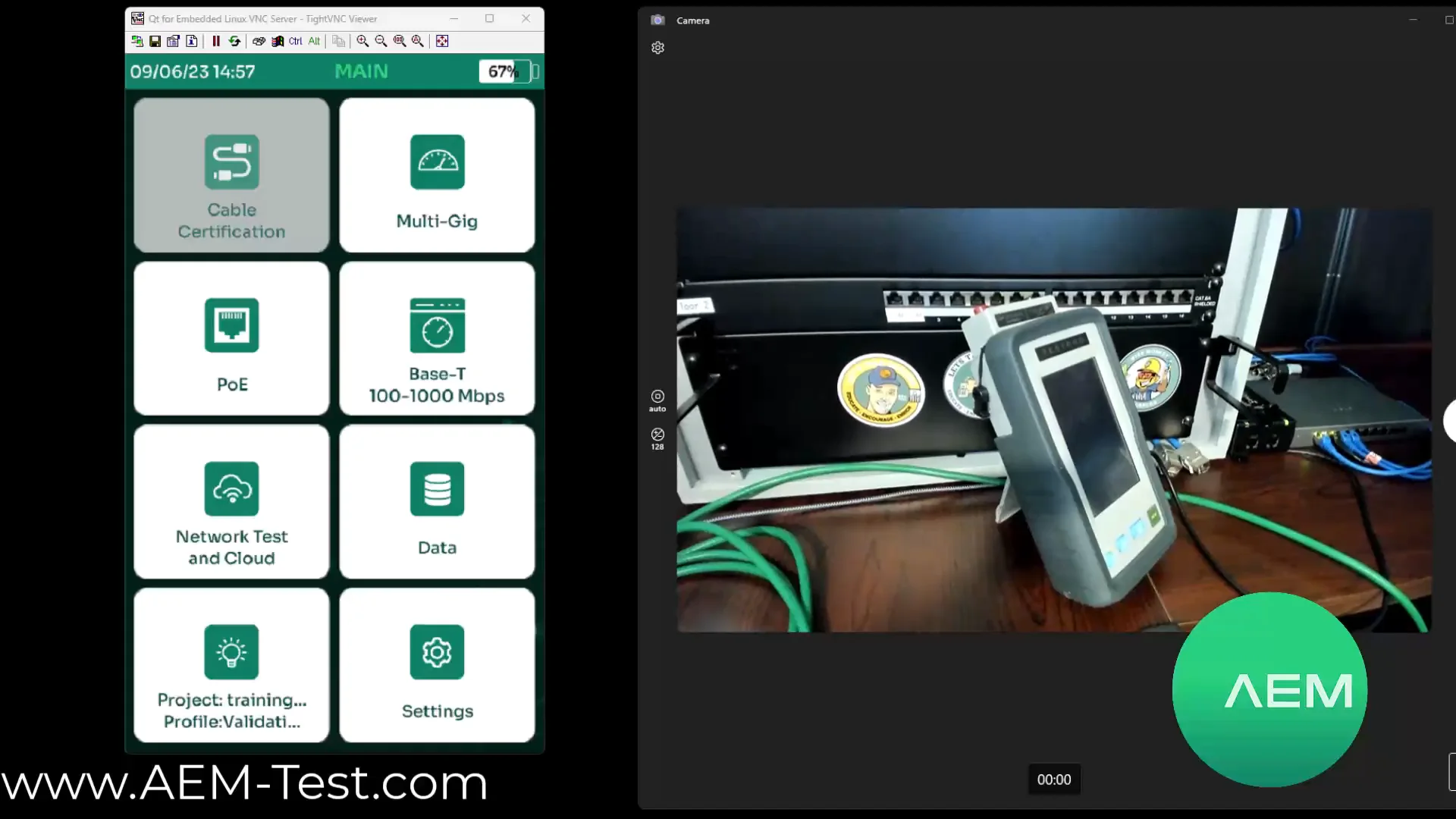
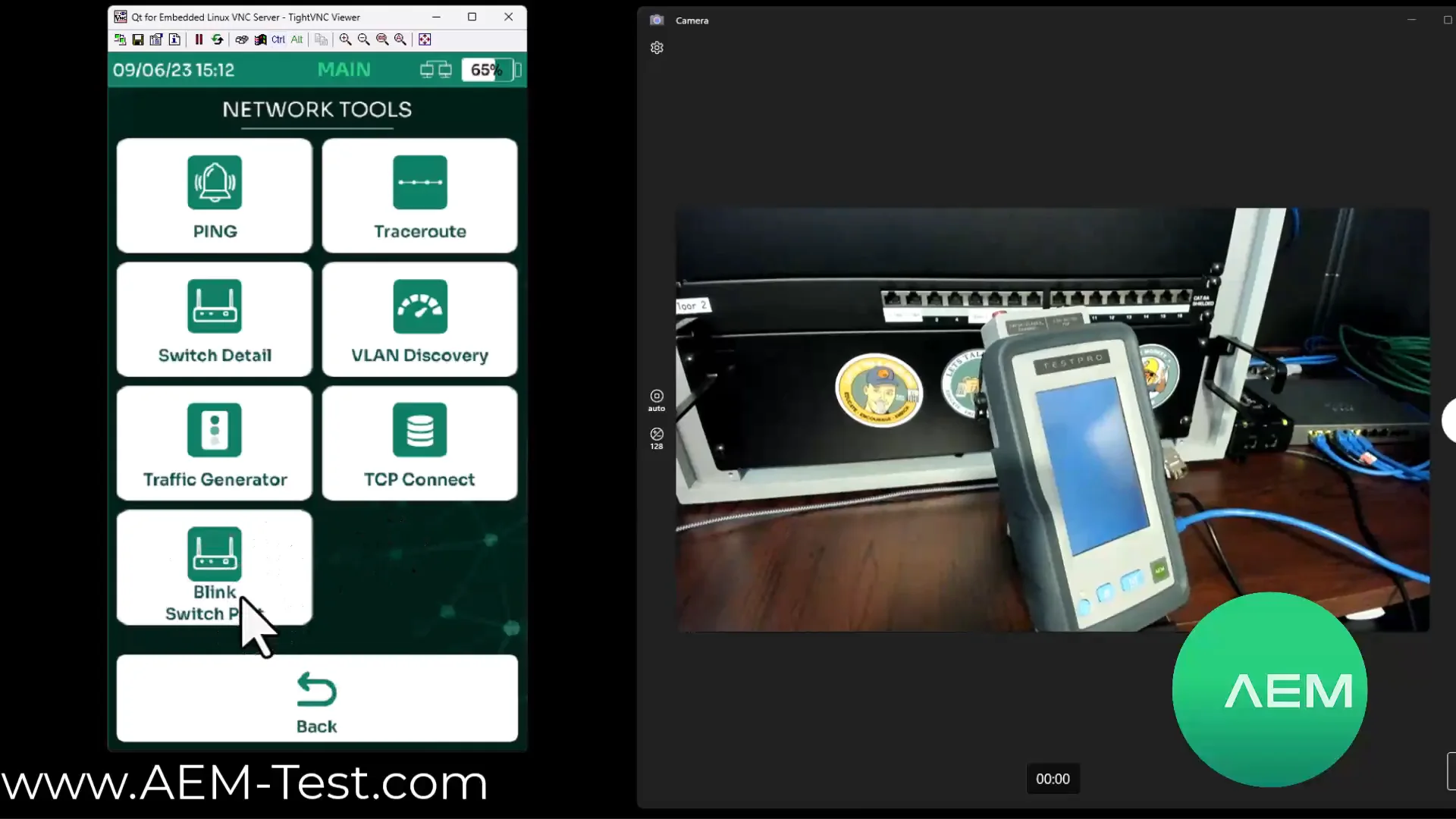
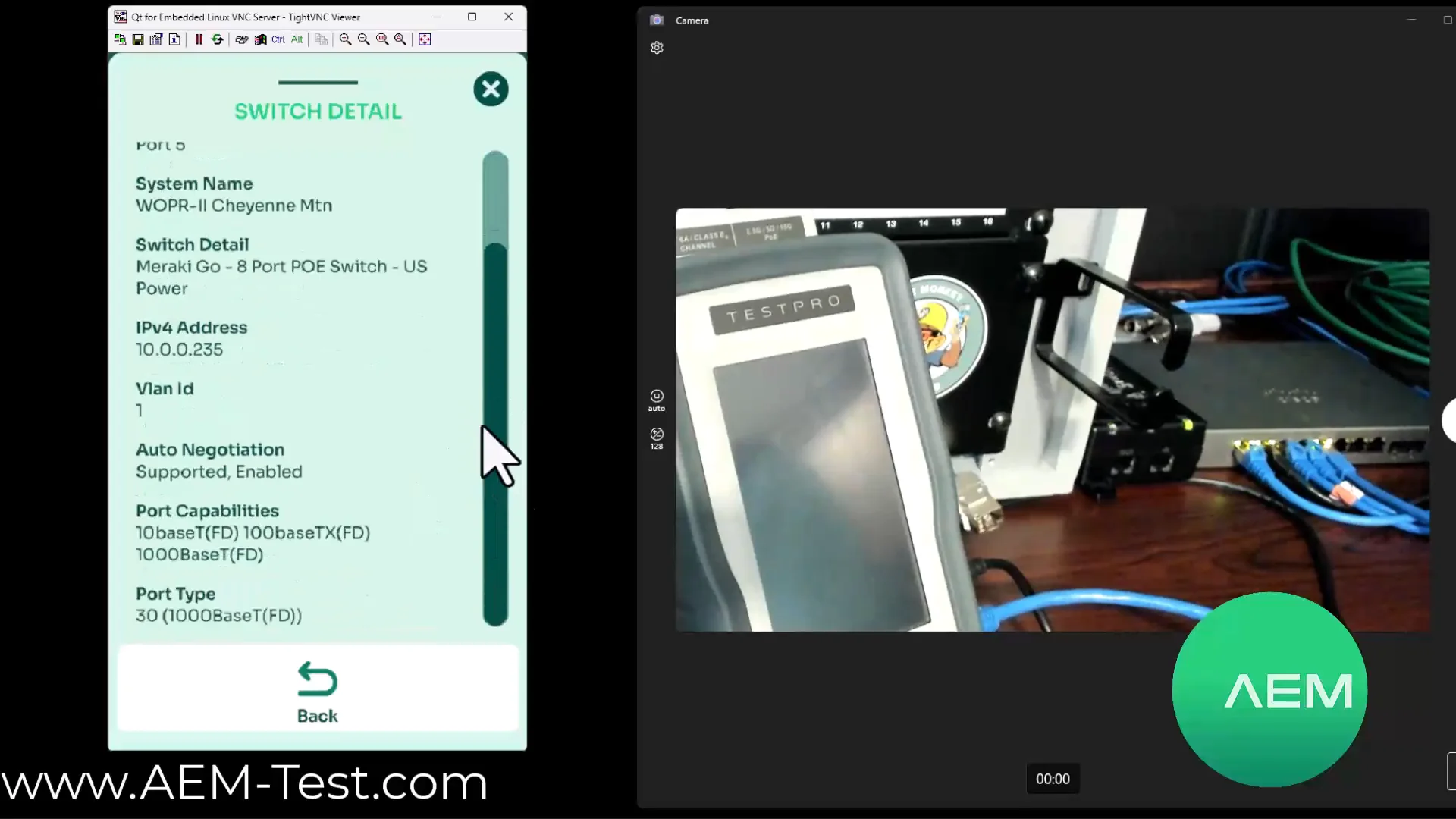
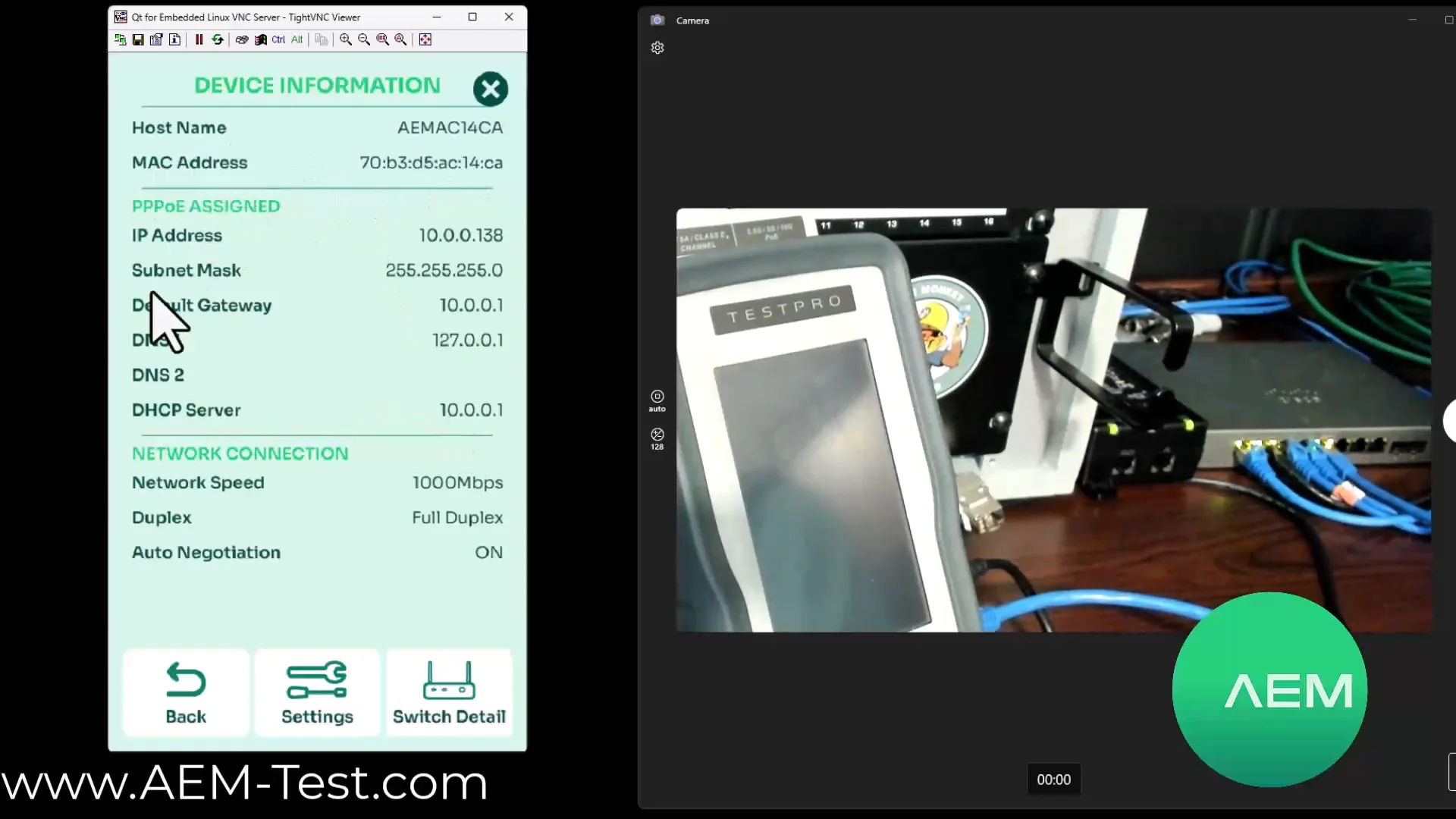
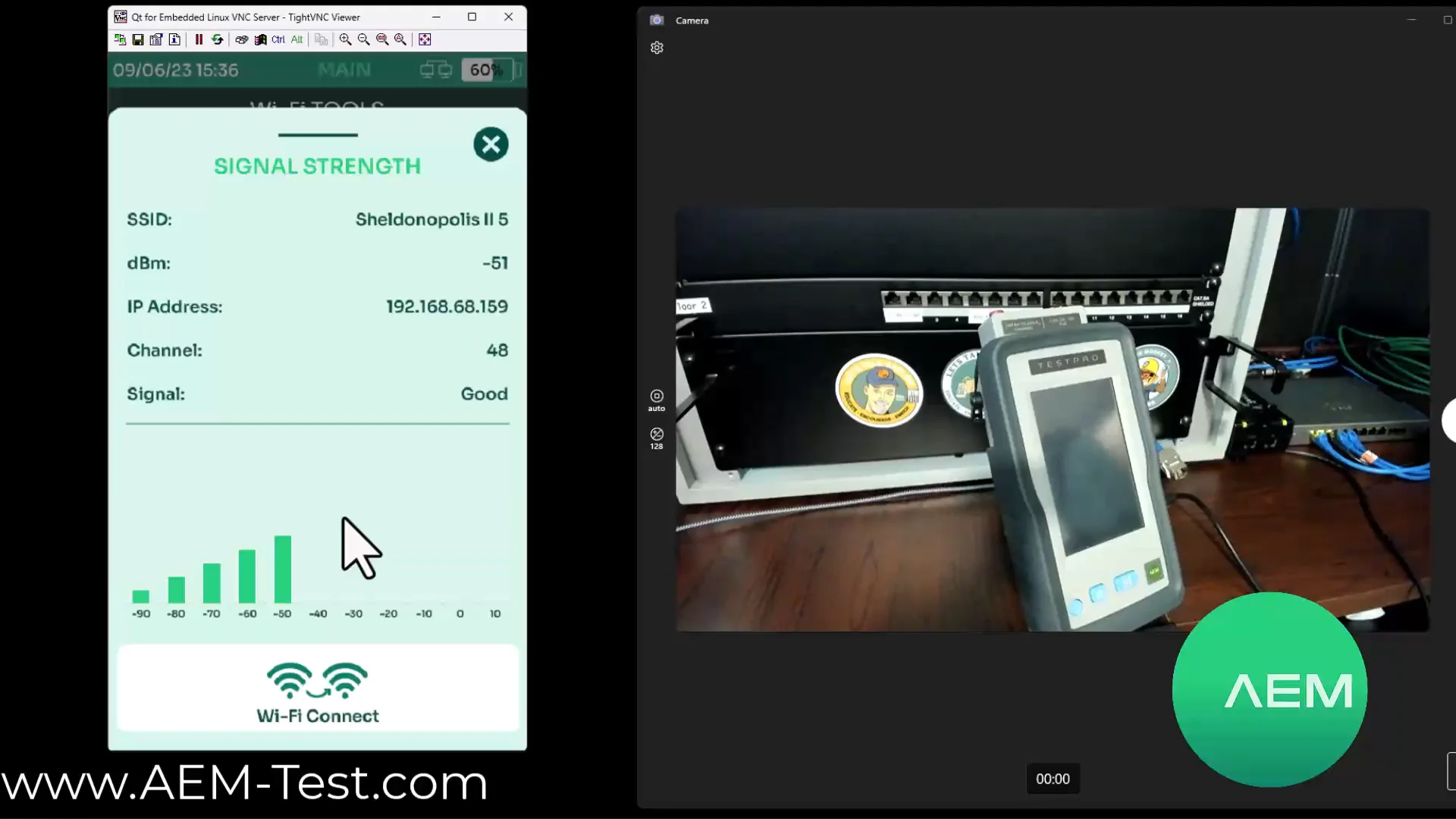
Symptom → test → interpretation → next step.
Filter the matrix by layer. This is the core of the updated article and a practical field reference for installers and network administrators.
Wi-Fi: test the client at the problem location.
RSSI and handoff testing help verify a specific location and the transition between APs. They do not replace a complete RF design.
RSSI level simulator
Move the slider. The colors help interpret signal level, but every result must be evaluated against the application requirements and design criteria.
−67 dBm is often used as a design target, but it is not a universal threshold for every network.
SSID, band and channel, RSSI, IP configuration, ping, traceroute, TCP Connect, and handoff behavior with a compatible USB adapter.
This is not Wi-Fi certification, a complete site survey, a heatmap, or RF spectrum analysis.
Two tools, two primary job profiles.
Choose based on the report you must deliver and the scope of your work, not on the length of a feature list.
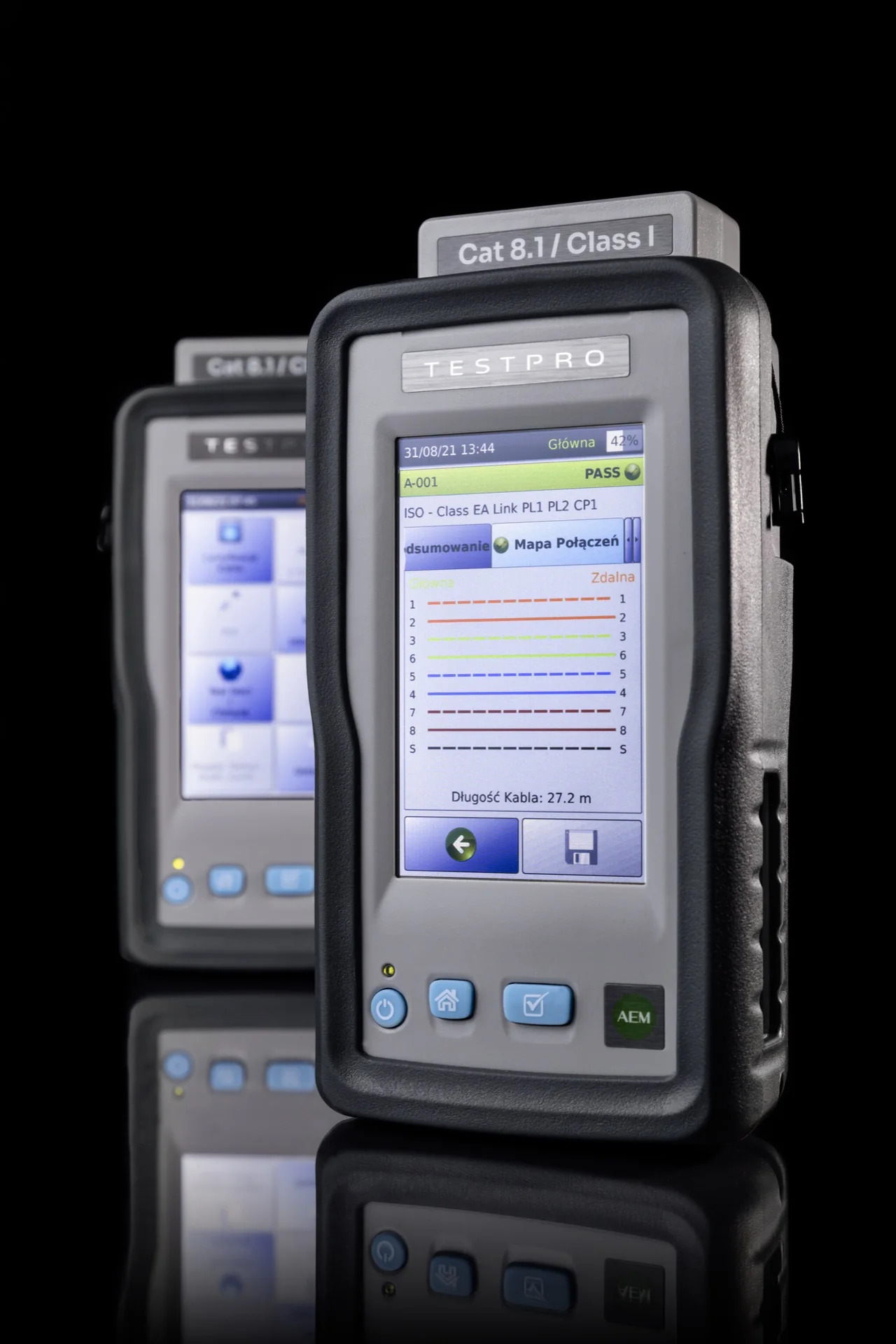
AEM TestPro
For teams that perform full cable certification and troubleshoot active networks with the same platform.
- copper certification through Category 8.2;
- active PoE load testing up to 90 W;
- Multi-Gig and network test functions;
- upgrade paths for OLTS and OTDR.
AEM NSA
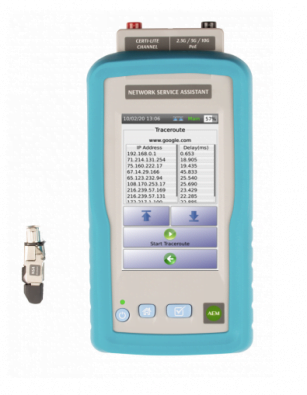
For teams focused on qualification, PoE, Multi-Gig, and LAN/WLAN troubleshooting.
- wired network validation;
- PoE and service troubleshooting;
- IP and switch discovery tools;
- Wi-Fi connectivity testing.
An important interpretation boundary
A successful TCP Connect confirms that a transport connection can be established. It does not confirm login success, TLS certificate validity, or application operation. No ping reply does not always indicate a failure either; ICMP may be filtered.
When can you say that the network works?
A cable PASS closes only one hypothesis. A working service also needs power, link negotiation, correct IP configuration and a response from the intended destination.
Cable and terminations
Wiremap, length, certification limit and patch-cord condition.
PoE under load
Class, voltage, delivered power and the PSE budget.
Port and negotiation
Speed, duplex, LLDP/CDP and switch-port assignment.
VLAN, DHCP and gateway
Client addressing and the transition from Layer 2 to Layer 3.
DNS, route and TCP
Reachability of the intended host and application port.
RSSI and handoff
Measure where the user reports the issue, not only beside the AP.
Case study: an AP boots and then restarts.
This symptom can occur even with a correct wiremap. The shortest path checks active PoE under load, switch budget and path resistance before moving to VLAN and DHCP.
Why does the device have a 169.254.x.x address?
The physical link is up, but the client received no DHCP response. Check the port VLAN, scope, relay, server and return path.
Why does ping work by IP but fail by name?
The likely fault is the DNS resolver, the record, or the options delivered by DHCP.
Does a successful TCP Connect prove the application works?
No. It proves that the transport connection can be established, not login success, TLS validity or application logic.
Does RSSI replace a site survey?
No. It helps reproduce a specific client issue but is not an RF design, heatmap or spectrum analysis.
Do not swap components at random. Use measurements to eliminate hypotheses.
Tell us about your typical work: certification, PoE, Multi-Gig, switch/IP/Wi-Fi troubleshooting, or fiber testing. We will help configure the right hardware instead of handing you a random list of adapters.