
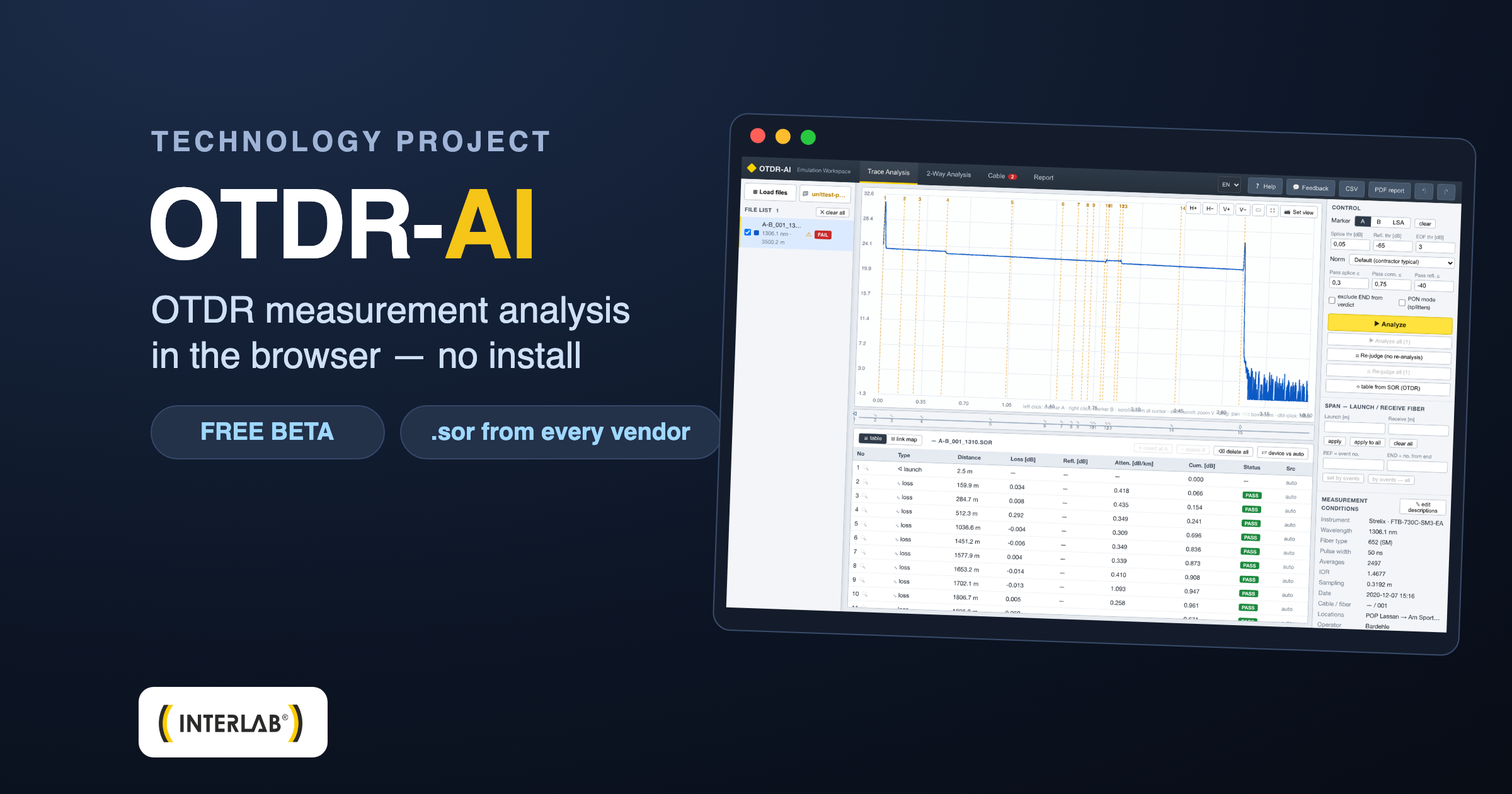
Day to day we help select reflectometers and teach measurements at our Academy — and along the way we built a tool we want to share. OTDR-AI is a browser-based environment for analyzing reflectometry measurements: you load .sor files from any OTDR, view traces, analyze events and generate reports — without installing anything.
What OTDR-AI is
It is a manufacturer-independent “workshop” for working with OTDR measurements, running entirely in the browser. It doesn’t matter whether the measurements were taken on a Yokogawa, EXFO, AFL or older equipment from another brand — if the reflectometer saved a .sor file (the Telcordia SR-4731 standard), OTDR-AI will read it and analyze it on the raw trace data.
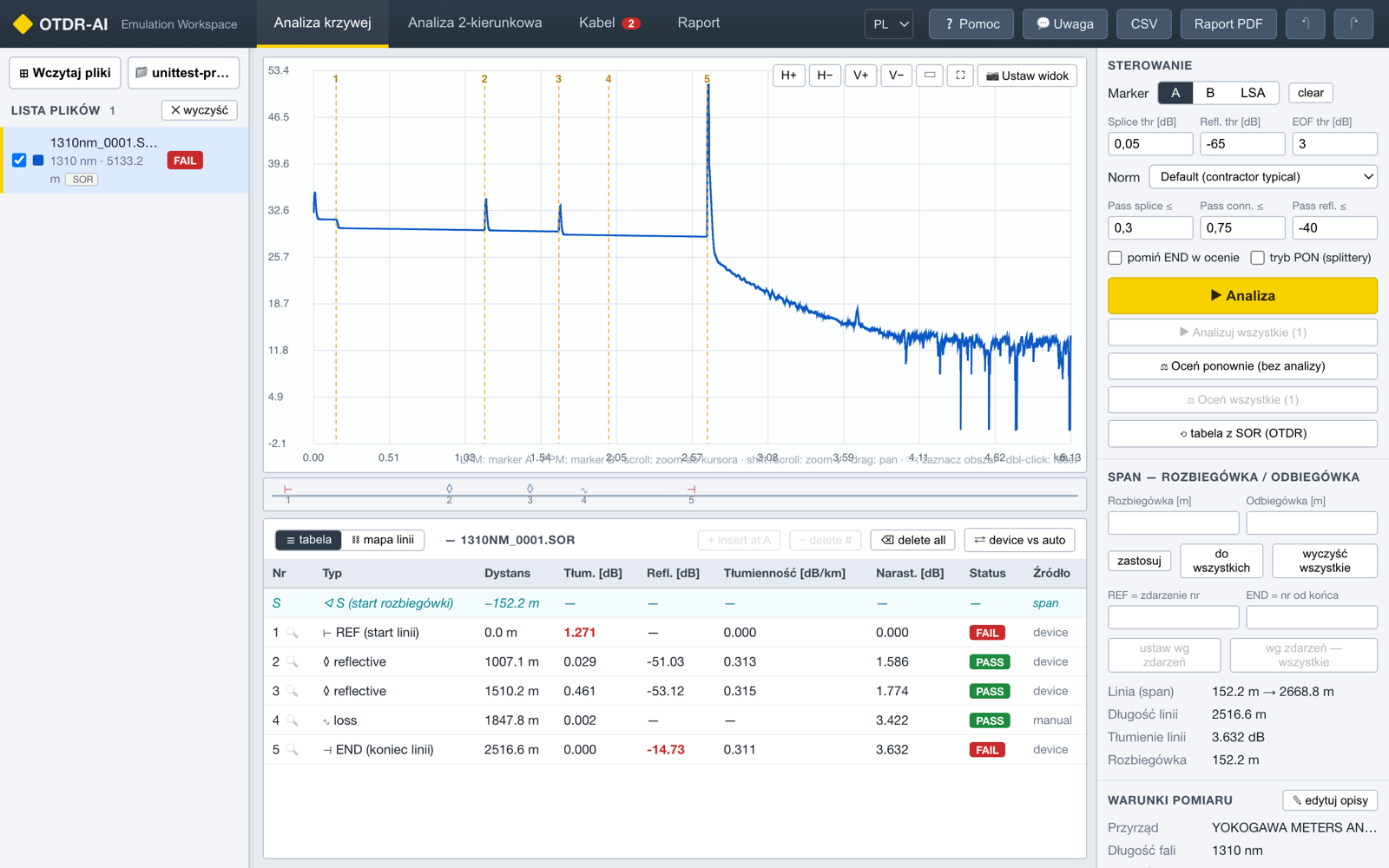
Analysis view: trace with marked events, a table with PASS/FAIL assessment (the parameter that exceeded the threshold shown in red) and a threshold panel aligned with typical acceptance standards.
What it can do
- Automatic event analysis — detection of splices, connectors and the end of the link straight from the trace, with a PASS/FAIL assessment against thresholds (your own, ITU-T/Telcordia-type standards or contractual limits); for a FAIL event you can see at once which parameter is at fault.
- Marker measurements — 2-point, LSA and 5-marker splice loss, reflectance and ORL; the LSA windows are visible on the plot and draggable, with the result recalculated live.
- Bidirectional analysis — combining A→B and B→A measurements with an average that cancels the “gainer” effect.
- PON mode — splitters classified separately, with their own acceptance bands instead of a splice threshold.
- Whole cables, not single fibers — a fiber×event splice matrix, measurement-batch completeness, comparison against the cable plan; the environment has been tested on jobs of ~1700 files.
- Reports — PDF in several layouts (including the link record familiar to investors), CSV and an XLSX workbook; copies of the SOR files with the analysis applied.
- Projects — your work is saved in projects, while the original measurement files remain untouched (read-only).
- PL/EN — interface and reports in both languages.
How to start (2 minutes, no password)
Registration is self-service and free: you provide your name and a business e-mail address, click the activation link from the e-mail — and you’re working. The account works without a password (login via link), and each user gets their own isolated workspace. For your first tests you don’t even need your own files: the app includes sample measurements.
Project status and your feedback
We develop OTDR-AI iteratively — features go into the app straight from the comments of people who measure fiber every day. If something doesn’t work, something is missing or you simply have an idea: the “💬 Feedback” button in the app or [email protected]. We read everything.
And if you’d first like to understand what you’re actually seeing on the OTDR trace — take a look at our guide: How does an OTDR reflectometer work? Fiber-optic measurement Academy.
FAQ — frequently asked questions about OTDR-AI
Is OTDR-AI free?
Yes — during the beta phase the tool is completely free for installation and measurement companies. Registration only requires a business e-mail address; the account works without a password (login via link).
What files does OTDR-AI open?
.sor files in the Telcordia SR-4731 standard (v1 and v2) saved by reflectometers from, among others, Yokogawa, EXFO, AFL/Noyes, Anritsu, VeEX, JDSU or HP, as well as the .trc format (EXFO, including dual-wavelength files). The analysis works fully on the trace data, not just on the table from the device.
Are my measurements safe?
Each account has its own isolated workspace — other users cannot see your files. The original measurements are treated as read-only: all edits live in copies and projects, so the source file remains untouched.
Does OTDR-AI replace the reflectometer manufacturer’s software?
That is not the goal. It is a supporting, development tool — a convenient, manufacturer-independent preview and analysis of measurements in the browser. The binding measurement documentation is always the responsibility of the person performing the measurements and their procedures.
I found a bug or have an idea for a feature — what should I do?
That is exactly what matters to us most. The simplest way is to use the “💬 Feedback” button in the app’s top bar (the report goes straight to the authors) or write to [email protected]. Reports genuinely shape the development of the tool — many features came directly from testers’ comments.
Try OTDR-AI — free, in your browser, on your own .sor files or the included samples.
Beta version — an INTERLAB development project.